🎉 Our Microsoft 365 Reporting & Management Tool is available in Marketplace 🚀
s

Grant Granular Delegated Access in Microsoft 365

Granular Delegation lets you grant least-privileged access to AdminDroid admins, enabling secure management and activity monitoring of Microsoft 365 resources—all from the AdminDroid portal.

Grant Delegated access to Avoid Security Breaches
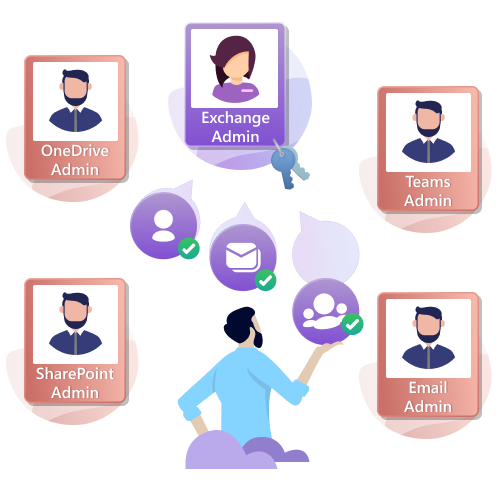
Manage privileged access using delegated admin roles
Manage privileged access using delegated admin roles.
Ensure granted access by viewing the portal as delegated admin
Ensure granted access by viewing the portal as delegated admin.
Solutions for delegation challenges
Solutions for delegation challenges.

Steps to Solve the Delegation Challenges

Steps to solve the Delegation Challenges
01

Create a role and the virtual tenant

You can create a custom role and a virtual tenant to define precisely who can access which resources across Microsoft 365 services. Also, you can restrict access to specific resources using ‘Deny’ option.

02

Assign role and virtual tenant

You can assign built-in or custom roles and virtual tenants to AdminDroid admins to control their access to the portal.

03

Inspect delegated access

Using the ‘View as’ option, you can cross-check the access given to the delegated admins.

Solutions for Office 365 Delegation Challenges

Admins have several challenges in O365 delegation while trying to maintain the data securely in the organization. Here, AdminDroid provides solutions to do secure delegation.

Microsoft 365 Delegation Management

Using various delegation features, manage your organization’s delegation in an efficient and secure manner.

Reporting and Auditing Delegation

Among the 3600+ prebuilt reports in AdminDroid, you can grant delegated access to one or more specific reports available in the portal. It will help you granting delegated access for your helpdesk admins to monitor only their required data like user password reset, user creation, updation, deletion, etc.

Dashboard Delegation

There are various dashboards available in the portal to visualize your company information. You can grant delegated access to one or more dashboards to any users based on your requirements.

Delegate Microsoft 365 Management with Precision

Spending too much time on routine Microsoft 365 tasks like password resets, user enablement, group updates, and team management? AdminDroid offers granular delegation across 450+ management actions, giving your team the visibility and control they need without excess privileges.

Delegate Specific Microsoft 365 Resources with Virtual Tenants

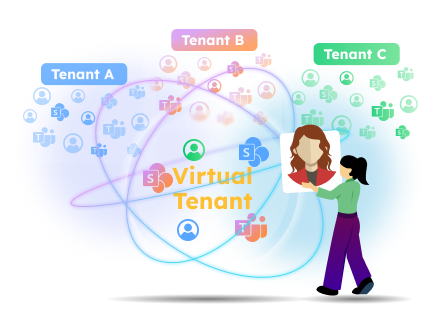
Using virtual tenants, you can delegate specific users, groups, sites, teams, and more to achieve precise resource-based delegation control. You can filter objects based on specific properties, such as city, country, department, job title, and more, and grant access only to the filtered objects.

ReportBoard Delegation

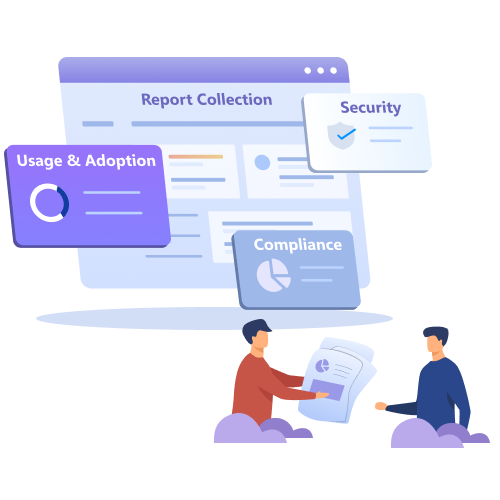
ReportBoard categorizes the reports to meet various admin requirements like compliance-related reports, security-related reports, etc. So, admins can easily grant delegate access only to compliance and security reports without any burden.

Granular Roles and Permission

Using custom roles, you can do User delegation, Mailbox delegation, SharePoint delegation, Microsoft Teams delegation, OneDrive delegation, and more. Virtual tenants allow admins to manage only specific resources they’re responsible for. This granular role delegation makes the administration more specific and secure than before.

Review Admin Activity Logs

Admins can monitor the activity of the delegated admins in the portal itself. They can review admin login details, accessed ReportBoards, report email, download, schedule details, and more. It helps you to avoid any unnecessary access by delegated admins.

Delegated Access Inspection

Mostly, admins have no idea if they have given the right delegation permissions to users. They have no option to check what the delegated users can access and whatnot. Using the ‘View as’ option, you can view the AdminDroid portal as the delegated admin. So, you can visualize what the respective delegated admin can access in the portal.

Sneak Preview of Delegated Objects

You can check the delegated objects of any delegated admins by clicking the preview icon anytime. So, you can monitor the accessible resources to make sure that you have given access only to the required objects in your organization.

Highlights of AdminDroid Role Delegation

Explore the solutions for various use cases in delegation
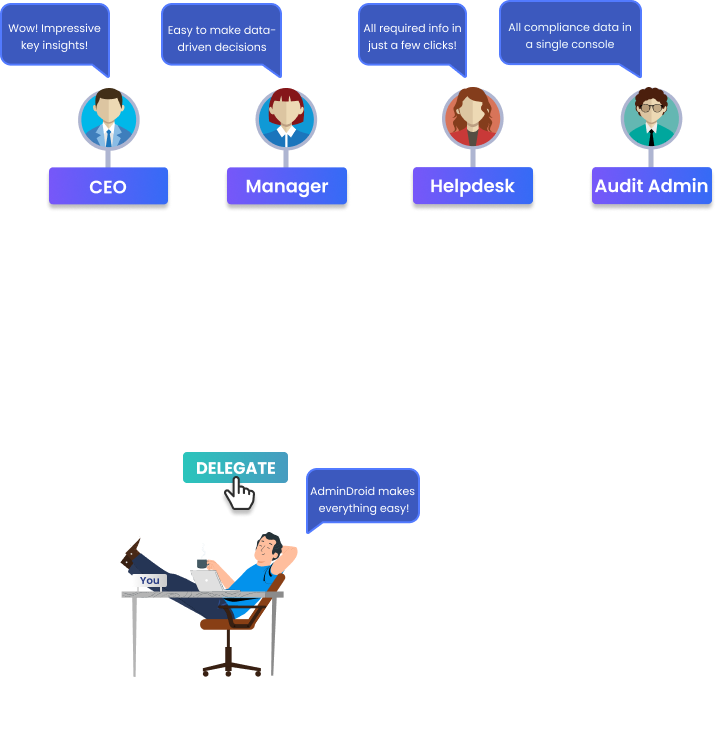
Delegate access to any specific reports

Delegate Access to Specific Reports

You can select one or more reports and can give delegated access to any user in your organization.

Authorize your audit administrators with access only to the audit reports.

Delegate access to any dashboards

Delegate Access to Any Dashboards

You can delegate any dashboard within the AdminDroid portal to your desired choice of users.

Impress your management with the bird's eye view of your organization by delegating the required dashboards.

Delegate Management Actions

Securely Delegate Microsoft 365 Administration Tasks

Grant your team precise rights to perform Microsoft 365 management actions without exposing full administrative privileges.

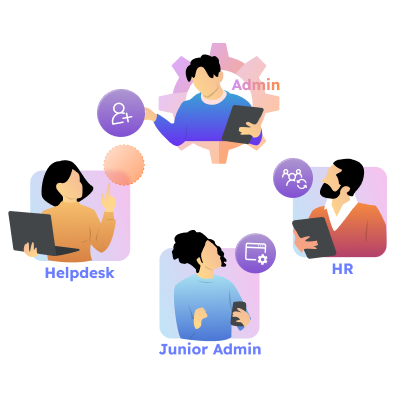
Offload the daily grind of password resets, user creation, group updates, site management, and more to junior admins using AdminDroid.

Role-based access control

Role-Based Access Controls

Using delegation roles, you can grant access to any specific reports, dashboards, flow agents, or management actions, based on your requirements for one or more resources.

Equip your Exchange administrators with access only to the email and mailbox reports, dashboards, and related management actions.

Granular delegation on Office 365 users, groups, and more

Delegation on Office 365 Users, Groups, and more.

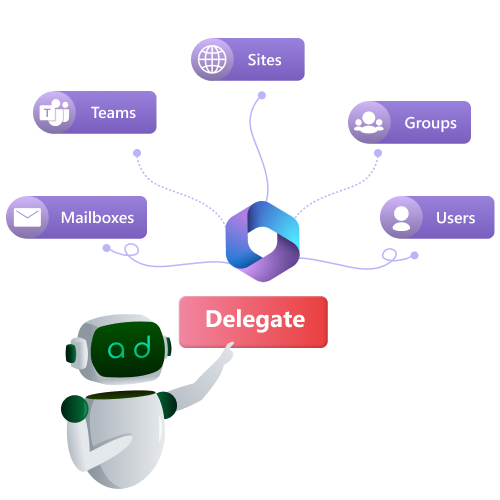
You can grant delegated access to any specific Office 365 resources like Users, Groups, Sites, Teams, and Mailboxes using virtual tenants.

For instance, facilitate your admins to access and manage specific users, such as users from the same city.

Delegate access to owned resources

Delegate Access to Owned Resources

The built-in virtual tenants help you delegate any user with access to their owned resources such as Groups, Sites, Teams, Mailboxes, and more with just a click.

Provide all your organization managers with access only to the data of their direct reports.

Delegate access to any ReportBoards

Delegate Access to Any ReportBoard

ReportBoard delegation makes it easier to delegating purpose-built reports to respective persons.

Permit your compliance administrators to access only the required compliance data.

Access restriction to executive's data

Access Restriction to Executive's Data

Using the 'Deny' option in AdminDroid, you can exclude particular Microsoft 365 resources from the eye of delegated admins.

Restrict your delegated admins from accessing the organization's CxO(CEO) data.

Access restriction to confidential data

Access Restriction to Confidential Data

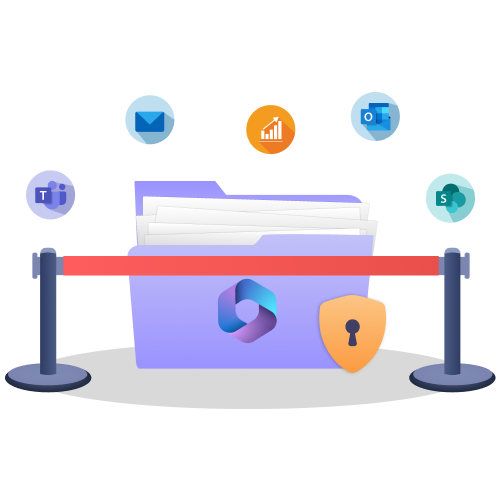
You can smartly protect confidential and sensitive information scattered over your Office 365 Mailboxes, SharePoint, Teams, and more from delegated admins.

Restrict your admins from accessing your organization's confidential data.

Microsoft 365 Resource-based Delegation with Virtual Tenants

In large Microsoft 365 environments, permission management across departments can quickly become complex and risky. Without well-defined administrative boundaries, teams may unintentionally gain access to sensitive data or critical configurations.

For instance, allowing a helpdesk admin to reset the CEO’s password compromises Microsoft 365 security perimeters. This lack of scoped, controlled delegation is a major driver of security risks, compliance failures, and operational errors.

AdminDroid’s virtual tenant feature addresses this challenge by allowing you to create logical administrative boundaries over your Microsoft 365 resources. With this resource-based delegation, you can control which resources a delegated admin can access, while role assignments define which reports or management actions they can perform, ensuring controlled access.

Virtual Tenant

Grant delegated admins least privilege by providing access only to the resources they require, minimizing risk.

Deny permissions to explicitly block access to sensitive resources, such as C-level executive accounts or other critical objects, even if they fall within an admin’s delegated scope.

Avoid manual maintenance, as virtual tenant scopes are automatically updated, ensuring delegated access stays accurate as new objects are created based on defined properties.

Enable cross-tenant access by combining objects from multiple tenants, such as Teams from one tenant and SharePoint sites from another, into a single virtual tenant while maintaining strict control.

Built-In Virtual Tenants

Manage Direct Reports

The user assigned to this virtual tenant can manage only their direct reports.

Manage Department Users

This user can view and manage all members of their department based on the assigned roles.

Manage Domain Users

The user can monitor and manage all users within the specific domain.

Manage Owned Groups

Has delegated access to view or manage all groups they own in Microsoft 365, as permitted by role.

Manage Mailboxes with Full Access

This virtual tenant grants access to view and act on all mailboxes where the user has Full Access permission.

Manage Owned Sites

The user assigned to this virtual tenant can track and manage all their owned sites.

Manage Owned Teams

This virtual tenant provides access to view or manage all Teams and private channels the user owns.

My Account

The user with this access right can view and manage their own account based on the assigned role.

Secure Microsoft 365 Access with Role-Based Delegation

Uncontrolled admin access is a ticking compliance bomb. If a user can access information outside their scope, such as allowing a helpdesk technician to delete users or a junior admin to access an executive’s mailbox content, this creates a serious security and compliance risk.

AdminDroid’s Microsoft 365 role-based delegation adds the essential control layer. It secures your tenant by strictly mapping privileges to responsibilities. You can create custom roles or get started quickly with AdminDroid’s powerful built-in roles.

Built-In Roles

Microsoft 365 Reader

The user with this role has access to view all Microsoft 365 reports and dashboards.

Entra Reader

Has access to all Entra ID reports, audits, and dashboards. It also includes security reports on MFA, CA policies, etc.

Exchange Reader

Has access to all Exchange reports, audits and dashboards. It also includes email-related audit reports and dashboards.

SharePoint Reader

Has access to all SharePoint reports, audits, and dashboards.

Teams Reader

The user with this access right can view all Teams reports and dashboards.

Email Reader

Has access to all Email reports, audits, & dashboards, covering mailbox forwarding, email signatures, etc.

OneDrive Reader

The user can view OneDrive reports, and dashboards.

Audit Reader

Has access to all audit reports, dashboards, and analytics reports on audit data.

Compliance Reader

Has access to all compliance reports such as SOX, PCI-DSS, GLBA, GDPR, HIPAA, and FISMA.

Deep Insights Reader

Users assigned to these roles can access detailed content-level analytics reports across mailbox, Teams, SharePoint, & OneDrive.

Microsoft 365 Admin

Has full access to all M365 reports, dashboards, & management actions, across services such as Exchange, SharePoint, Teams, etc.

Entra Administrator

This role has access to all Entra ID reports & dashboards and can perform identity management actions.

Exchange Administrator

Has access to all Exchange reports, dashboards, & management actions, with deep insights into email-related data.

Teams Administrator

The role has access to manage Teams and can view all Teams reports and dashboards.

SharePoint Administrator

Has access to all SharePoint Online reports, dashboards, & management actions, including site creation, sharing settings, etc.

OneDrive Administrator

The user has access to all OneDrive reports and dashboards and can perform management actions within OneDrive.

Delegation Overview

Using AdminDroid delegation feature, you can grant delegated access to Office 365 resources as well as AdminDroid’s features and functionalities.

Users

Grant delegated access to monitor and manage specific set of users like department users, users reporting to same managers, members of specific groups, etc.

Groups

Grant delegated access to monitor and manage the activities of specific groups like all mail-enabled security groups, groups with CxO members, etc.

Mailboxes

Mailbox delegation in AdminDroid lets you monitor and manage certain mailboxes like shared mailboxes, group mailboxes, user mailboxes from same department, and much more.

SharePoint

Grant delegated access to view and manage specific SPO sites like sites without owners, sites having confidential info, etc., to ensure security.

Teams

AdminDroids’ Team delegation allows you to delegate certain teams such as teams using devices, teams with CxO members, teams with sensitive info, and much more, for monitoring and management.

OneDrive

Grant delegated access to specific OneDrive accounts, especially offboarded users, to manage and monitor their files, folders, sharing permissions, and more.

Management Actions

Define exactly which management tasks a delegated admin can perform on Microsoft 365 objects such as users, groups, Teams, mailboxes, sites, etc., across 450+ actions.

Reports

Provide delegated access to monitor specific reports among 3600+ prebuilt reports like license-related reports, groups-related reports, site reports, etc.

Audit Reports

Avoid unnecessary access to any audit data by granting delegated access to certain audit reports. For example, users can access only email audit reports, exchange audit reports, etc.

Analytic Reports

Grant delegated access to AdminDroid’s analytic reports to monitor in-depth data and insights of your organization.

Dashboards

Grant restricted access to monitor various insights like users, mailboxes, groups, sites, and more. So, users can monitor only the insights not any reports.

Report Boards

Grant delegated access to the various report packages available in AdminDroid purpose-built for easy accessing of reports. For example, Compliance report package provides all compliance related reports need to be monitored by the compliance admin.

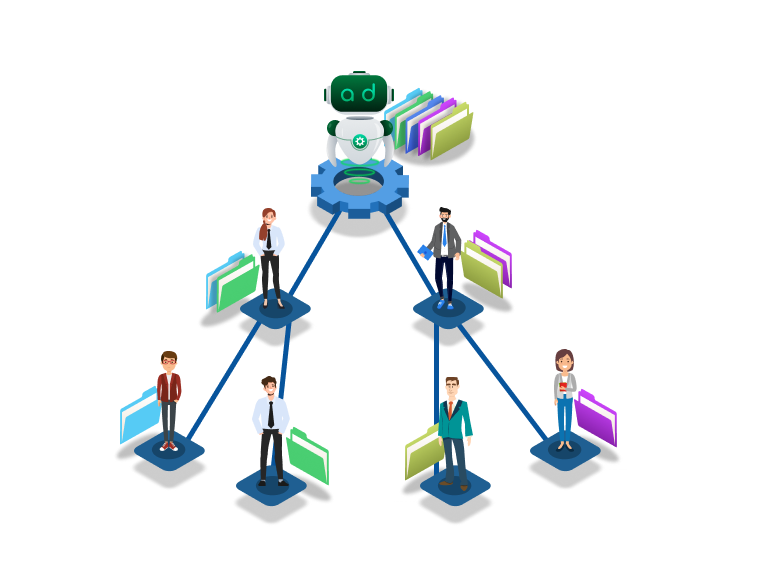
Secure Microsoft 365 administration with granular delegation and least-privilege access using AdminDroid.