🎉 Our Microsoft 365 Reporting & Management Tool is now available in Azure Marketplace 🚀
Why do we call it advanced Microsoft 365 management tool? Let us show you!
Bulk execution made simple!
Still relying on PowerShell scripts for bulk management? Forget it. With AdminDroid, manage everything in one go, whether it’s 1, 10, or 1000 users, groups, sites done in seconds.
Made a mistake? Revert it back!
Accidentally executed a management action with the wrong configuration? Don’t worry, just revert it instantly and get things back in place.
Run. Pause. Review. Resume!
Execute management actions on a small group first, pause the run and review the results. Once you’re confident everything looks good, continue and complete the action execution for the rest.
Role-based delegation for secure management!
Too much access creates too many risks. Delegate specific management actions based on roles and gain fine-grained control over Microsoft 365 management.
Delegate the right resources to the right admins!
Delegate only what’s needed. Assign specific users, groups, or mailboxes with virtual tenants, so admins manage exactly what they should, not more, not less.
User Management is Easier Than You Ever Thought
Managing users in Microsoft 365 often feels like a maze. Create a user in the admin center, switch to Entra for properties, then hop to SharePoint for site group assignments… and repeat the cycle for every change. One small update ends up taking multiple hops across portals. That’s where AdminDroid changes the game.
Everything you need for user management lives in one place, with no back-and-forth.
One Place to Handle Every Stage of a User’s Journey
From onboarding new hires to offboarding leavers, or even urgent security actions during investigations, manage everything right where you are.
Keep Employee Details Accurate and Updated in Seconds
Modify user attributes such as job titles, departments, or employee IDs in just a few clicks. All updates are reflected consistently across Microsoft 365, ensuring accuracy.
Give the Right Access to the Right People Instantly
Change managers, assign or revoke admin roles, and manage permissions directly. The process is straightforward, minimizing errors and ensuring users always have the correct level of access.
Handle Licenses without Leaving the Page
Assign, update, or remove licenses seamlessly in the same view. This avoids delays in provisioning or deprovisioning services.
Secure Accounts with Instant MFA Setup
Enable MFA, configure strong authentication methods, and reduce SMS reliance, because securing accounts should not wait.
Take Control of User Access the Moment It’s Needed
Revoke active sign-in sessions, block logins, or grant temporary access when required. These real-time controls help administrators respond effectively to suspicious activity or urgent access needs.
Keep Users’ Memberships in Perfect Sync
Manage groups, Teams, site groups memberships instantly when users join, switch departments, or leave the organization. Memberships remain aligned with organizational changes, reducing the risk of unauthorized access.
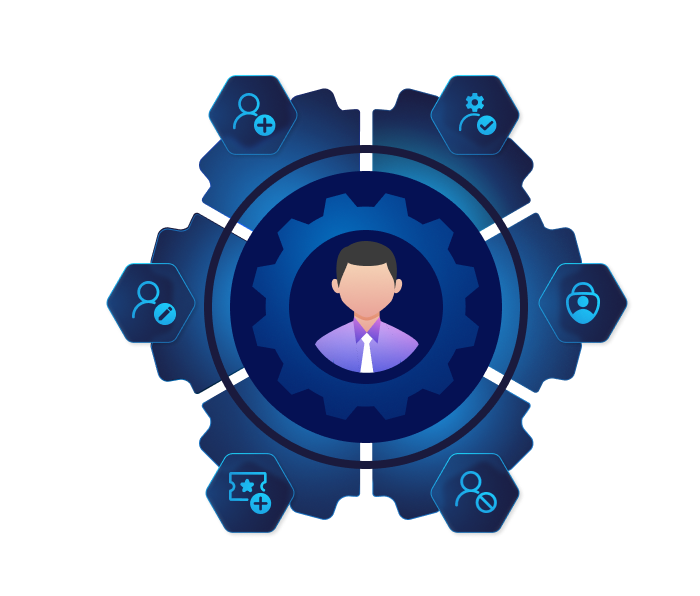
AdminDroid Microsoft 365 user management dashboard
No More Portal Hopping for Group Management
Managing groups in Microsoft 365 might look simple at first, but in reality, it quickly turns messy. Groups grow faster than expected, ownership often becomes unclear, and memberships change constantly. Without proper management, it becomes an unnecessary risk. That’s why you need AdminDroid to bring clarity, control, and simplicity to group management.
AdminDroid makes managing group seamless, no matter how large your environment grows.
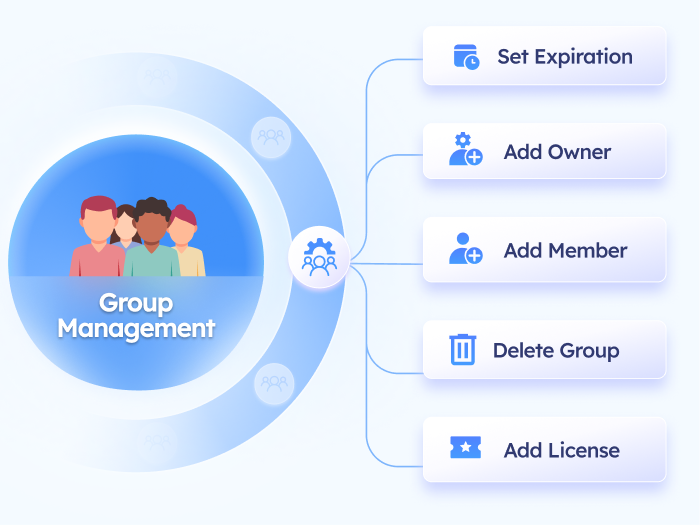
AdminDroid Microsoft 365 group management console
Effortlessly Manage Every Step of the Group Lifecycle
From creating new groups to cleaning up inactive ones, manage every step of the group lifecycle with ease. Even mistakenly deleted groups can be restored in just a few clicks.
Gain Total Control Over Group Memberships and Ownership
Assign memberships accurately, add owners to ownerless groups, and remove offboarded users from all groups to prevent unauthorized access.
Make Group Licensing Hassle-Free and Effective
Simplify group-based licensing management with a single, intuitive interface. Easily update group properties, assign or modify licenses, and add or remove members from groups to automatically grant or revoke licenses.
Keep Groups Healthy with Proper Expiration Policies
Stay on top of group clutter by setting proper expiration policies, adding groups to expiration policy, and updating existing expirations, to keep your environment secure and organized.
Alternate Text
Teams Management Is Just Got Simplified
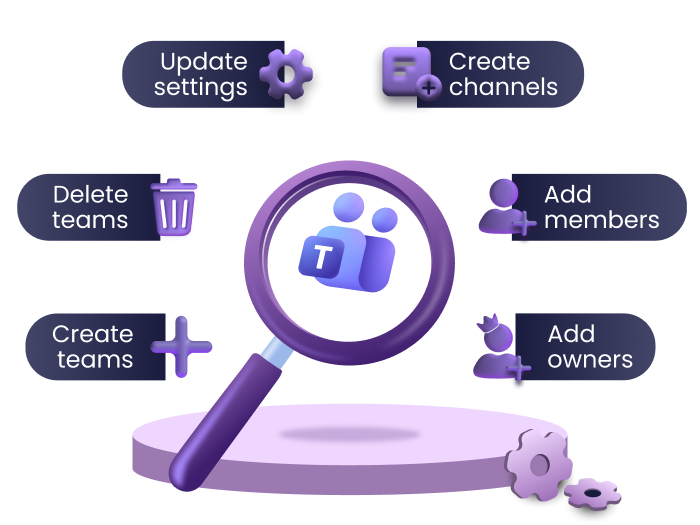
Teams management becomes simple when everything is organized. With crucial management actions classified into clear categories, you can easily handle teams ownership, membership, expiration, and guest access without the usual confusion. AdminDroid follows this principle!
Smooth and organized — that’s the experience of managing Teams with AdminDroid.
Take Complete Control of Your Teams and Channels
Easily create new teams and channels as your organization grows, clone existing teams to replicate existing ones for effective collaboration.
Maintain Compliance and Keep Teams Organized with Ease
Archive inactive teams and channels, update properties instantly, and ensure your collaboration environment remains structured and compliant without manual effort.
Effortlessly Manage Memberships and Ownership Across Teams
Add the right users to teams & channels, designate owners for ownerless teams, and control memberships efficiently to ensure users have access only when needed.
Configure Teams Permissions and Settings for Secure Collaboration
Manage channel mentions, app access, and private channel creation to maintain secure teamwork across the organization.
Control Guest Access and Privileges Confidently
Set the appropriate permissions for guest users, manage message editing and deletion rights, and ensure external collaborators can participate safely without compromising security.
Maintain a Positive and Professional Collaboration Environment
Decide what content users can post including memes, stickers, and emojis, and create a clean, professional Teams environment that supports focused collaboration.
AdminDroid simplified Microsoft Teams management
Alternate Text
Handle Exchange Mailbox Tasks Faster and Easier
Mailbox management is vital to keeping organizational communication structured, secure, and compliant. As users, roles, and policies evolve, regular maintenance ensures mailboxes stay correctly configured with appropriate access, storage, and retention settings. However, managing these tasks regularly shouldn’t consume your time or add unnecessary complexity. That’s where AdminDroid comes in!
AdminDroid brings simplicity and clarity to your routine mailbox management tasks.
AdminDroid Exchange Online mailbox management
Swiftly Handle Mailbox for Growing Organizations
Quickly create, update, or clone multiple mailboxes, including user, shared, room, and equipment mailboxes, ensuring that your organization’s mailbox structure scales seamlessly.
Take Full Control Over Mailbox Access and Permissions
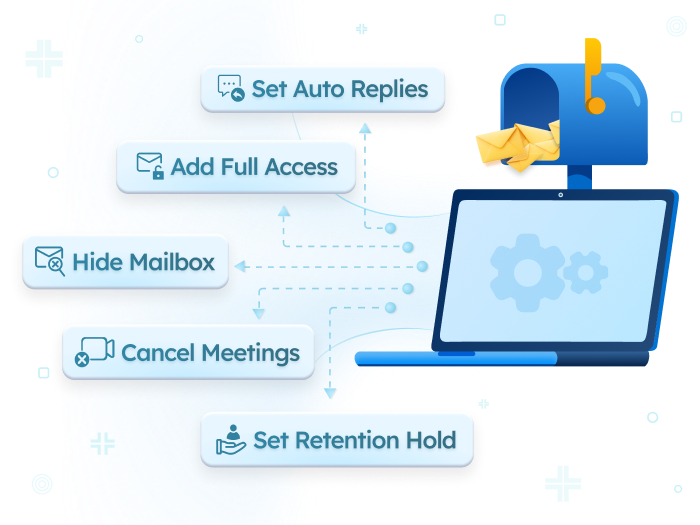
Configure Full Access, Send As, or Send on Behalf permissions for multiple mailboxes simultaneously. Or do the reverse — assign one user as a delegate to several mailboxes in a single action.
Convert Mailboxes in Bulk Without PowerShell Hassles
Bulk convert user mailboxes to shared mailboxes or vice versa during offboarding without relying on PowerShell.
Manage Forwarding Rules for Multiple Mailboxes Effortlessly
Configure internal and external email forwarding for multiple mailboxes simultaneously, ensuring messages reach the right recipients without manual configuration. You can also disable email forwarding instantly during the offboarding process.
Enforce Compliance Policies and Archiving for All Mailboxes at Once
Apply retention settings, litigation holds, and single item recovery settings for multiple mailboxes in one go, streamlining compliance and audit readiness.
Automate Replies and Meeting Controls to Reduce Manual Work
Enable out-of-office replies, cancel meetings during leave, or auto-decline meeting requests, reducing manual effort.
Configure Advanced Mailbox Settings Across Large Mailbox Sets
Manage encryption policies, message size limits, role assignments, and other advanced settings efficiently, ensuring consistent organizational policies.
Manage Mailbox Memberships with Ease
Control how a mailbox is configured in distribution lists. You can add or remove it as a member, grant or revoke send permissions such as Send A or Send on Behalf and assign moderator rights. This helps ensure each mailbox has the right level of access within DLs.
Alternate Text
Centralized Powerhouse for Effortless Exchange Group Management
The Exchange admin center serves as a unified place for managing Exchange groups, but actions for distribution lists, dynamic distribution lists, and mail-enabled security groups are scattered across different sections. Admins need to manually click through each group to perform updates, making everyday management tedious and time-consuming.
AdminDroid lends you a dedicated console built exclusively for Exchange group management.
Easily Create and Update All Exchange Groups in One Place
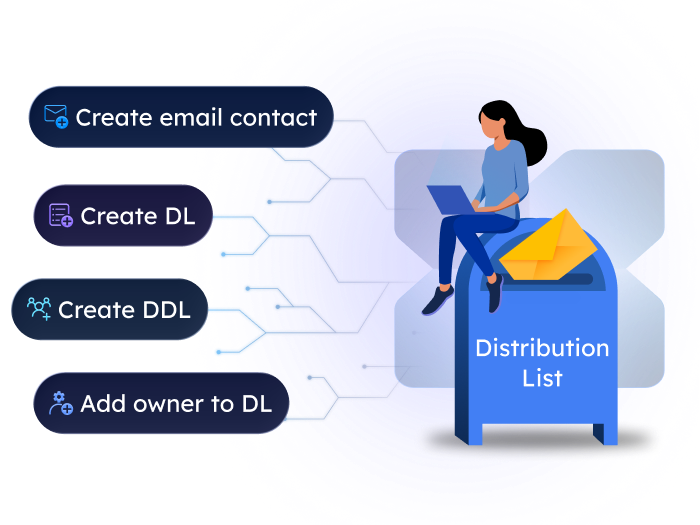
Quickly set up distribution lists, dynamic distribution lists, or mail-enabled security groups, modify properties, clone groups, and manage memberships efficiently to match evolving organizational needs.
Delegate Permissions and Moderation Without Hassle
Assign Send As, Send On Behalf, and moderation roles across groups in seconds, ensuring the right users have appropriate access while maintaining secure communication channels.
Enforce Safe Communication with Sender Restrictions
Specify allowed and rejected senders, configure mail contacts, and maintain consistent communication policies to prevent misuse and enhance collaboration.
AdminDroid Exchange distribution group management
Alternate Text
Simplify Every Step of SharePoint Site Management
Managing SharePoint Online is not an easy task, as permissions for libraries, lists, and sites are scattered across different menus and settings. Admins spend more time searching than managing. But AdminDroid simplifies this by unifying all these scattered controls into one clear console.
SharePoint hides settings in every corner, AdminDroid brings them all together—clear, central, and simple.
AdminDroid SharePoint Online site management
Alternate Text
Seamless Control Over SharePoint lifecycle Management
Create, delete, archive, or update site properties and logos with ease. AdminDroid removes the complexity, making everyday site management smooth and efficient.
Alternate Text
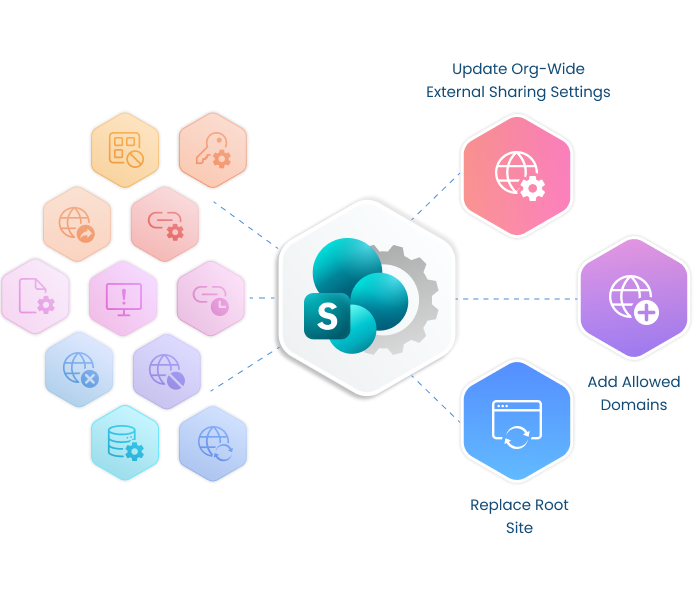
Manage External Sharing for Safer Collaboration
Easily manage both tenant-level and site-level settings in one place. Control site visibility, external sharing, and access policies, allow or block domains, enforce version limits for compliance, and manage root & hub sites efficiently.
Alternate Text
Keep Access Tight with Smart Site User Permissions
Add users as members, configure secret members, set guest expiration policies, and update permissions at site level for precise control over who can access and interact with content.
Alternate Text
Simplify Governance with Effortless Site Group Management
Effectively manage site groups by controlling memberships and assigning appropriate permission levels, ensuring secure collaboration and structured access management.
Alternate Text
Manage Site Content Fast and Stress-Free
Easily manage site contents with the ability to create folders, rename, copy, or move items, keeping your environment well organized.
Alternate Text
Accelerate Streamlined List Management
Manage all aspects of SharePoint lists, including creation, deletion, enabling permissions like content approval, offline availability, and check-out settings. Perform bulk or single-list operations effortlessly.
Alternate Text
Protect and Control Document Libraries Easily
Take complete control of document libraries: create or delete libraries, manage permission inheritance, configure version history and limits, add secure members, enable offline client access, and apply check-out settings for single or multiple libraries.
Alternate Text
Get Back Your Time with Easy OneDrive Management
Managing OneDrive access in the admin center is often slow—you need to open each site separately and click through multiple layers of settings. AdminDroid streamlines this by showing all OneDrive site in a single view. From there, admins can simply pick the required OneDrive site and apply actions directly.
AdminDroid cuts the clicks out of OneDrive management.
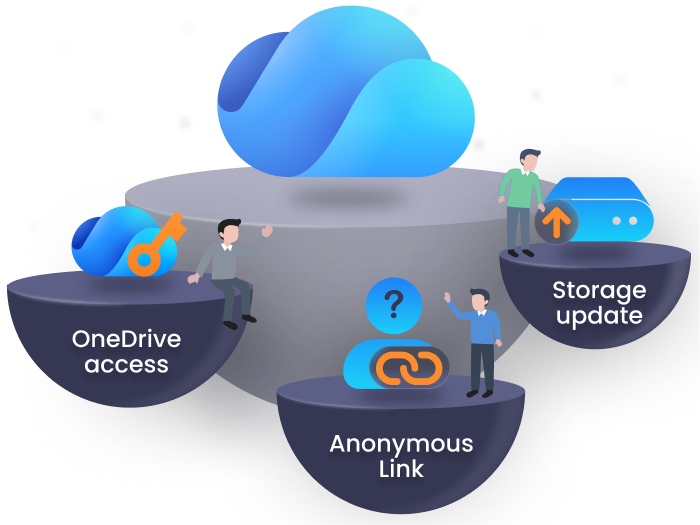
Manage OneDrive Access Effortlessly
Easily grant or revoke access for multiple OneDrive accounts or individual sites in a single go. Save time, reduce errors, and ensure consistent permissions across your organization with minimal effort.
Simplify Governance and Storage Management
Configure storage limits, retention policies, and other tenant-wide settings for all OneDrive users with just few clicks.
Secure Collaboration with Granular Link Management
Manage sharing links efficiently including creating, revoking, or updating anonymous and specific access links. Ensure safe collaboration, prevent unauthorized access, and maintain control over shared content across the organization.
AdminDroid easy OneDrive management dashboard
Power-packed Features for Smart Microsoft 365 Management
AdminDroid doesn’t just give you action! We give you smart features that take Microsoft 365 management to the next level! Let’s reveal it!
No more manual, repetitive tasks!
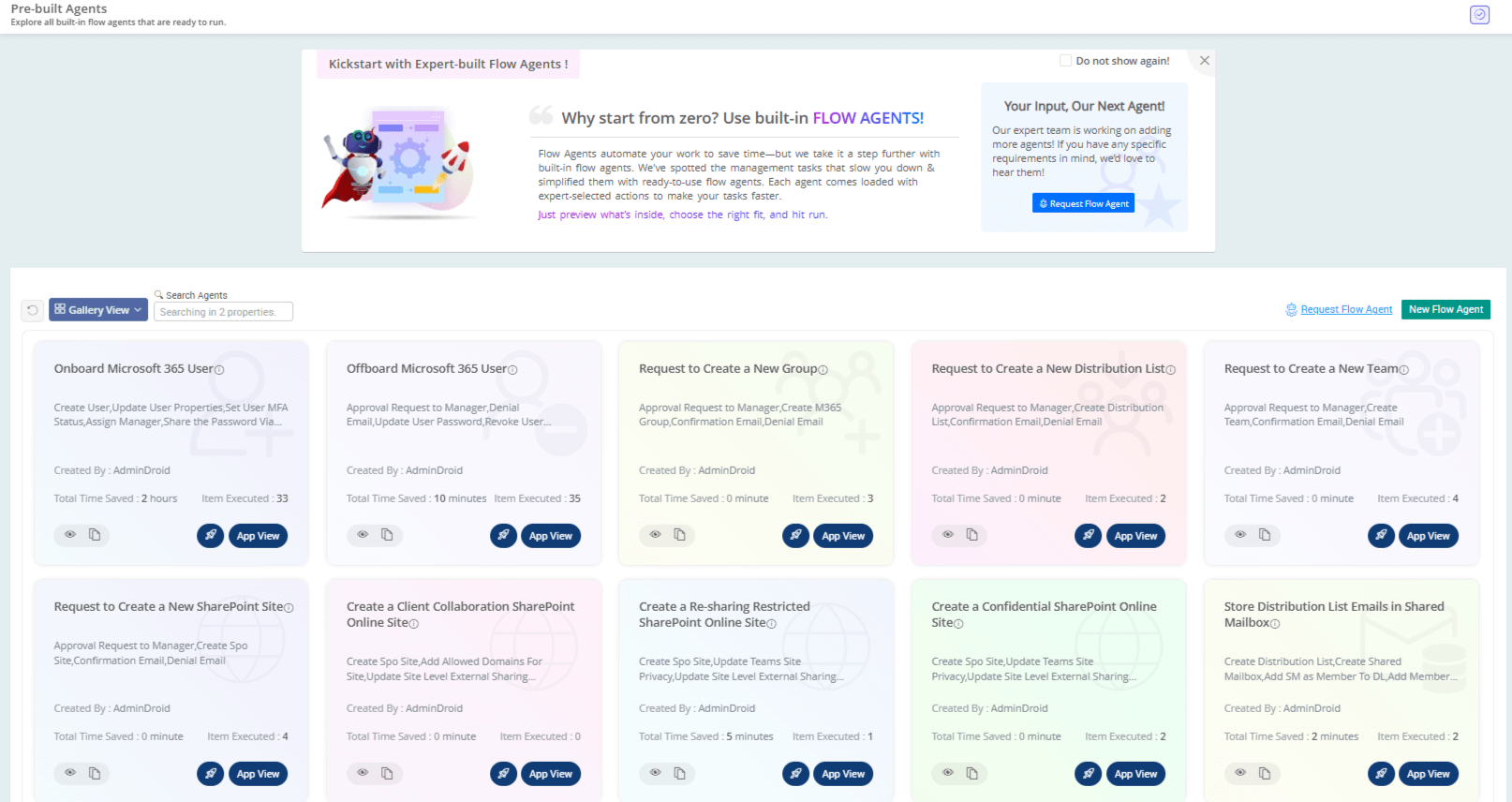
Automation with Flow Agents
Automate complex and repetitive administrative tasks to get them done in minutes, not hours.
Now onboarding and offboarding tasks are just a click away
Know More
No more ‘oops, I forgot’ moments
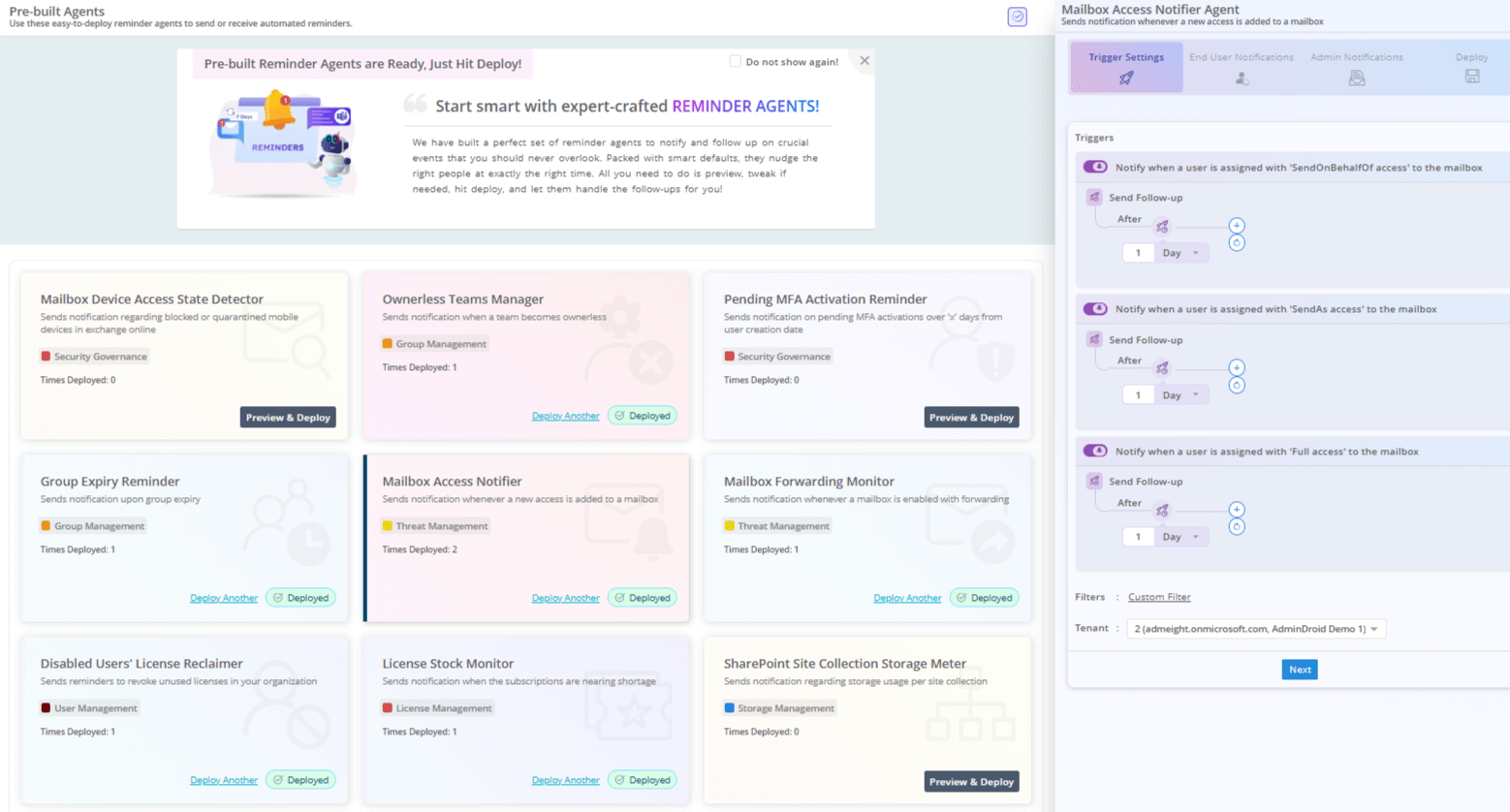
Reminders & Follow-ups
Never miss a critical event. Get notified and nudged about password expirations, subscription renewals, and more, so nothing slips through the cracks.
Get timely nudges to ensure your crucial tasks get done on time
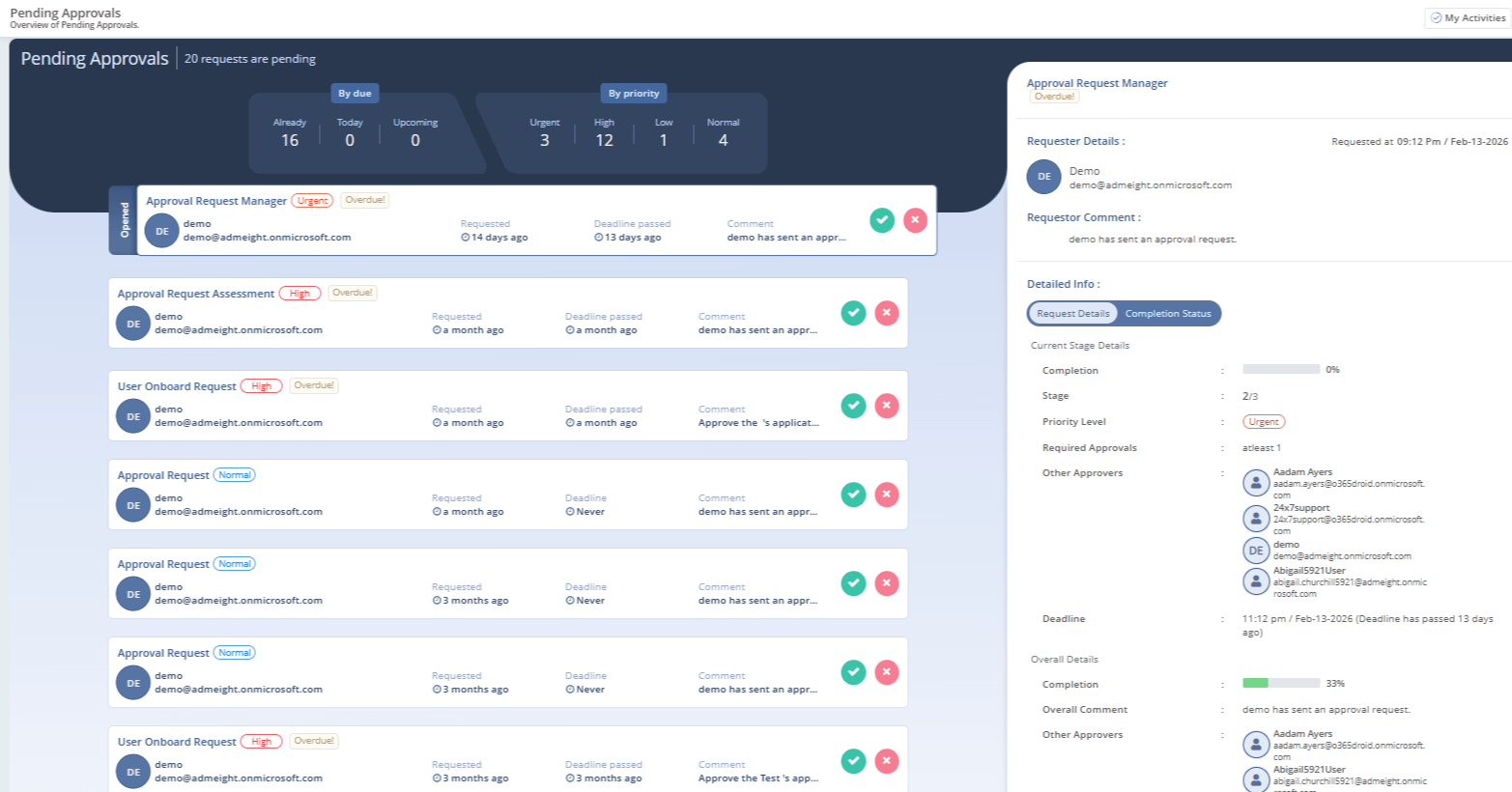
No more unapproved actions taking place
Approval Portal
Ensure that important actions like adding external users or updating policies always happen with your green light.
Catch and control unauthorized groups or Teams creations instantly
Know More
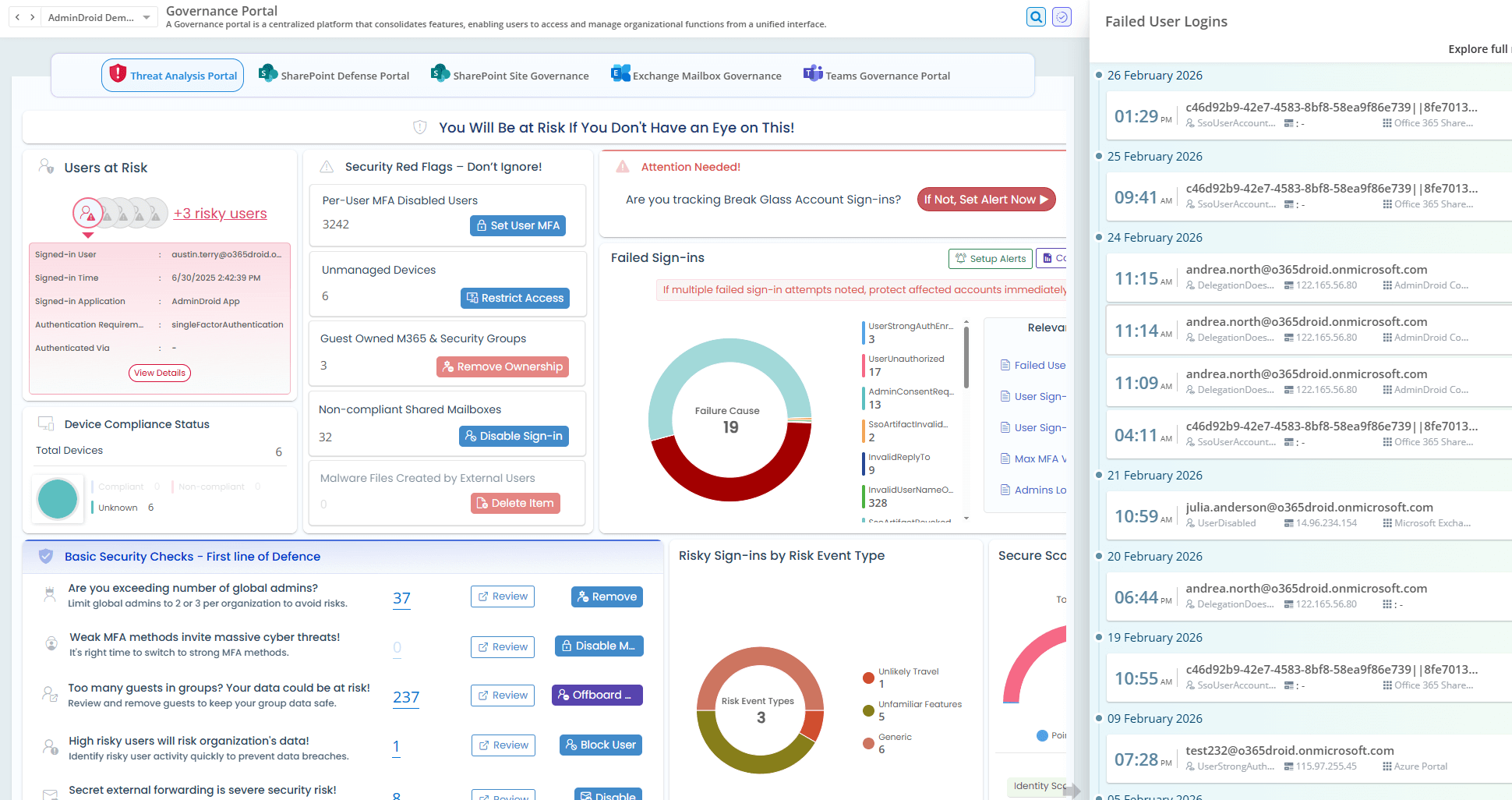
No more silos, only single smart unified governance
Governance Portal
Oversee your entire Microsoft 365 environment and enforce governance rules from one clear, powerful console.
Smarter governance with real-time insights and instant actions — all in one place.
Know More
AdminDroid workflow automation templates AdminDroid reminder notification templates AdminDroid approval portal for management tasks AdminDroid governance portal for Microsoft 365
Stop juggling portals. Start managing Microsoft 365 with AdminDroid.
Download
Need a look? Live demo