


Entra ID Reports
"Entra ID (formerly Azure AD) is the centre of identity and access management in Microsoft 365. Managing Entra ID forms a major part of the workload of an Microsoft 365 Administrator."
Categorically identify and manage your users
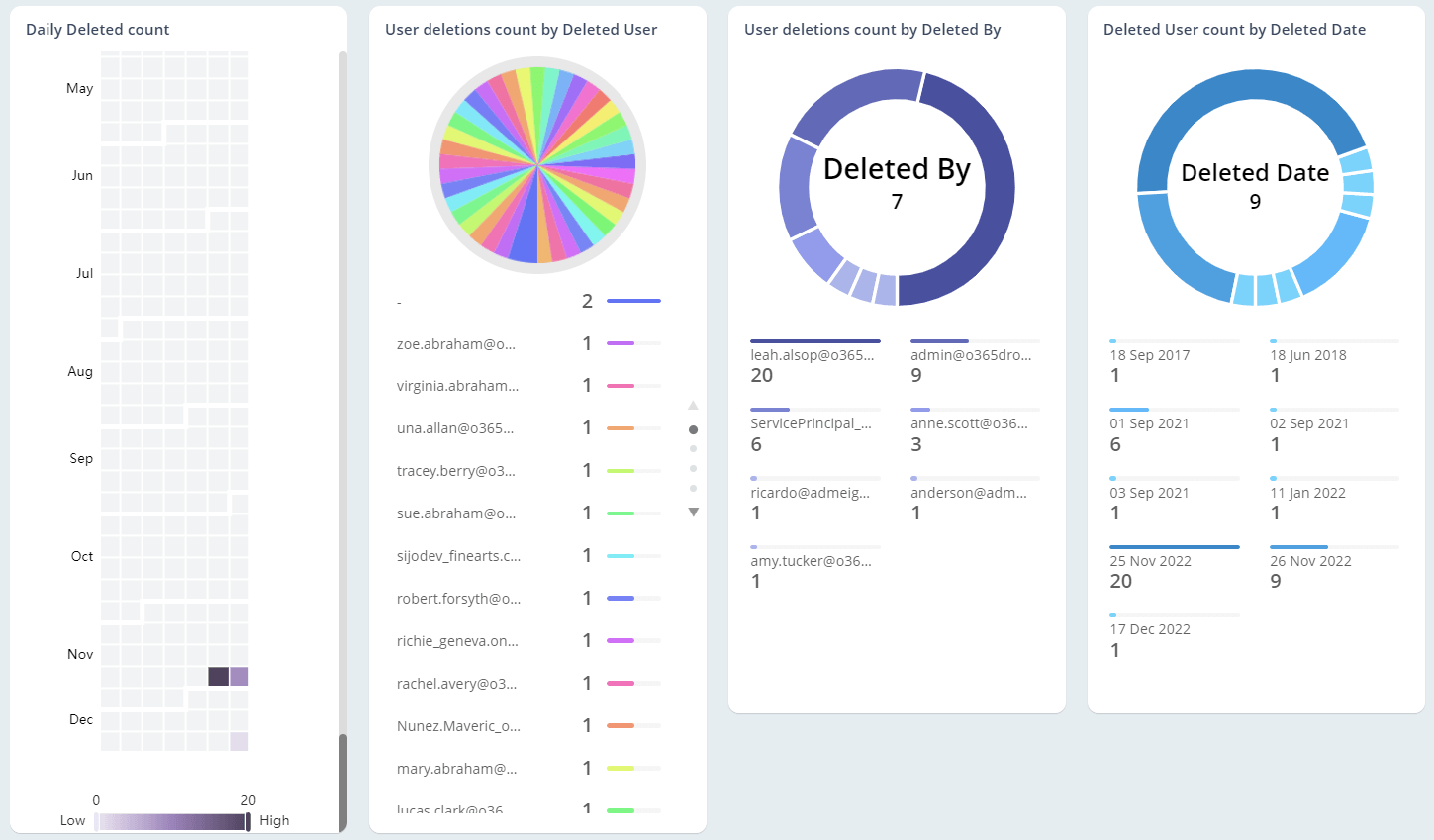
The User Reports Collection allows you to be informed about recently created and deleted users, cloud-only and AD synced users, and much more.
Learn who has been assigned what licenses and their status
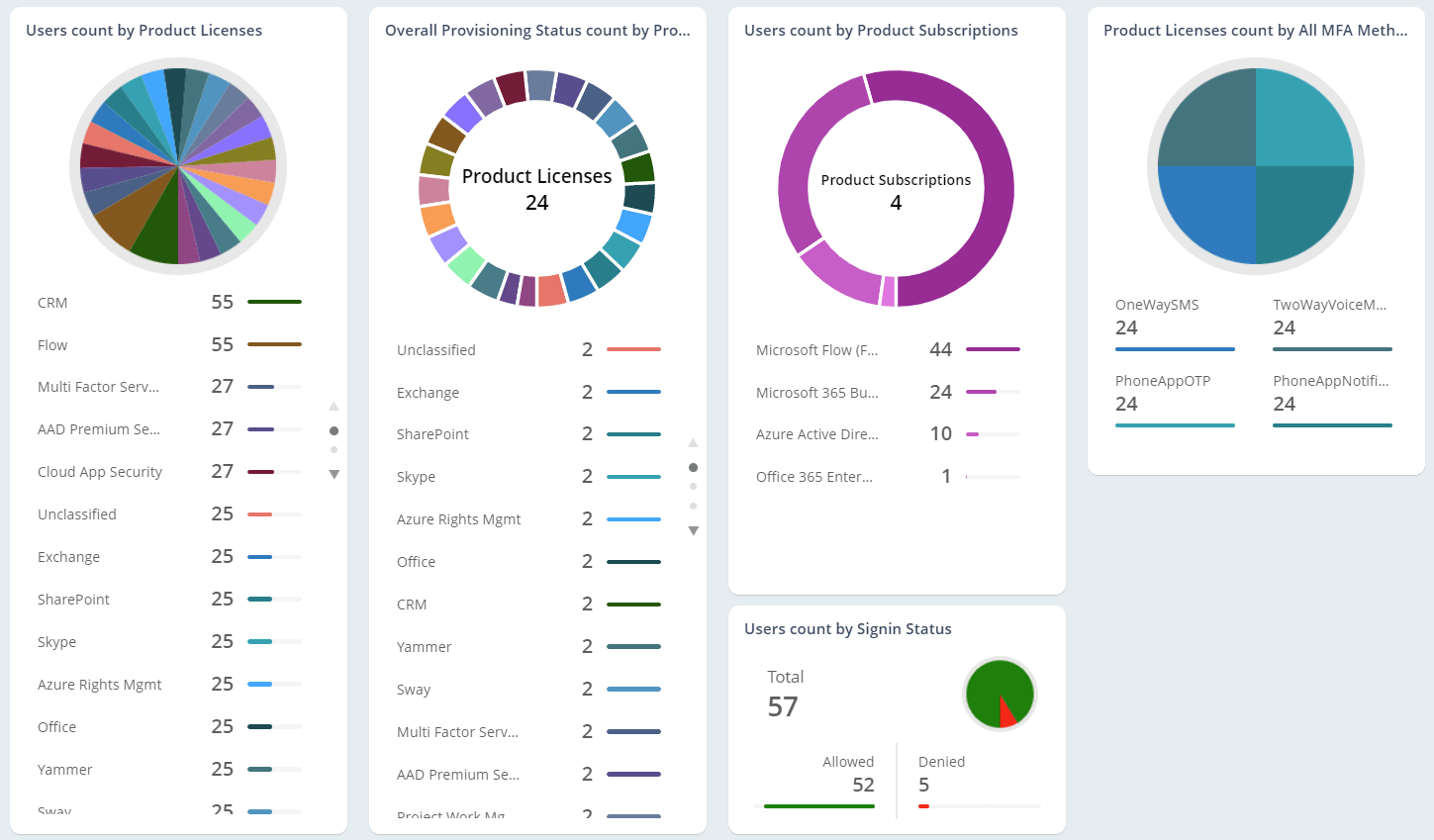
Managing licenses well is important for reducing costs. The Licensed User Report Collection lets you be on top of licenses with reports on licenses issued by service, provisioning status, and a lot more.
Monitor subscription usage among your users
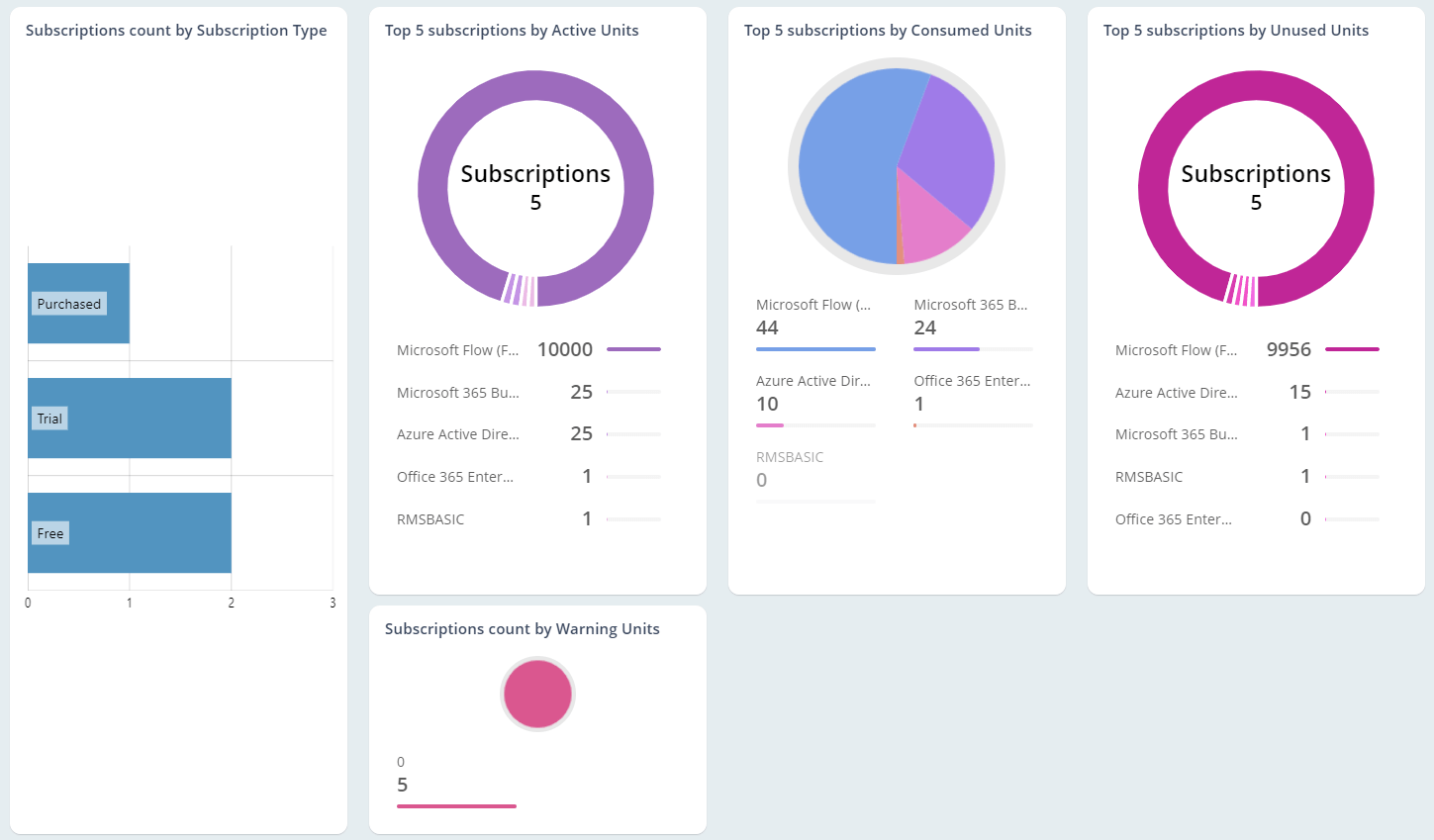
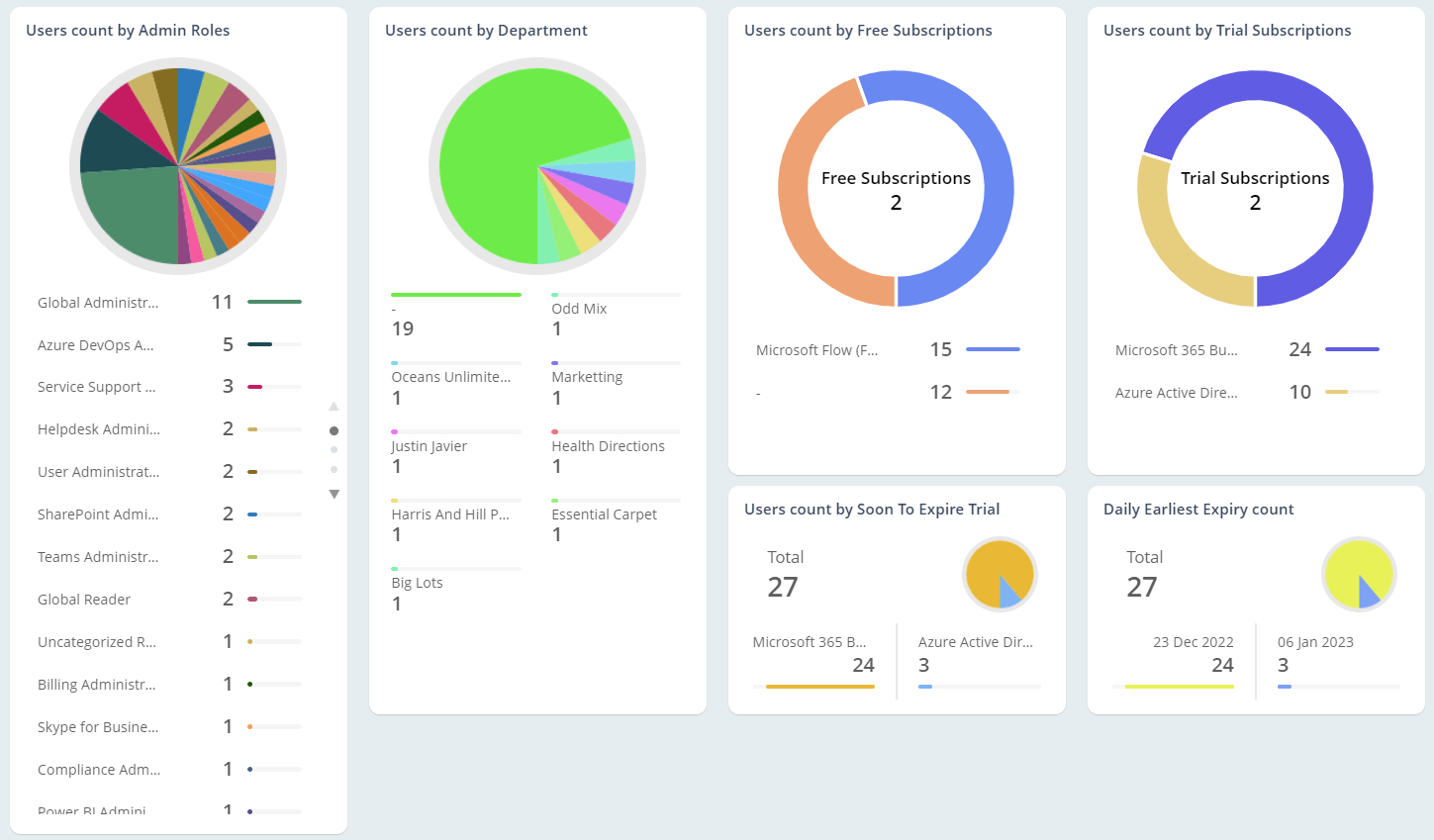
Understand subscription usage and the license lifecycle in your Office 365 tenant to make informed license purchase decisions. Get detailed insights into the usage and status of purchased, trial, and free subscriptions.
Stay on top of groups and group members in your tenant
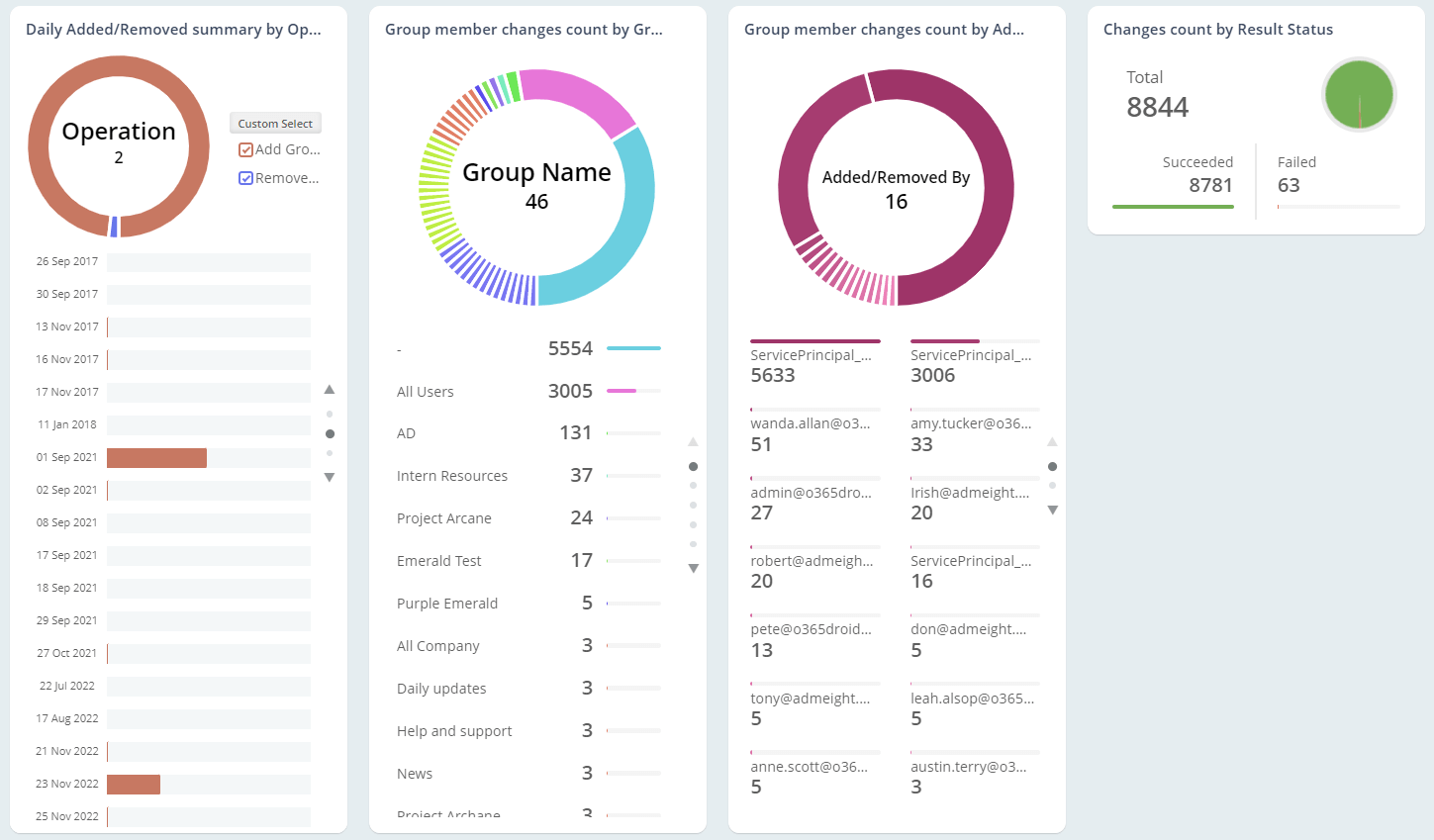
Identify various groups in your tenant with our reports in the Group Reports Collection. Get to know the size, strength, members, and many more details about your groups.
Beware of who reports to whom in your organization
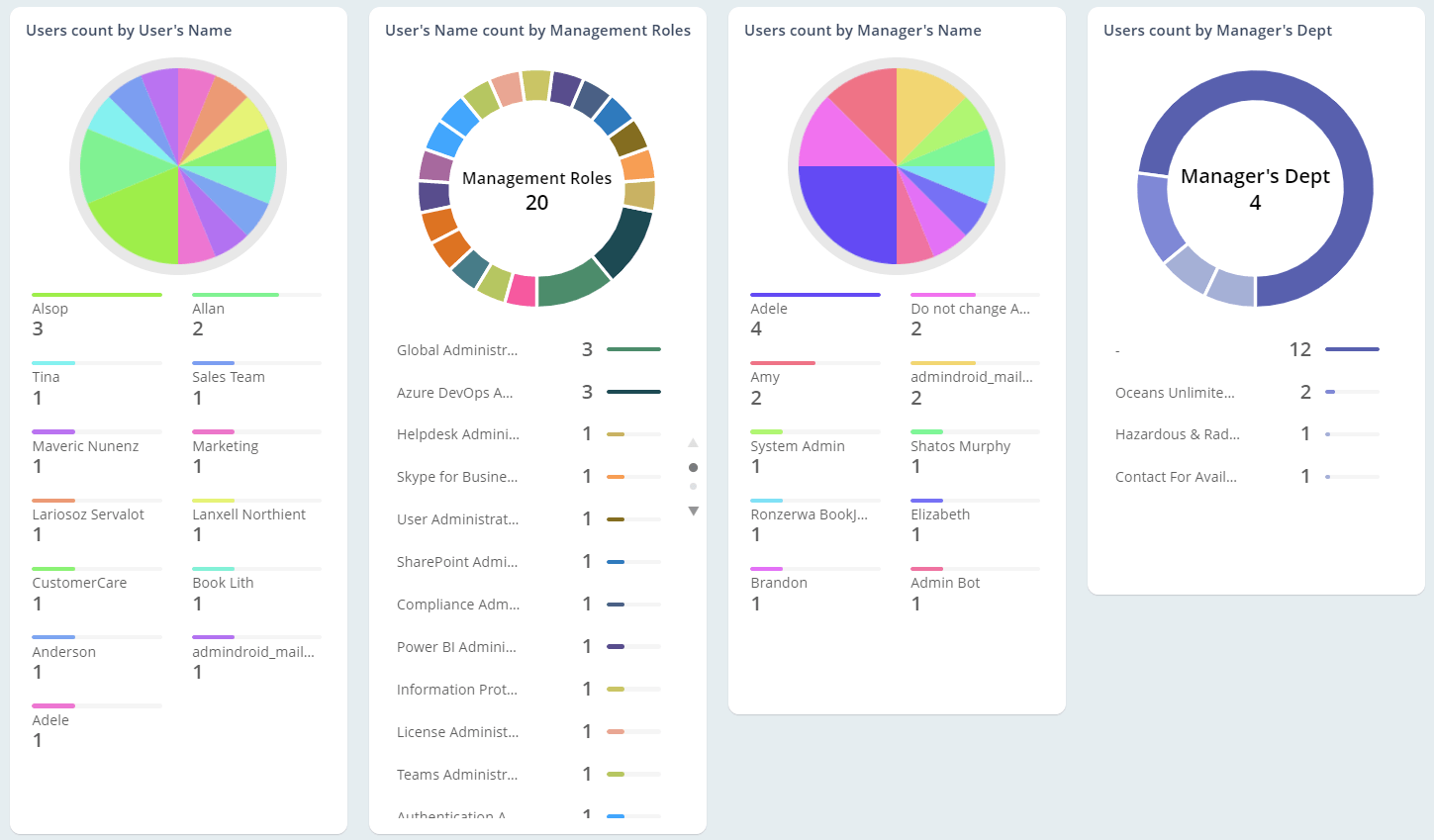
Our reports in the Manager Reports Collection allow you to list and identify all the managers and the users assigned to them in your organization.
Gain complete visibility into Entra devices
Get a comprehensive view of devices registered in Entra and manage them effectively. Easily identify stale and non-compliant devices.
Microsoft 365 Security Reports
"Managing security of your Office 365 environment is a breeze with AdminDroid’s Security Reports. Track MFA implementation and configuration changes, monitor administrator activities, and much more."
Keep an eye on MFA deployment among users and devices
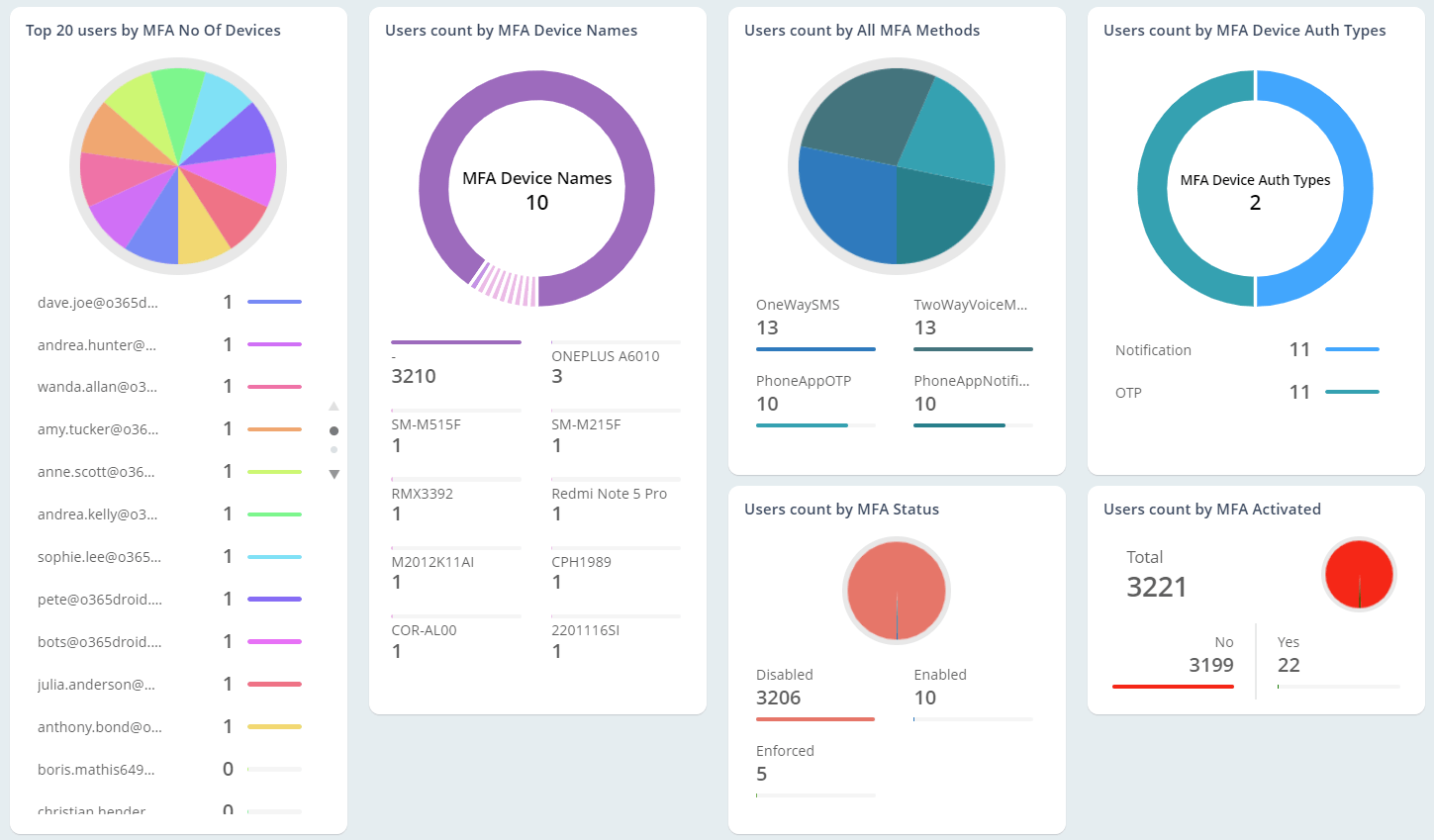
Managing MFA is a critical task for any administrator wanting to strengthen security. The MFA Reports Collection allows you to monitor MFA deployment among O365 users and devices.
Identify external users and their group membership
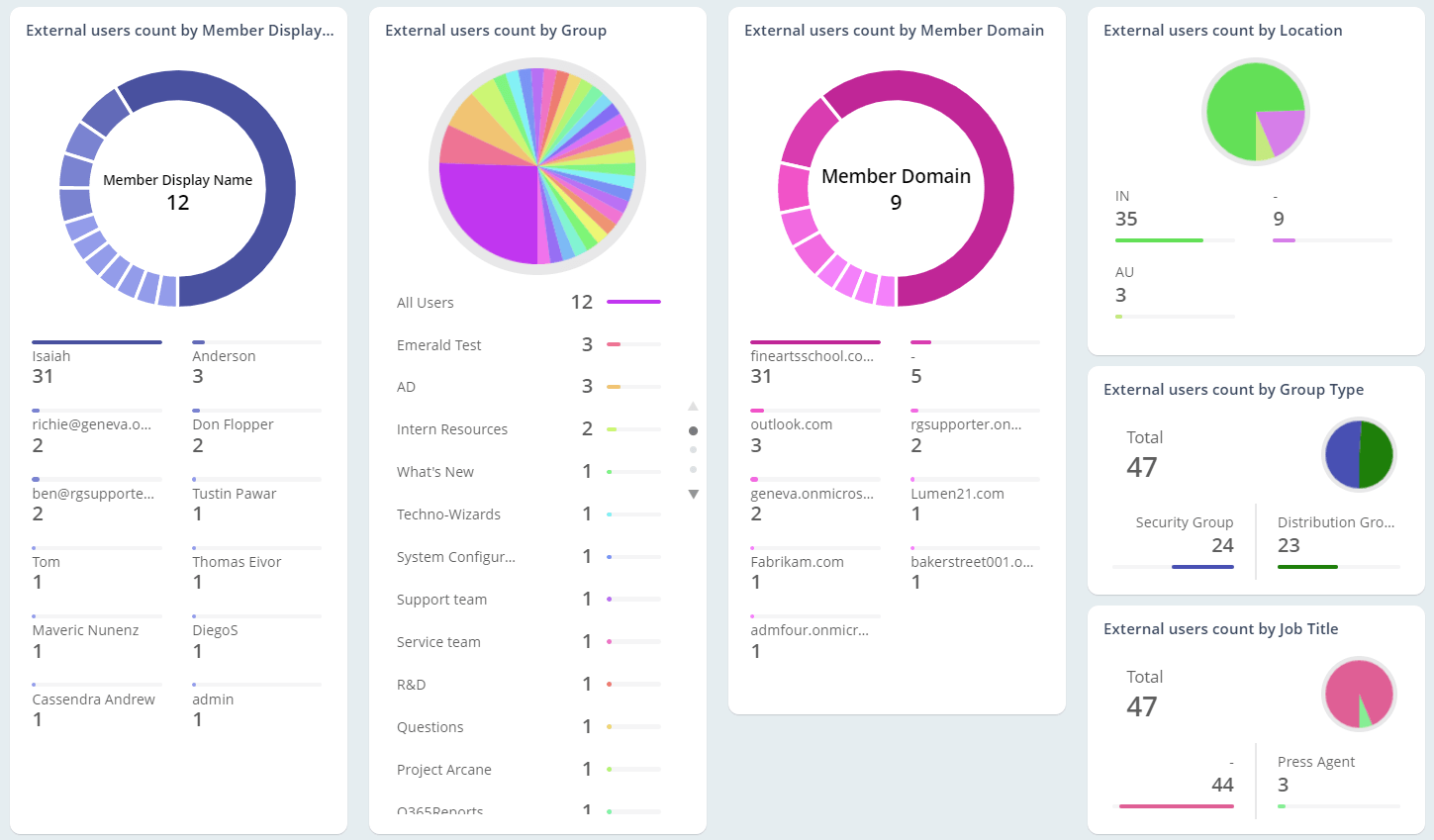
External Users pose many security risks to the Microsoft 365 environment. With the External User Reports Collection, you will be able to monitor all external users and their group membership.
Monitor password resets and expiry among users
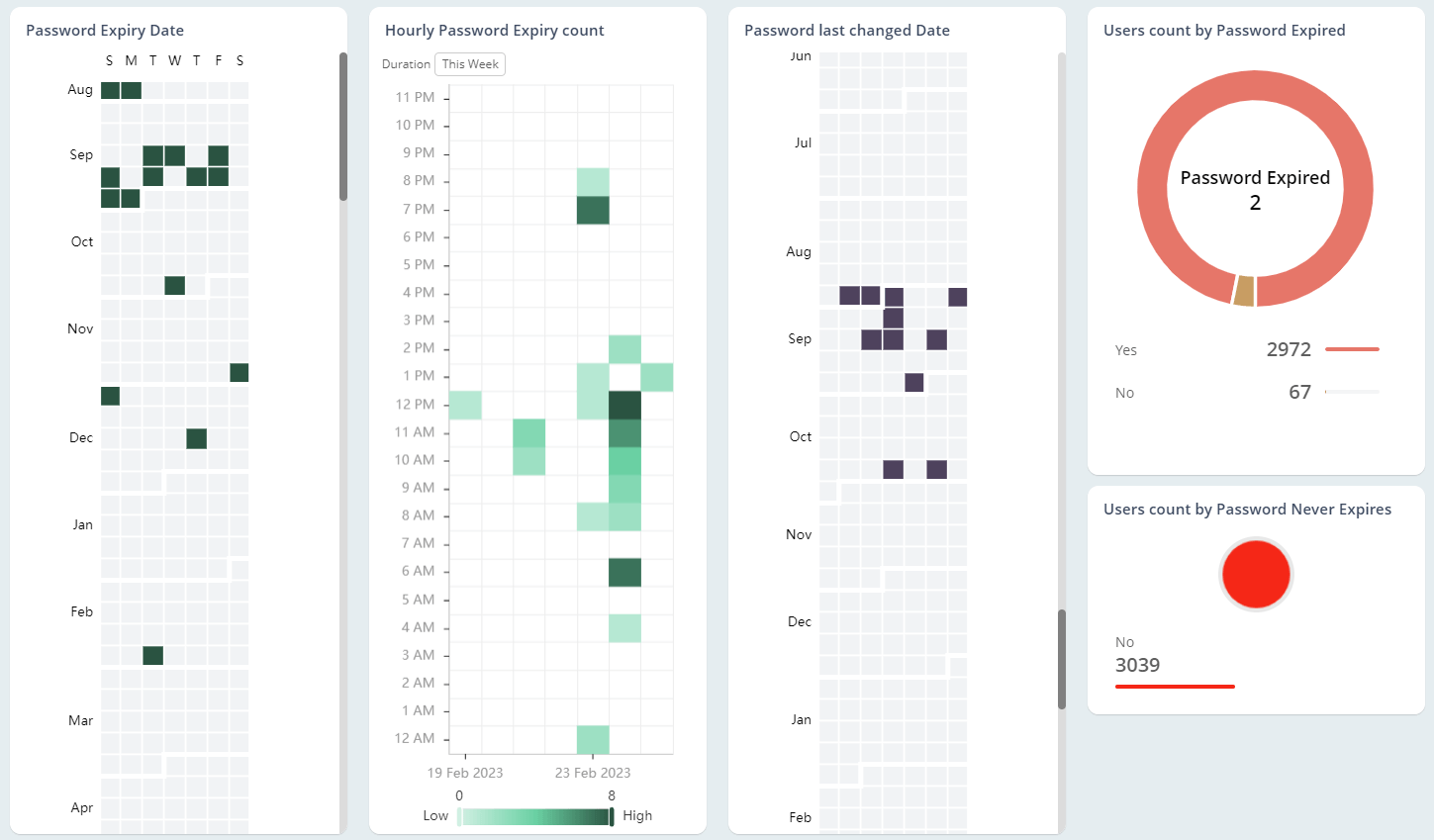
Report on password expiry, password policies, and many more details using the Password Reports collection.
Keep track of administrator details in your Microsoft 365 environment
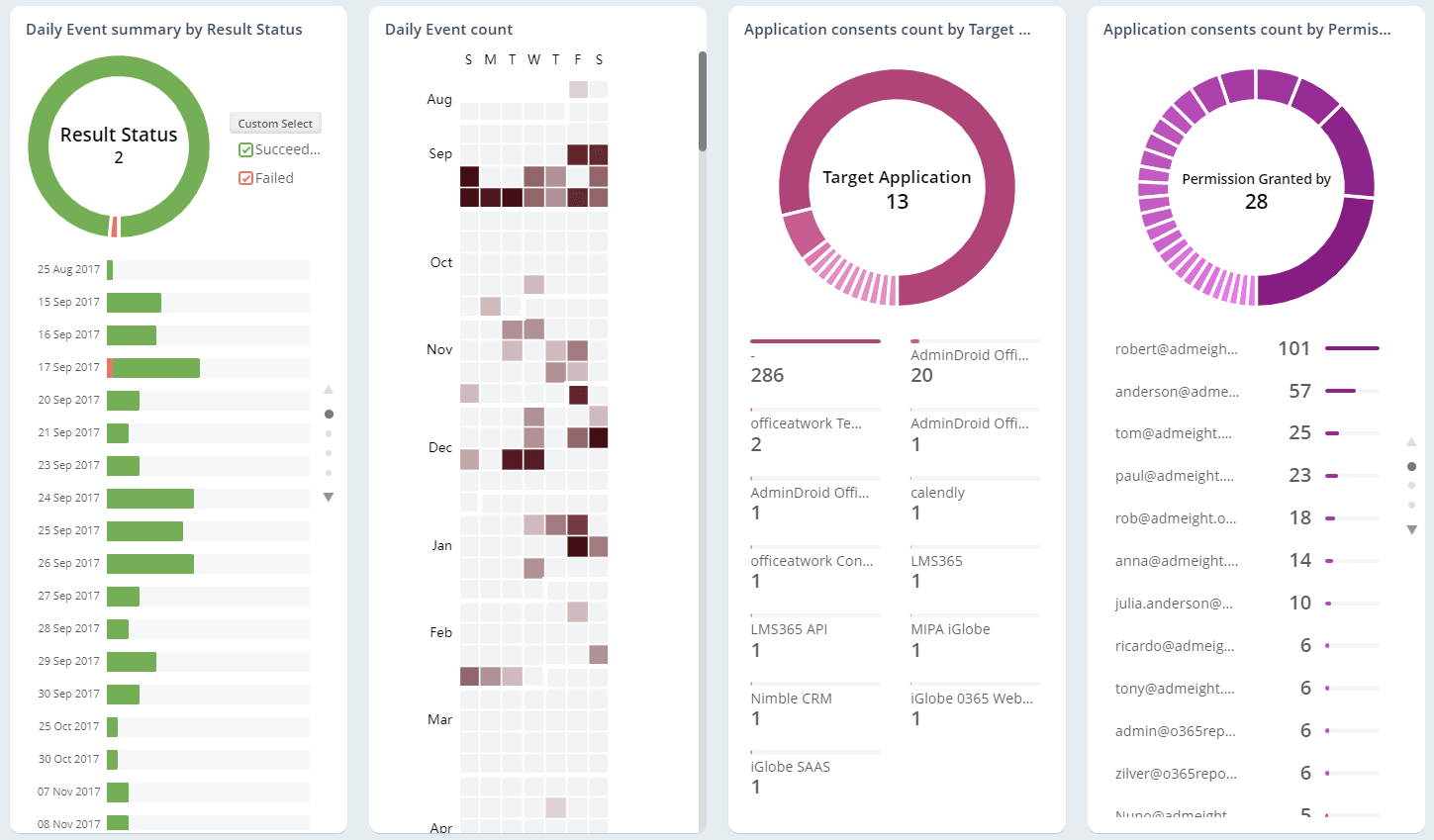
Administrator privileges pose a security risk that need to be managed well. The Admin Reports collections allows you to identify admins, apps installed with admin consent and a lot more.
Exchange Online Reports
"AdminDroid’s Exchange Online reports allow you to seamlessly identify, monitor, and manage the various aspects of mailboxes."
Identify inactive mailboxes and users
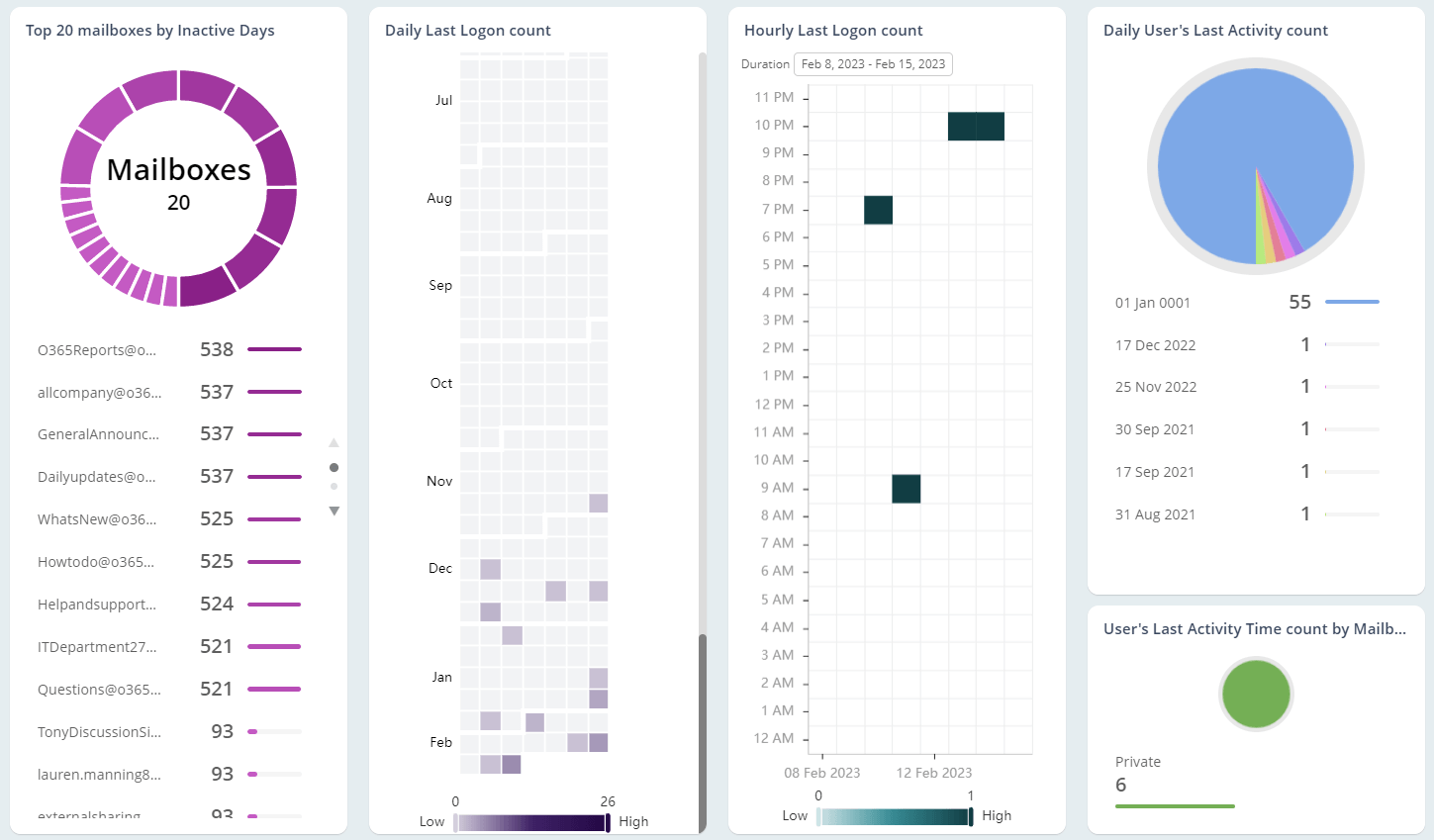
Pick out Exchange inactive users and mailboxes with the Inactive Users and Inactive Mailboxes report collections. Evaluate inactivity based on last login, last activity recorded, and a lot more.
Keep track of mailbox usage in your organization
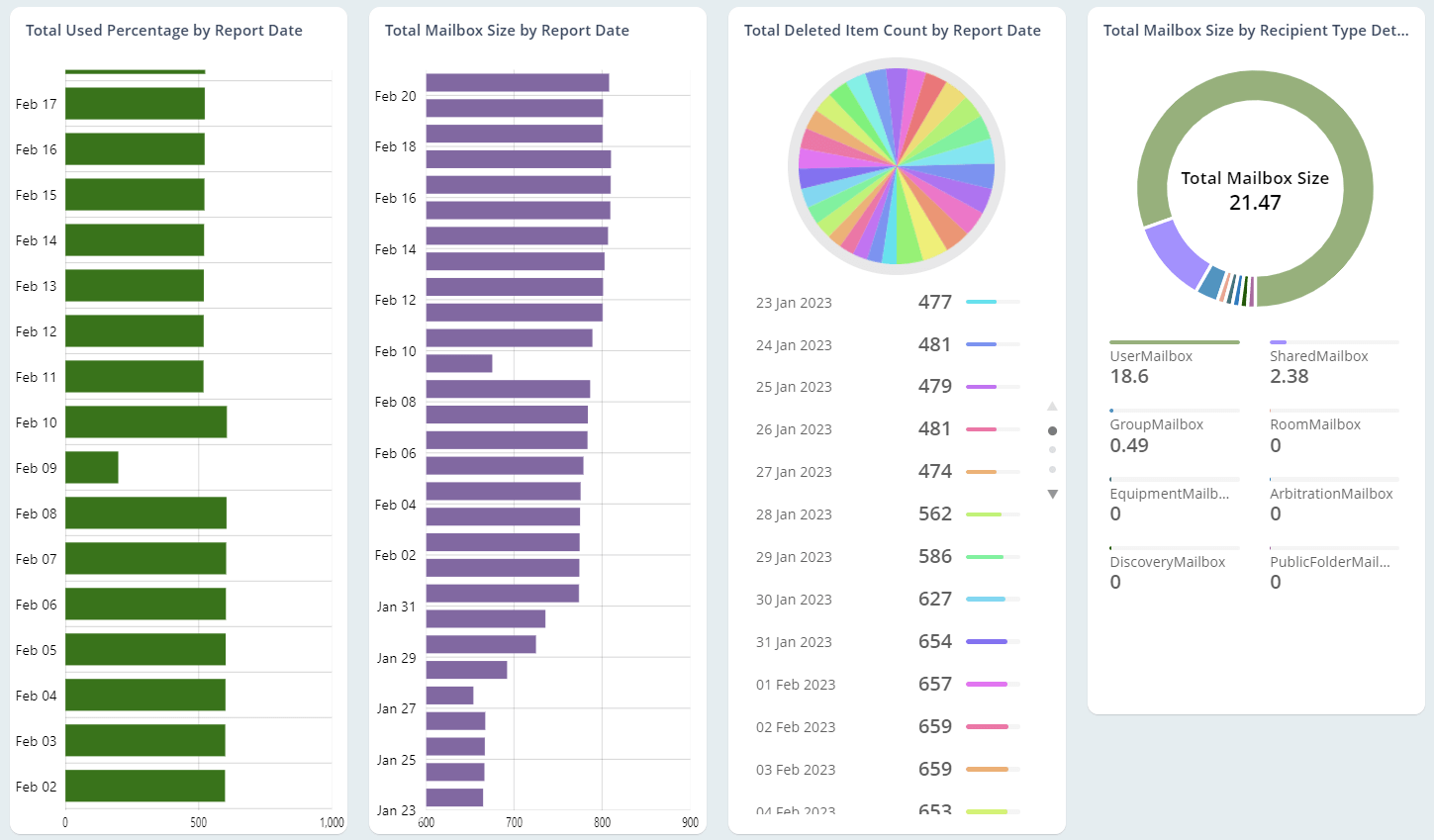
The Mailbox Size Over Time report gives you information on the mailbox size, item count, and much more about your mailboxes. Schedule daily quota briefings with the Daily Quota Status report.
Keep a check on mailbox access permissions
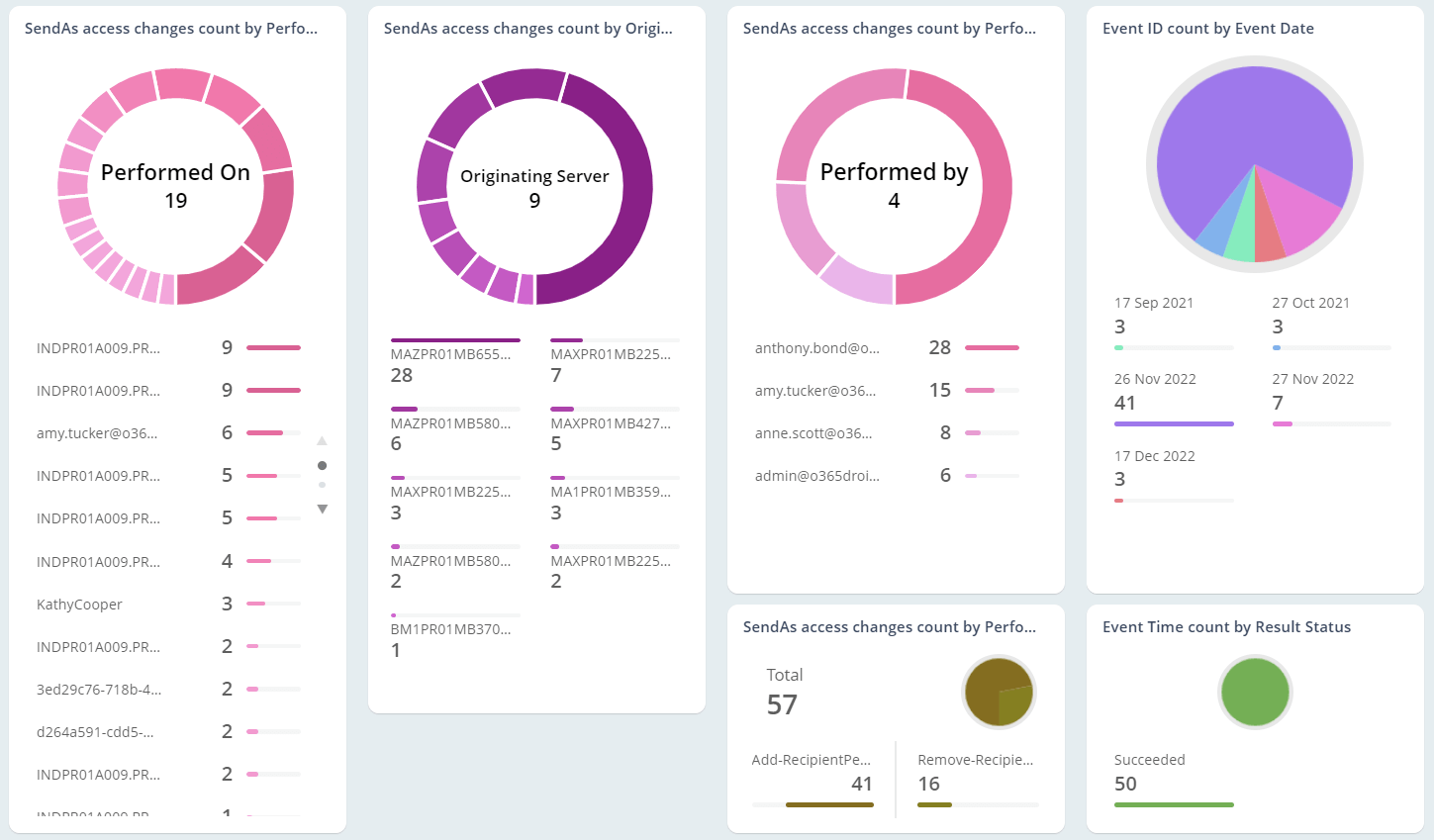
Mailbox permissions are a genuine security risk when mismanaged. With the Mailbox Permissions Report Collection, you can track who has Send-As, Full access, and Read permissions to which mailbox.
Report on mailbox logons from OWA and more
OWA has been proven to be susceptible to intrusion attempts. The Mailbox App Usage Report Collection keeps you informed of access instances through OWA, mobile apps, and even POP3.
Identify and monitor mailboxes on compliance hold
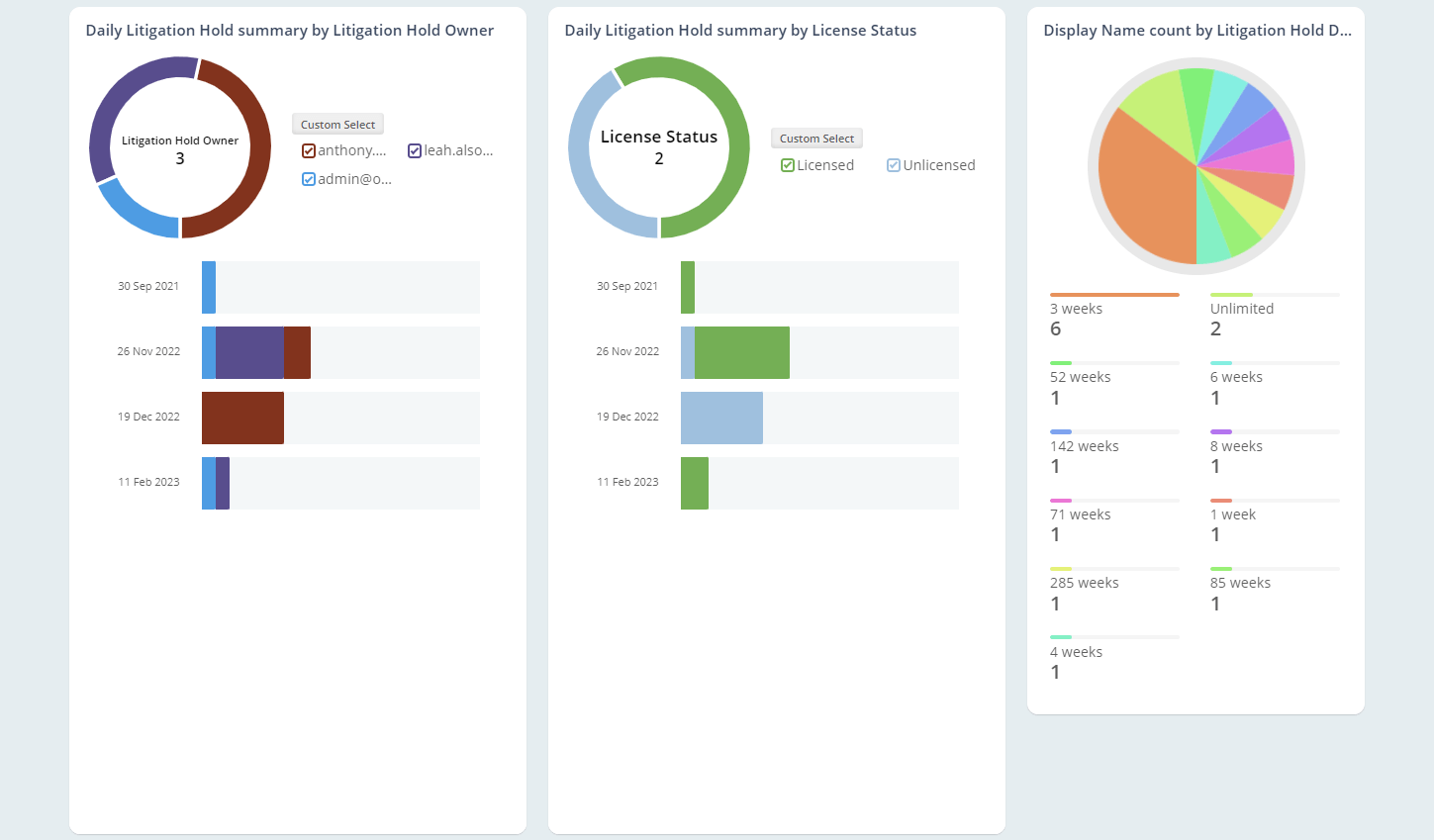
The Mailboxes on Hold Report Collection helps you to be updated with mailboxes on Litigation, Retention, and In-Place holds. Pierce through the data with our rich filters.
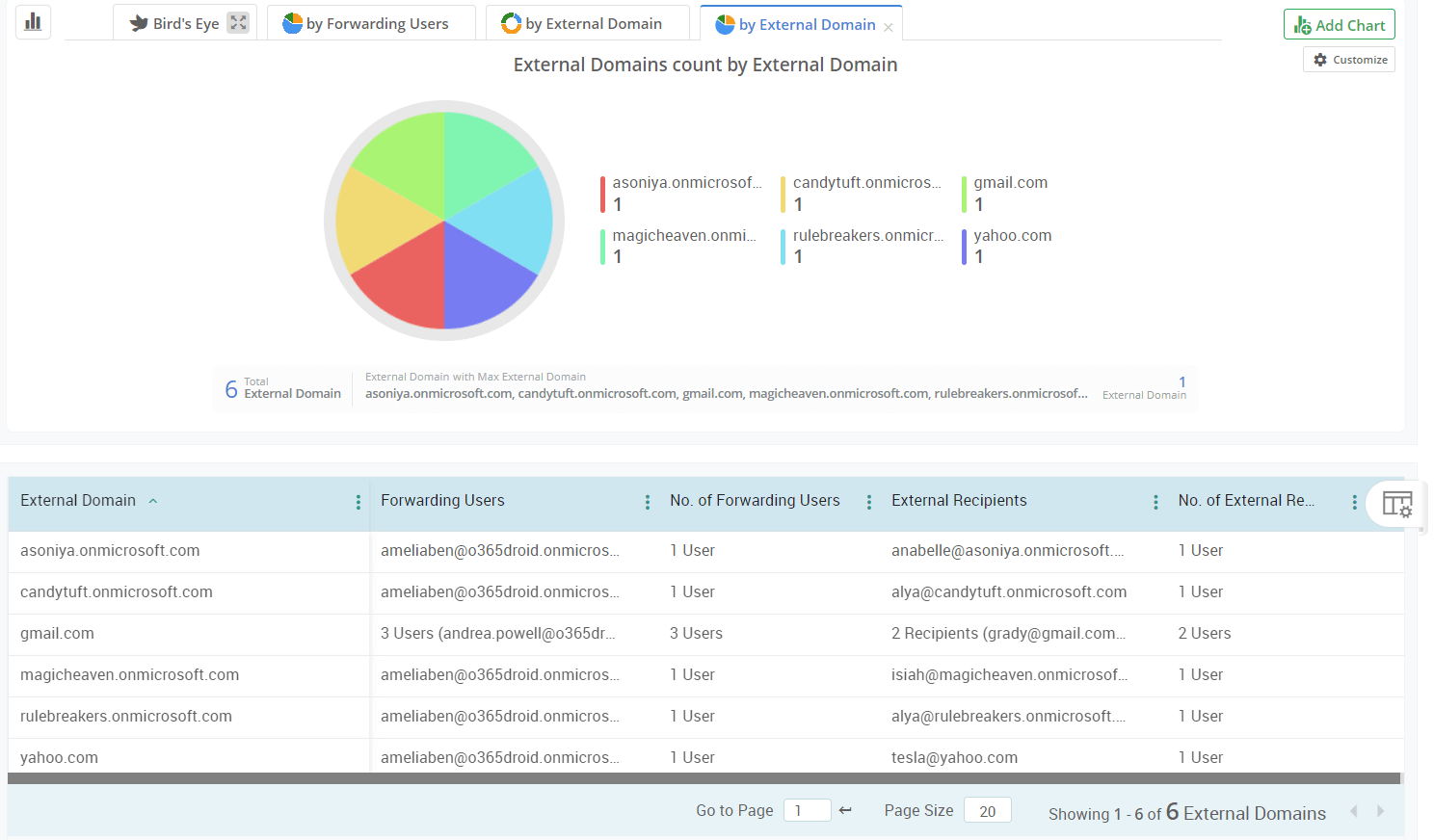
Keep tabs on external email forwarding arrangements
Unchecked external email forwarding can potentially compromise your system. Identify mailboxes configured to forward emails by both users and admins with the Mailbox Forwarding Collection.
Microsoft Teams Reports
"Teams is an enterprise platform for real-time communication and collaboration. AdminDroid’s collection of reports allow you to be on top of the various features and configurations of your Teams environment."

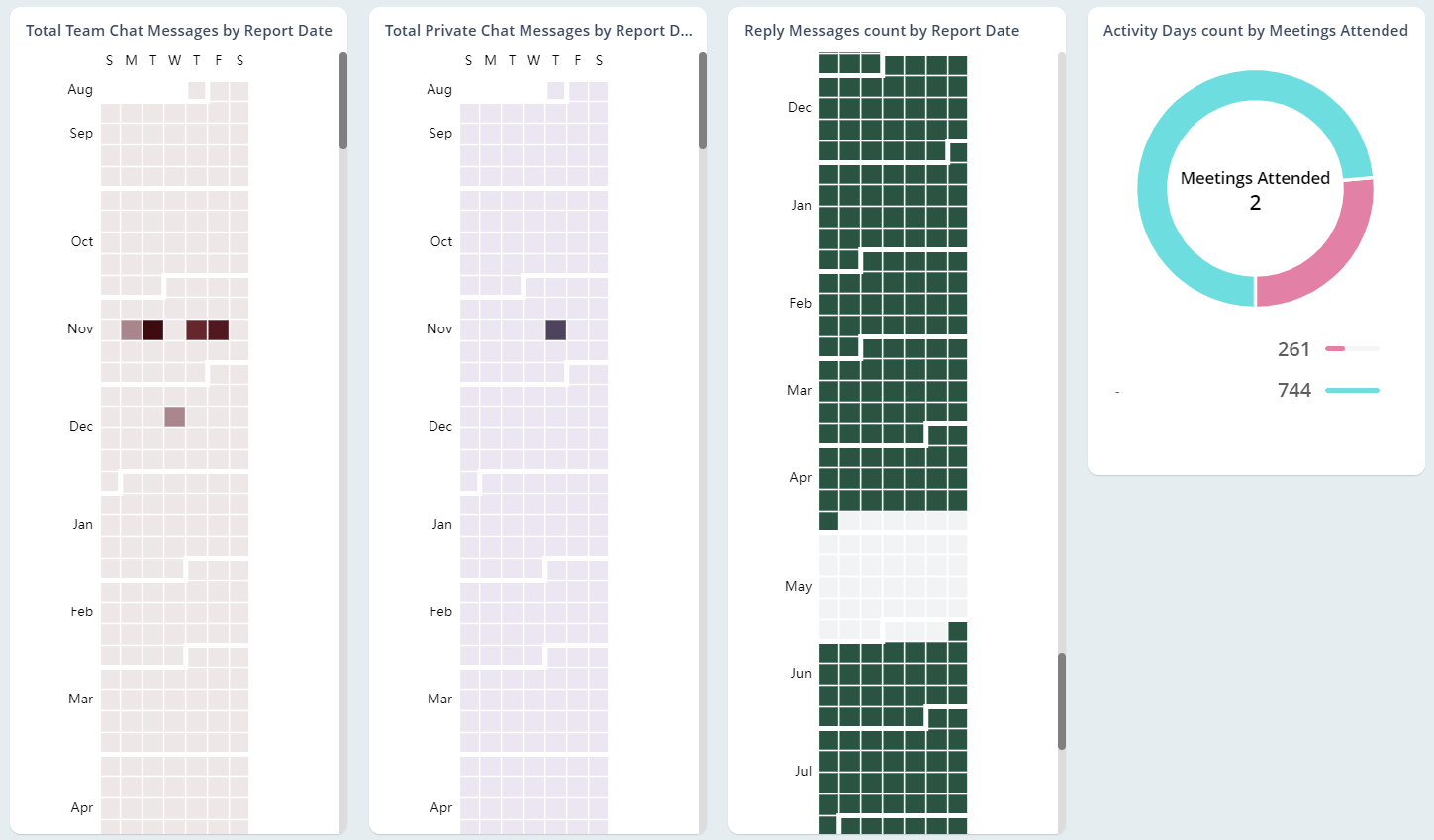
List and manage Teams and their memberships
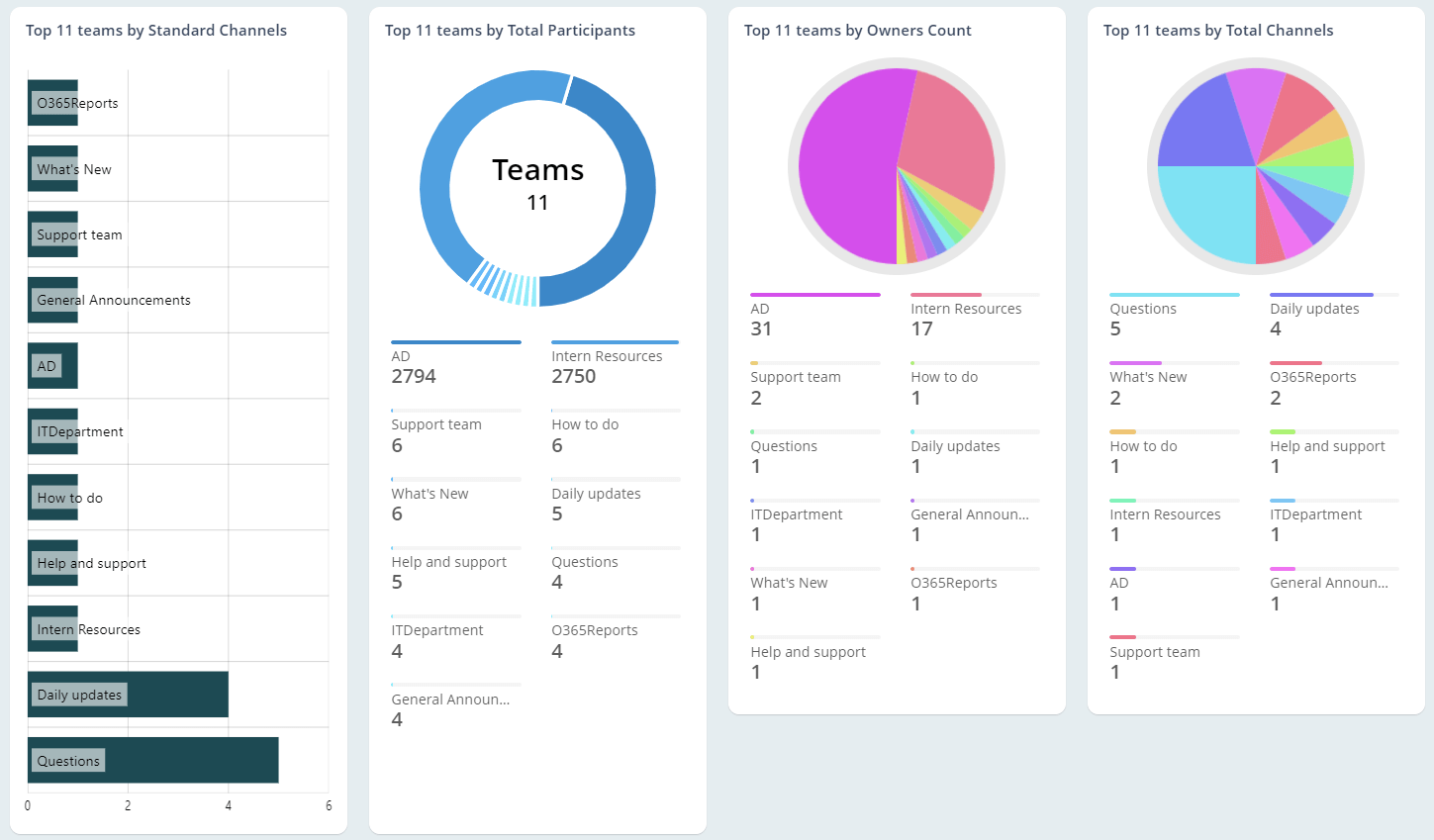
Extract details about M365 teams and their members with the Teams and Teams Memberships collection. Identify recently created and deleted Teams, members, owners, and much more.
Be on top of standard and private Channels
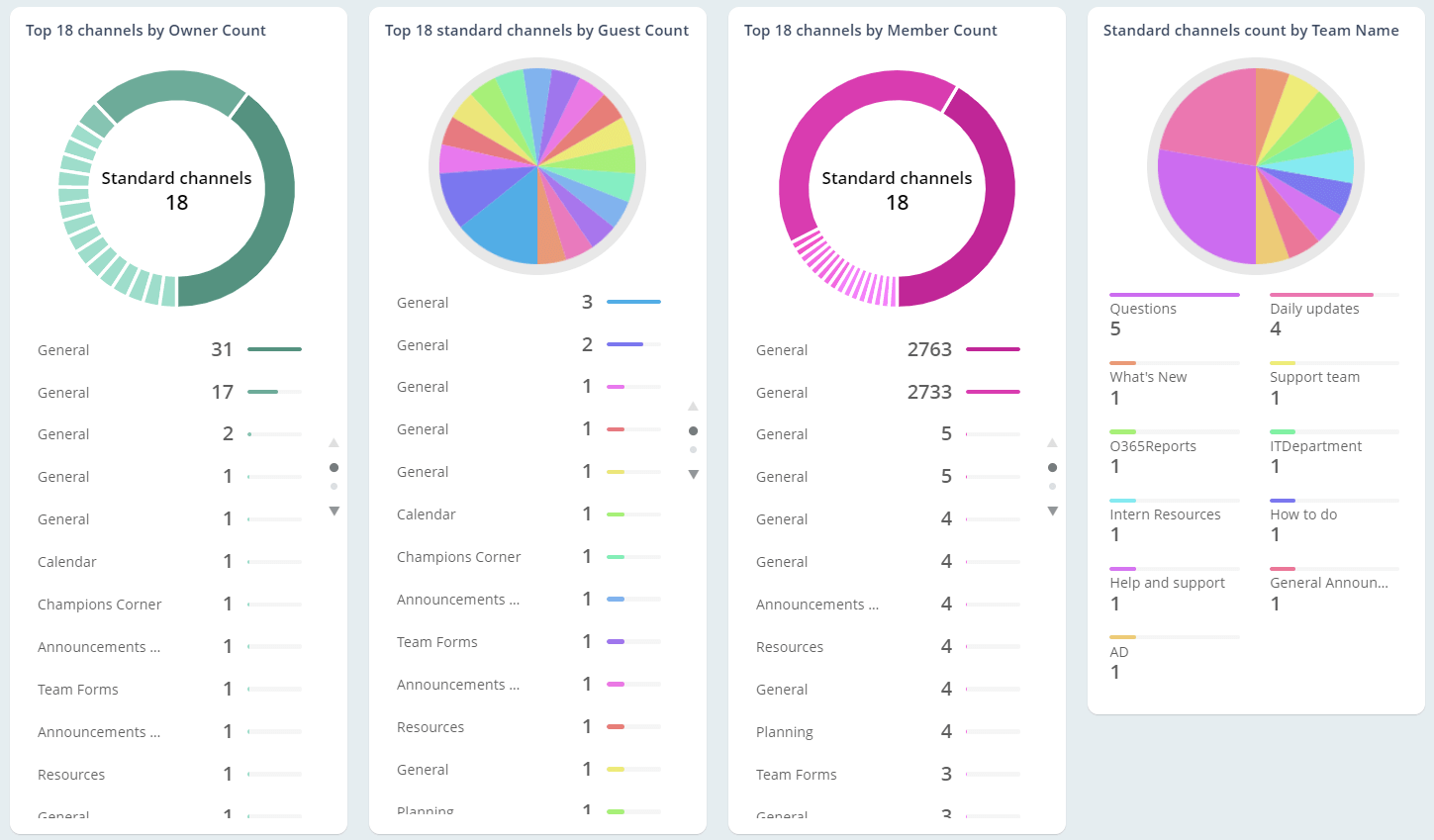
AdminDroid, with the report collection channels and private channels, lets you identify and monitor Teams channels in your tenant. Stay on top of channel owners, members, and guests with our reports.
Monitor for inactive users in your Teams environment
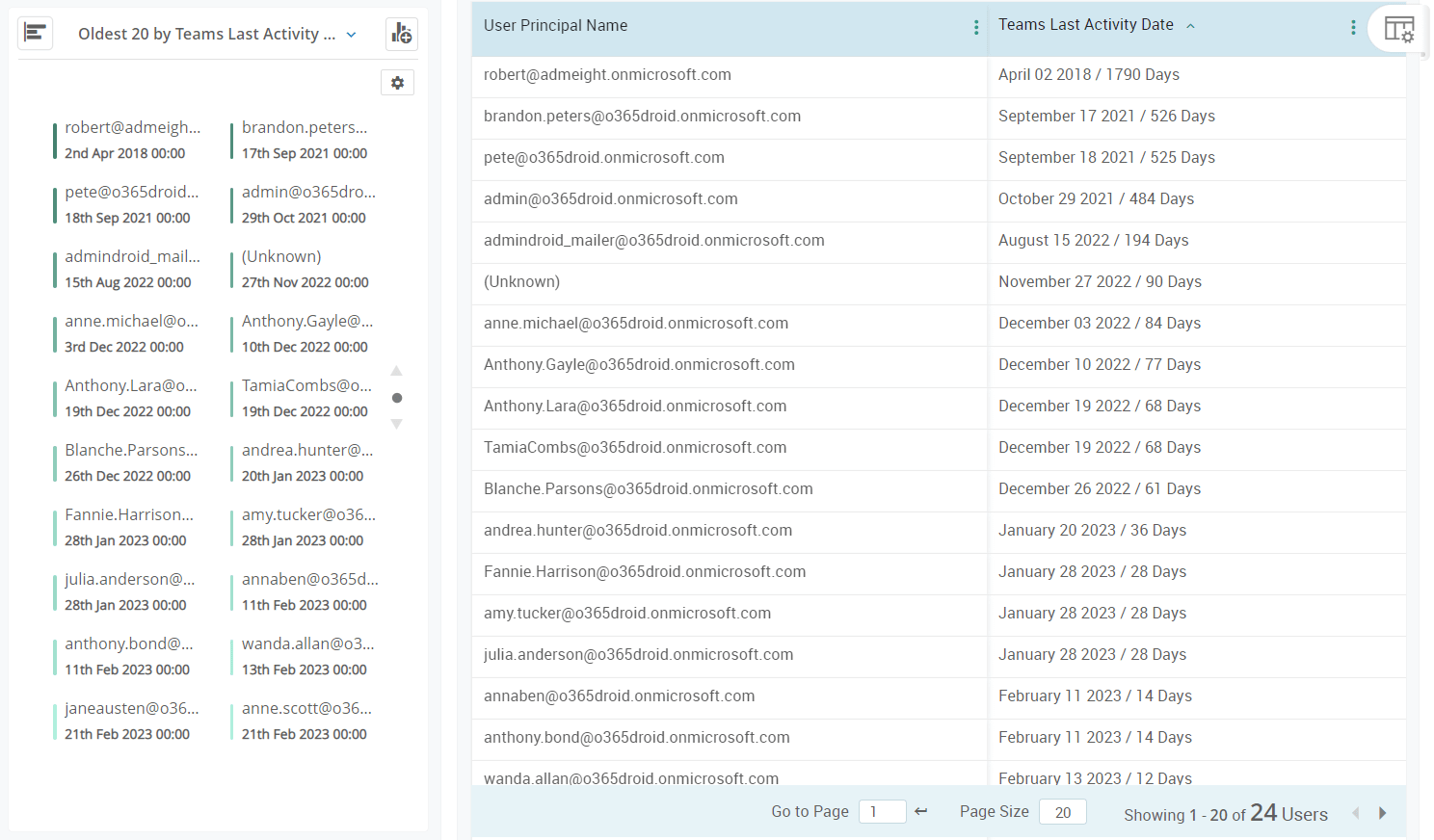
With the Inactive Users report collection, you can identify inactive users based on their last Teams chat, private chat, call, and meeting.
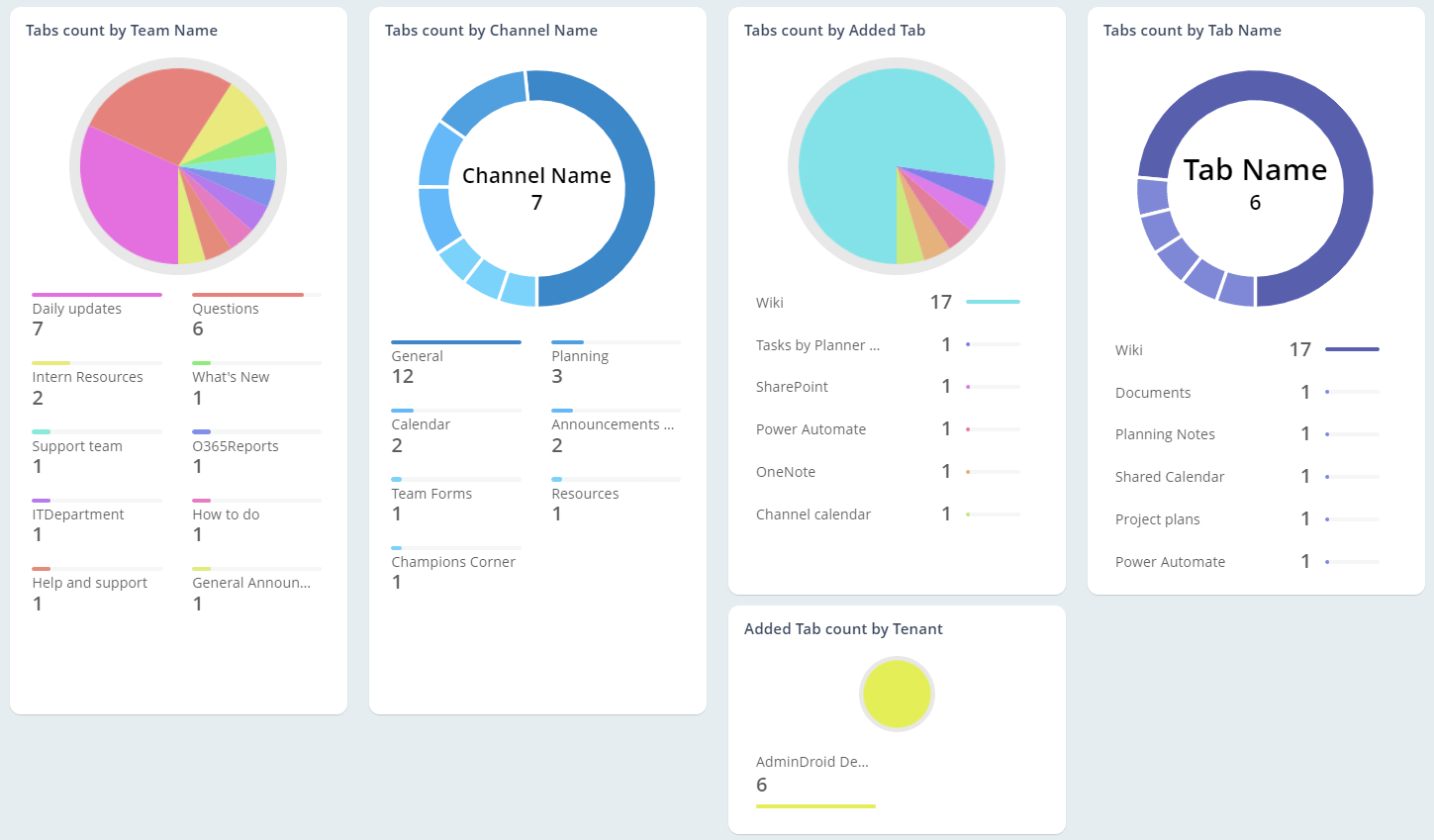
Keep track of the usage of Apps and Tabs in Teams
Since undocumented app usage in Teams carries security risks, administrators need to track such usage. The Apps, Tabs, and Settings reports allow you to have a high-level overview of such apps.
Monitor configuration changes in Teams
With the Teams Settings report collection, you can centrally monitor changes in Teams configurations. Our reports address member settings, customized settings, and a lot more.
Generate Daily activity summary reports
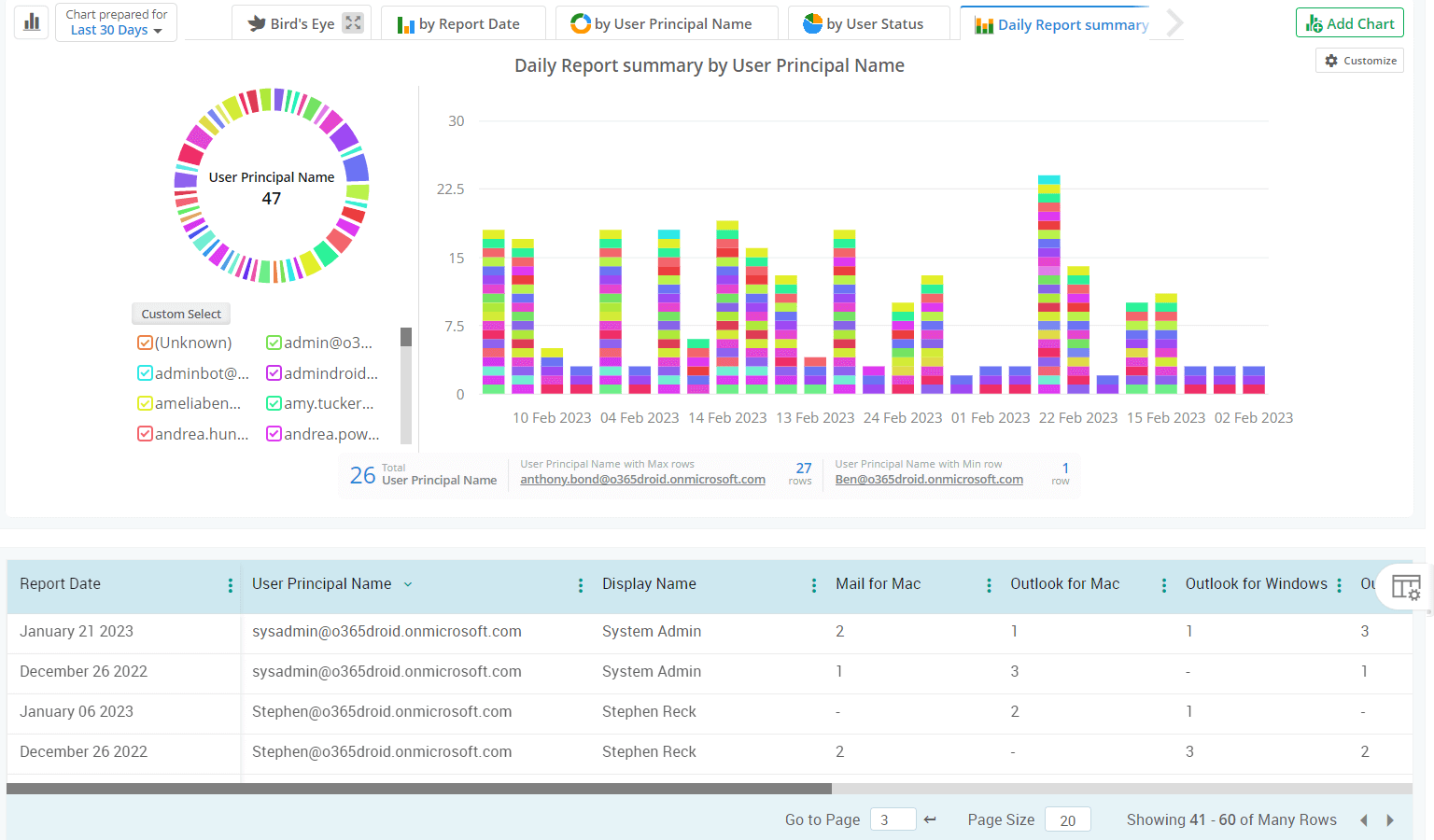
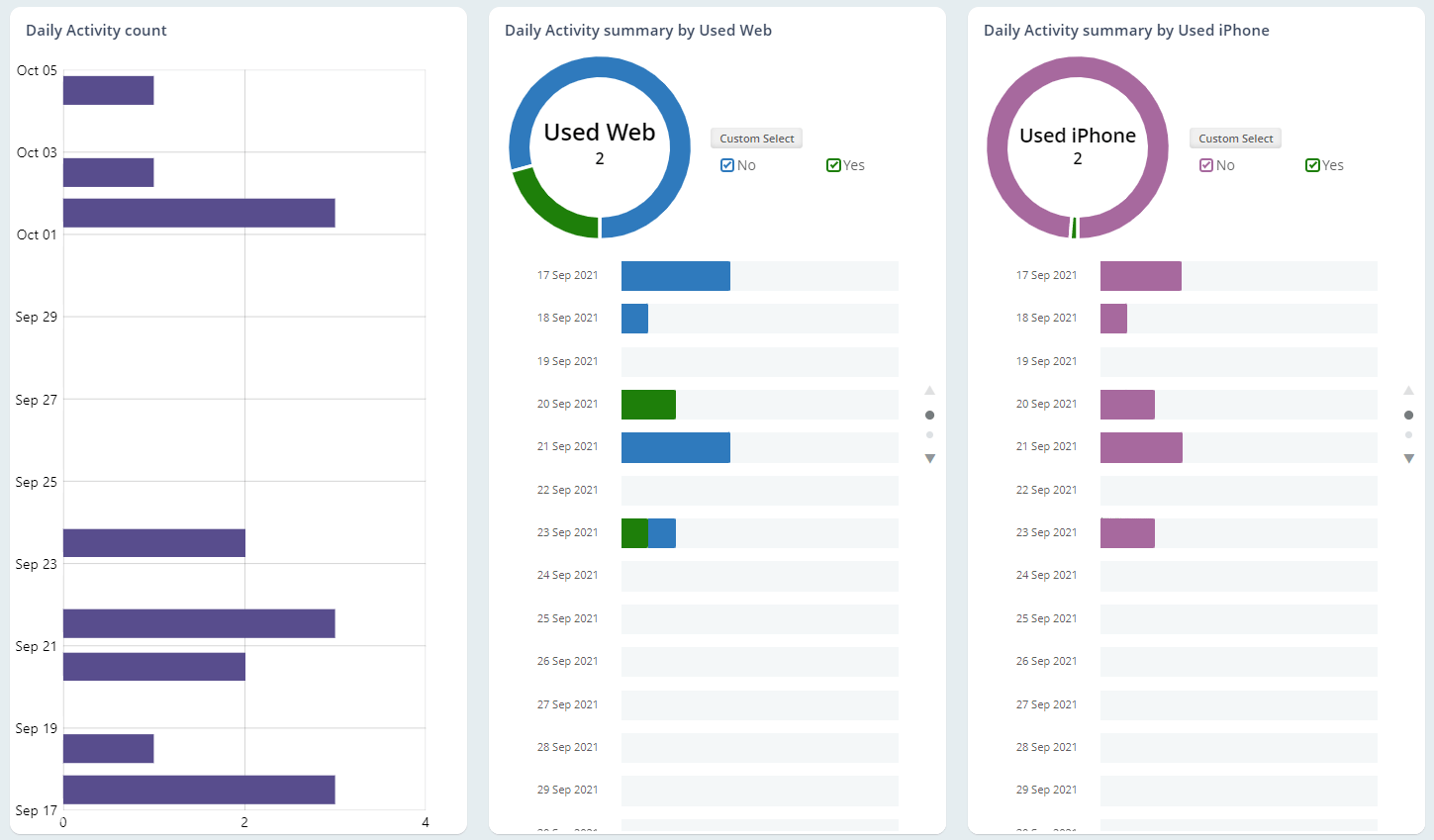
Schedule Daily Summary reports on user and device activity with AdminDroid. You can customize timelines to view activity in your preferred time period.
SharePoint Online Reports
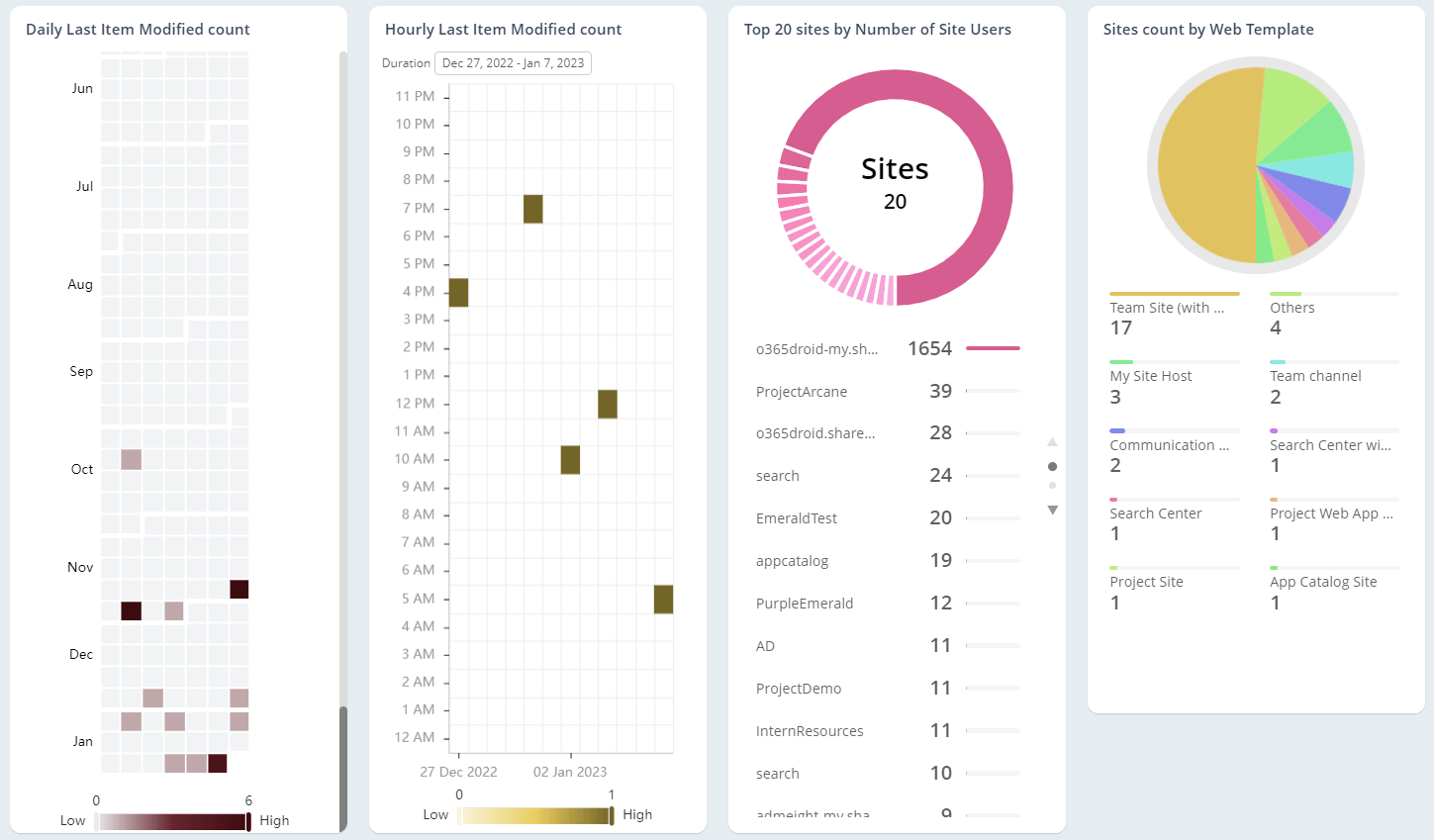
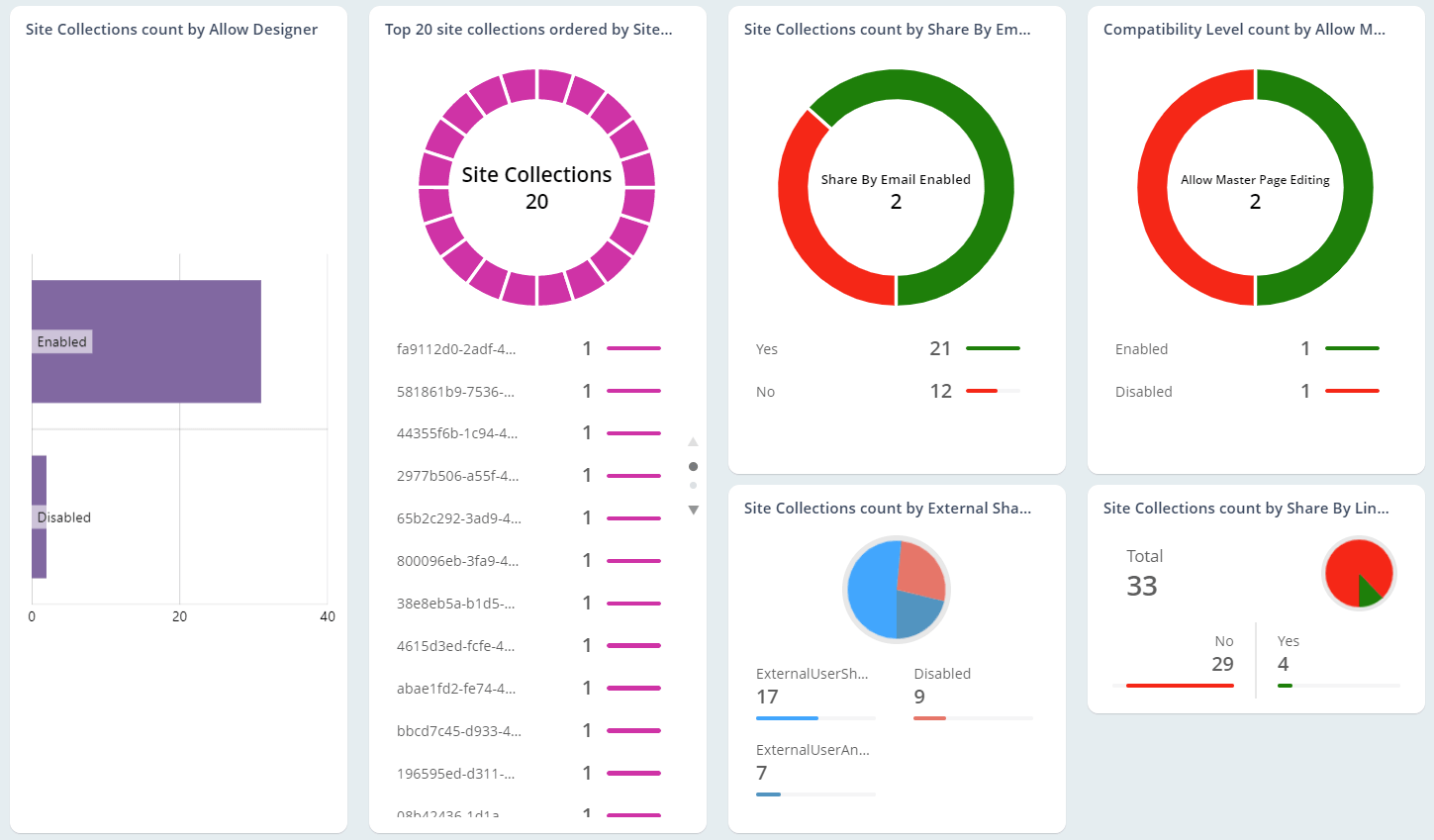
"SharePoint is one of Microsoft’s most successful enterprise tools. For managing the cloud iteration of the collaboration platform, take a look at AdminDroid’s suite of reports. Comprehensively administer SharePoint Online with AdminDroid."
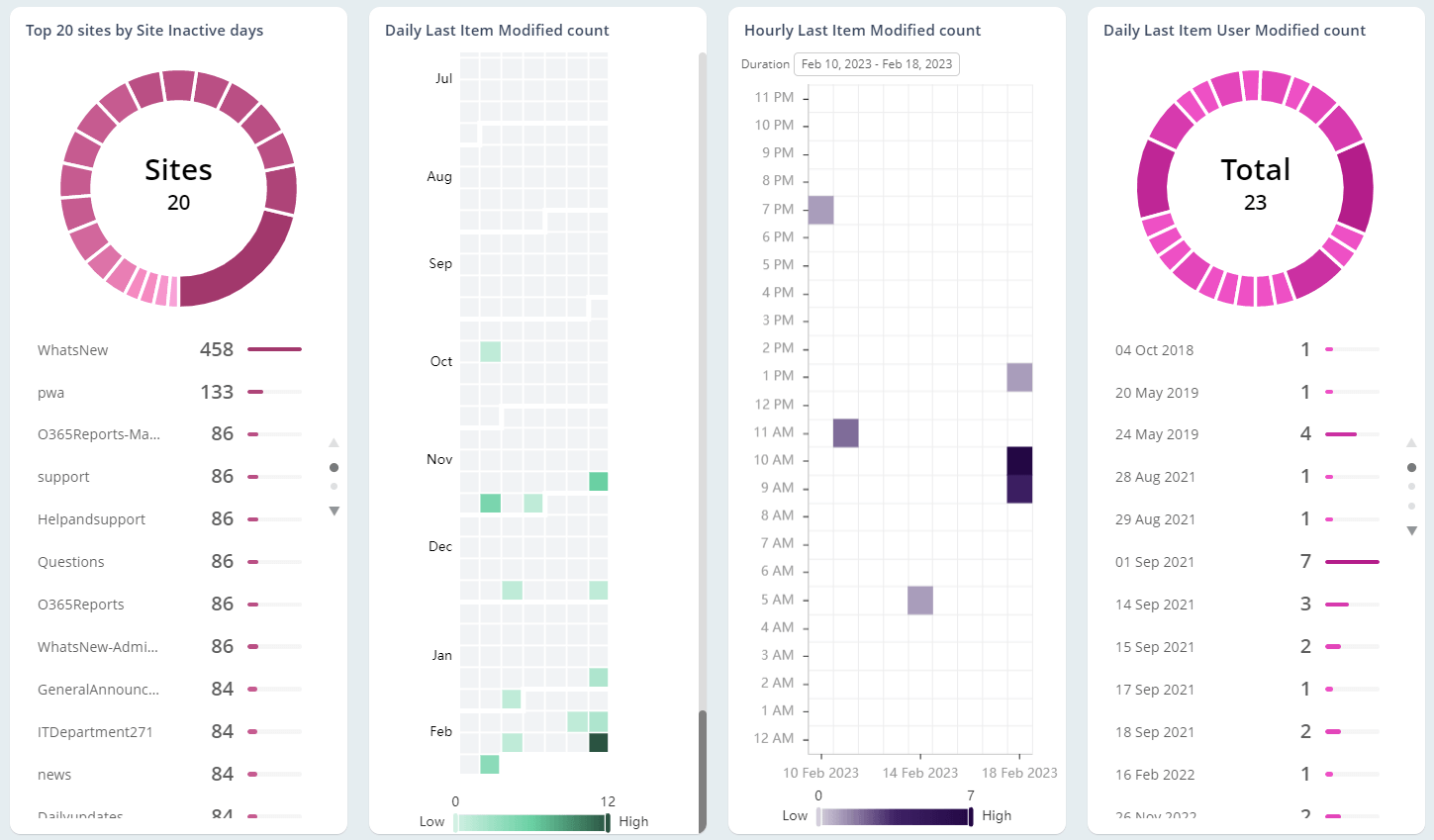
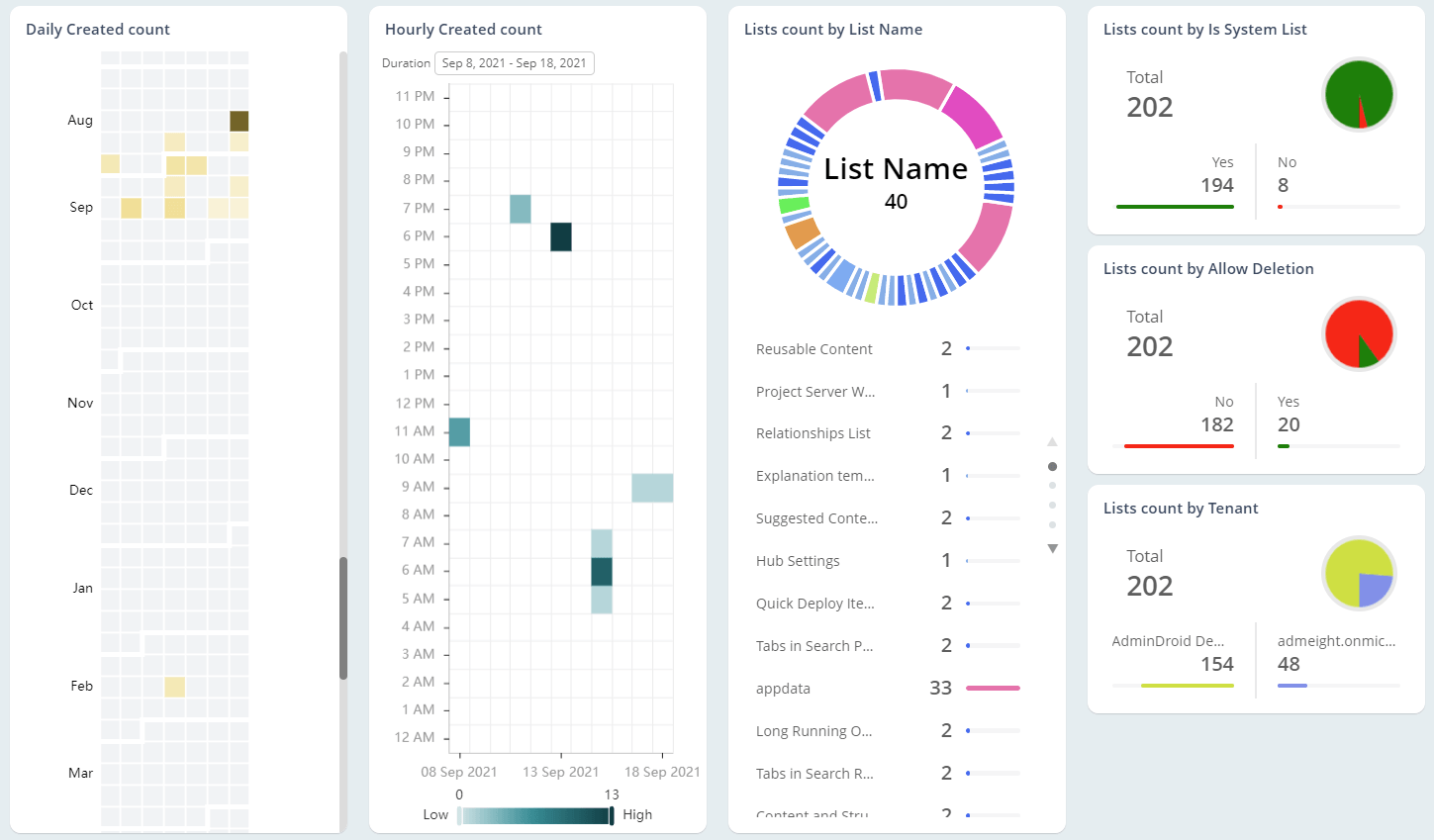
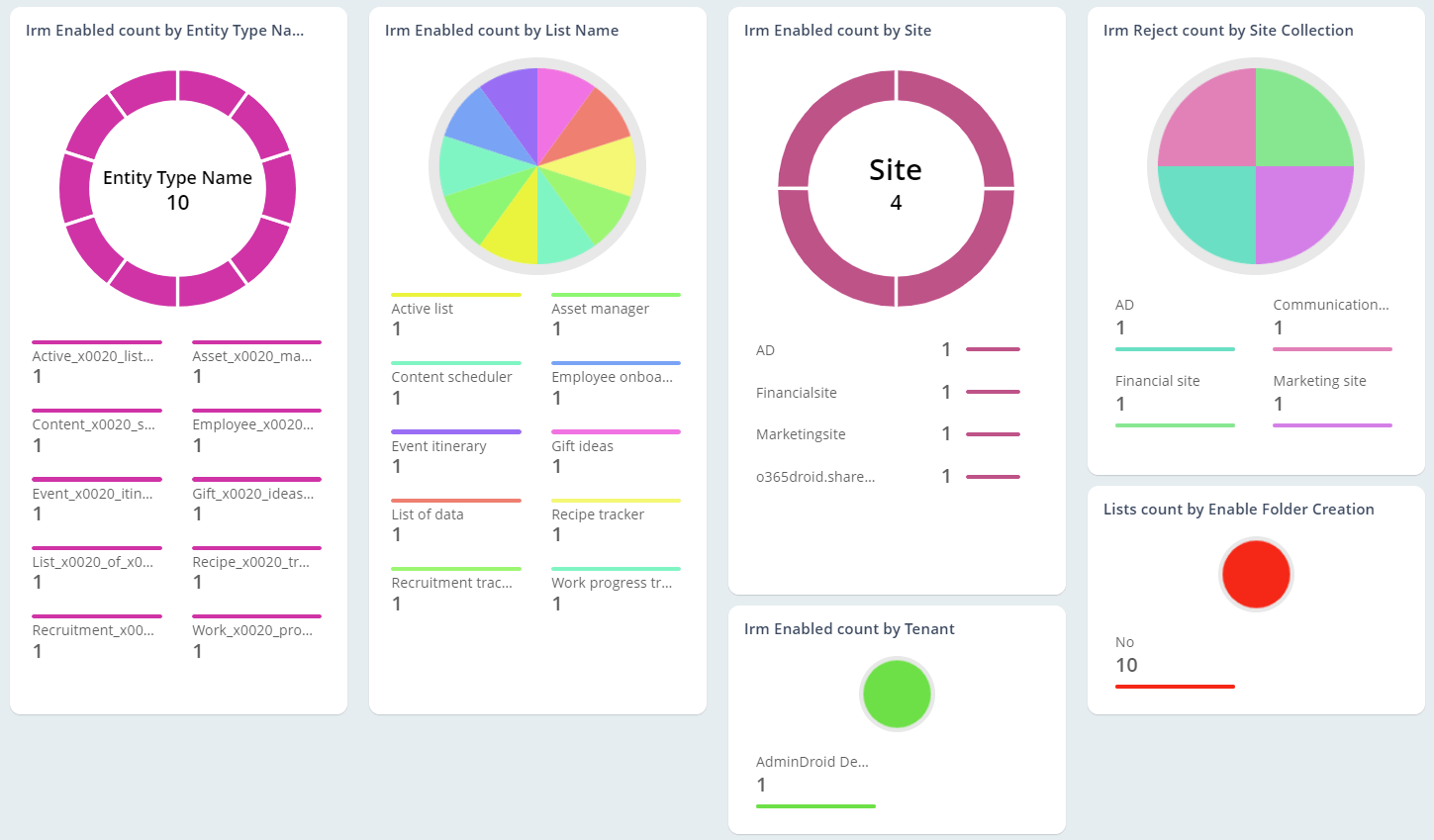
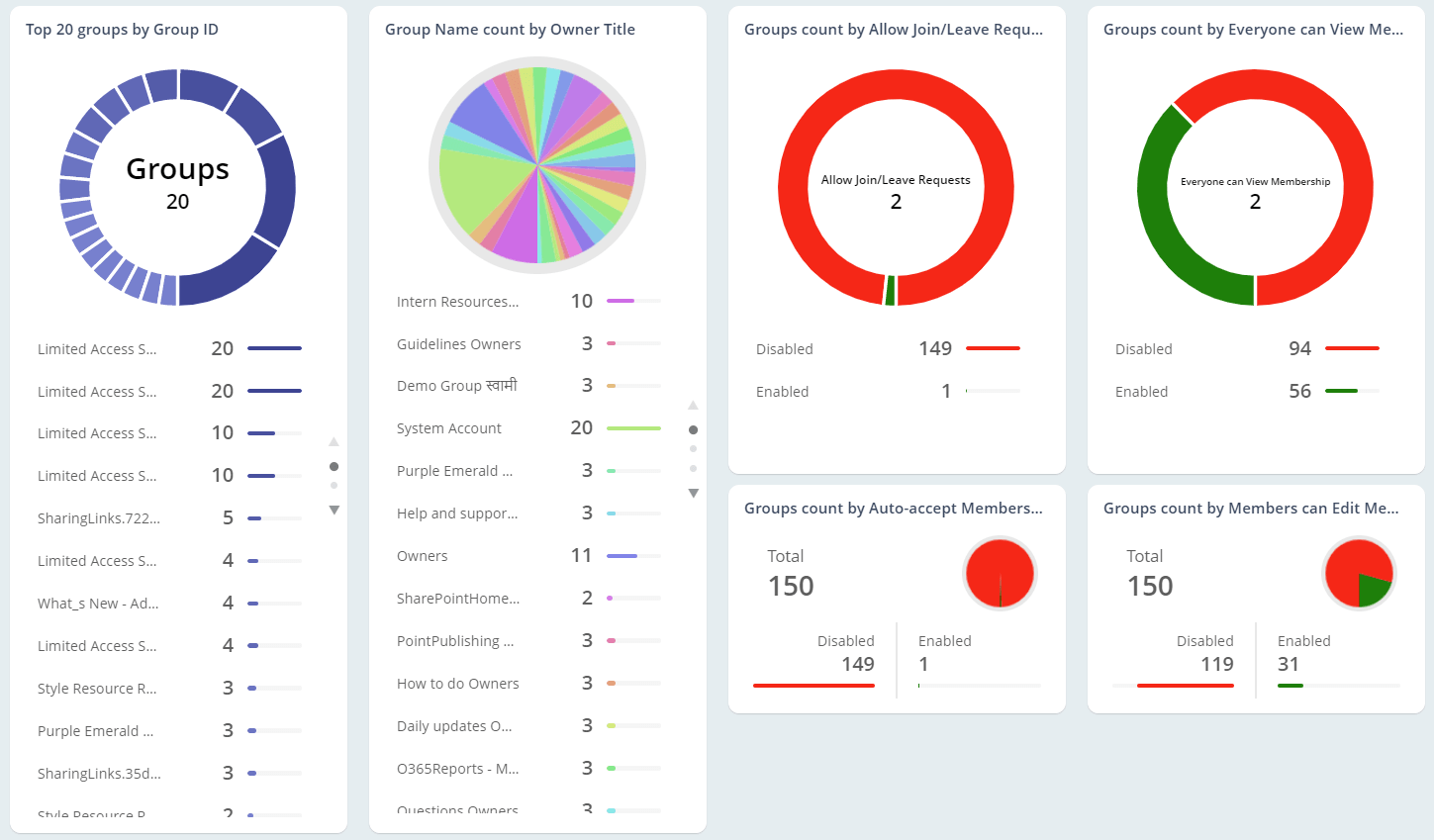
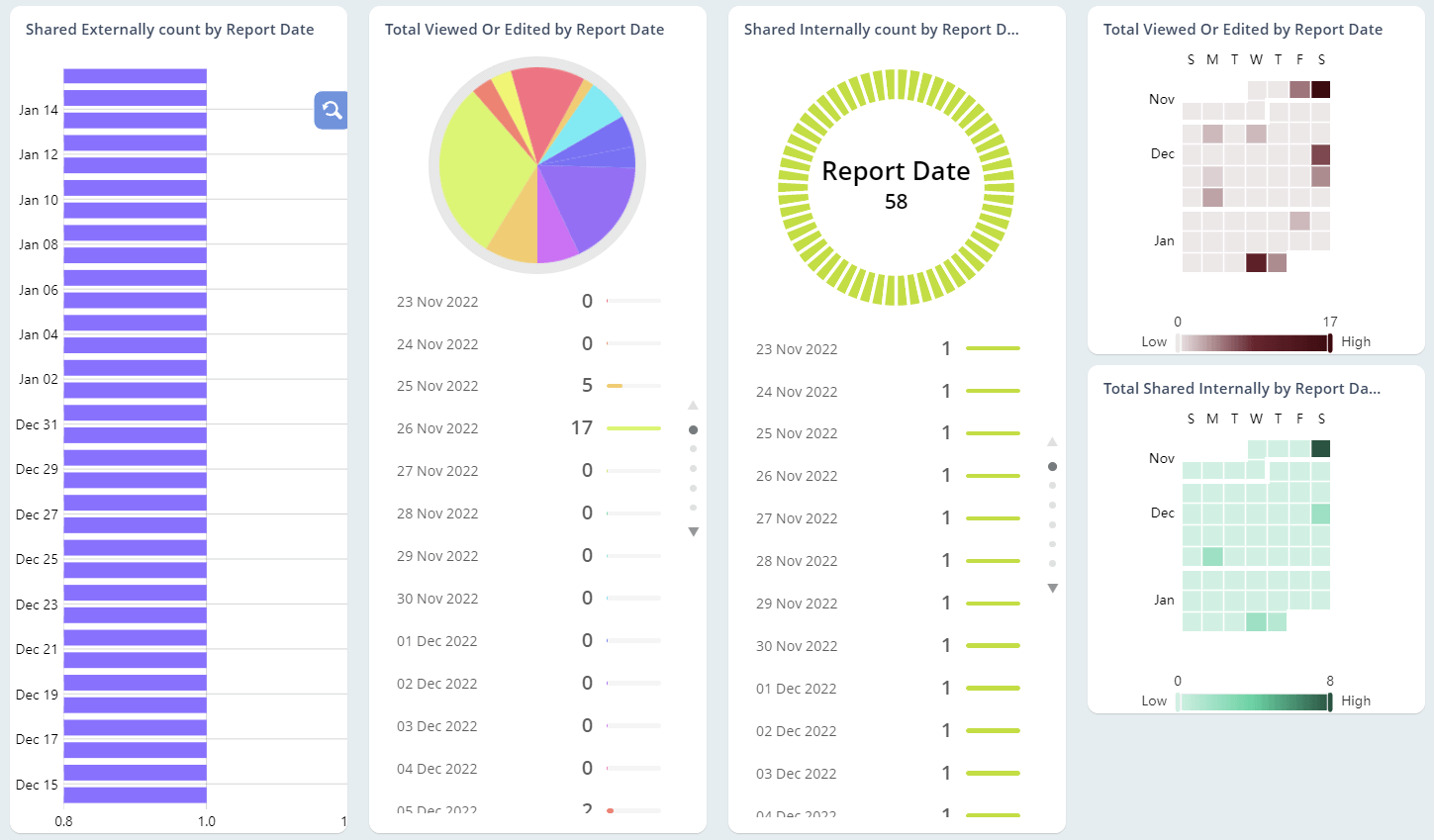
OneDrive for Business Reports
"OneDrive stores critical and sensitive data. Stay in control by monitoring usage and activity with AdminDroid’s Office 365 reporting tool."
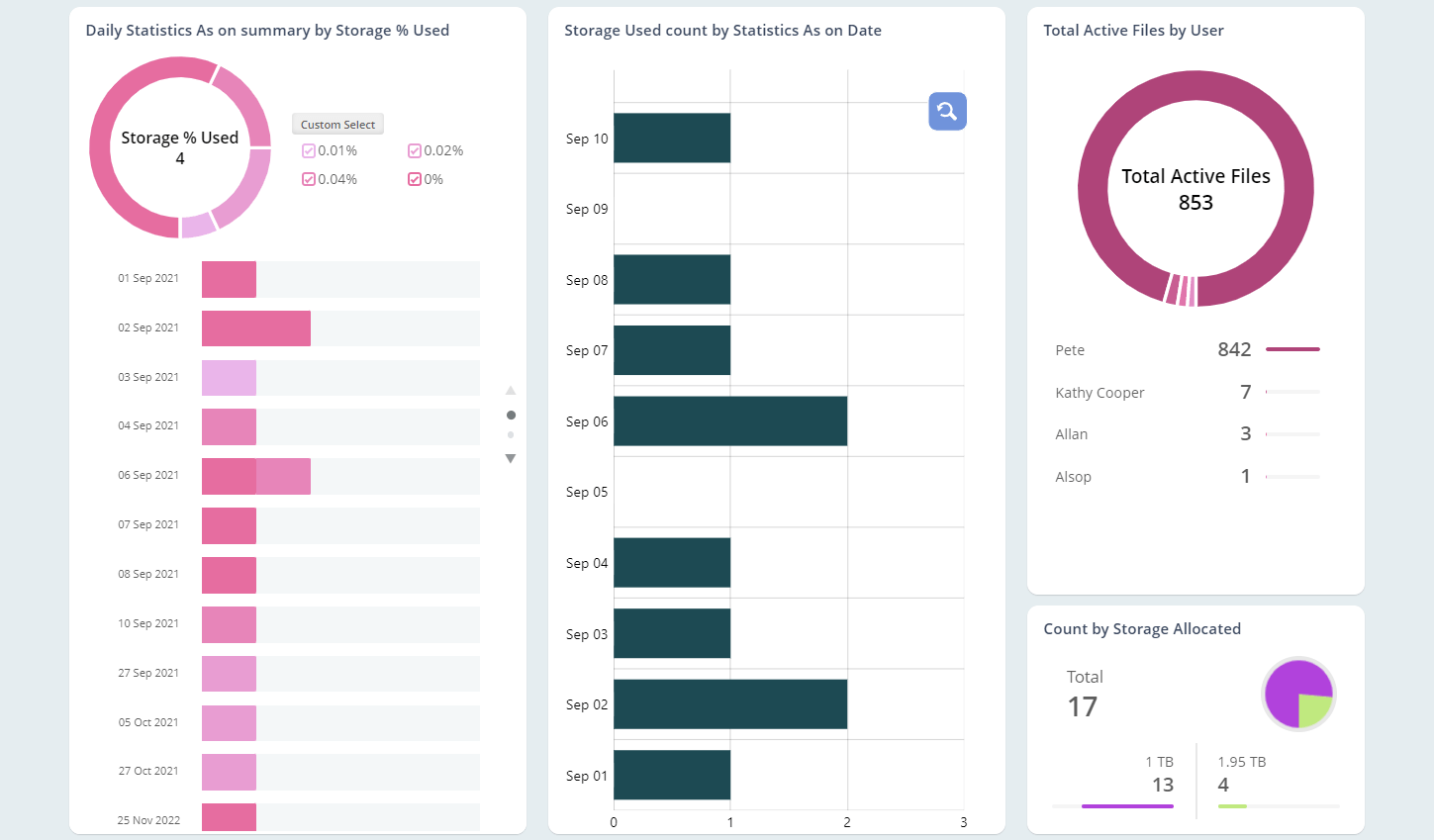
Report on storage space changes over time
The Storage Over Time report gives you information on the storage used by every user over a period. You can get to know data on active files and much more.
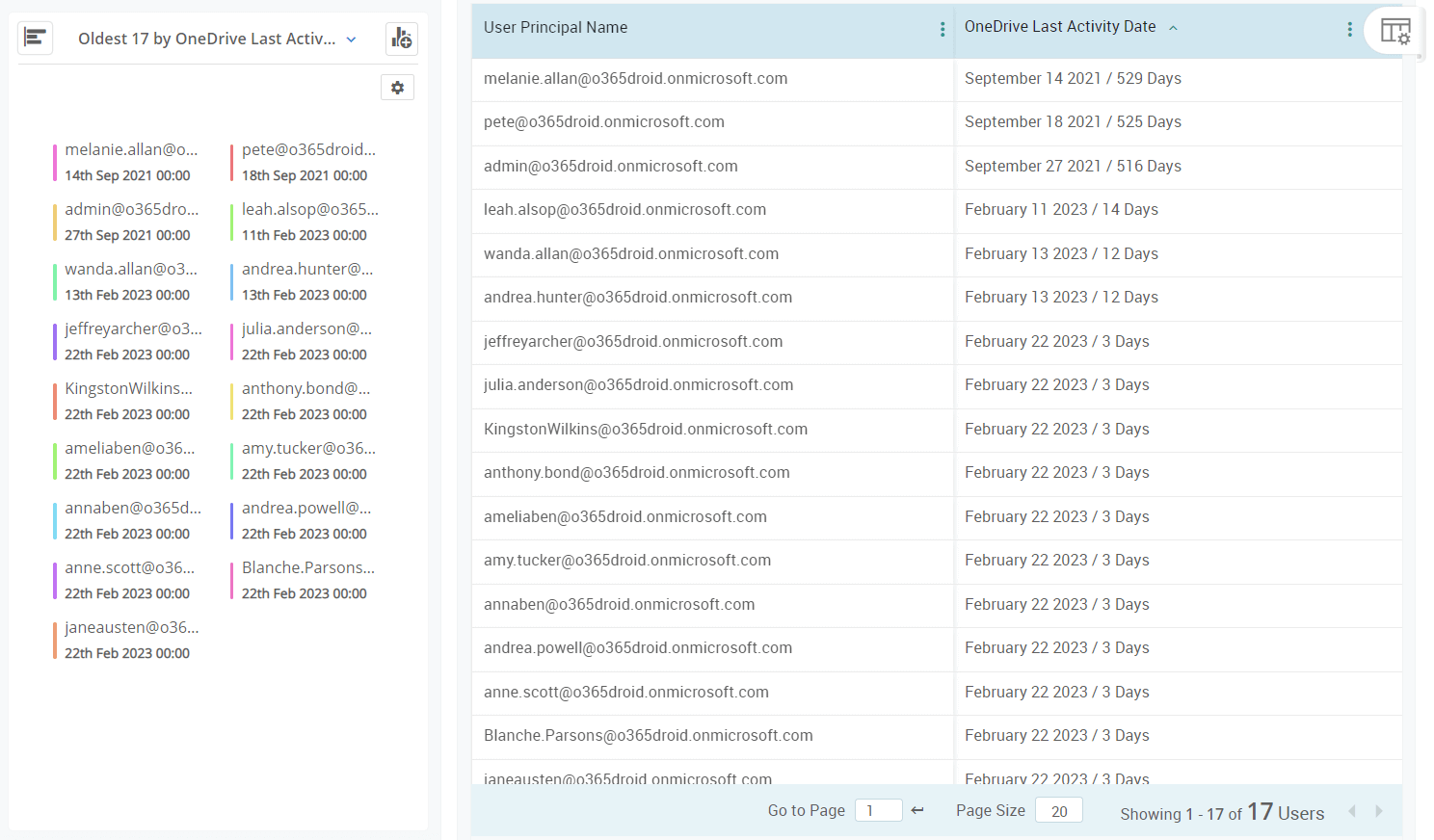
Identify inactivity among your OneDrive licenses
The Inactive Users report collection enables you to identify the usage of OneDrive among users. Pick out inactive users based on their last file access, share, and synchronization.
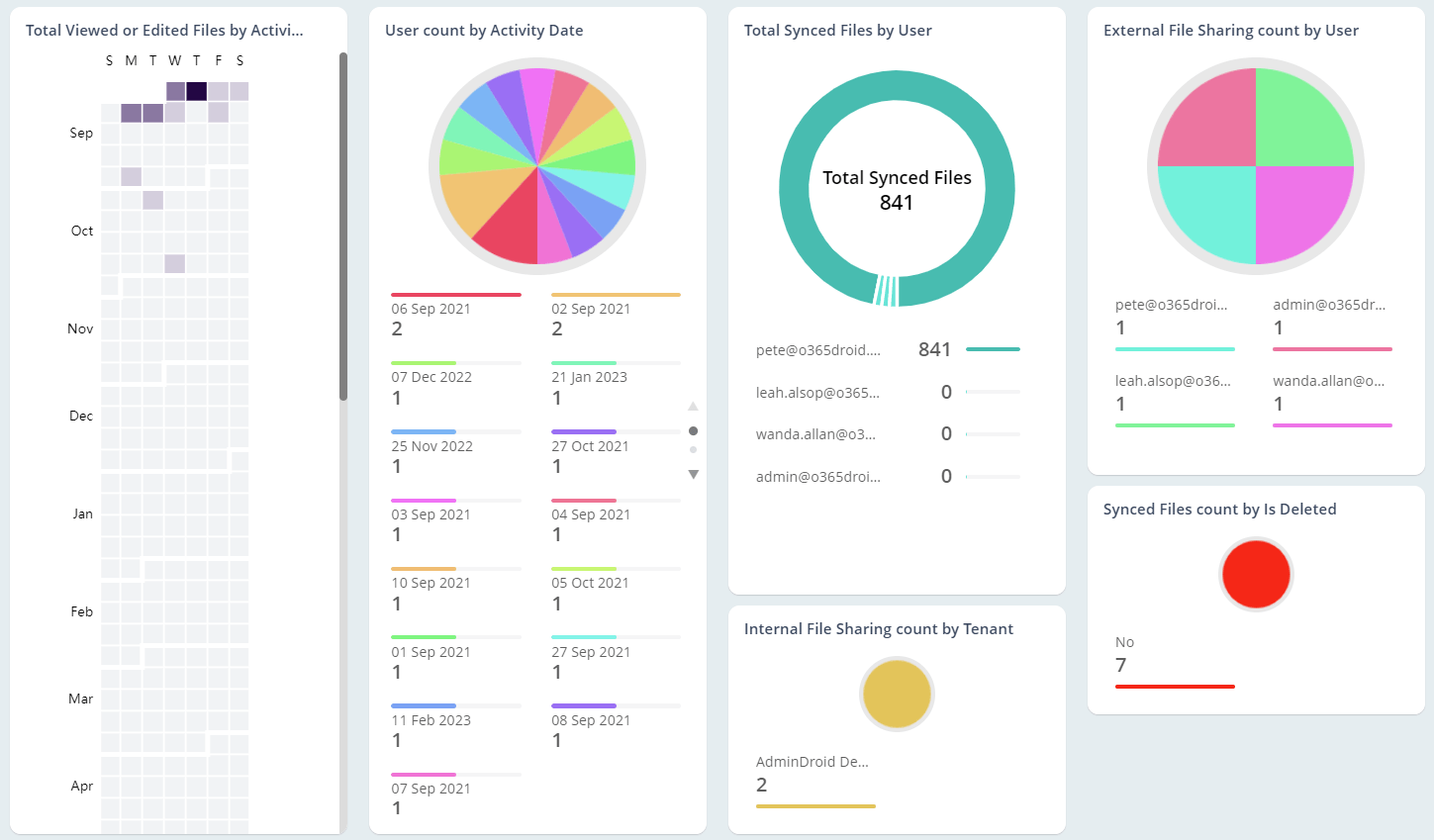
Create daily summary reports on activity with the click of a button
Generate daily OneDrive file and user activity reports with the Daily Summary collection and track any suspicious activities.
Viva Engage Reports
"Viva Engage (formerly Yammer) is a social networking platform for enterprises to enable internal communications. Take complete visibility of your Viva Engage environment with AdminDroid's Office 365 reports."
Track user and group activity in Viva Engage
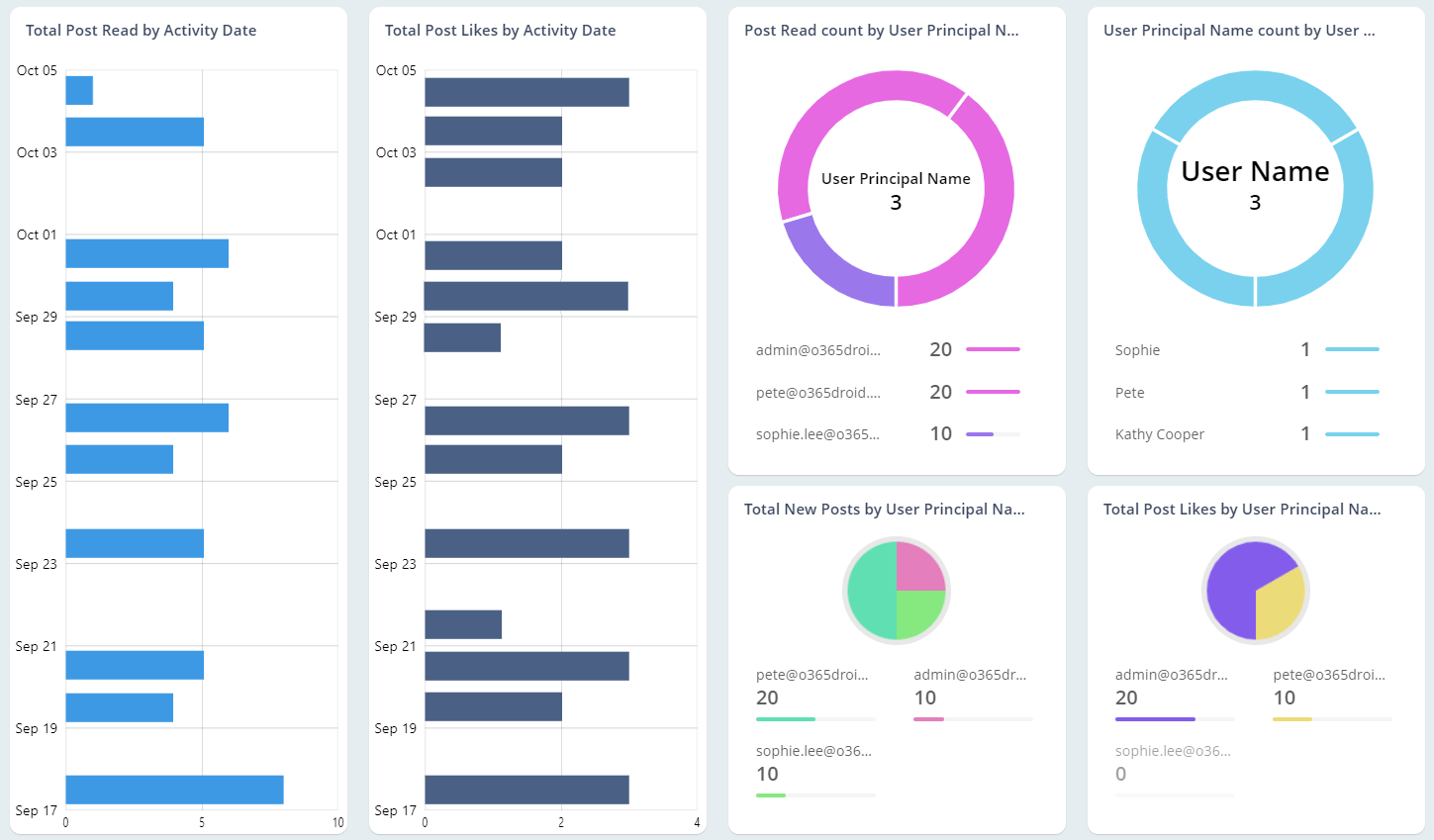
The User Activities and Group Activities Report Collections let you stay on top of all the activity in your Viva Engage Network.
Identify inactive users and groups in your Viva Engage environment
Pick out inactive users and groups based on their last like, post, comment and a lot more with the collections Inactive Users and Inactive Groups.
Monitor Viva Engage device usage among your users
The Device Usage Report Collection lets you look out for any suspicious device usage by OS and application used.
Microsoft 365 Overview Reports
"AdminDroid’s Microsoft 365 Reports enable you to sweepingly monitor and manage your Microsoft 365 environment. Get information on users, administrators, groups, and much more."
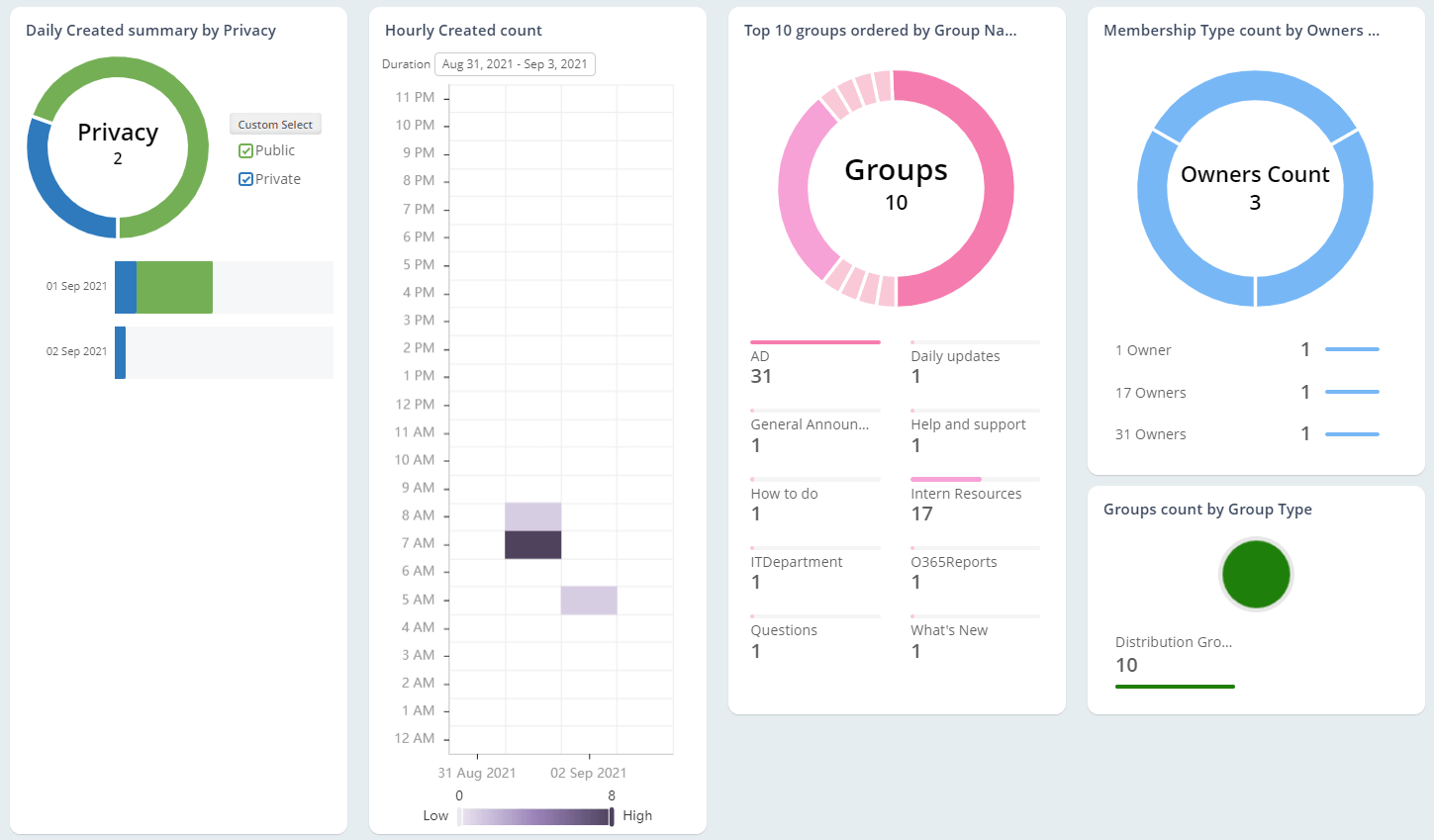
Identify and monitor Office 365 groups
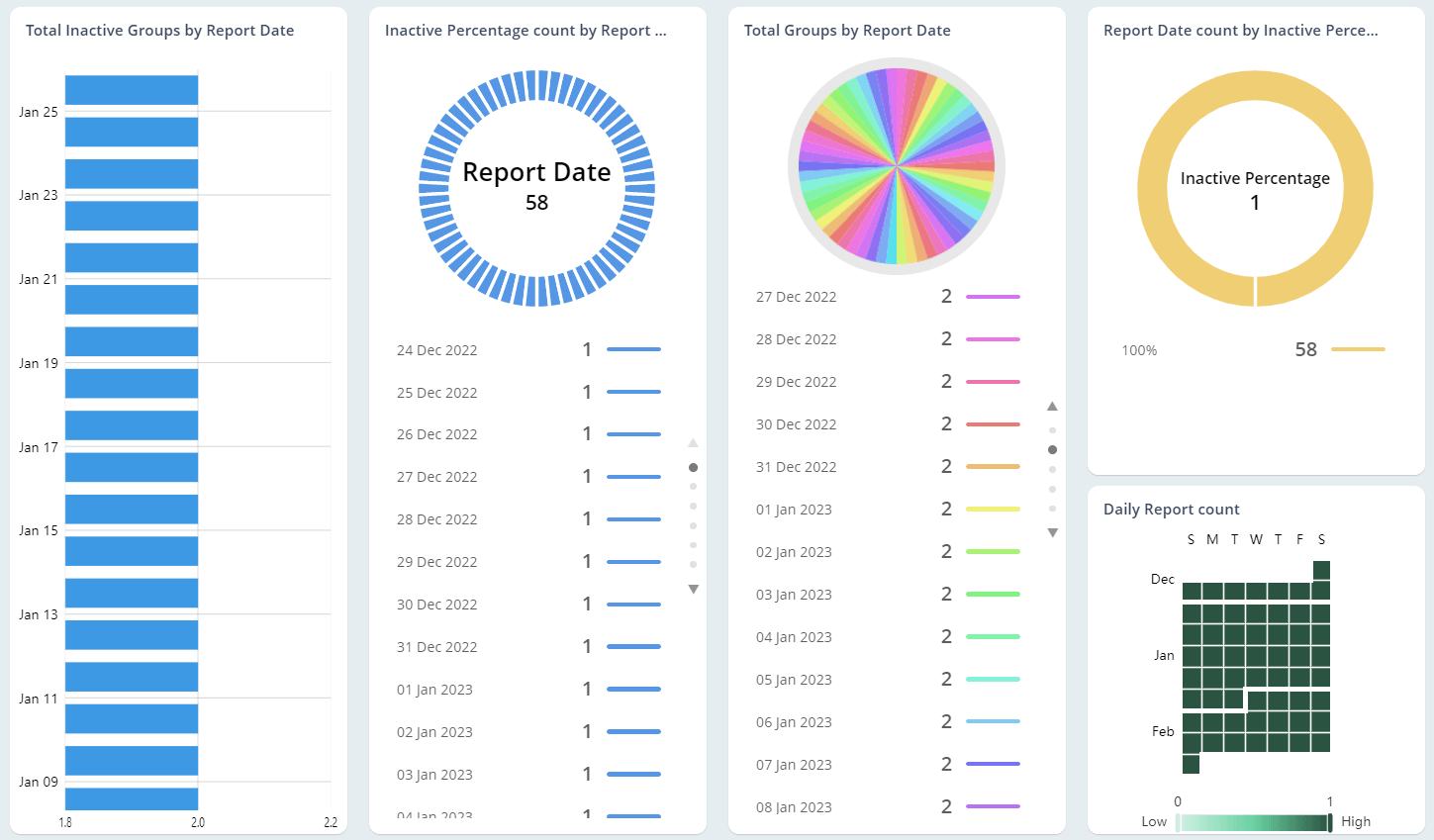
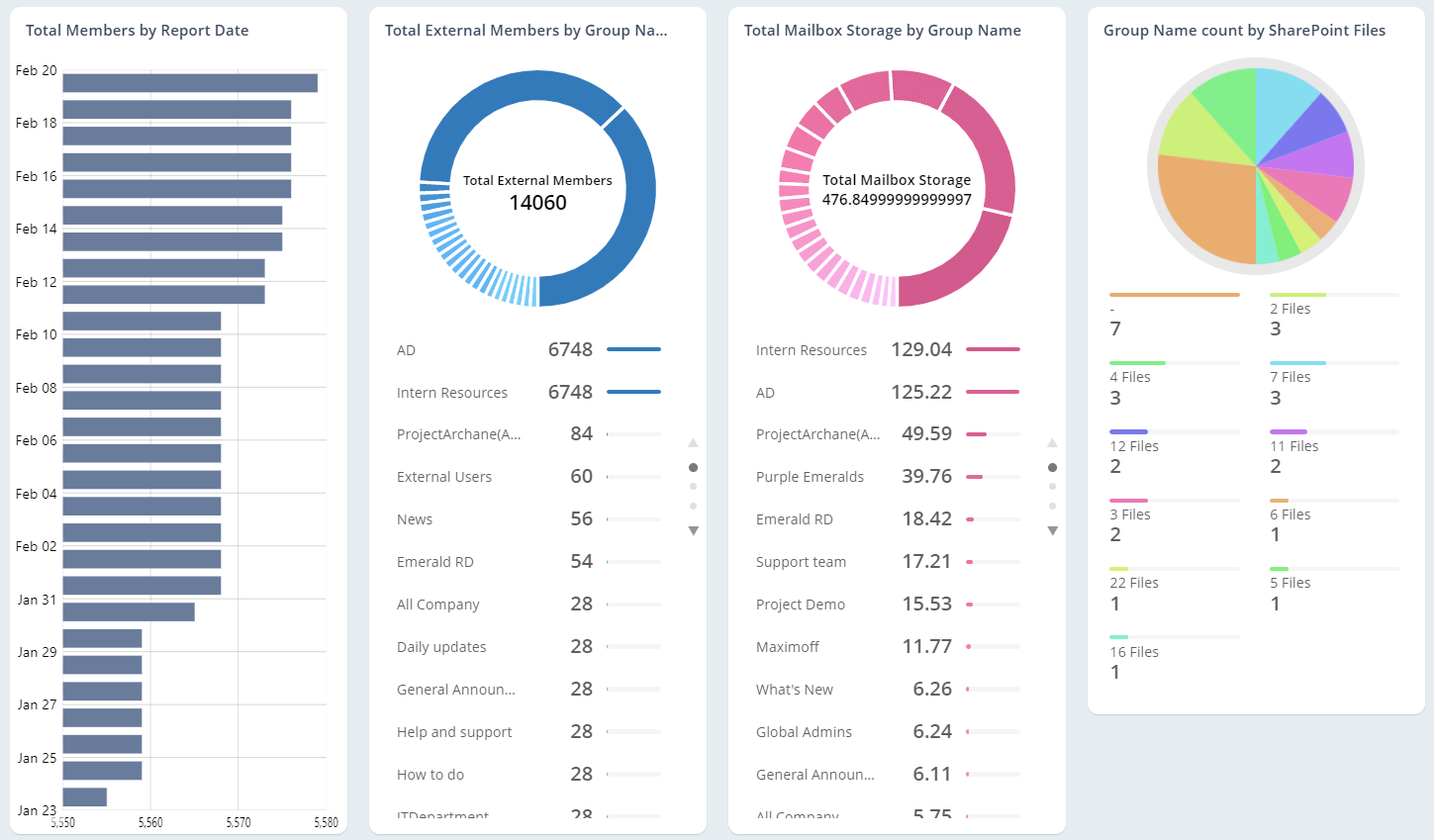
Reports under the Office 365 groups collections enable you to keep track of groups, owners, group usage, and activities.
Keep Track of new group creations
Differentiate between groups created on the services like Teams, Viva Engage, and SharePoint with our reports in the category Microsoft 365 group creations.
Centrally monitor user activity across Microsoft 365 services
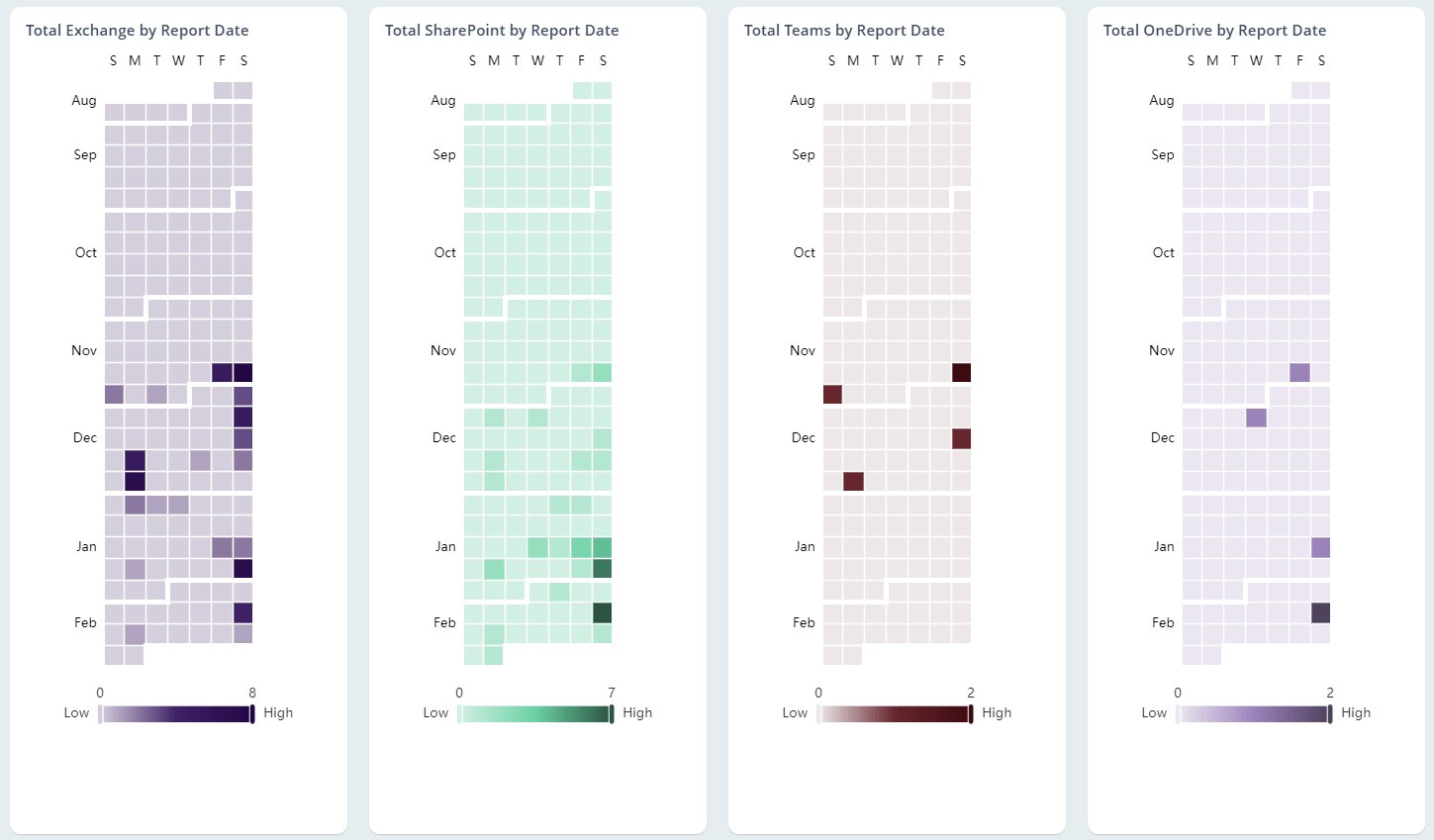
Leverage dedicated Office 365 reports to track user activity through Last Active Time and Daily Active Users across Microsoft 365 services such as Exchange Online, Teams, and SharePoint.
Be informed about Microsoft software activations
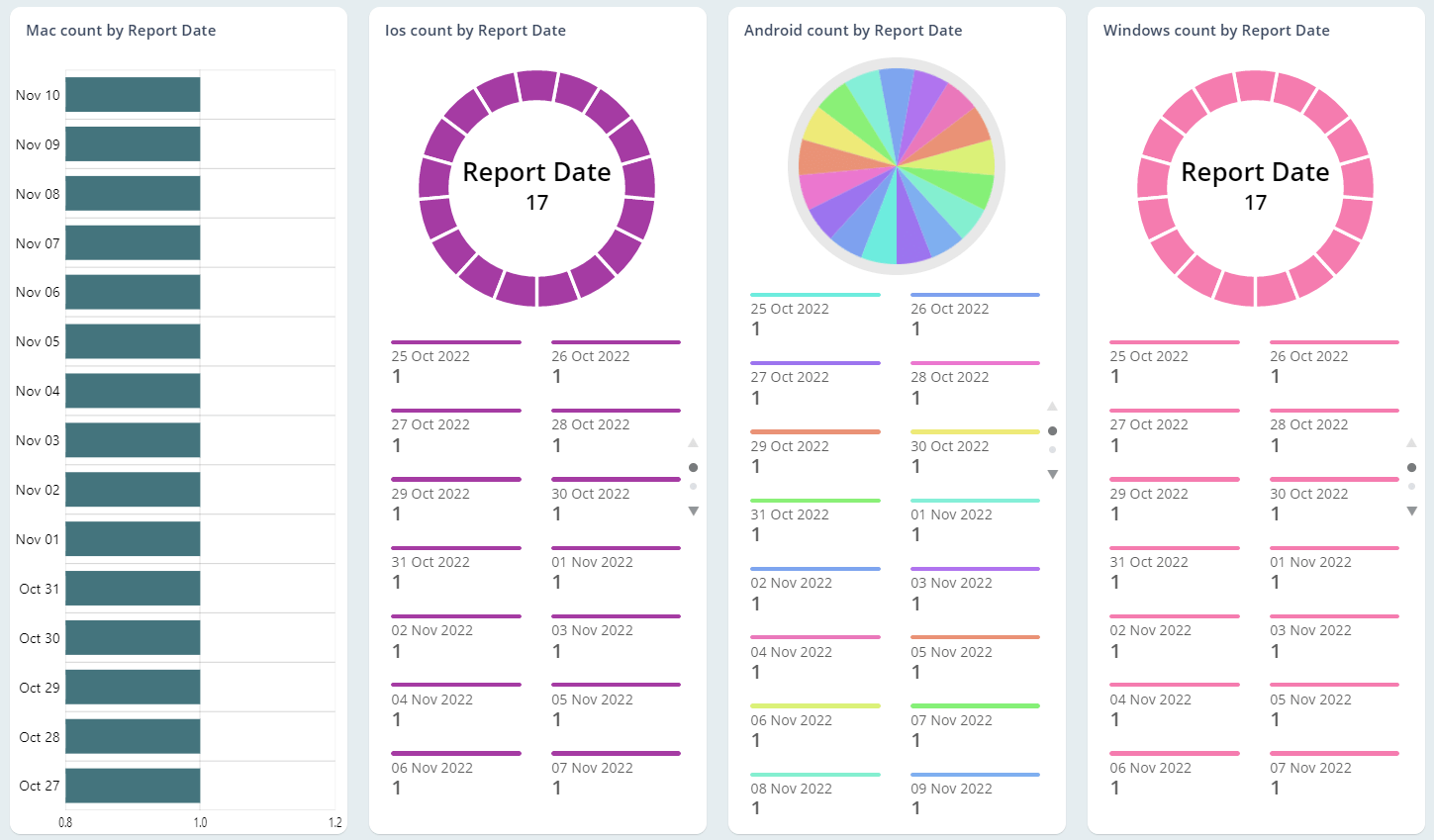
The Software Installs collection lets you be up-to-date with the activations of Office 365 Pro Plus, Project, and Visio Clients.
Get Deep Content Insights with AdminDroid Office 365 Reporting Tool
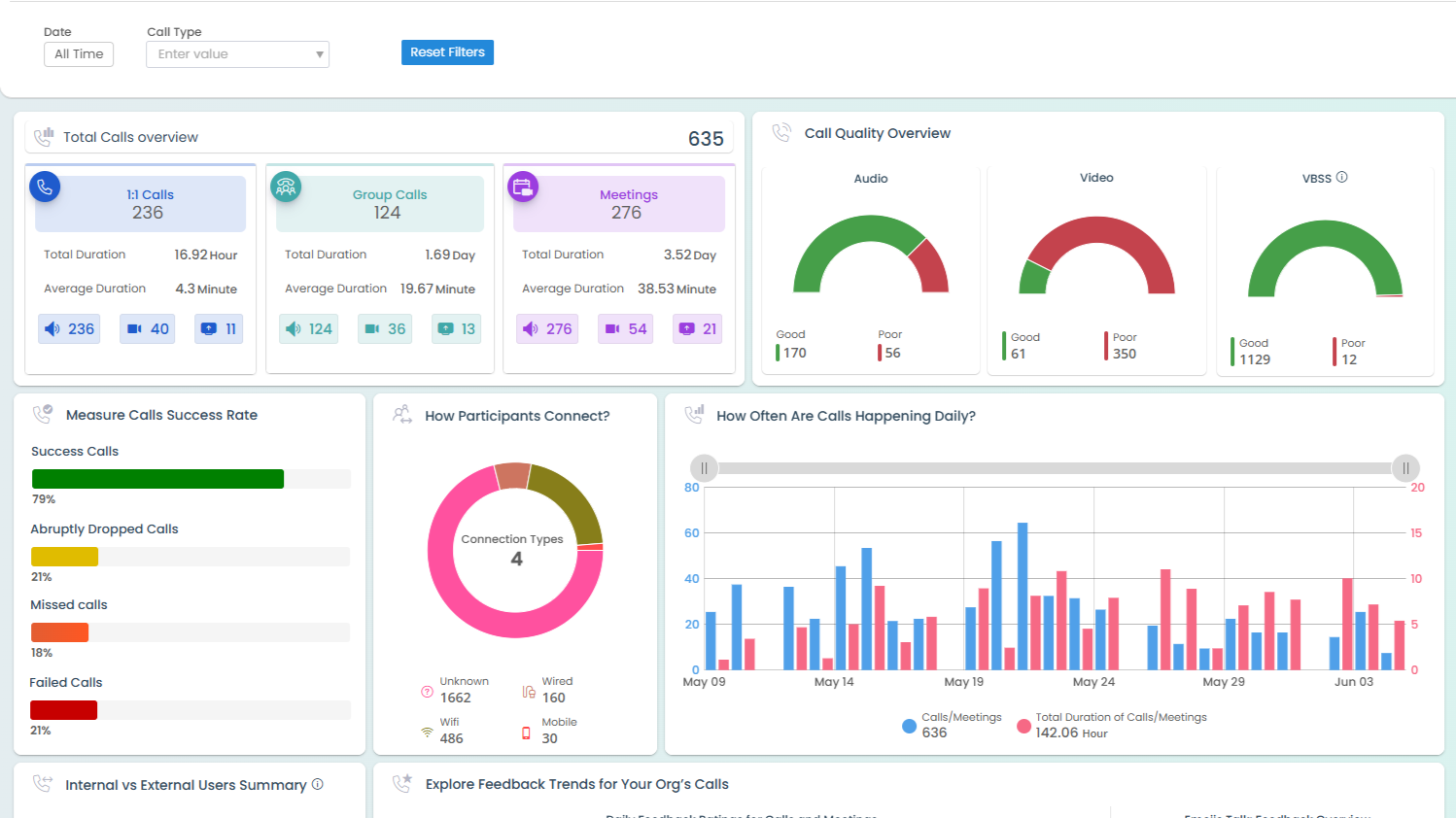
Analyze mailbox data and Teams chats and channels, and gain in-depth visibility into SharePoint and OneDrive sites.
Understand Email Traffic, Attachments, and Response Behavior
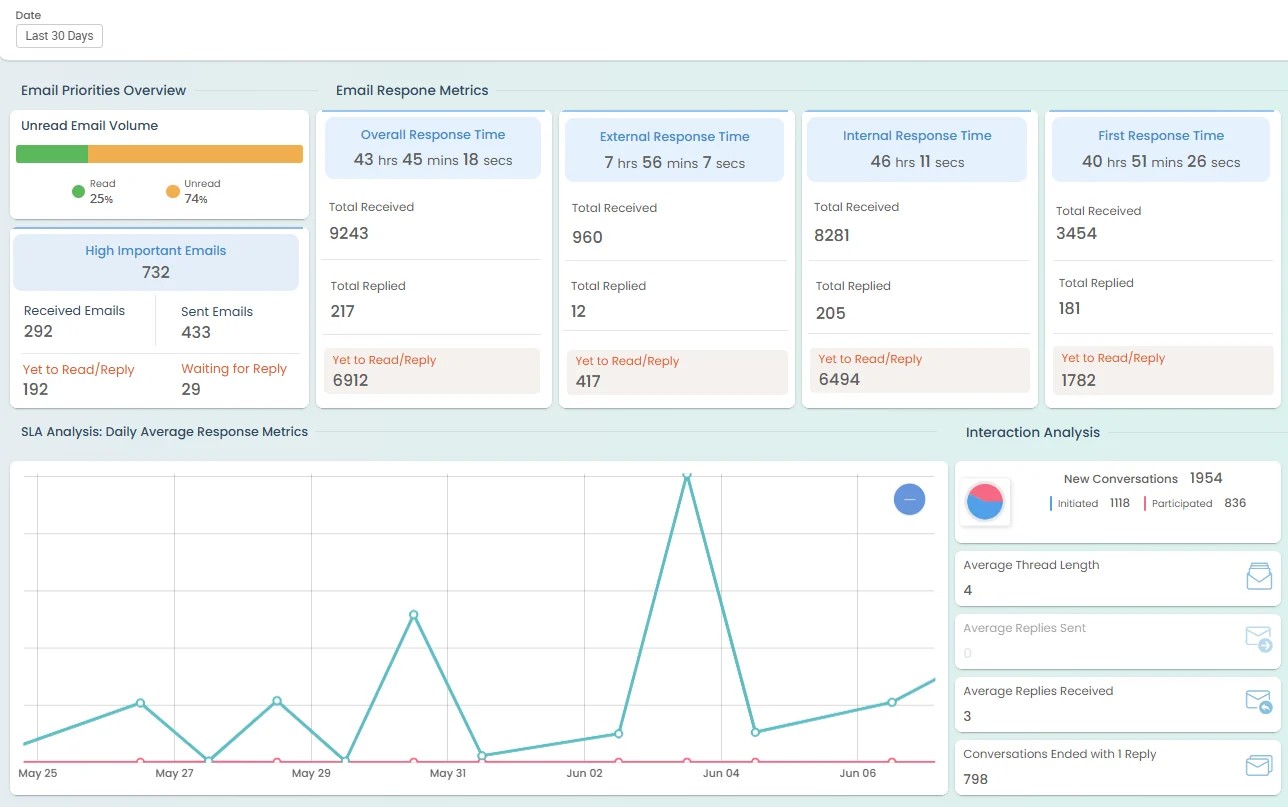
Understand mailbox usage and email behavior with detailed reports. Track folder statistics, attachment usage, email traffic patterns, and productivity metrics such as response time and mail volume.
Detect SharePoint Permission Risks and External Sharing
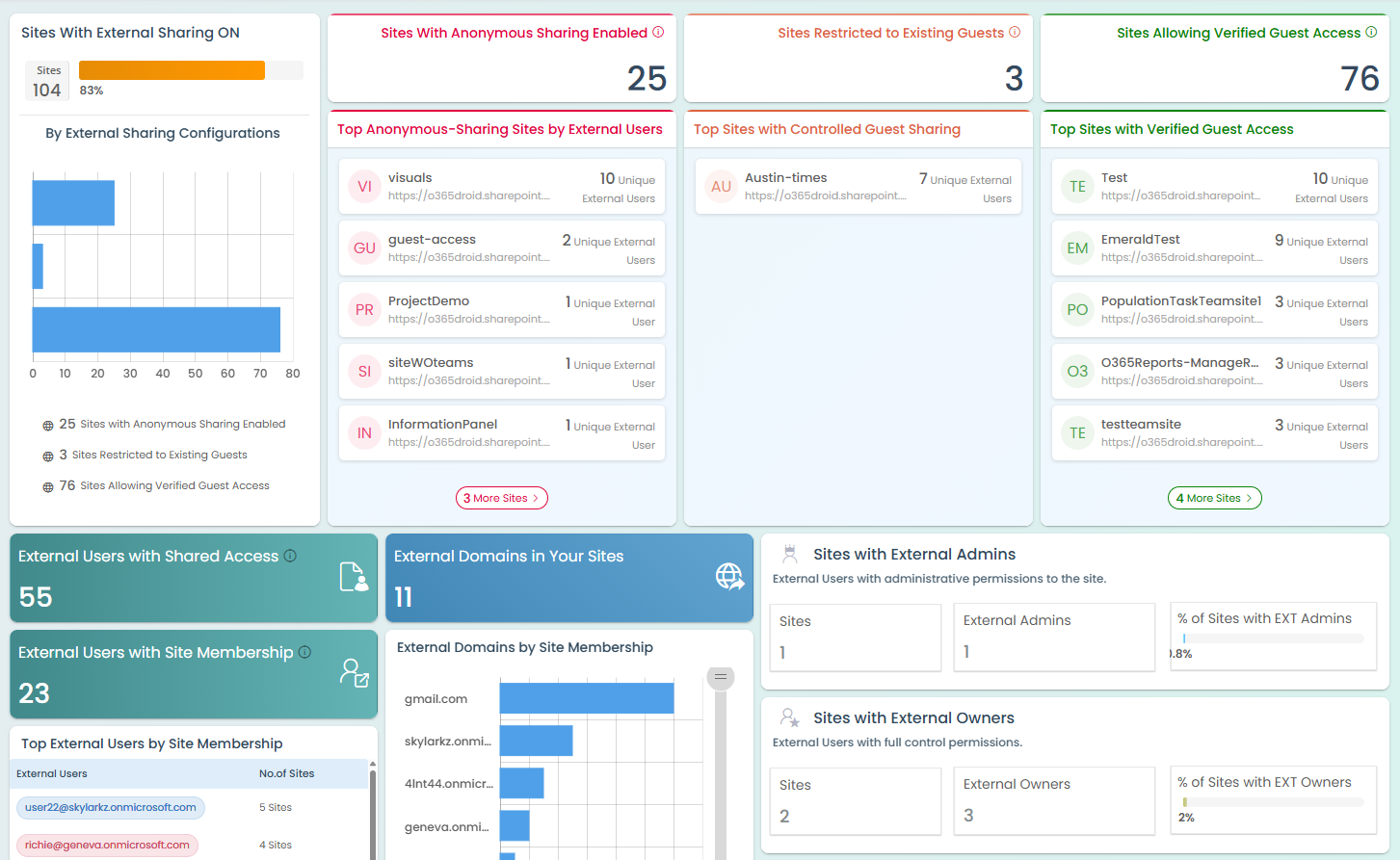
Monitor SharePoint sites with detailed reports on permissions, external sharing, site activity, and storage growth. Easily identify security risks and usage trends across sites.
Monitor OneDrive Storage Usage and Prevent Data Exposure
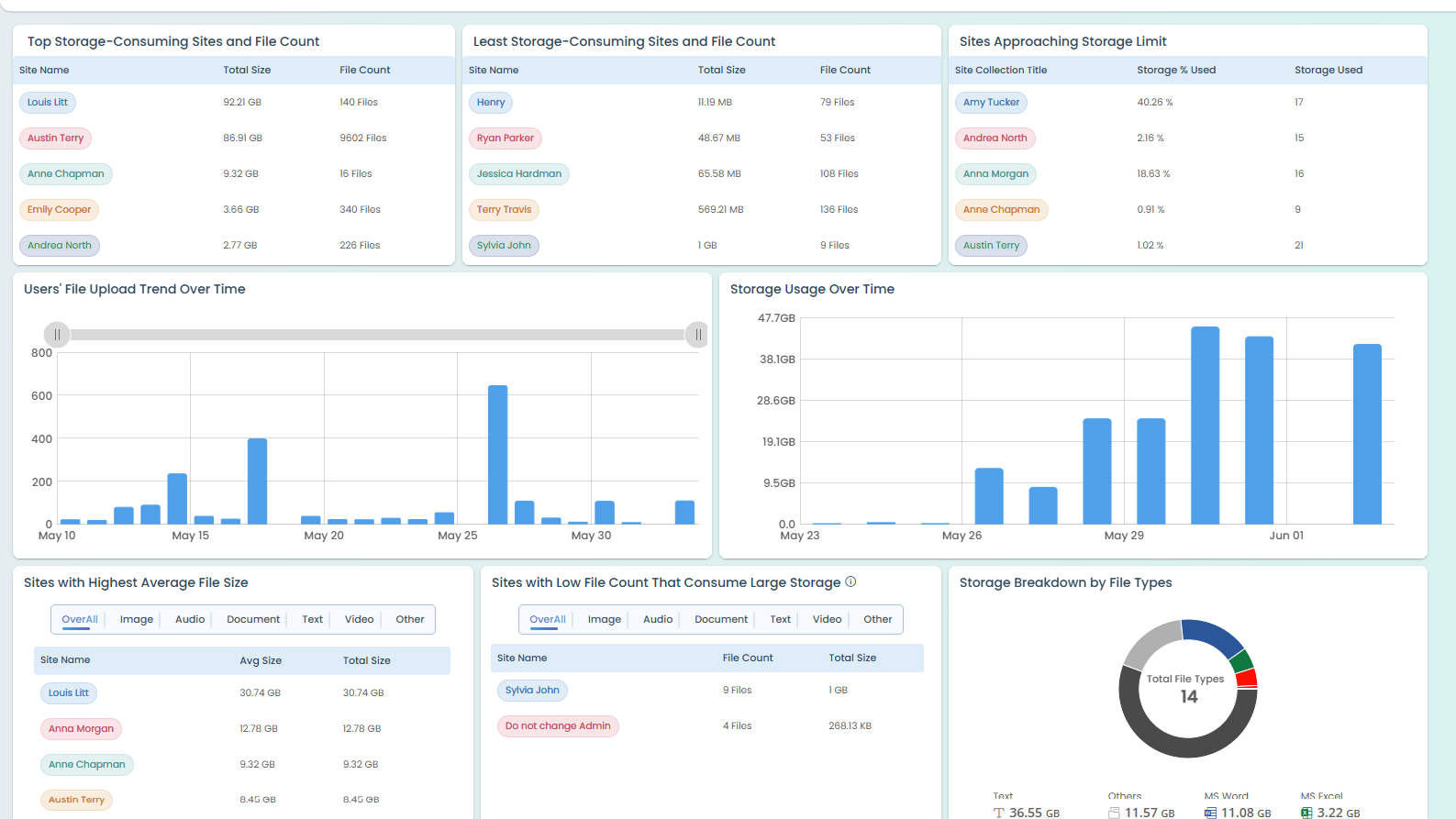
Get full visibility into OneDrive usage, including site permissions, external sharing details, file and folder activity, and potential data exposure risks.
Gain Visibility into User Presence and Collaboration Patterns in Teams
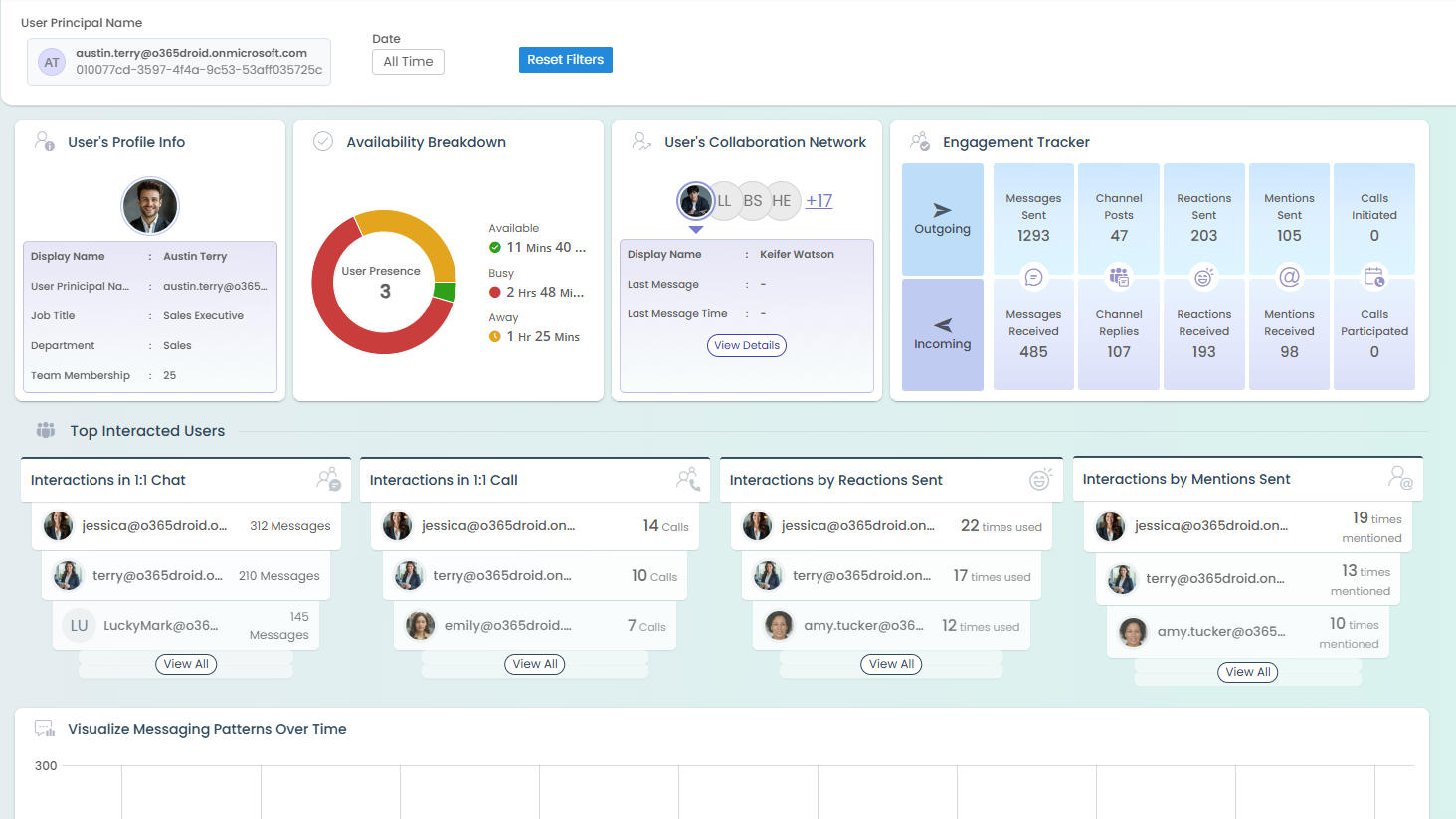
Analyze how users collaborate in Microsoft Teams. Gain insights into presence, chat and call activity, and overall collaboration patterns across the organization.
Analyze Channel Communication and Engagement Trends
Track communication trends within Teams channels by analyzing posts, reactions, meetings, and engagement levels to understand how teams collaborate over time.