🎉 Our Microsoft 365 Reporting & Management Tool is available in Marketplace 🚀
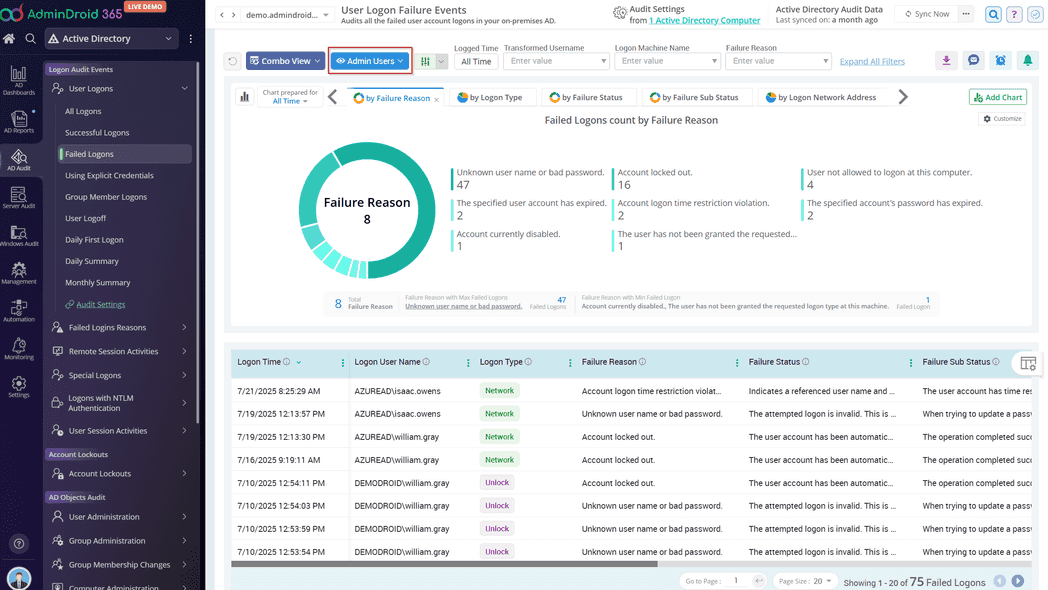
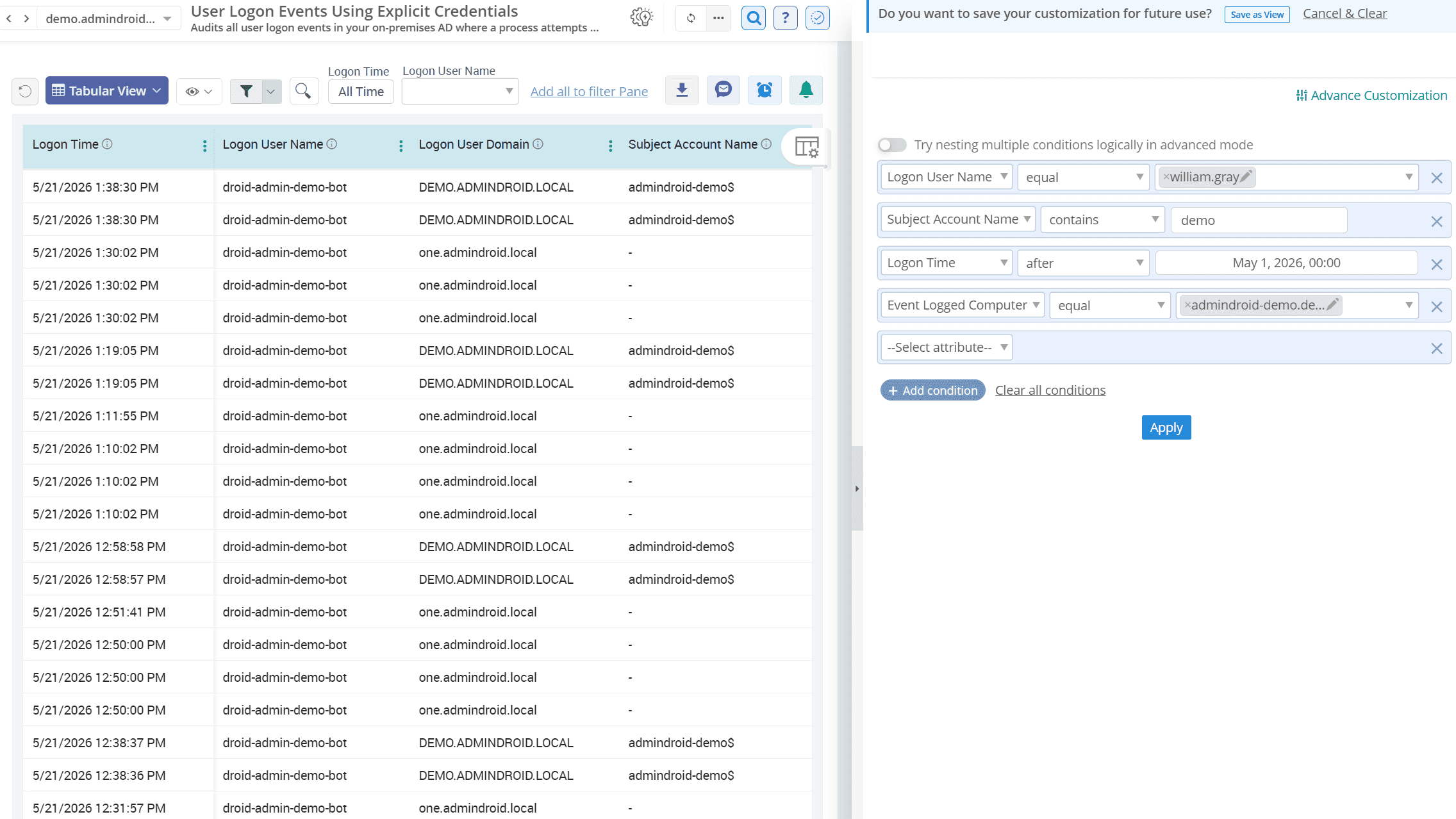
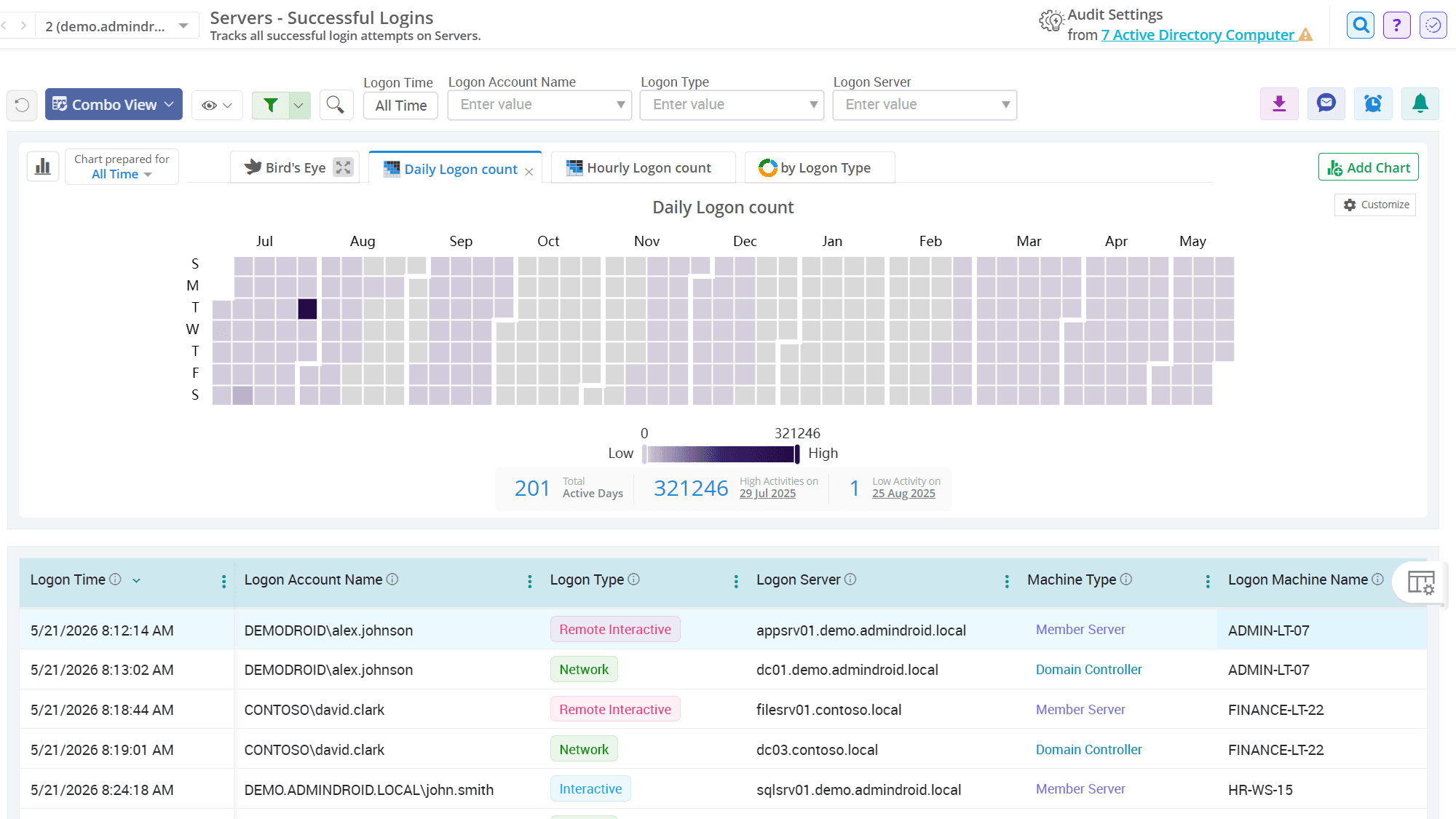
Find the exact Active Directory sign-in events faster
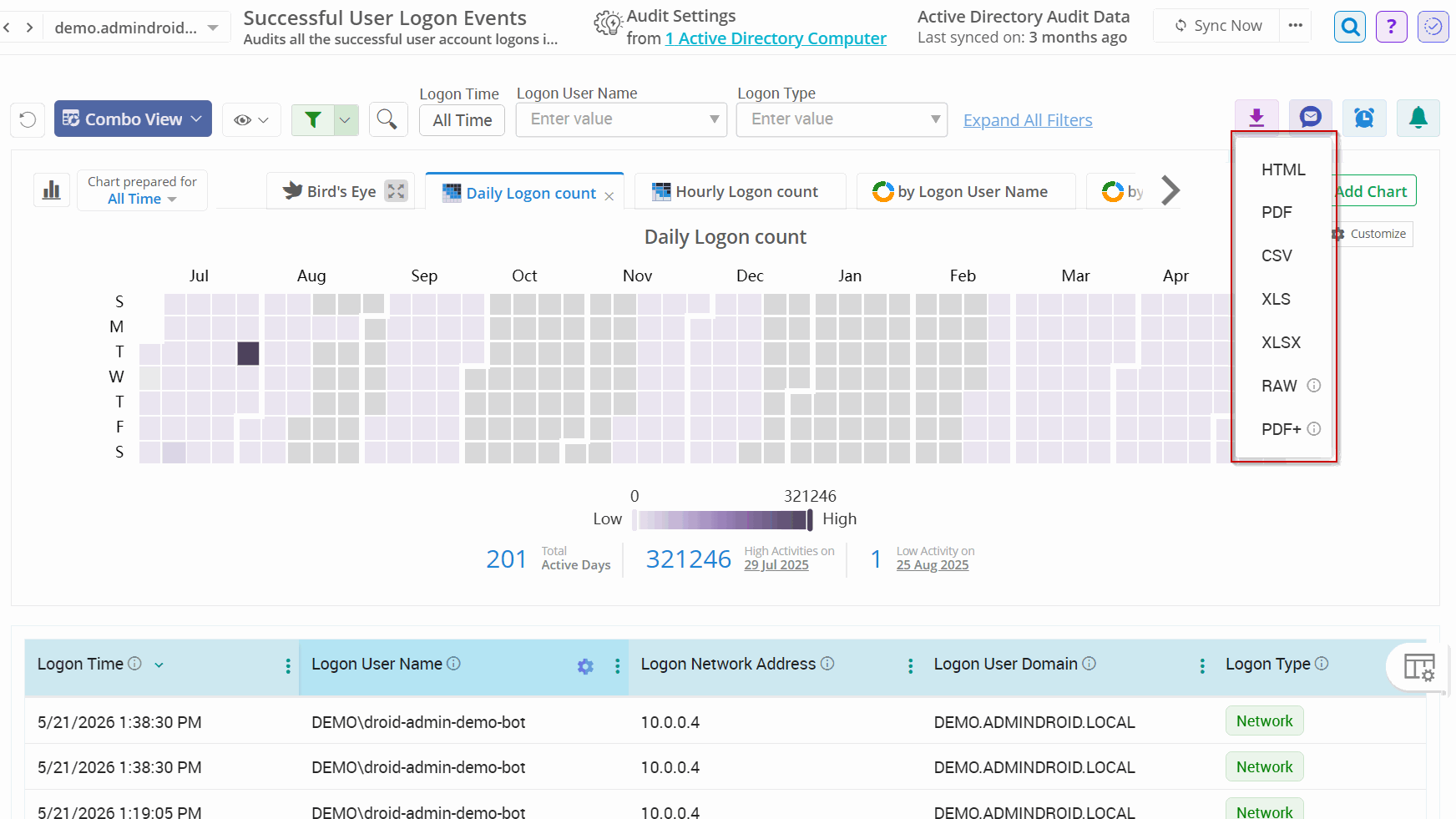
Exporting an Active Directory user logon report in HTML, PDF, CSV, XLS, XLSX, RAW and PDF+ formats
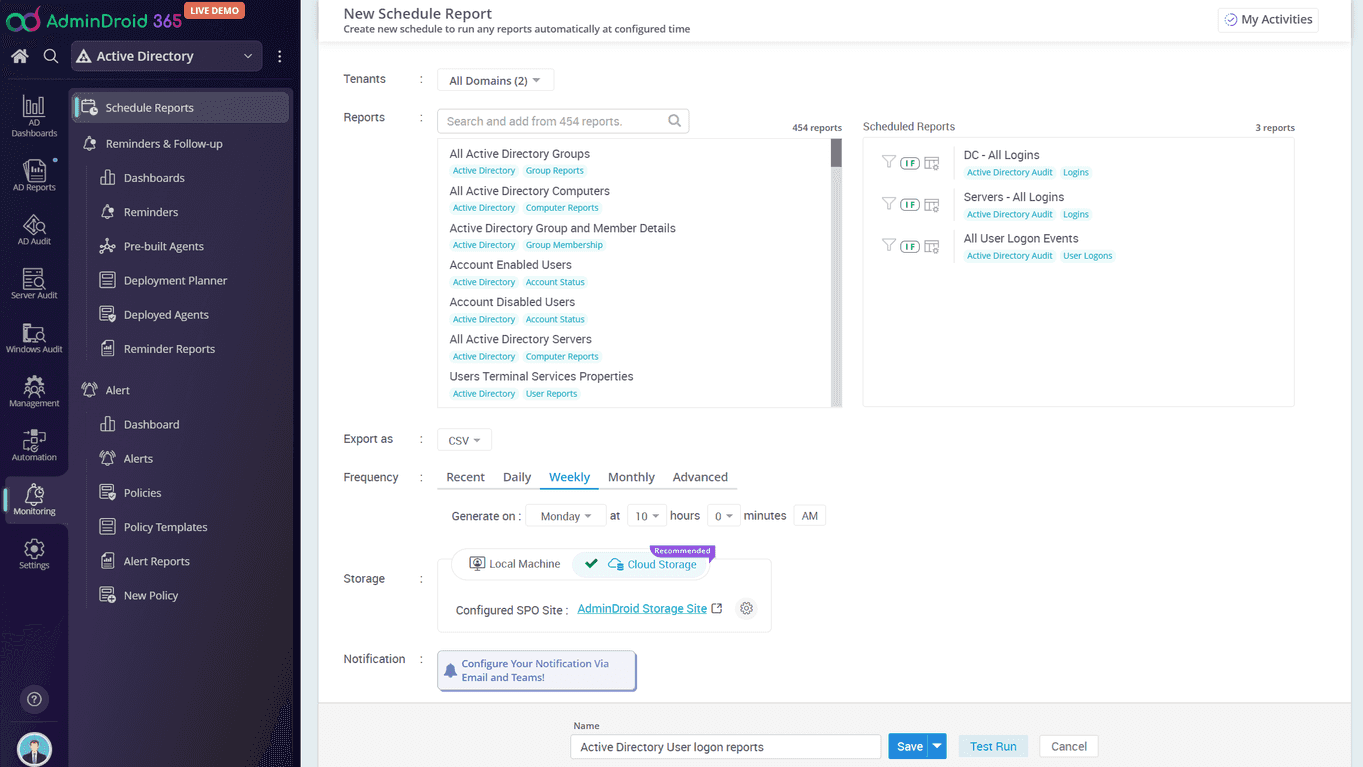
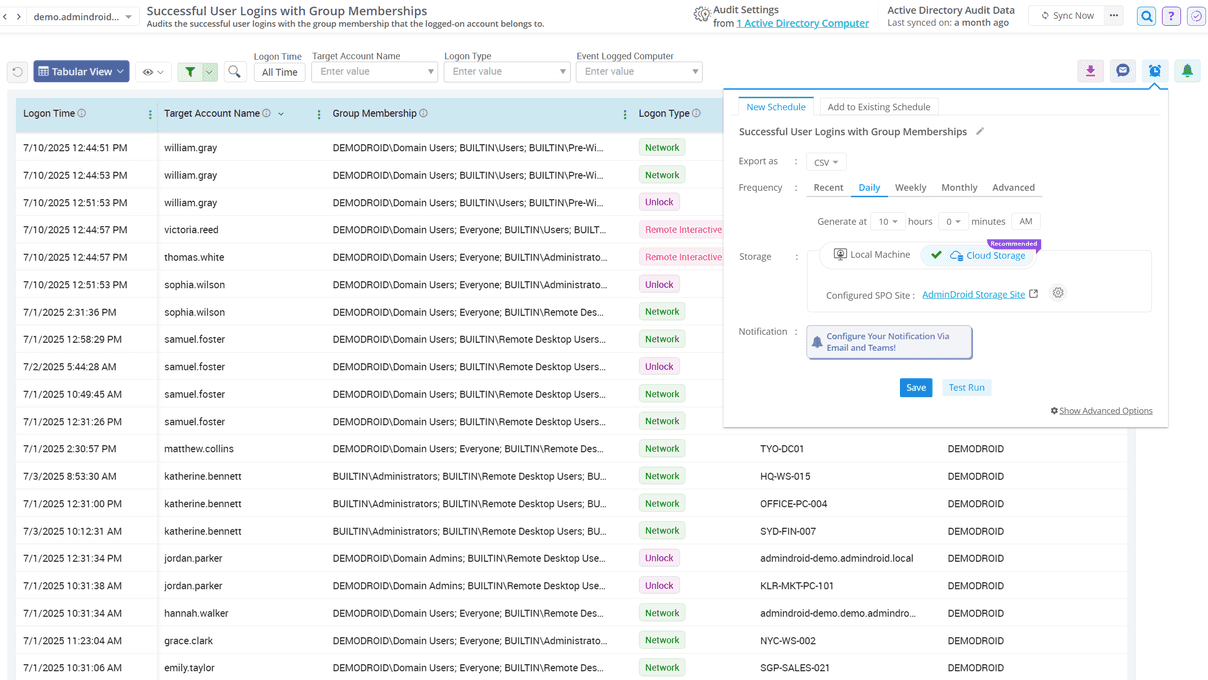
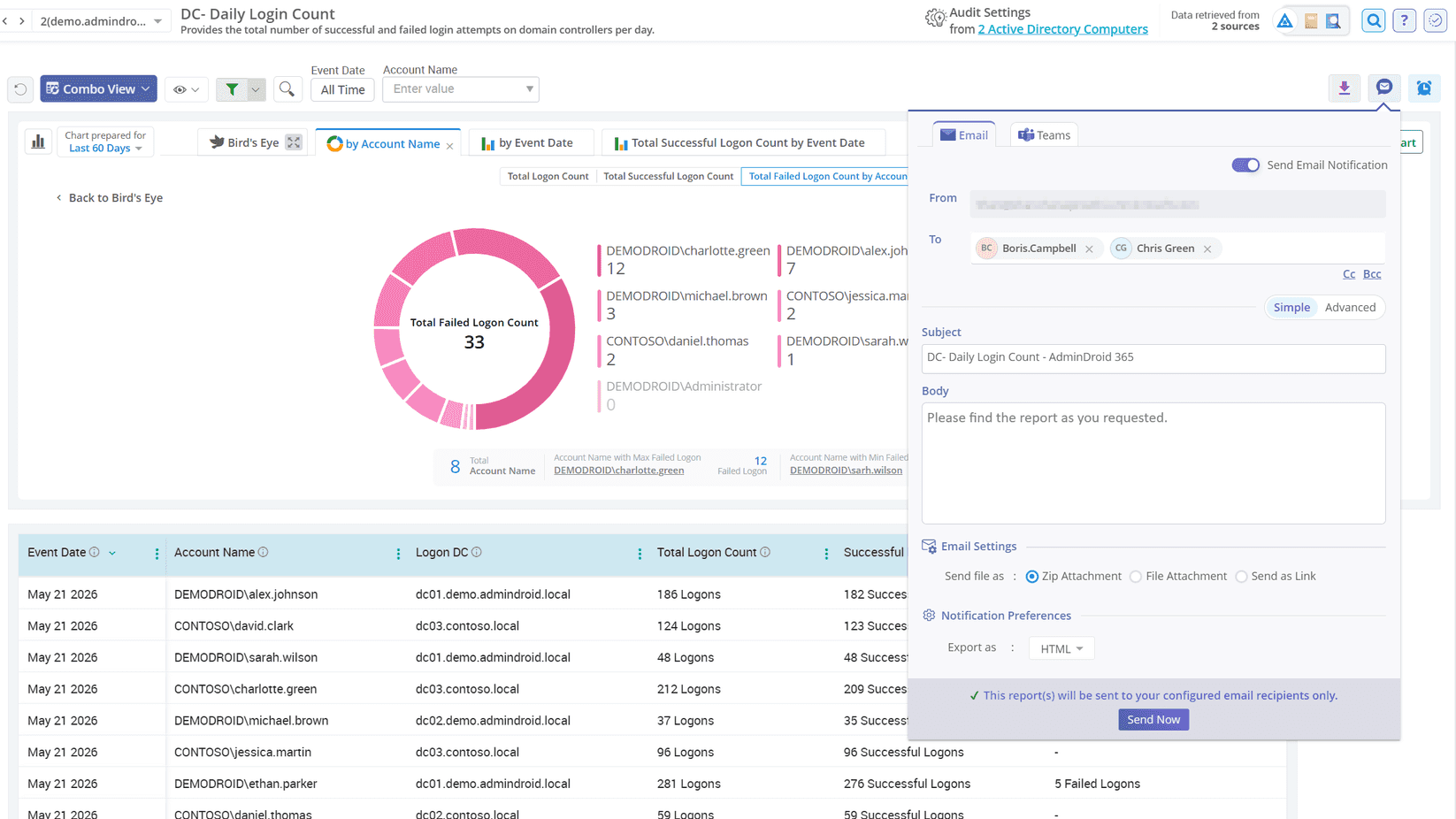
Schedule Active Directory sign-in report delivery
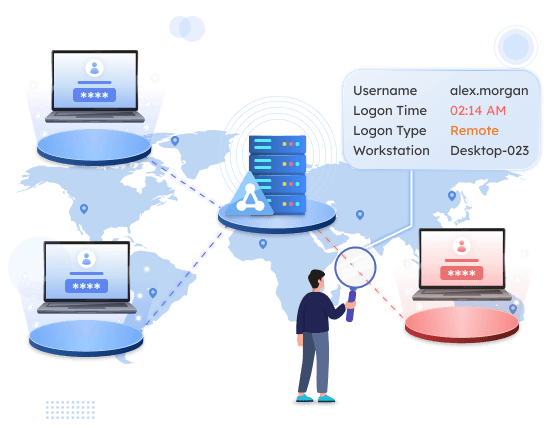
Detect suspicious Active Directory sign-ins before they become threats

Events Faster

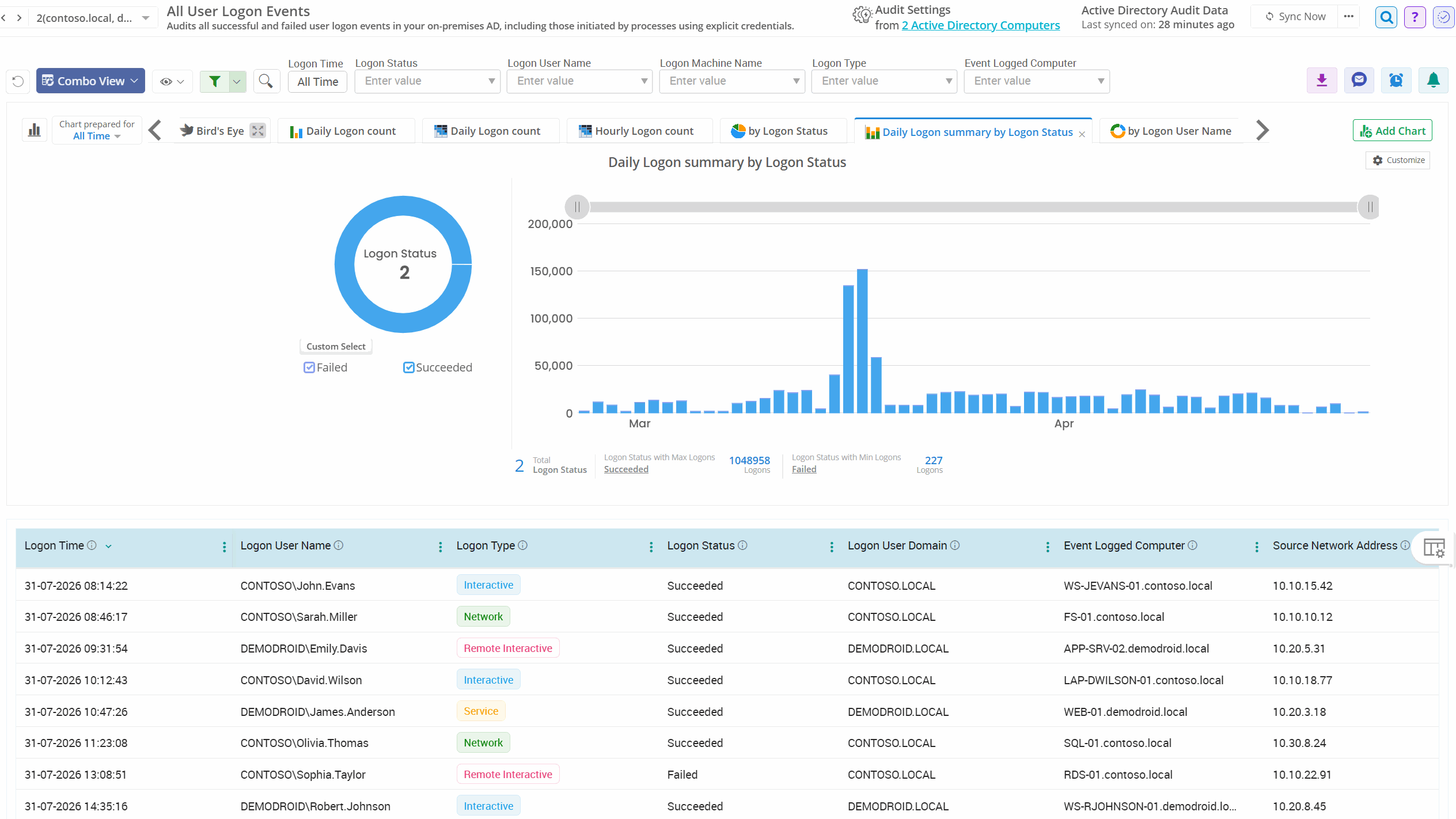
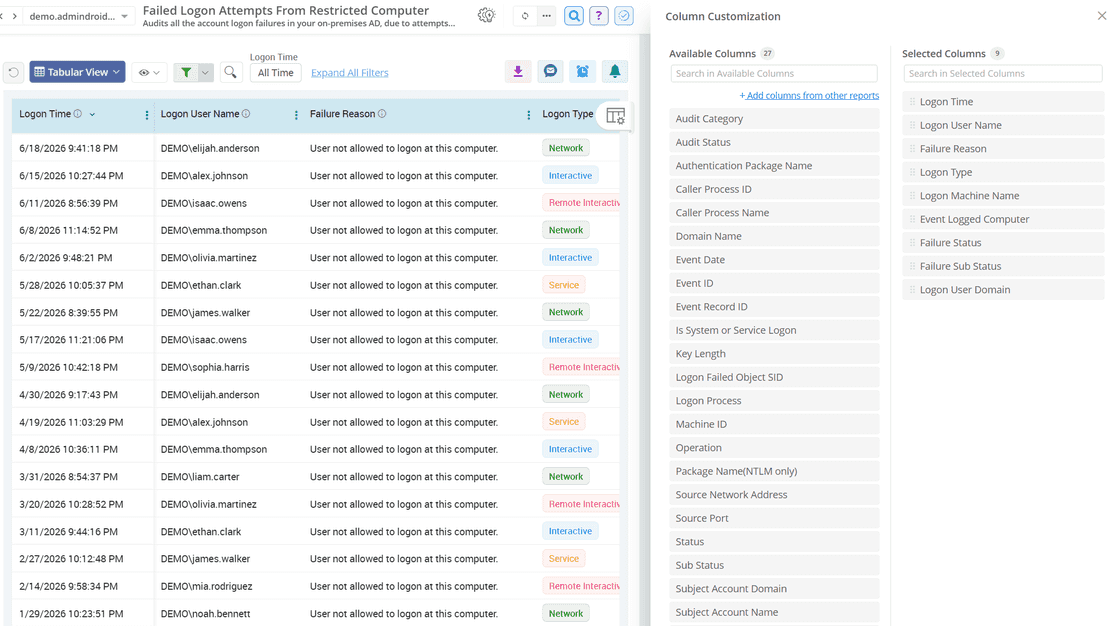
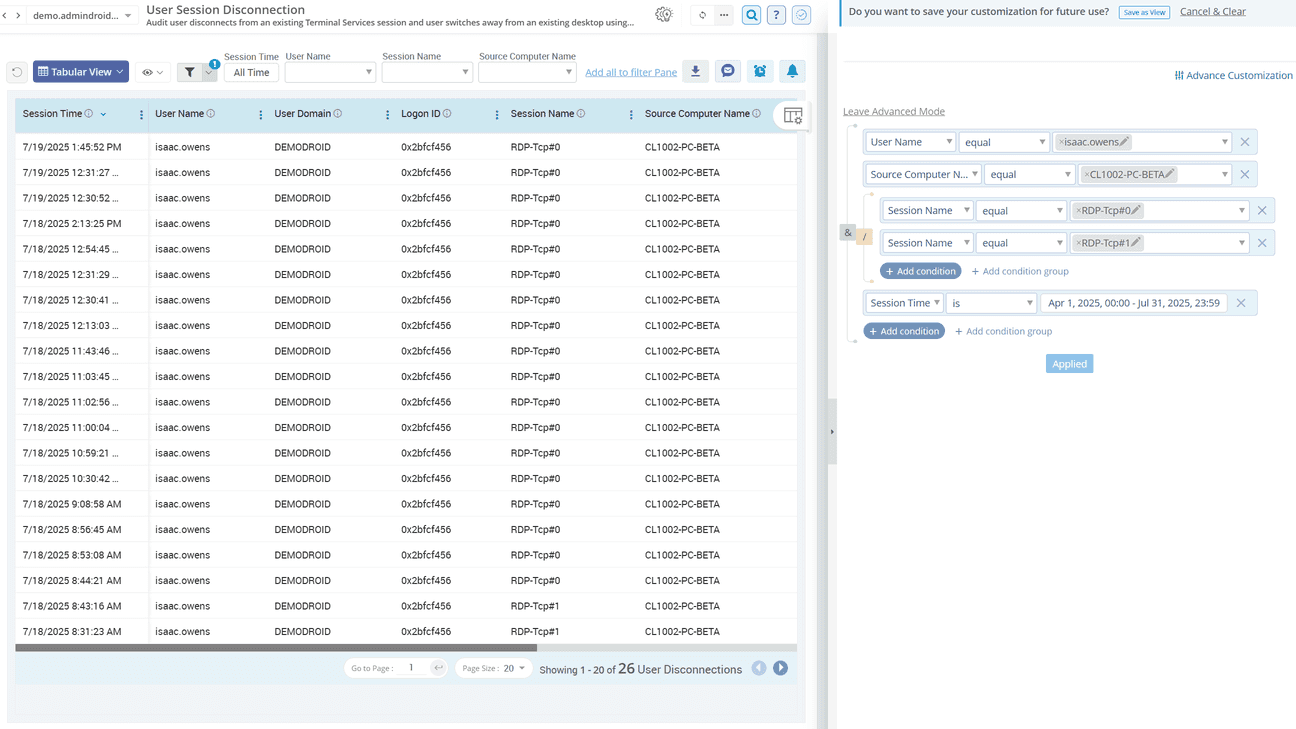
Filter, customize, and save the customized sign-in reports to quickly locate user logon activity, failed logins, and authentication events without digging through Event Viewer logs.
in Multiple Formats

Need to share or archive sign-in data instantly? Export Active Directory sign-in reports in multiple formats to match your need.
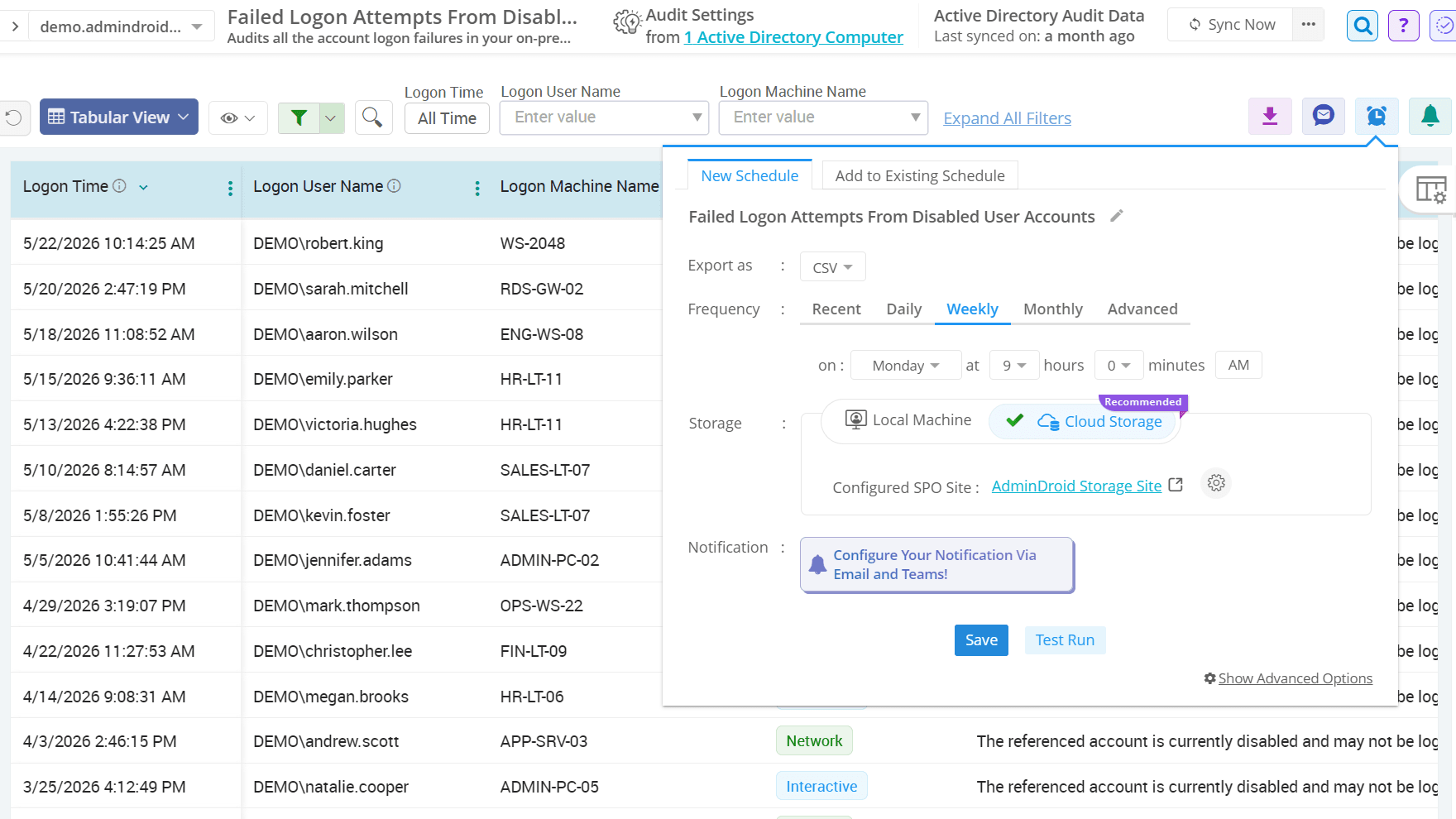
Report Delivery

Automate sign-in report delivery to Teams or Outlook in your preferred format while skipping empty or unchanged reports.

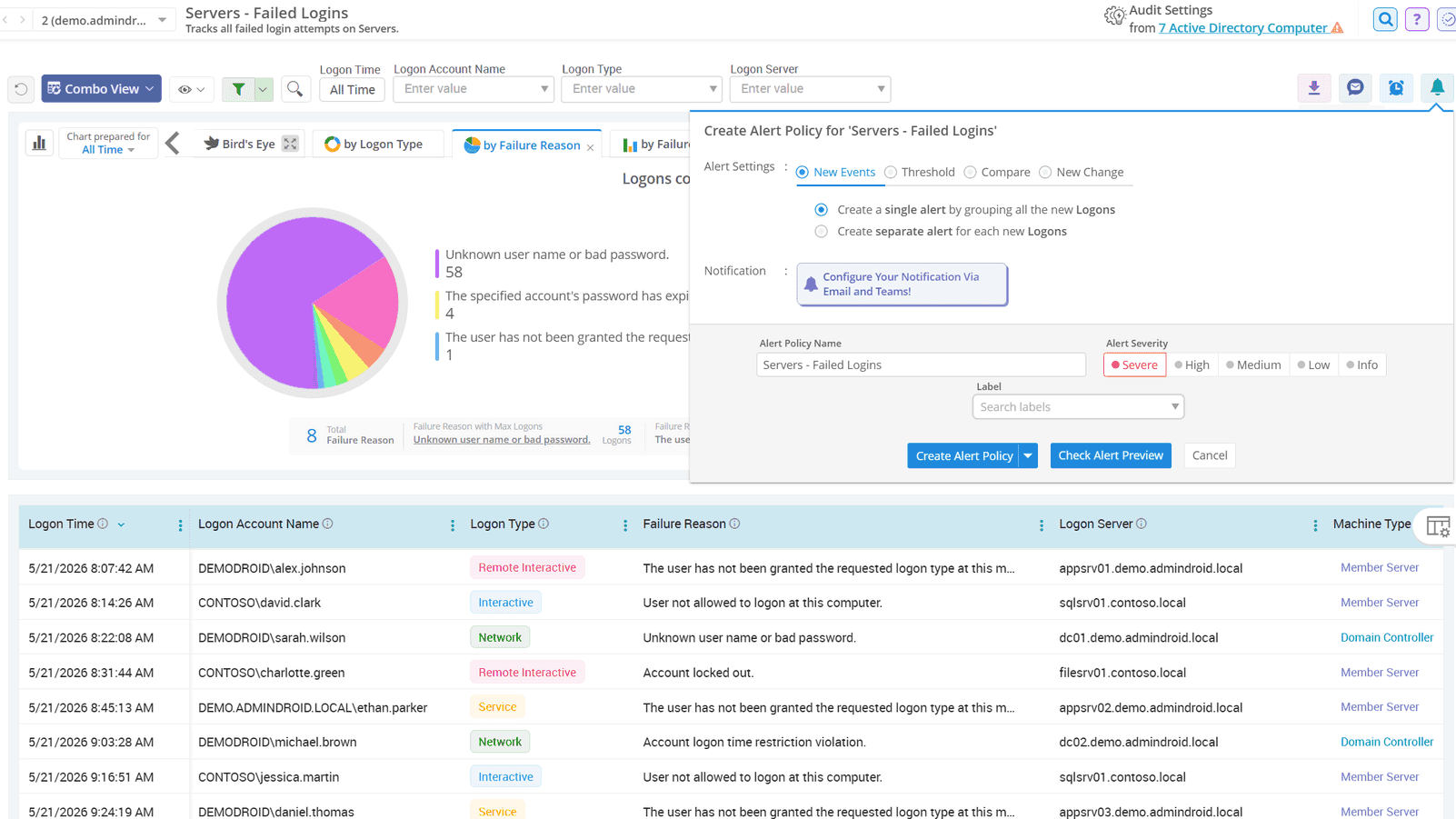
Before They Become Threats

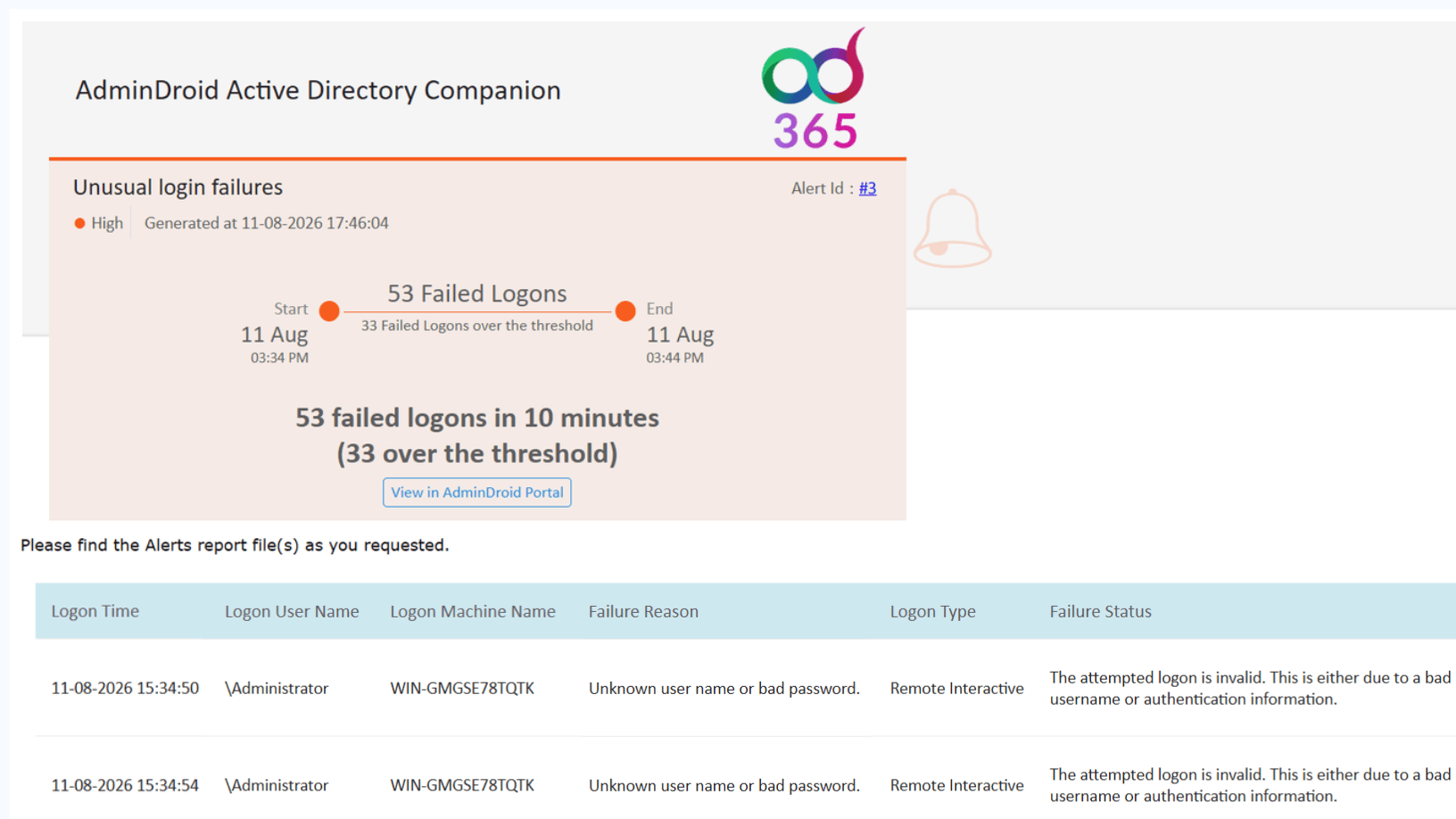
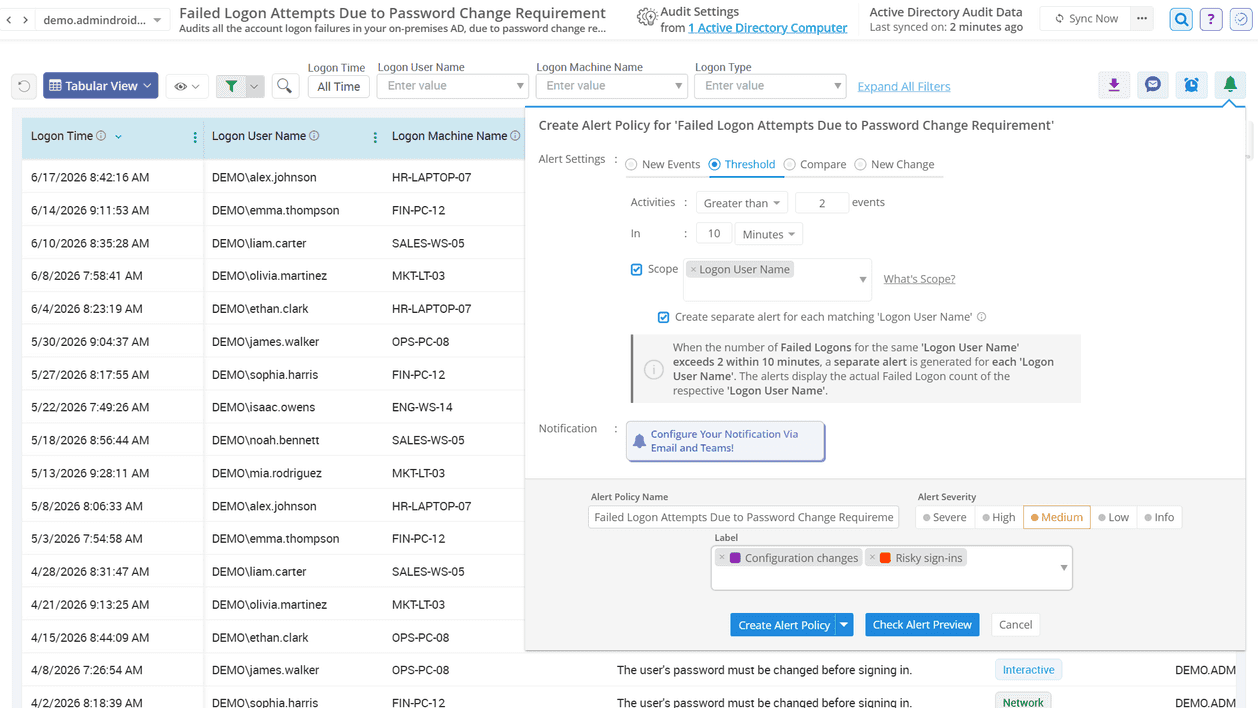
Identify failed, unusual, and high-risk sign-in activity early with customizable, severity-based alerts.

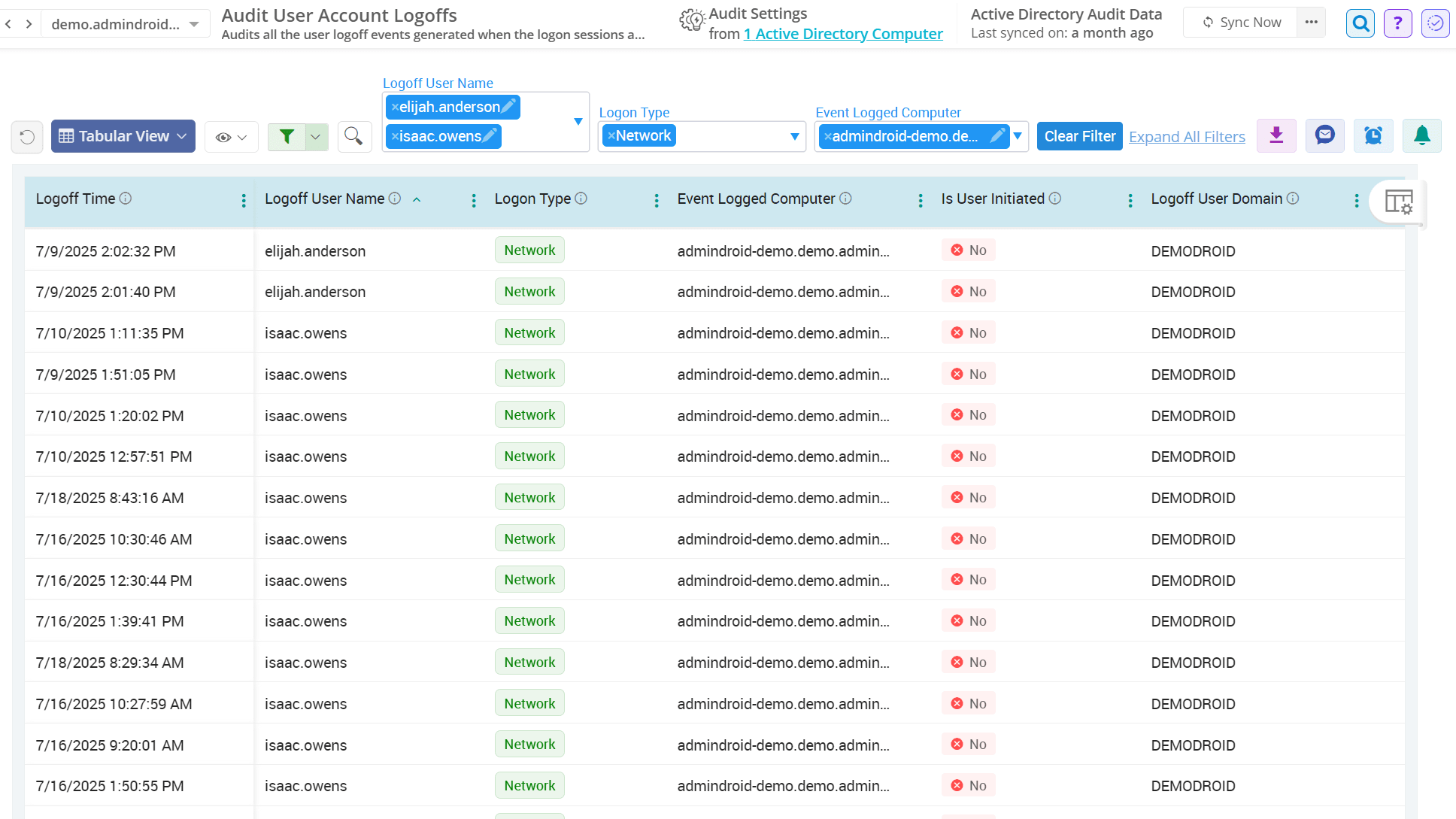
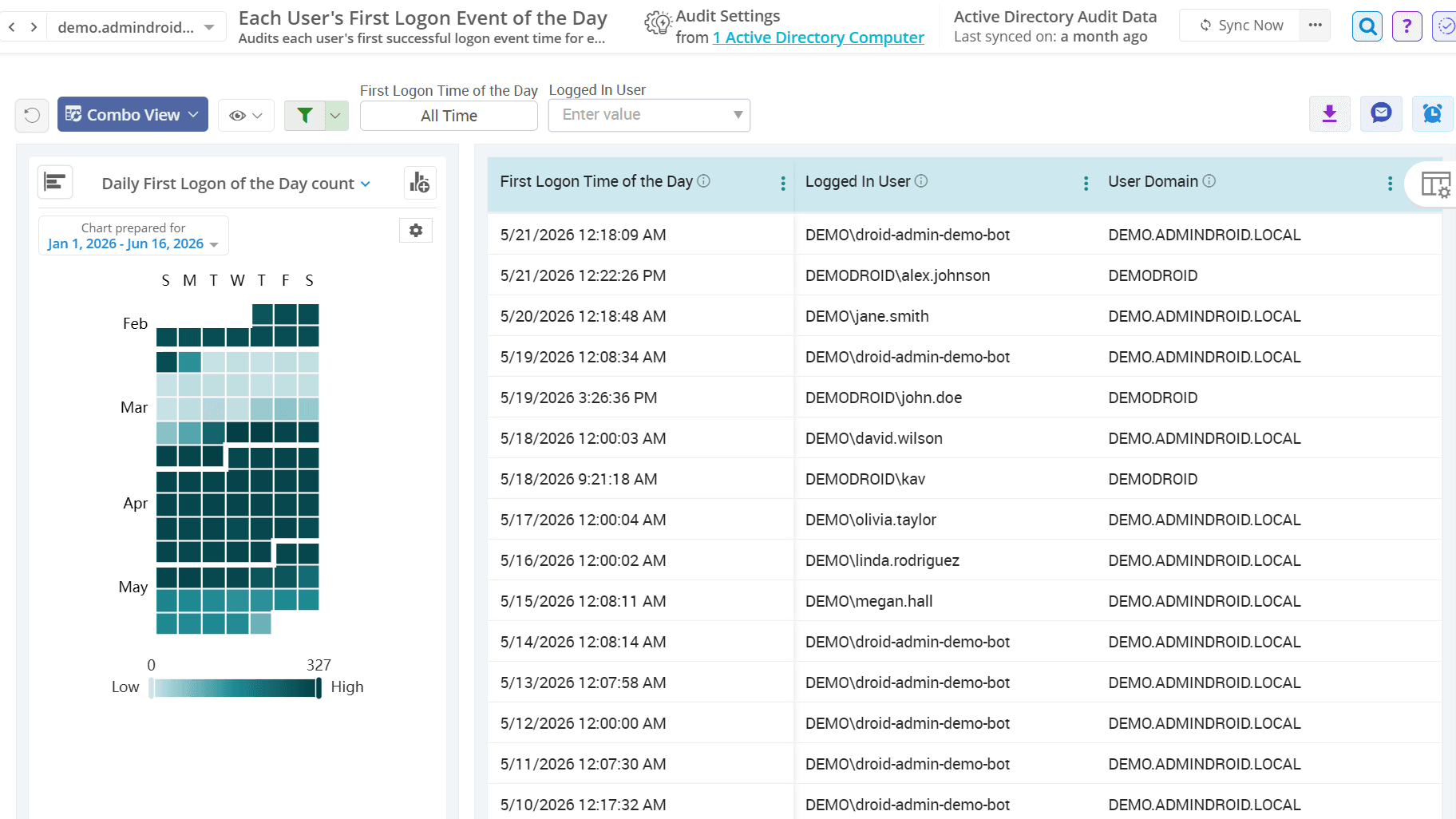
Audit User Logons in Active Directory

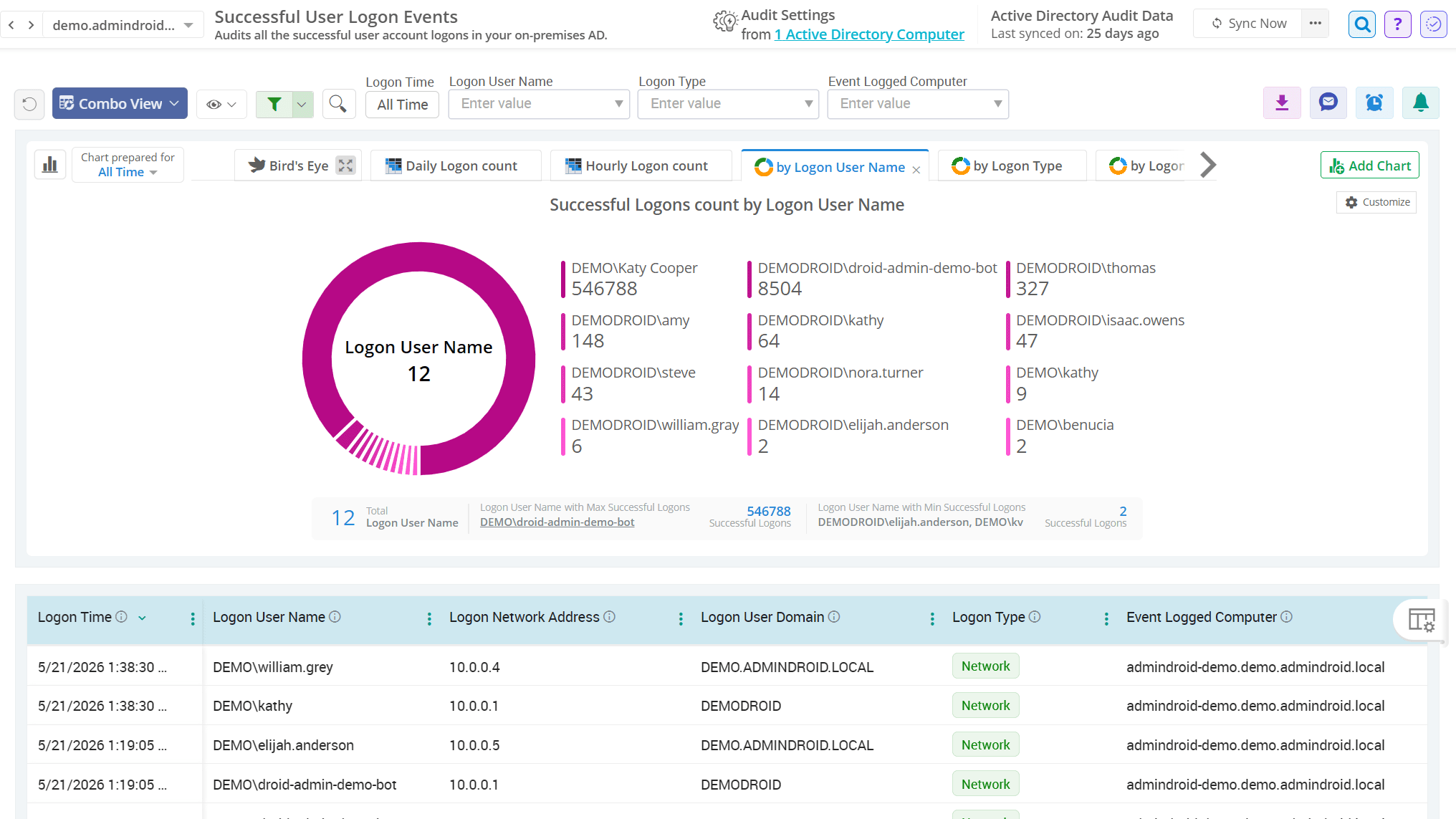
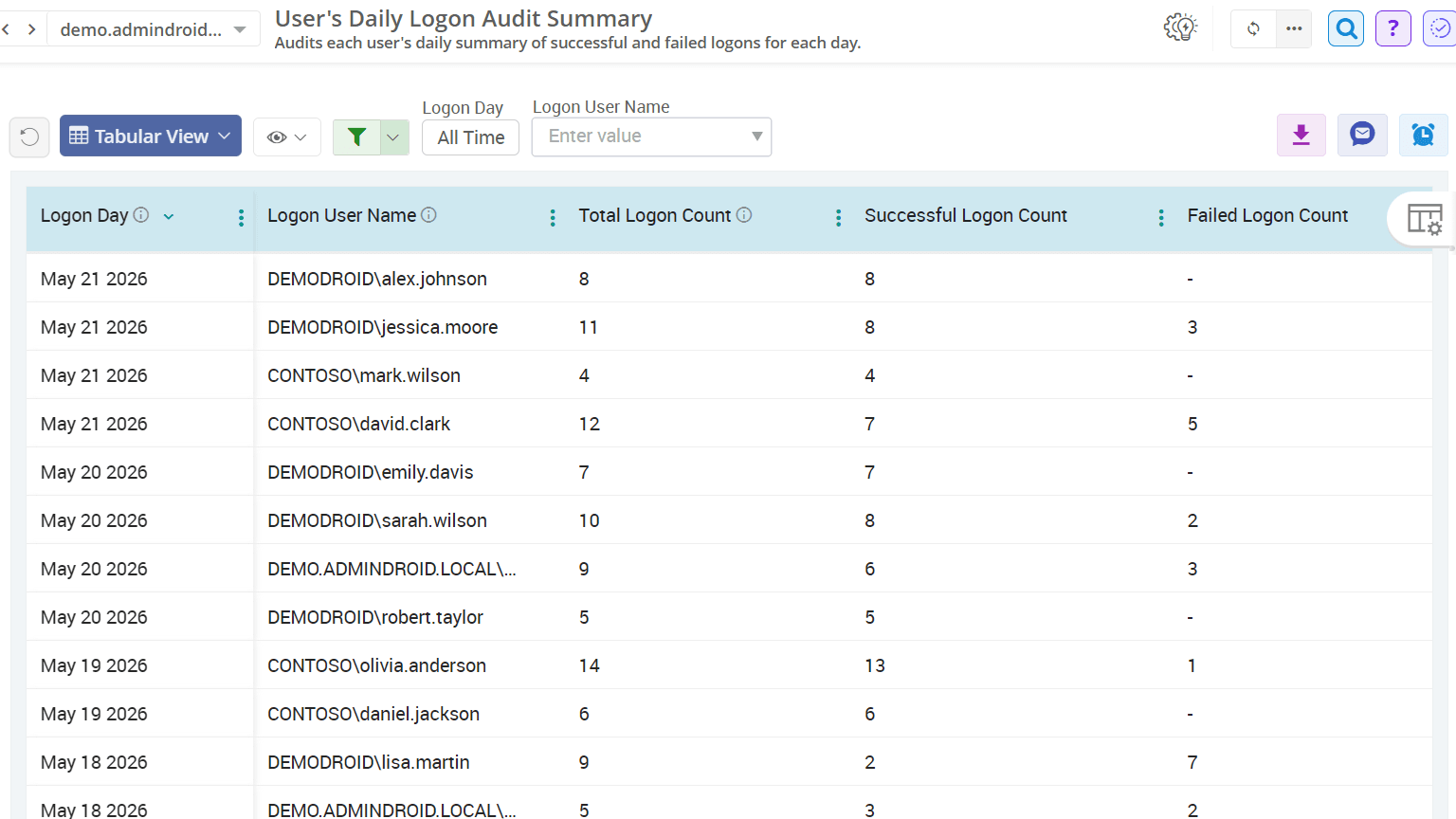
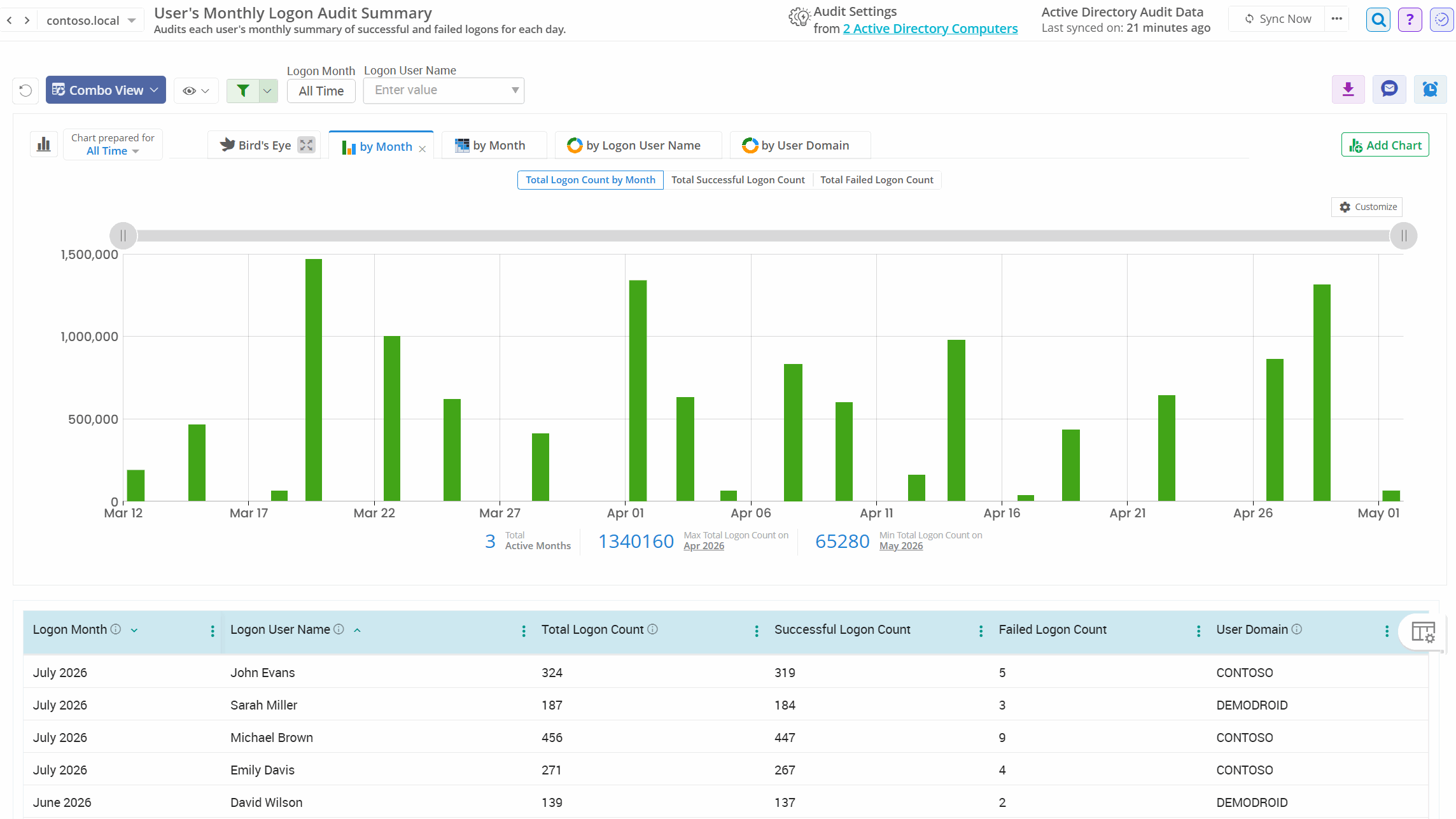
AdminDroid provides deep visibility into various Active Directory sign-in behaviors, such as successful logons, failed logons, first logon of the day, logon summaries, etc. These detailed reports help validate access patterns, detect suspicious behavior, and quickly identify inactive or risky accounts.

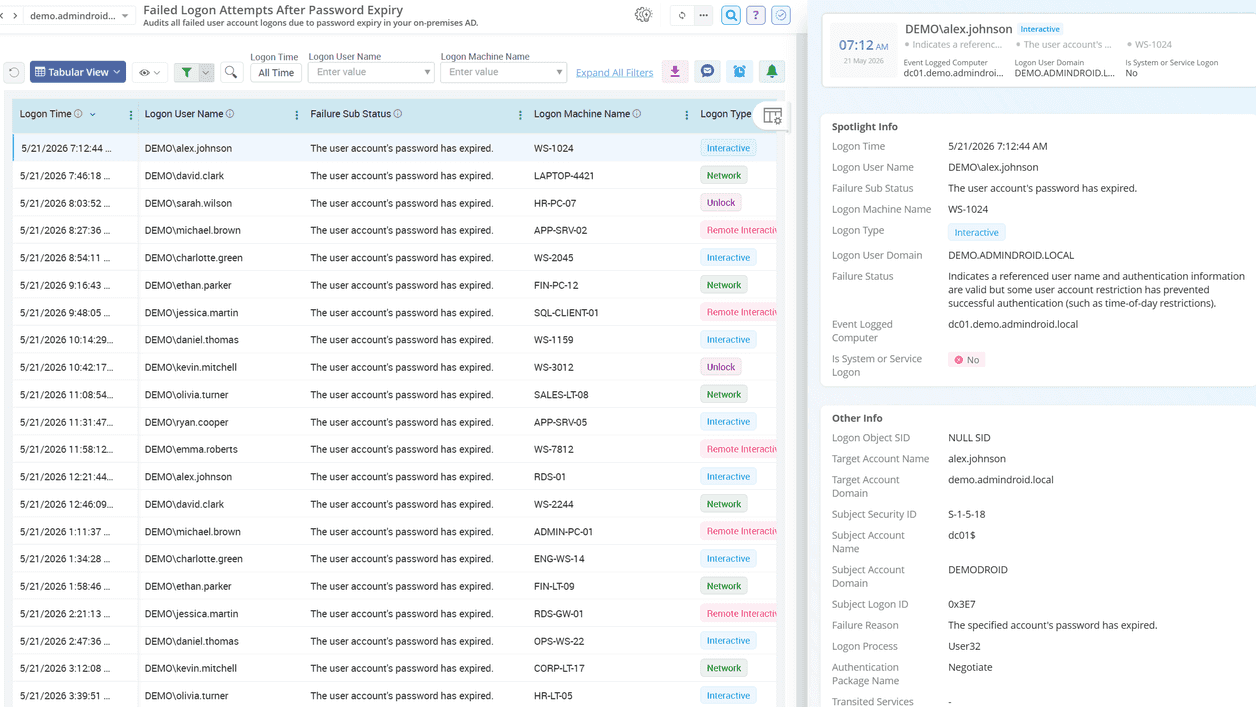
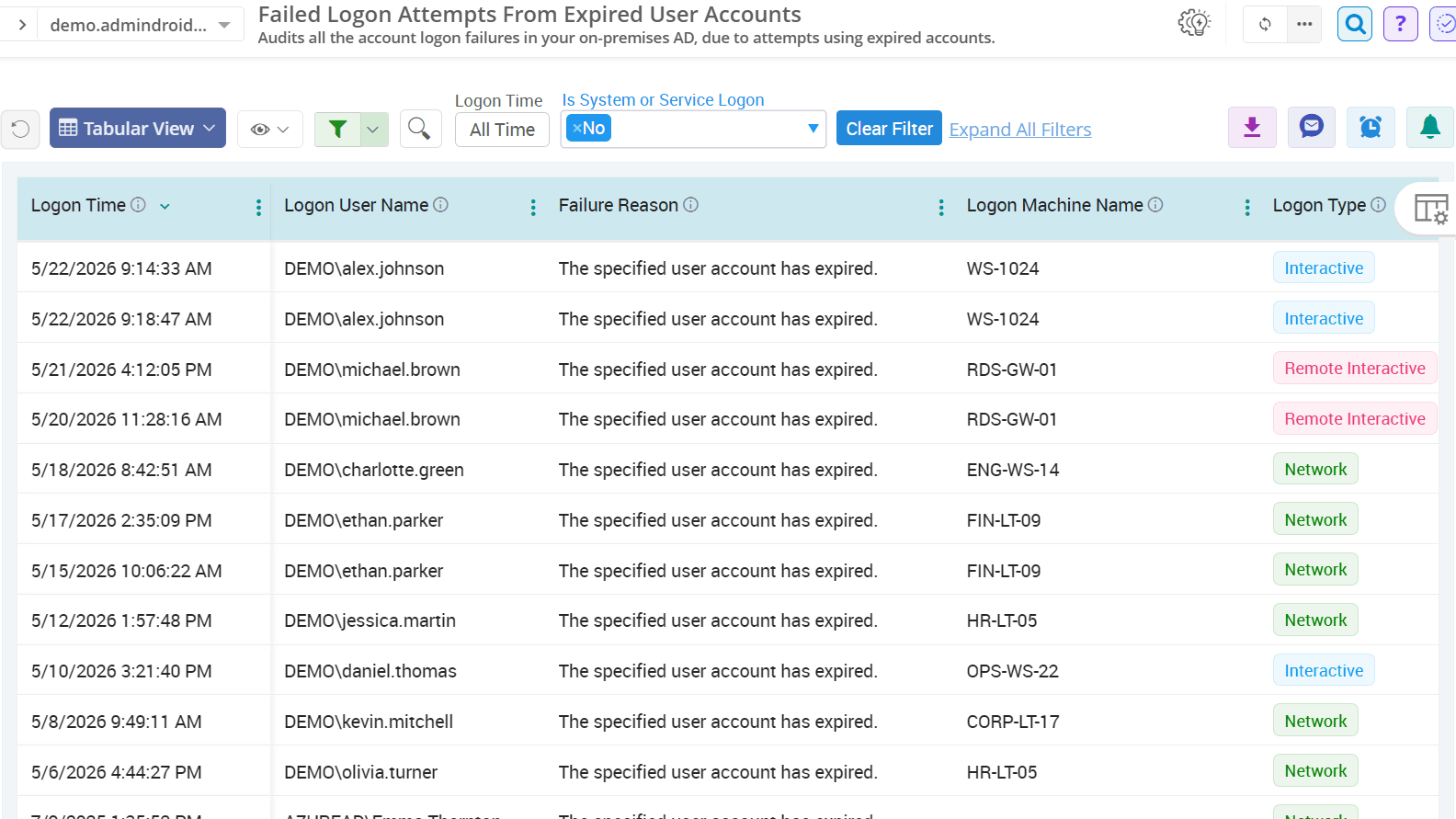
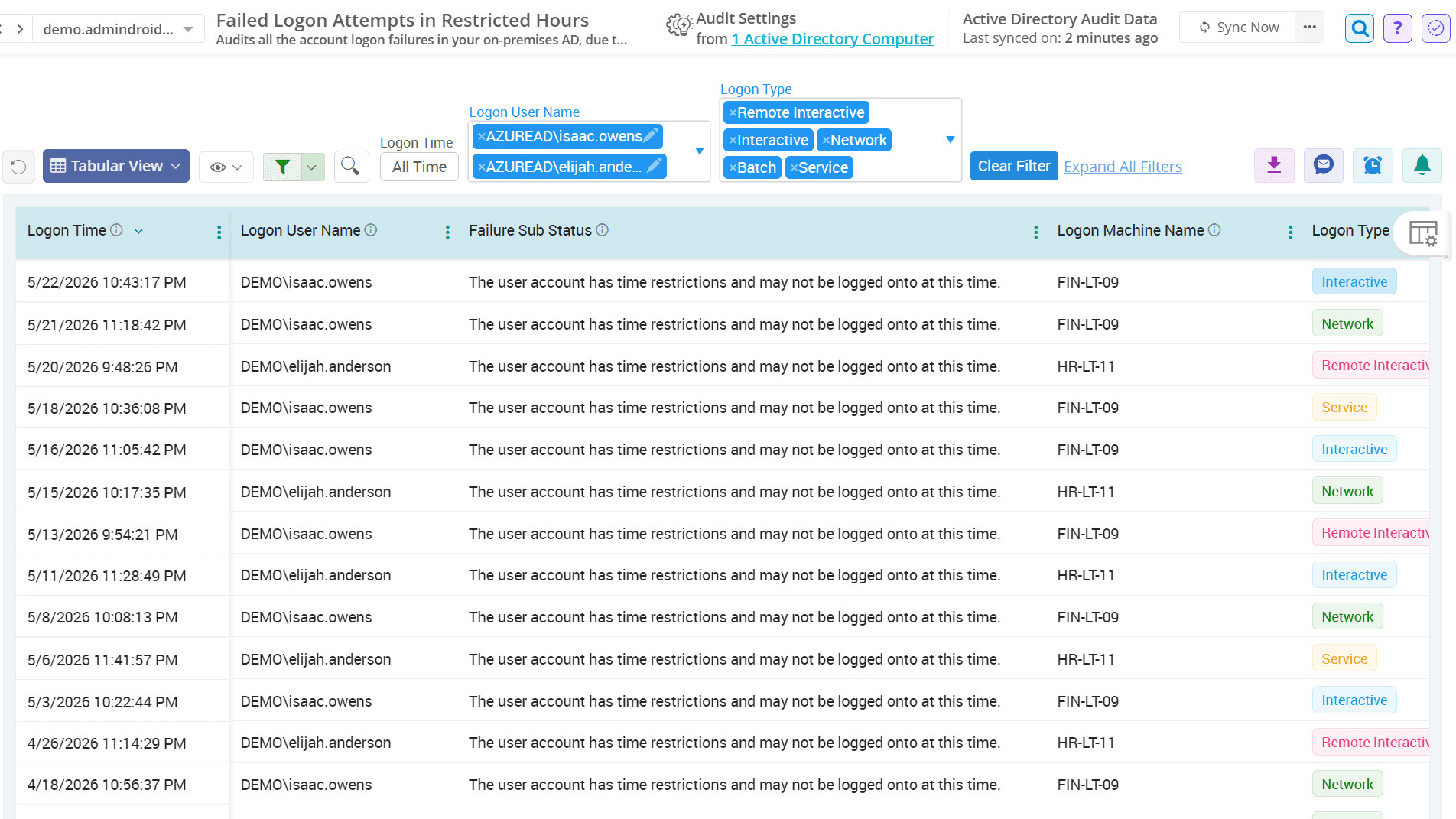
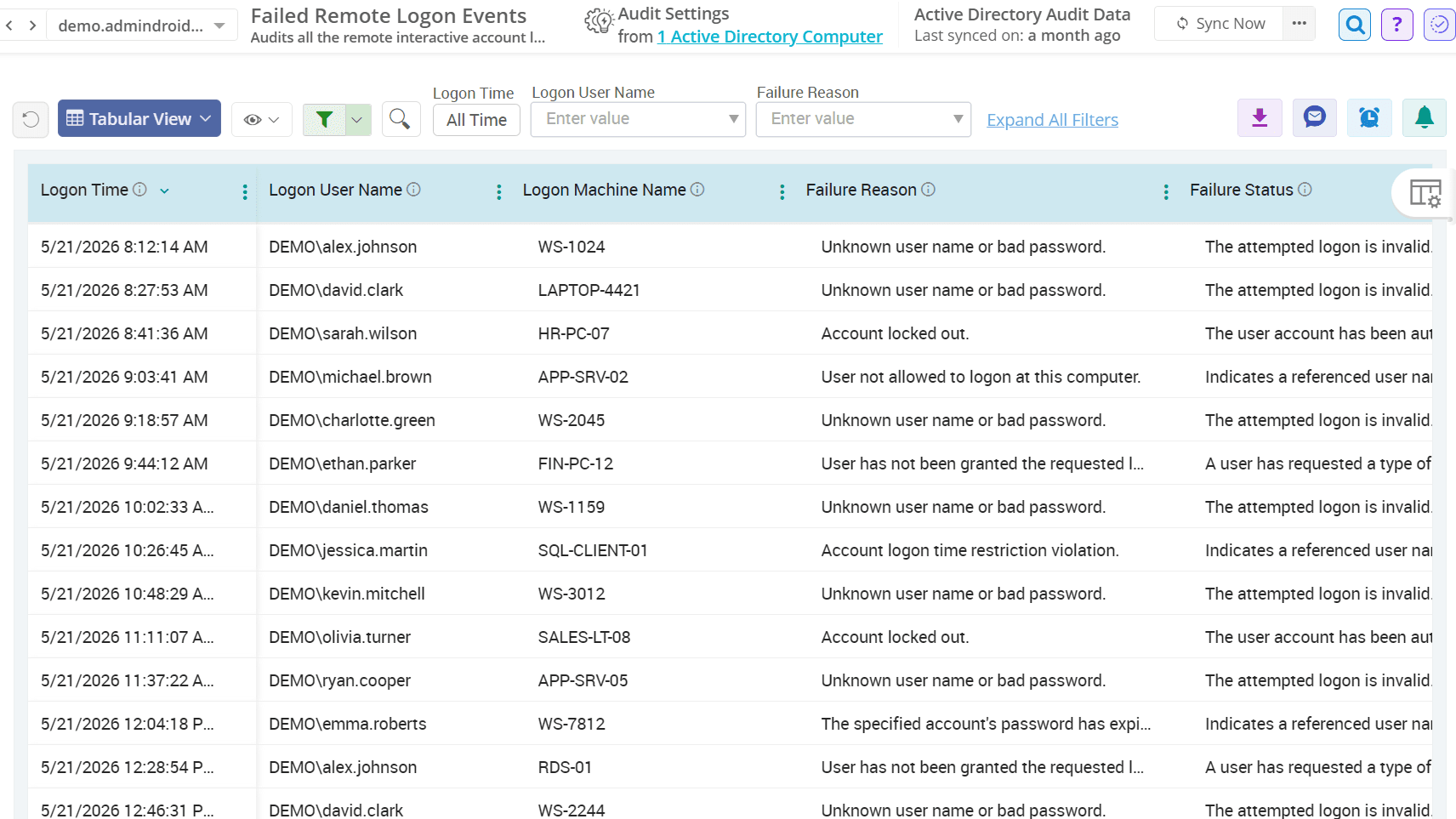
Active Directory Failed Logon Reasons

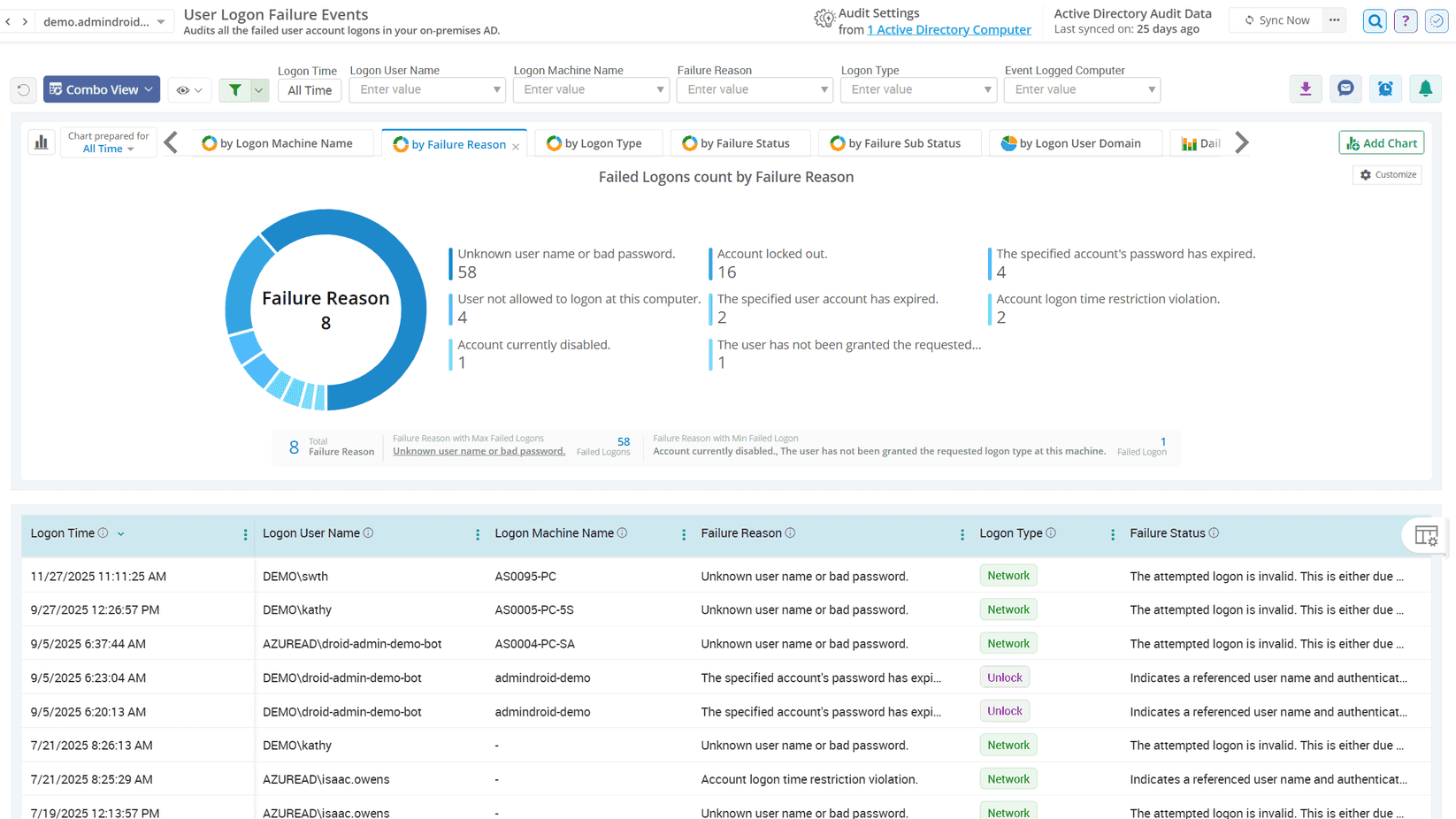
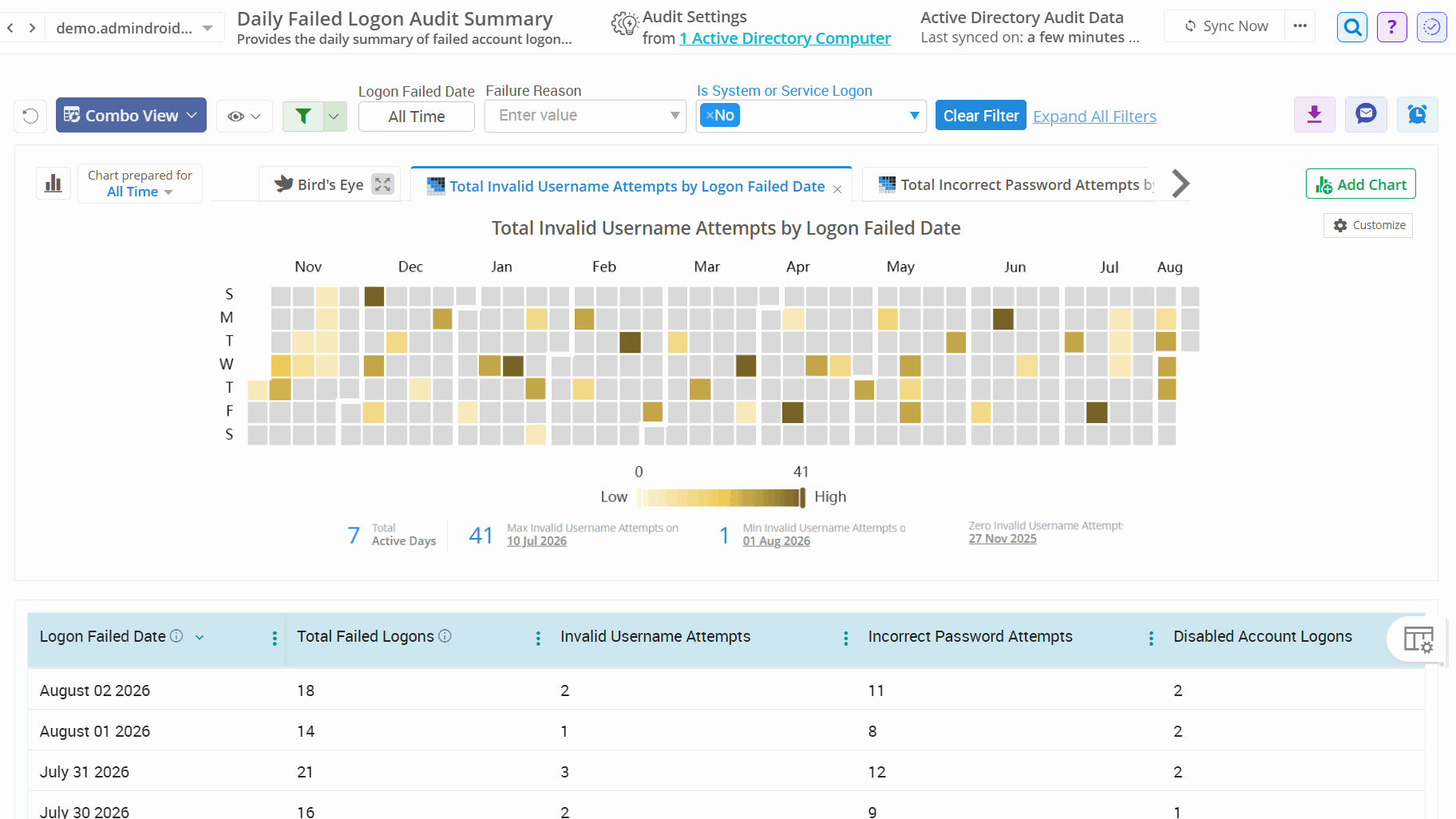
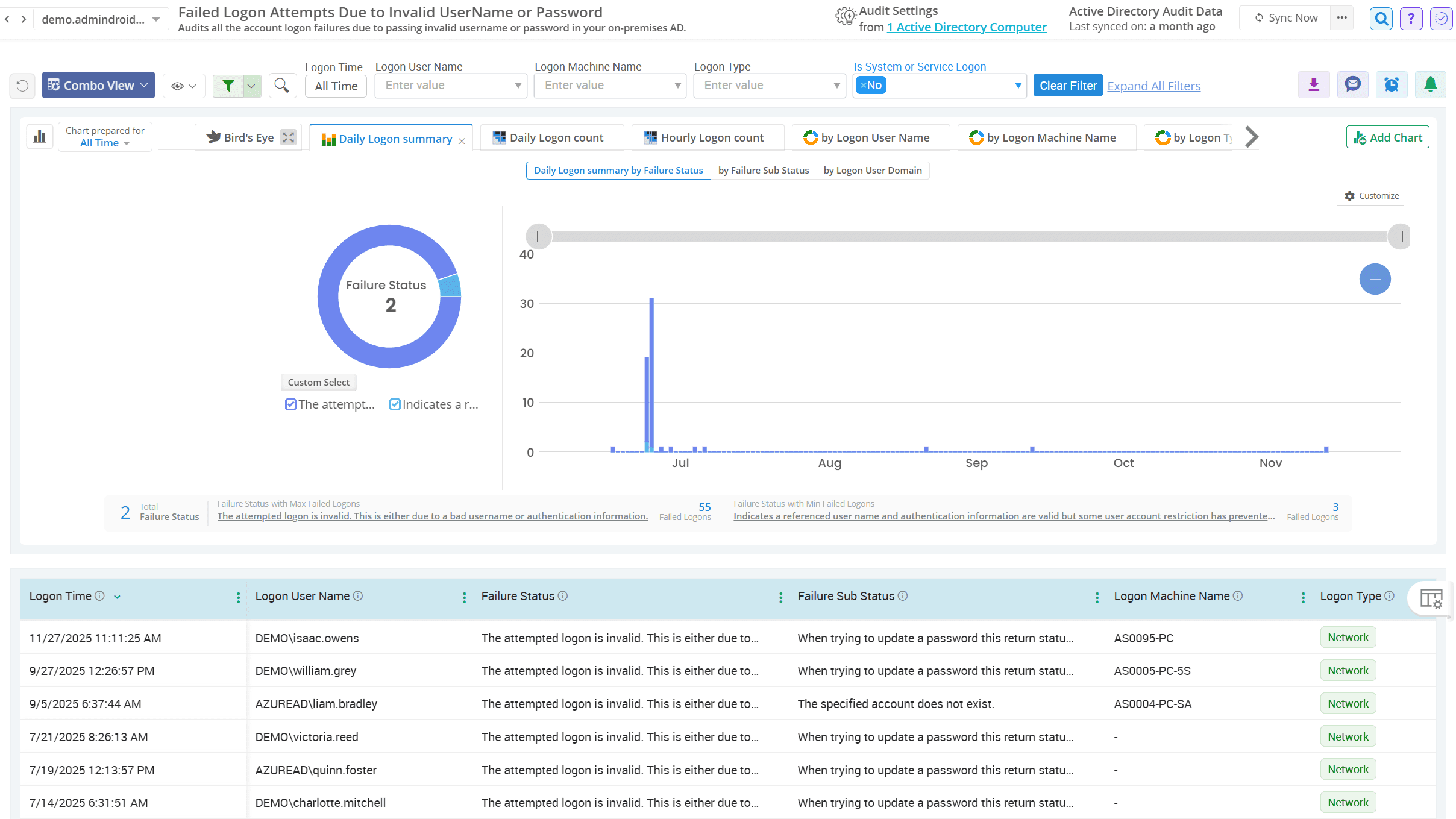
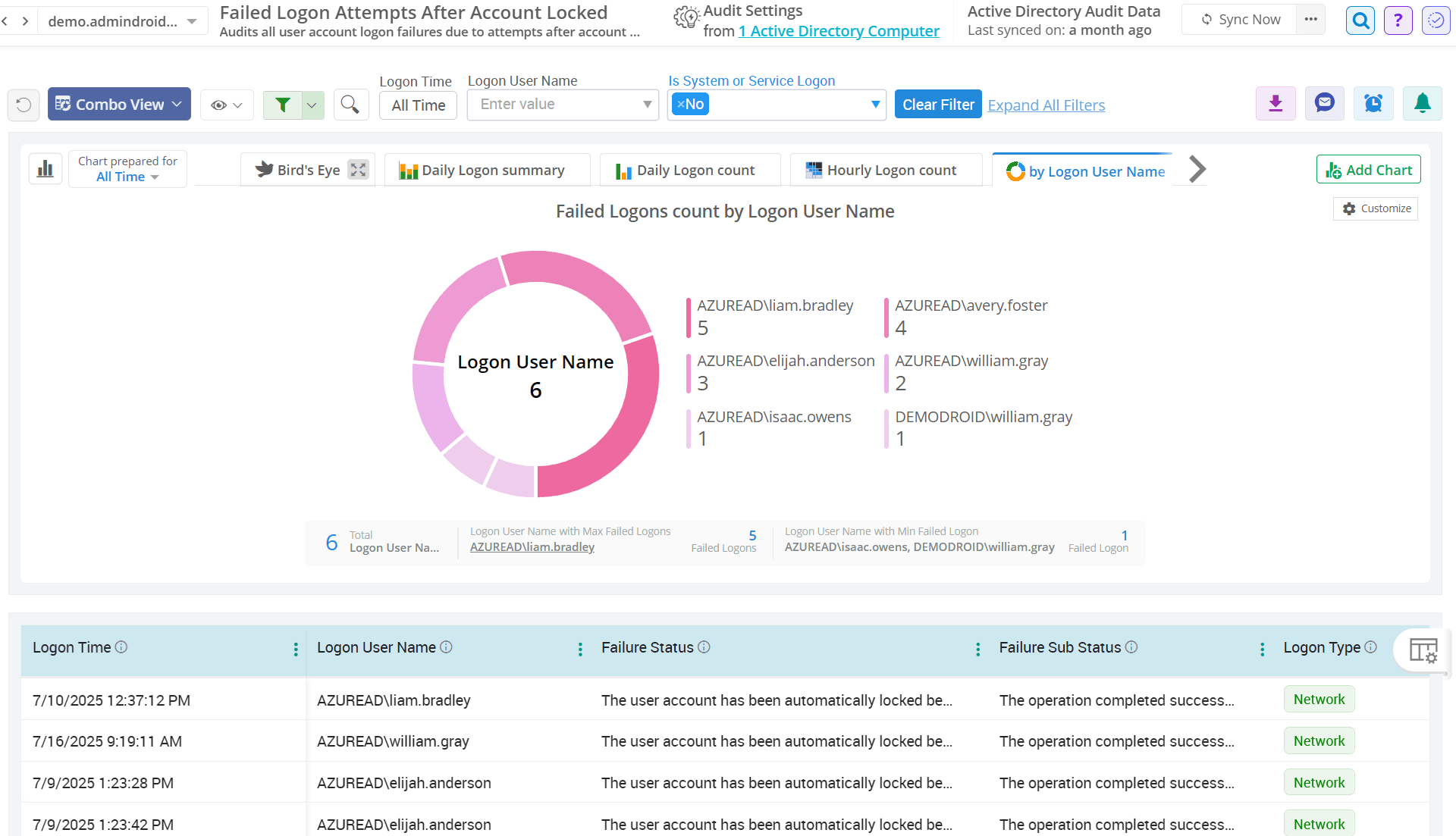
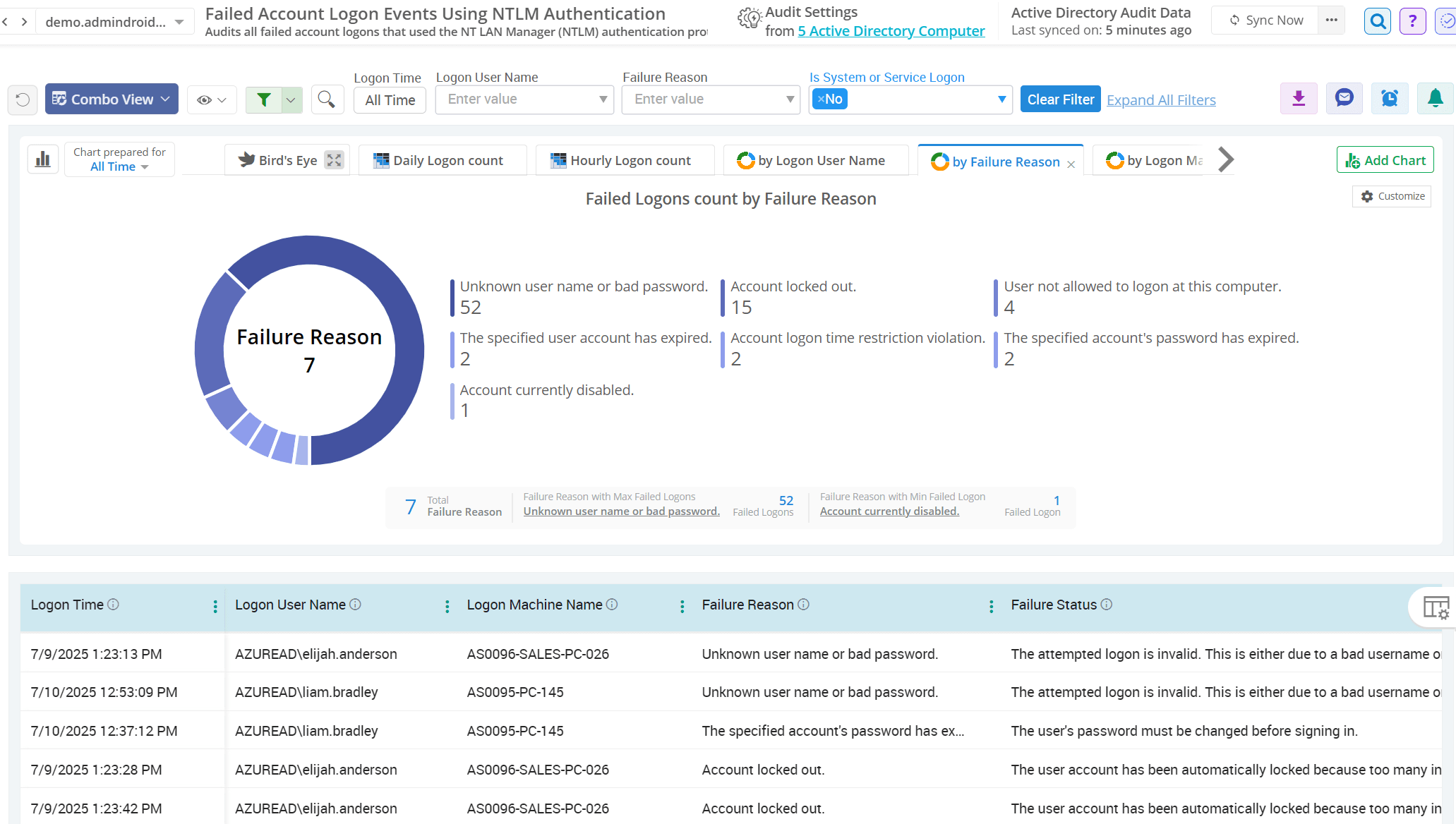
Stop guessing why authentication fails. AdminDroid categorizes Active Directory failed logons based on specific failure reasons to identify the root cause. These reports act as an eye-opener for admins to troubleshoot user issues, strengthen password policies, and detect potential security threats. Configure alert policies for these reports to receive immediate notifications when abnormal patterns appear in your logs.

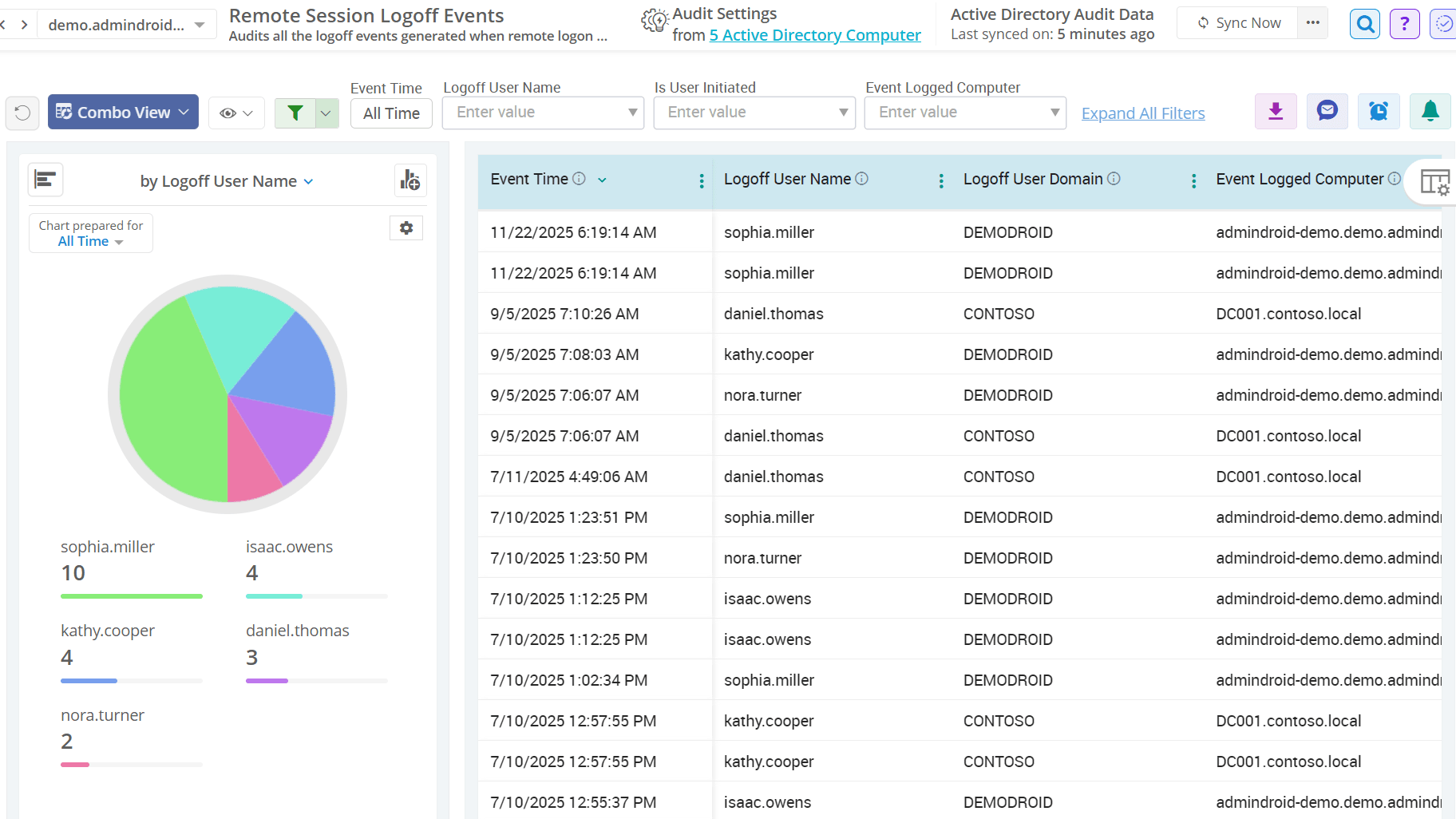
Active Directory Remote Session Activities

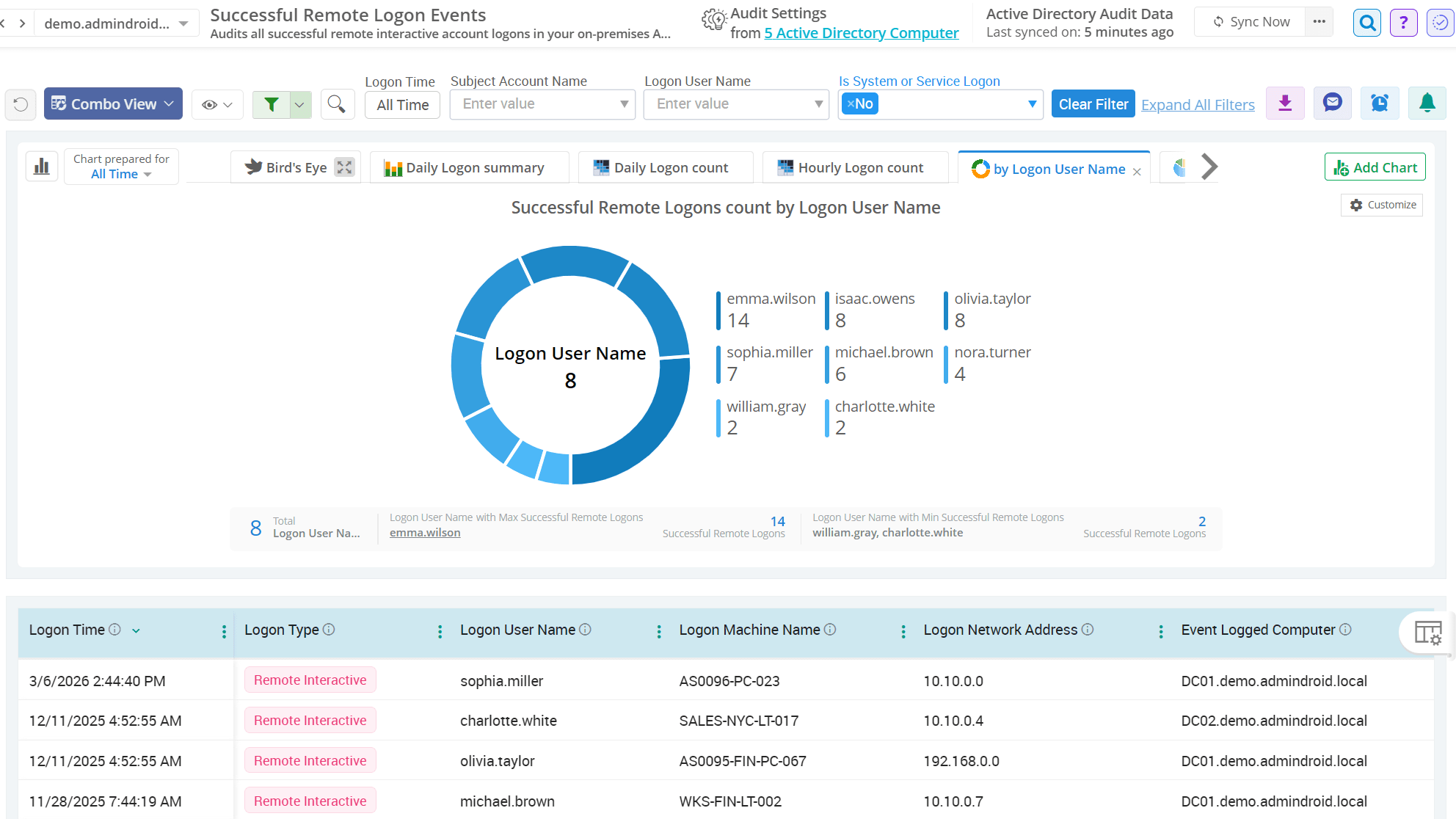
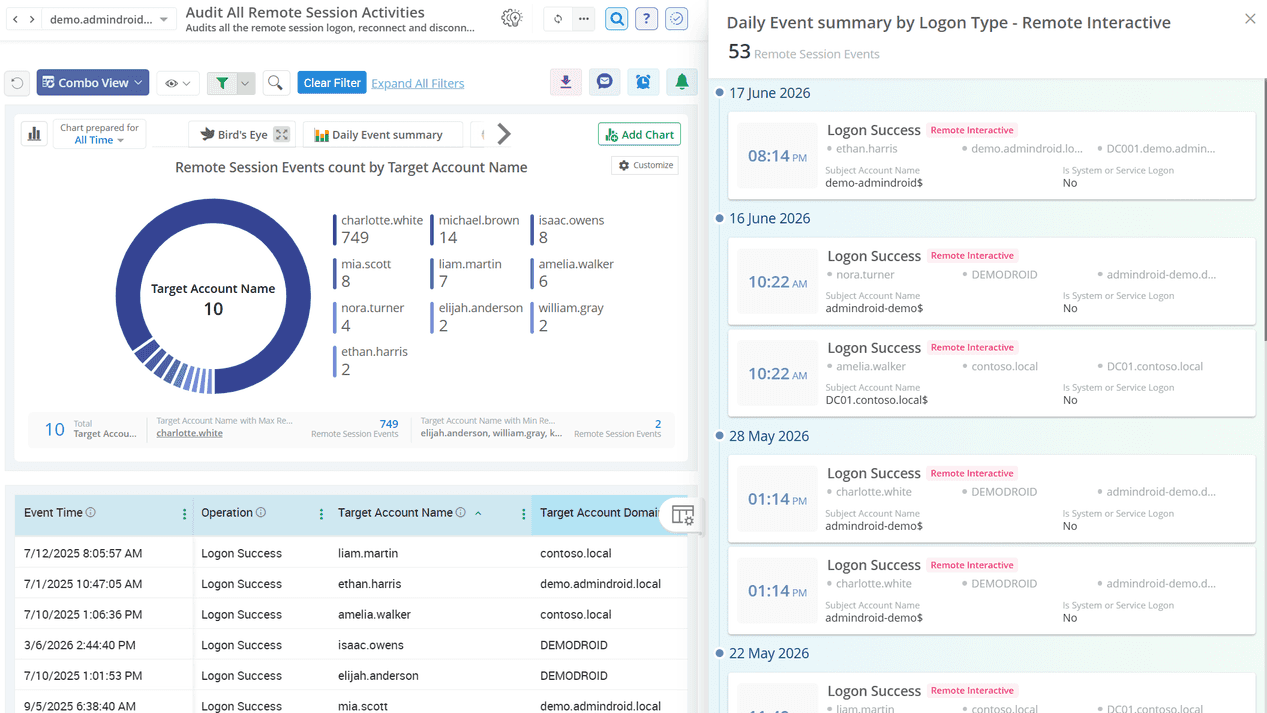
Remote sessions are commonly used to access DCs and other servers for administrative tasks, but tracking these sessions is not always straightforward. By default, Windows bundles all logons under a single Event ID 4624, making it difficult to separate remote sessions from standard logons. AdminDroid bridges this gap by providing dedicated reports on remote session activities across Active Directory.

Active Directory Special Logon Monitoring

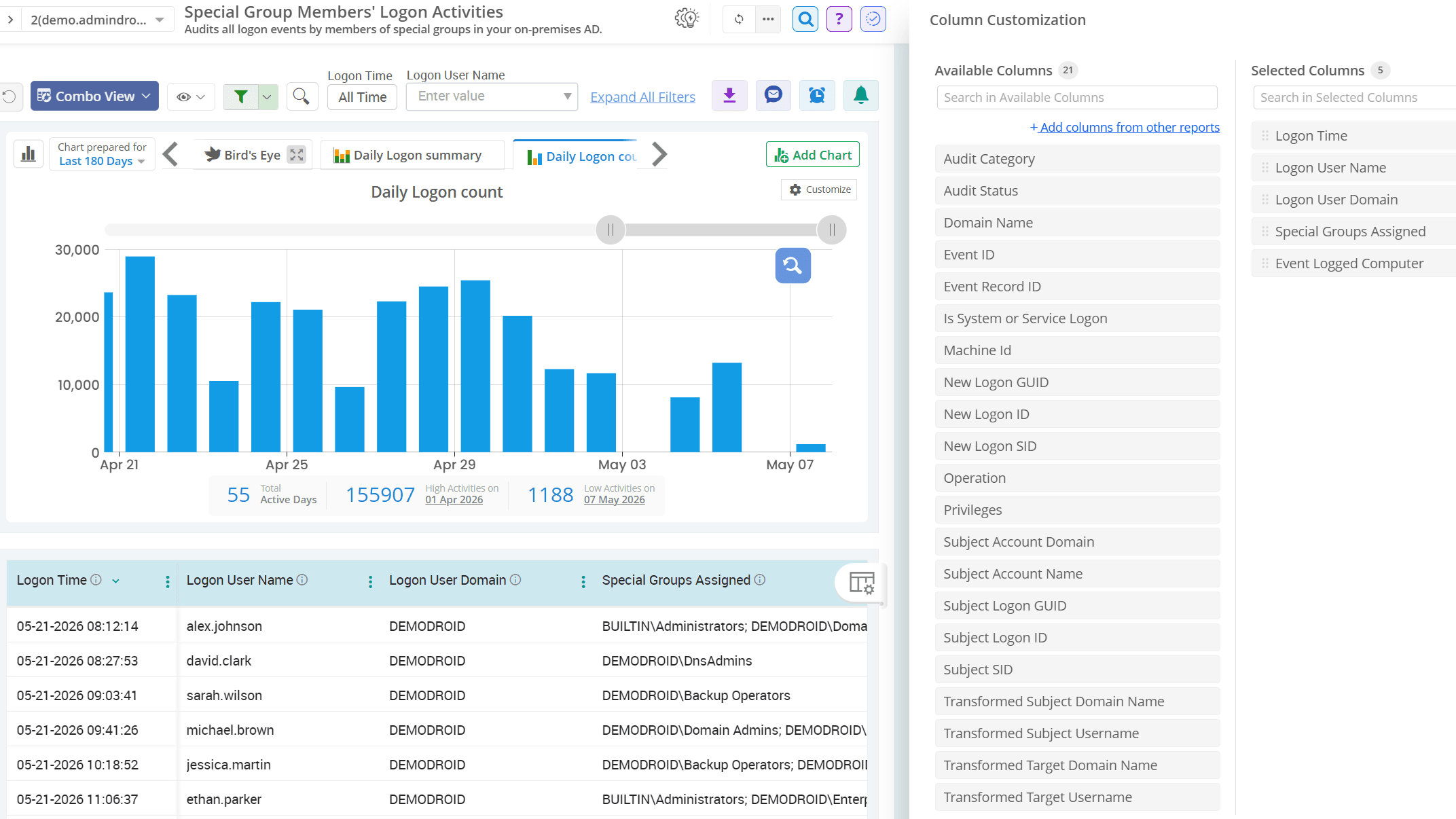
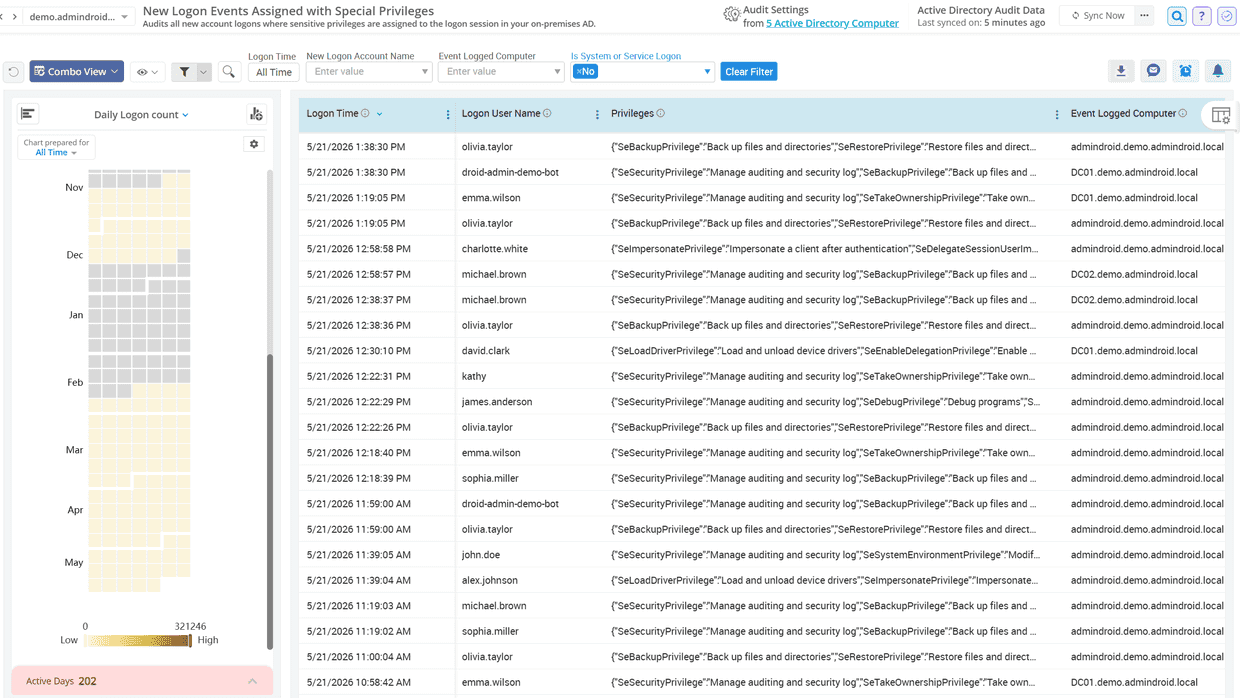
Special logons indicate sessions where elevated rights are granted at sign-in, making them primary targets for attackers and a top priority for auditors. AdminDroid’s Active Directory logon auditing tool helps admins monitor privileged access in real time and investigate suspicious administrative activity to maintain strong access governance.

Active Directory Logons Using NTLM Authentication

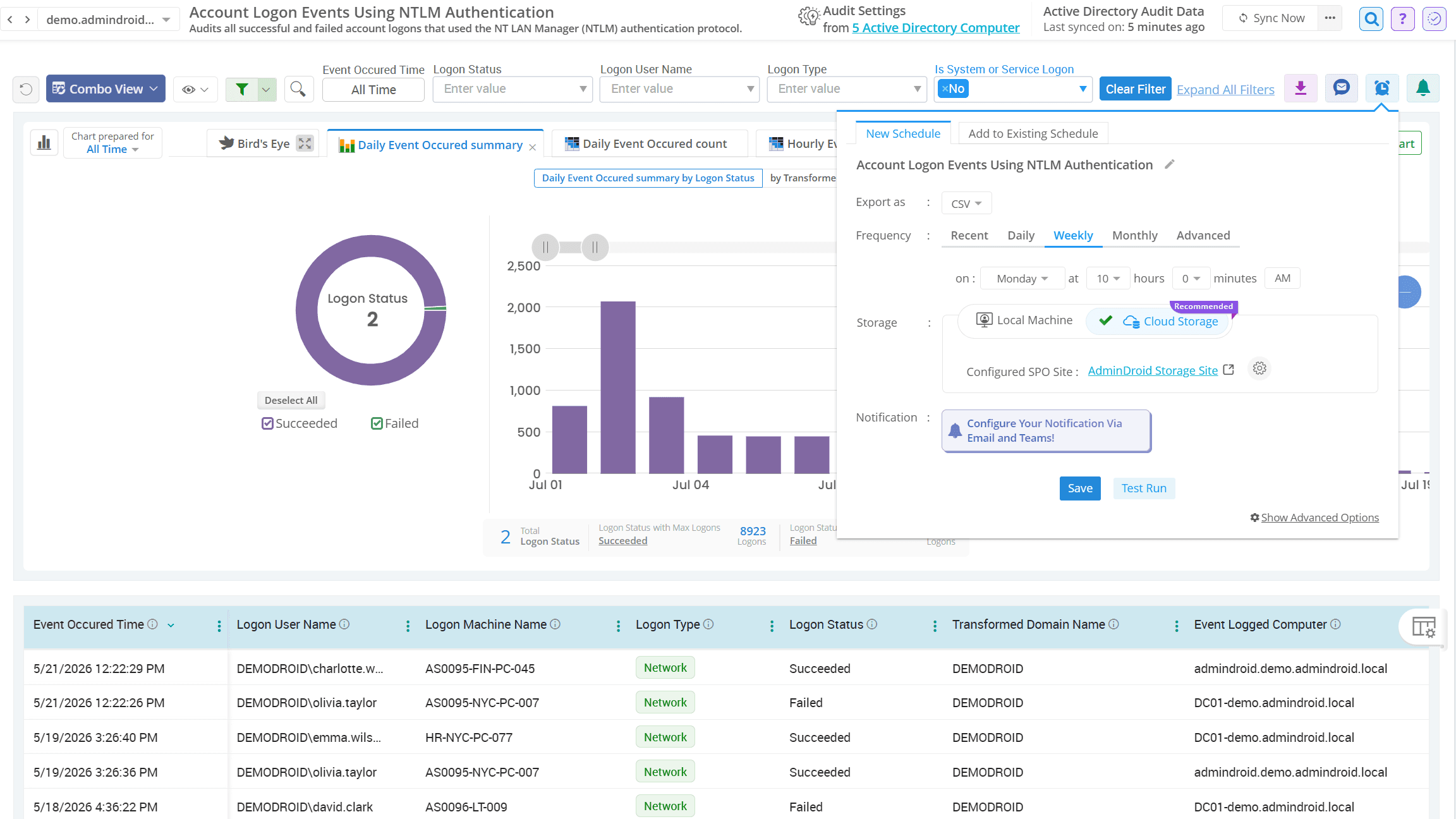
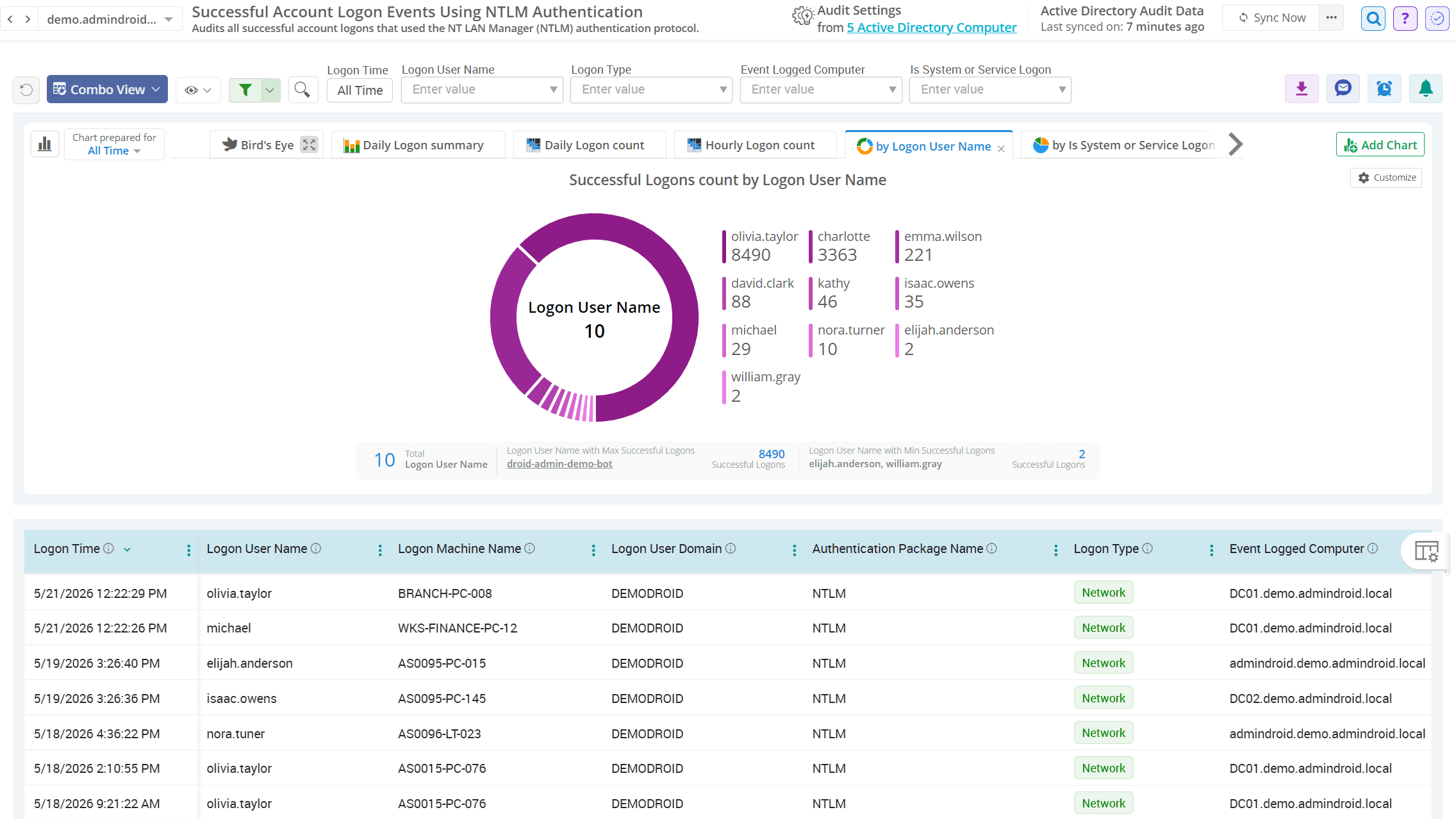
NTLM (New Technology LAN Manager) is a legacy authentication protocol that Microsoft has deprecated and plans to disable by default in future Windows releases. Despite this, NTLM remains a common fallback for older applications, leaving your network vulnerable to high-risk exploits like Pass-the-Hash and Relay attacks. AdminDroid provides reports to track NTLM logons, helping admins identify legacy authentication usage and reduce NTLM exposure.

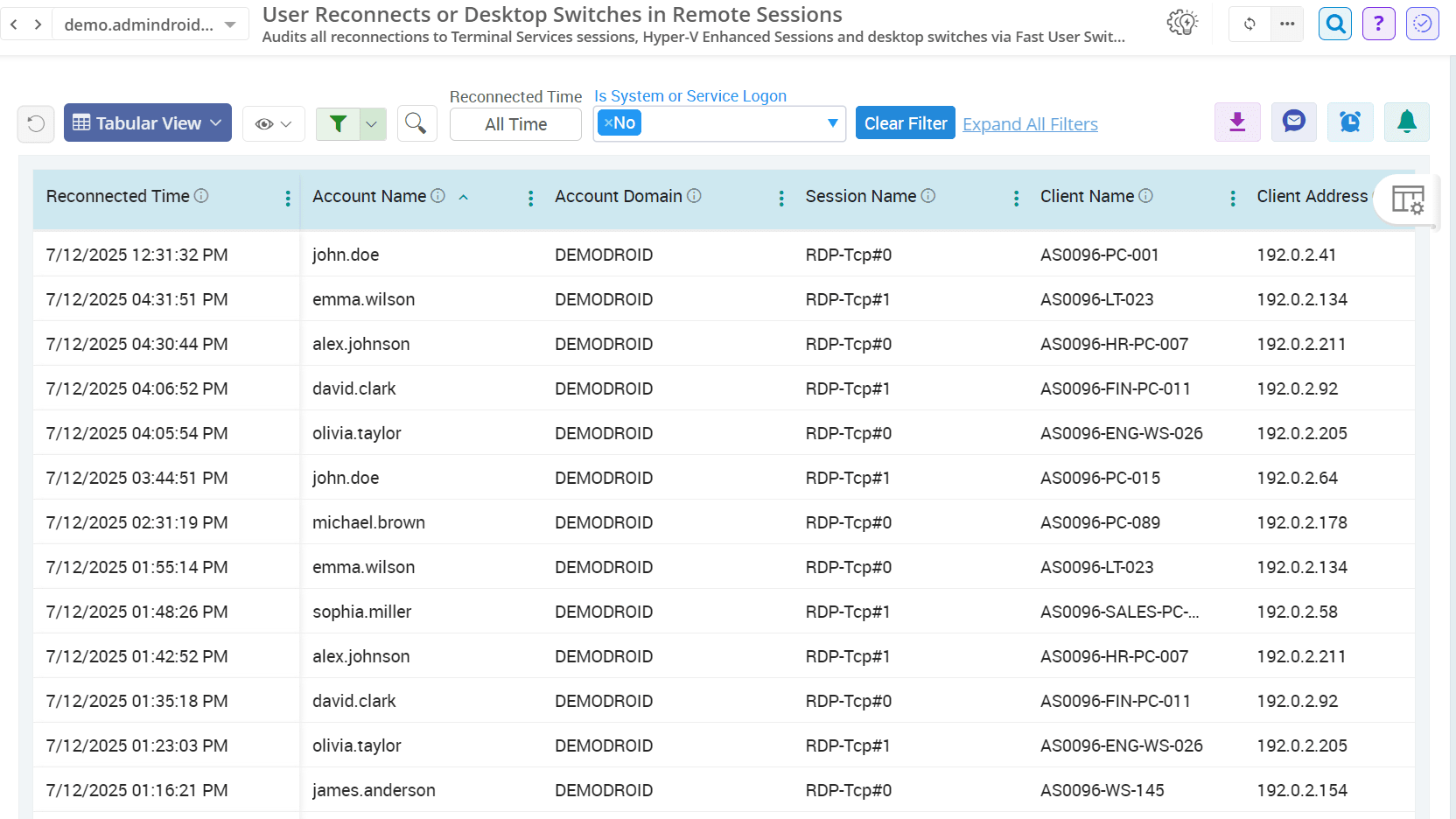
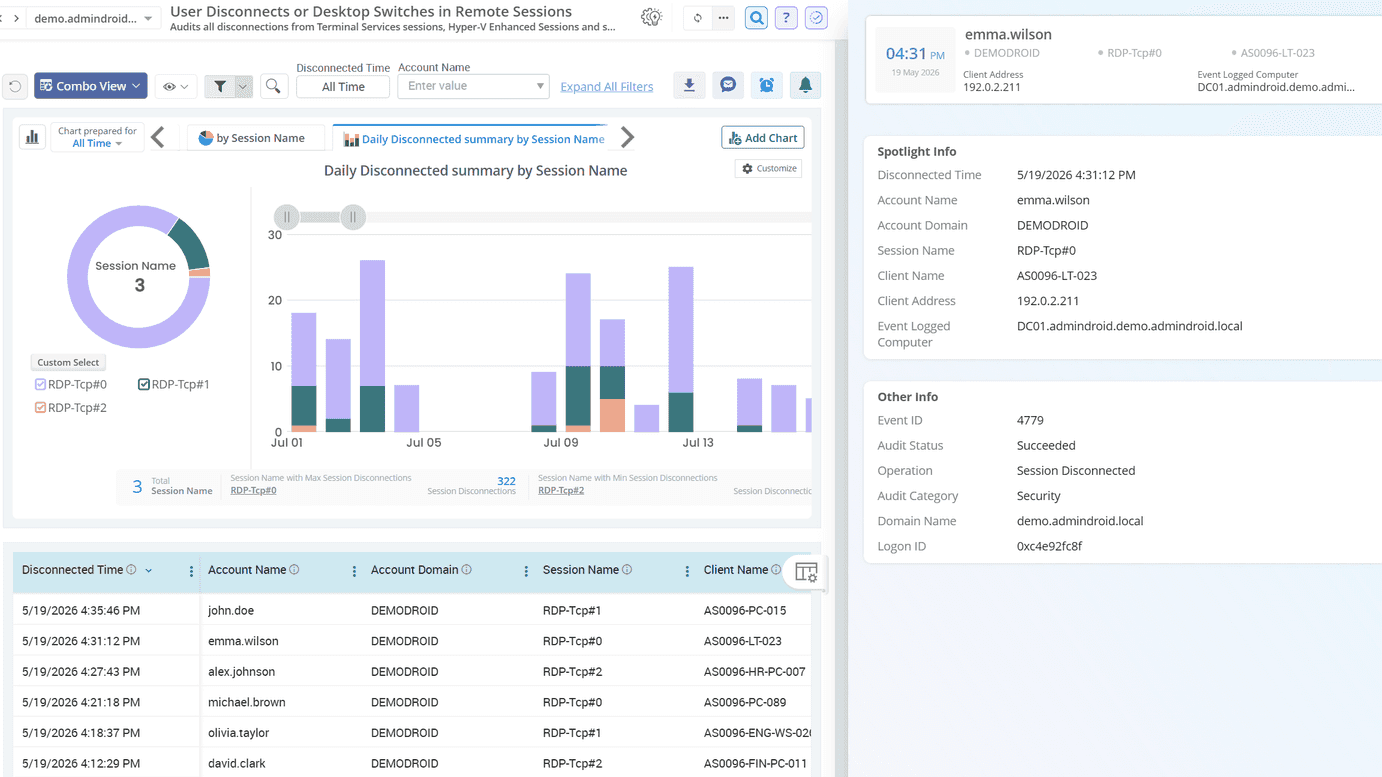
Active Directory User Session Activities

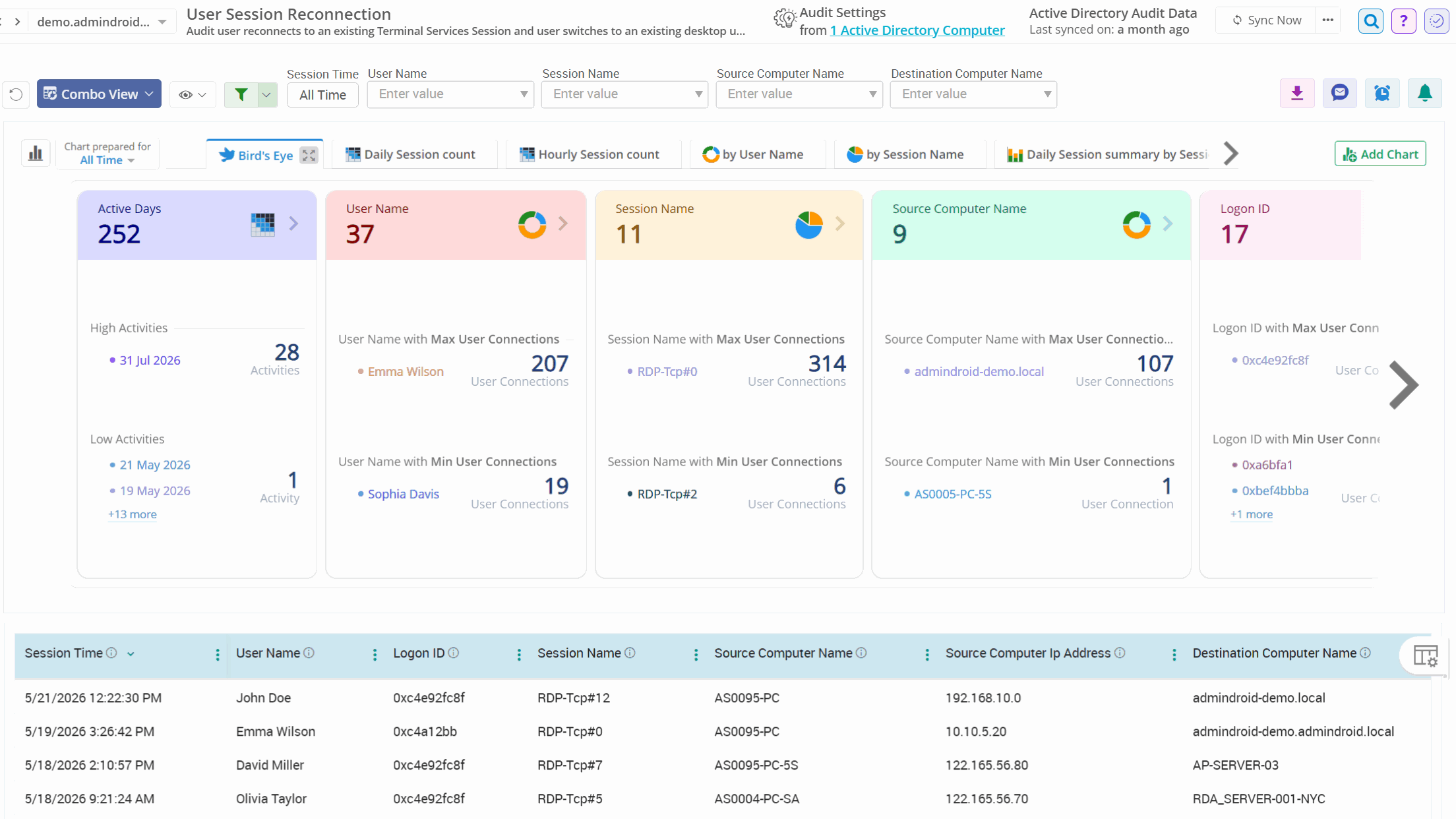
To track user session continuity, interruptions, and switching behaviors within Terminal Services across Active Directory, AdminDroid lends a hand with fruitful reports. This provides visibility into remote and local session handling patterns, assists with troubleshooting connectivity issues, and supports investigations of session-based access.

Monitor Server Logons for Suspicious Activity

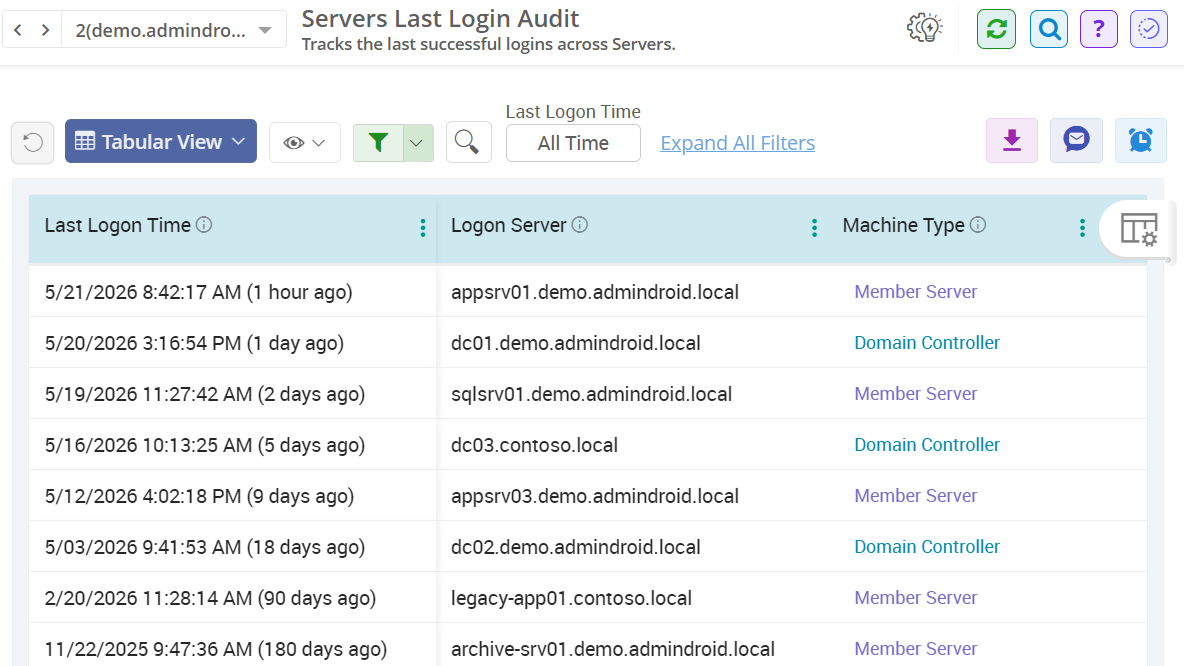
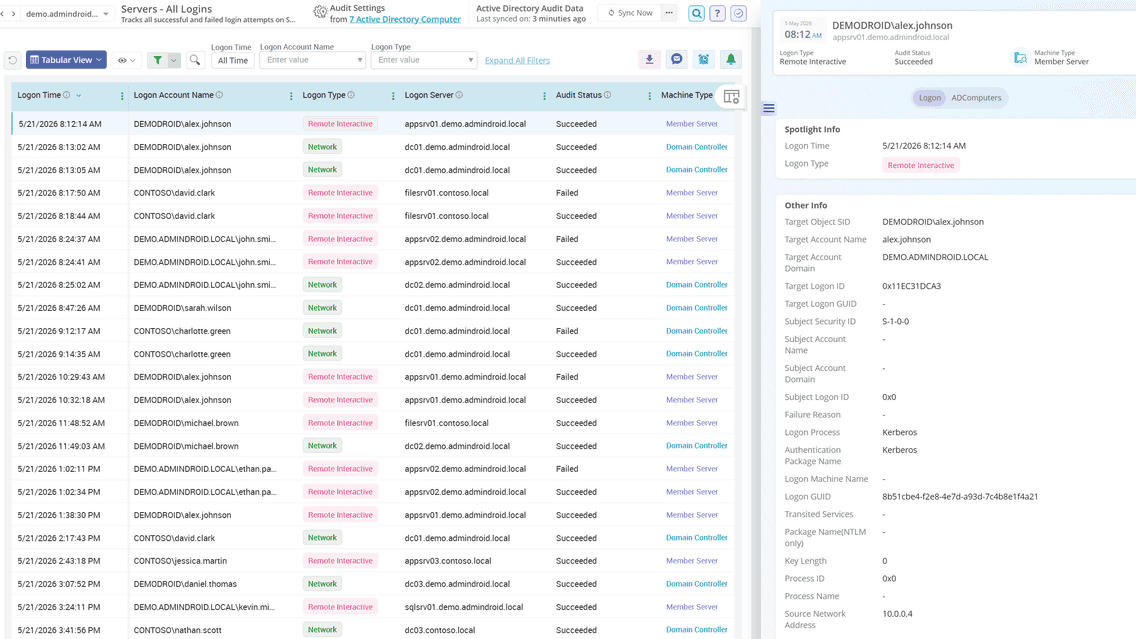
AdminDroid provides detailed auditing of all sign-ins performed on servers within Active Directory, including both domain controllers (DCs) and member servers. By isolating server-based logon activities, these reports help detect privileged access and maintain strict security oversight on mission-critical systems. Built with rich visuals and filters, these audit insights detect risky sign-ins, reveal the source of failed logins, and uncover unauthorized logon attempts.

Get Real-Time Alerts for