🎉 Our Microsoft 365 Reporting & Management Tool is now available in Azure Marketplace 🚀
s

Grant Delegated Access to
Avoid Security Breaches in Microsoft 365

Granular Delegation lets you grant privileged access to AdminDroid admins and allows them to monitor the Microsoft 365 user activities through AdminDroid portal.

Grant Delegated access to Avoid Security Breaches
Manage privileged access using delegated admin roles
Manage privileged access using delegated admin roles.
Ensure granted access by viewing the portal as delegated admin
Ensure granted access by viewing the portal as delegated admin.
Solutions for delegation challenges
Solutions for delegation challenges.

Steps to Solve the Delegation Challenges

Steps to solve the Delegation Challenges
01

Create role and grant access

You can create a custom role and grant access to required resources across Microsoft 365 services. Also, you can able to restrict the access to specific resources using ‘Deny’ option.

02

Assign role

You can assign any built-in roles or custom roles to AdminDroid admins to provide them the access to the portal.

03

Inspect access

Using ‘View as’ option, you can cross check the access given to the delegated admins.

Solutions for Office 365 Delegation Challenges

Admins have several challenges in O365 delegation while trying to maintain the data securely in the organization. Here, AdminDroid provides solutions to do secure delegation.

Microsoft 365 Delegation Management

Using various delegation features, manage your organization’s delegation in an efficient and secure manner.

Reporting and Auditing Delegation

Among the 3600+ prebuilt reports in AdminDroid, you can grant delegated access to one or more specific reports available in the portal. It will help you granting delegated access for your helpdesk admins to monitor only their required data like user password reset, user creation, updation, deletion, etc.

Dashboard Delegation

There are various dashboards available in the portal to visualize your company information. You can grant delegated access to one or more dashboards to any users based on your requirements.

ReportBoard Delegation

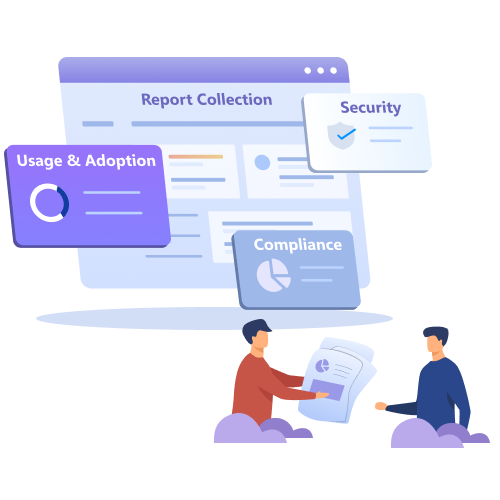
ReportBoard categorizes the reports to meet various admin requirements like compliance-related reports, security-related reports, etc. So, admins can easily grant delegate access only to compliance and security reports without any burden.

Granular Roles and Permission

Using custom roles, you can do Microsoft 365 User delegation, Mailbox delegation, SharePoint delegation, MS Teams delegation, OneDrive delegation, and more. Also, you can filter out the data based on the properties and grant access to the filtered data. The granular role delegation makes the data management more specific and secure than before.

Review Admin Activity Logs

Admins can monitor the activity of the delegated admins in the portal itself. They can review admin login details, accessed ReportBoards, report email, download, schedule details, and more. It helps you to avoid any unnecessary access by delegated admins.

Delegated Access Inspection

Mostly, admins have no idea if they have given the right delegation permissions to users. They have no option to check what the delegated users can access and whatnot. Using the ‘View as’ option, you can view the AdminDroid portal as the delegated admin. So, you can visualize what the respective delegated admin can access in the portal.

Sneak preview of delegated objects

You can check the delegated objects of any delegated admins by clicking the preview icon anytime. So, you can monitor the accessible resources to make sure that you have given access only to the required objects in your organization.

Highlights of AdminDroid Role Delegation

Explore the solutions for various use cases in delegation
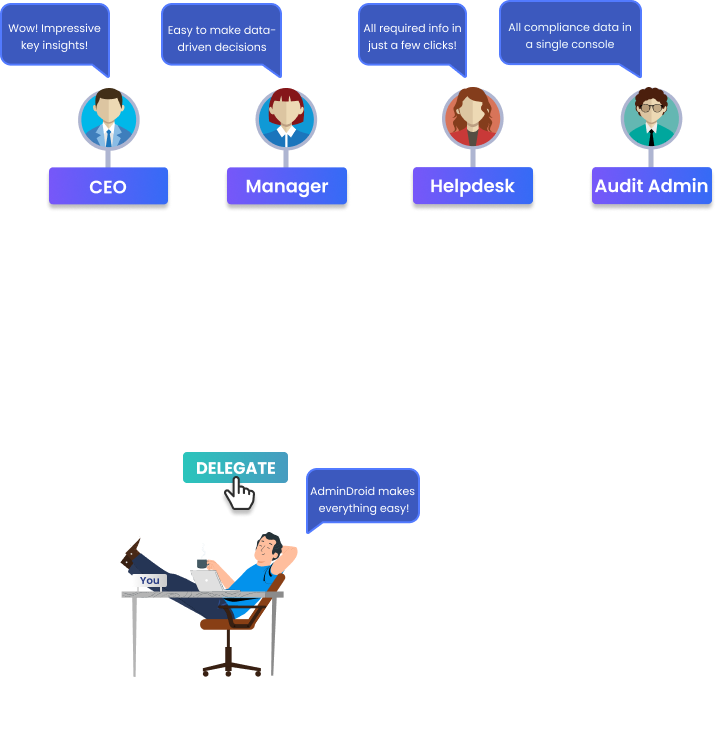
Delegate access to any specific reports

Delegate Access to Specific Reports

You can select one or more reports and can give delegated access to any user in your organization.

Authorize your audit administrators with access only to the audit reports.

Delegate access to any dashboards

Delegate Access to Any Dashboards

You can delegate any dashboard within the AdminDroid portal to your desired choice of users.

Impress your management with the bird's eye view of your organization by delegating the required dashboards.

Role-based access control

Role-Based Access Controls

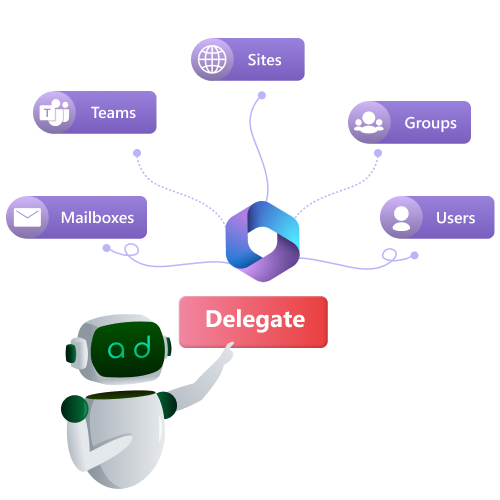
Using delegation roles, you can grant access to any specific resources like Users, Mailboxes, Groups, etc., based on your requirements for one or more users.

Equip your Exchange administrators with access only to the email and mailbox-related reports and dashboards.

Granular delegation on Office 365 users, groups, and more

Granular Delegation on Office 365 Users, Groups, and more.

You can grant delegated access to any specific Office 365 resources like Users, Groups, Sites, Teams, and Mailboxes using custom roles.

Facilitate your admins to access specific user-related data like users from the same city.

Delegate access to owned resources

Delegate Access to Owned Resources

The Built-in roles help you delegate any user with access to their owned resources such as Groups, Sites, Teams, Mailboxes, and more with just a click.

Provide all your organization managers with access only to the data of their direct reports.

Delegate access to any ReportBoards

Delegate Access to Any ReportBoard

ReportBoard delegation makes it easier to delegating purpose-built reports to respective persons.

Permit your compliance administrators to access only the required compliance data.

Access restriction to executive's data

Access Restriction to Executive's Data

Using the 'deny' option in roles, you can exclude particular Office 365 users from the eye of delegated admins.

Restrict your delegated admins from accessing the organization's CxO(CEO) data.

Access restriction to confidential data

Access Restriction to Confidential Data

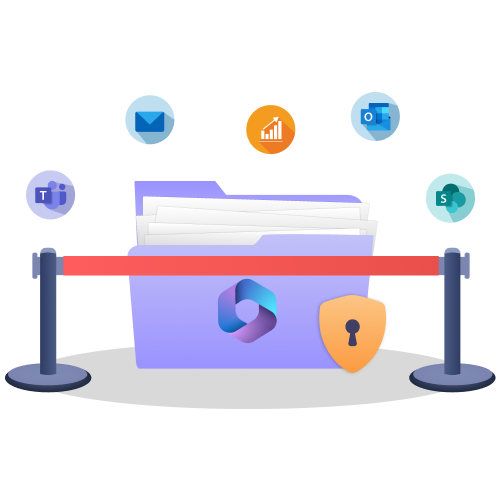
You can smartly protect confidential and sensitive information scattered over your Office 365 Mailboxes, SharePoint, Teams, and more from delegated admins.

Restrict your admins from accessing your organization's confidential data.

Delegation Overview

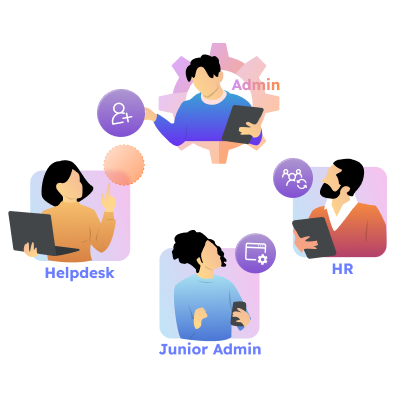
Using AdminDroid delegation feature, you can grant delegated access to Office 365 resources as well as AdminDroid’s features and functionalities.

Users

Grant delegated access to monitor specific set of users like department users, users reporting to same managers, members of specific groups, etc.

Groups

Grant delegated access to monitor the activities of specific groups like all mail-enabled security groups, groups with CxO members etc.

Mailboxes

Mailbox delegation in AdminDroid lets you monitor certain mailboxes like shared mailboxes, group mailboxes, user mailboxes from same department, and much more.

SharePoint

Grant delegated access to specific SPO sites like sites without owners, sites having confidential info, etc., to ensure security.

Teams

AdminDroids’ Team delegation facilitates you to delegate certain teams such as teams using devices, teams with CxO members, teams with sensitive info, and much more.

Reports

Provide delegated access to monitor specific reports among 3600+ prebuilt reports like license-related reports, groups-related reports, site reports, etc.

Audit Reports

Avoid unnecessary access to any audit data by granting delegated access to certain audit reports. For example, users can access only email audit reports, exchange audit reports, etc.

Analytic Reports

Grant delegated access to AdminDroid’s analytic reports to monitor in-depth data and insights of your organization.

Dashboards

Grant restricted access to monitor various insights like users, mailboxes, groups, sites, and more. So, users can monitor only the insights not any reports.

Report Boards

Grant delegated access to the various report packages available in AdminDroid purpose-built for easy accessing of reports. For example, Compliance report package provides all compliance related reports need to be monitored by the compliance admin.

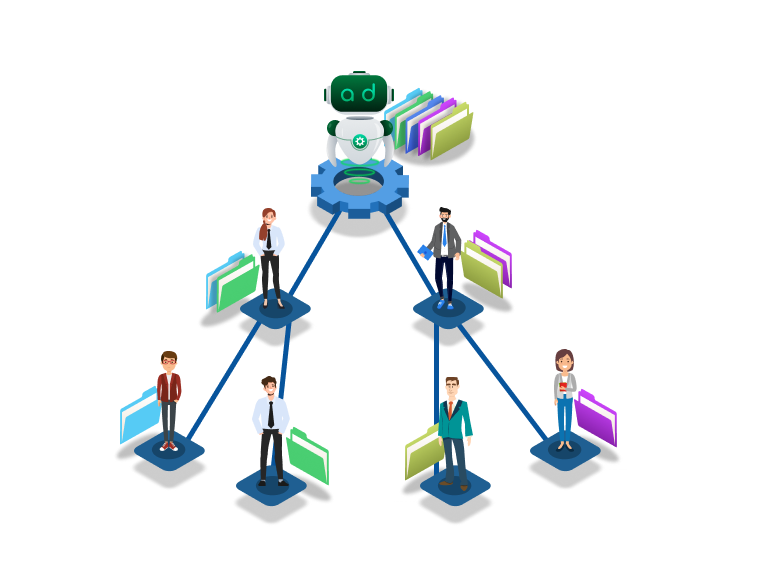
Built-In Roles

Manage Direct Reports

The user with this role has access to all the persons who are directly reporting to him.

Manage Department Users

The user with this role has access to all the persons of their department.

Manage Domain Users

The user with this role has access to all the persons of their domain.

Manage Owned Groups

The user with this role has access to all the groups one has ownership assigned.

Manage Mailboxes with Full Access

Has access to all the mailboxes for which one has full access permission.

Manage Owned Sites

Has access to all the sites for which one has direct ownership assigned.

Manage Owned Teams

Has access to all the Teams and PrivateChannel for which one has ownership assignment.

My Account

The user with this access right has access to their account.

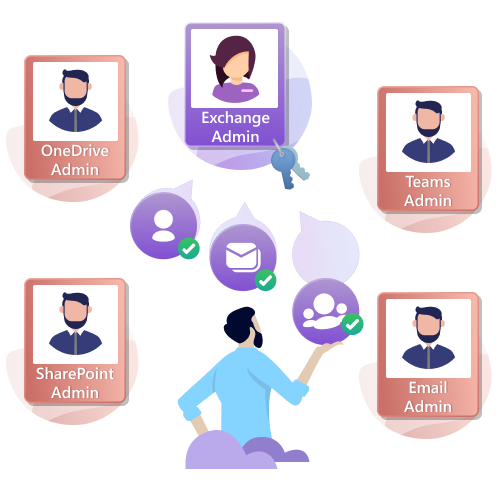
Teams Administrator

Has access to all Teams reports, audits and analytics data.

SharePoint Administrator

Has access to all SharePoint reports, audits and dashboards.

Audit Administrator

Has access to all audit reports, dashboards and analytics reports on audit data.

Compliance Administrator

Has access to all compliance reportboards such as SOX, PCI-DSS, GLBA, GDPR, HIPAA, FISMA.

Azure AD Administrator

Has access to all Azure Active Directory reports, audits and dashboards. It also includes security reports such as MFA, Conditional access policies, Password expiry,etc.

Exchange Administrator

Has access to all Exchange reports, audits and dashboards. It also includes email related audit reports and dashboards.

Email Administrator

Has access to all Email reports, audits and dashboards. It also includes reports on mailbox forwarding, inbox rules, email message settings such as signature, out of office, etc.