🎉 Our Microsoft 365 Reporting & Management Tool is available in Marketplace 🚀

Active Directory
Computer Management

Let AdminDroid take the complexity out of routine computer administration across your domain.

Active Directory computer accounts are the backbone of your domain’s authentication, policy enforcement, and resource access. As your environment evolves, manually managing computers can result in stale objects, operational bottlenecks, and delayed remediation. AdminDroid Active Directory Computer Management Tool gives IT admins precise control over every computer object, automating repetitive tasks without complex PowerShell scripts.
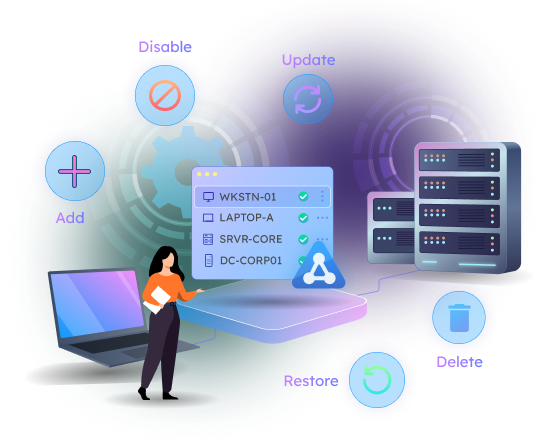
Active Directory computer lifecycle management - Add, Update, Disable, Delete, and Restore computer objects with AdminDroid

What Makes AdminDroid Active Directory Computer Management Tool Stand Out

Under the Hood: Explore the advanced AdminDroid features that make managing thousands of Active Directory computer objects feel as simple as managing ten.

Active Directory Computer Lifecycle Management

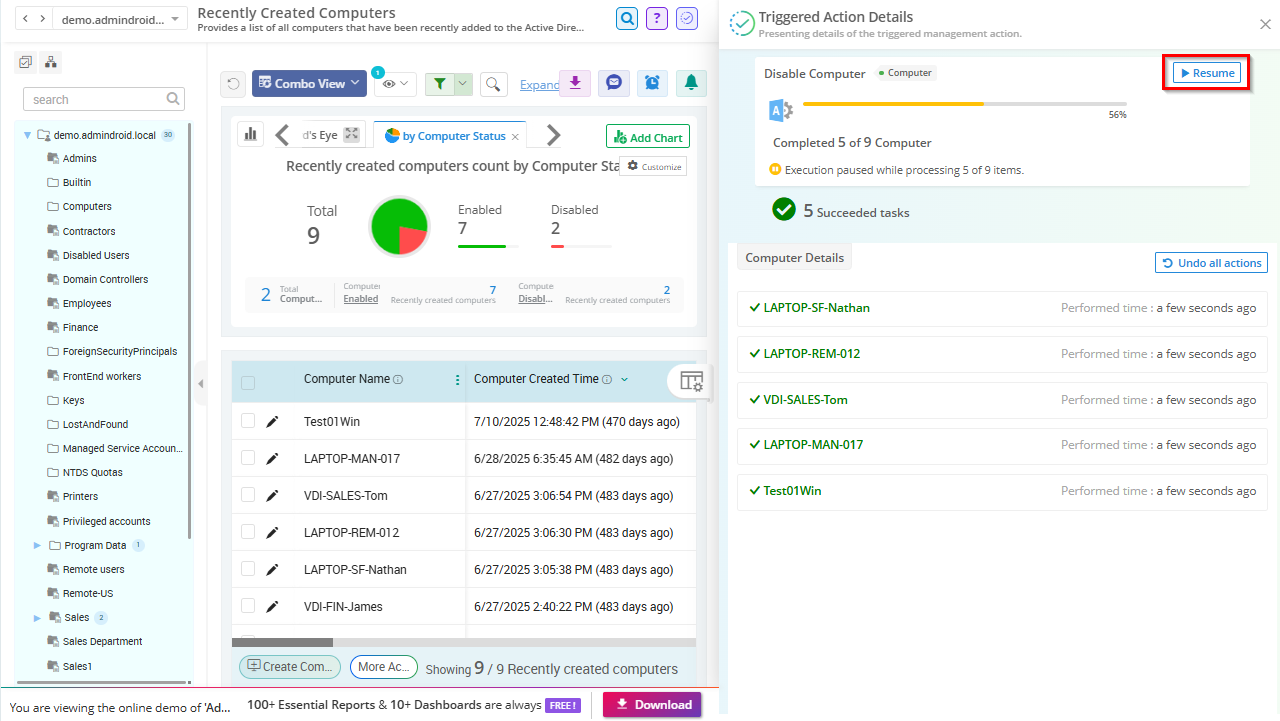
Every computer object in Active Directory has a lifecycle — provisioning, restructuring, and retirement. AdminDroid manages each stage in bulk through a single interface, with real-time control and full audit visibility.

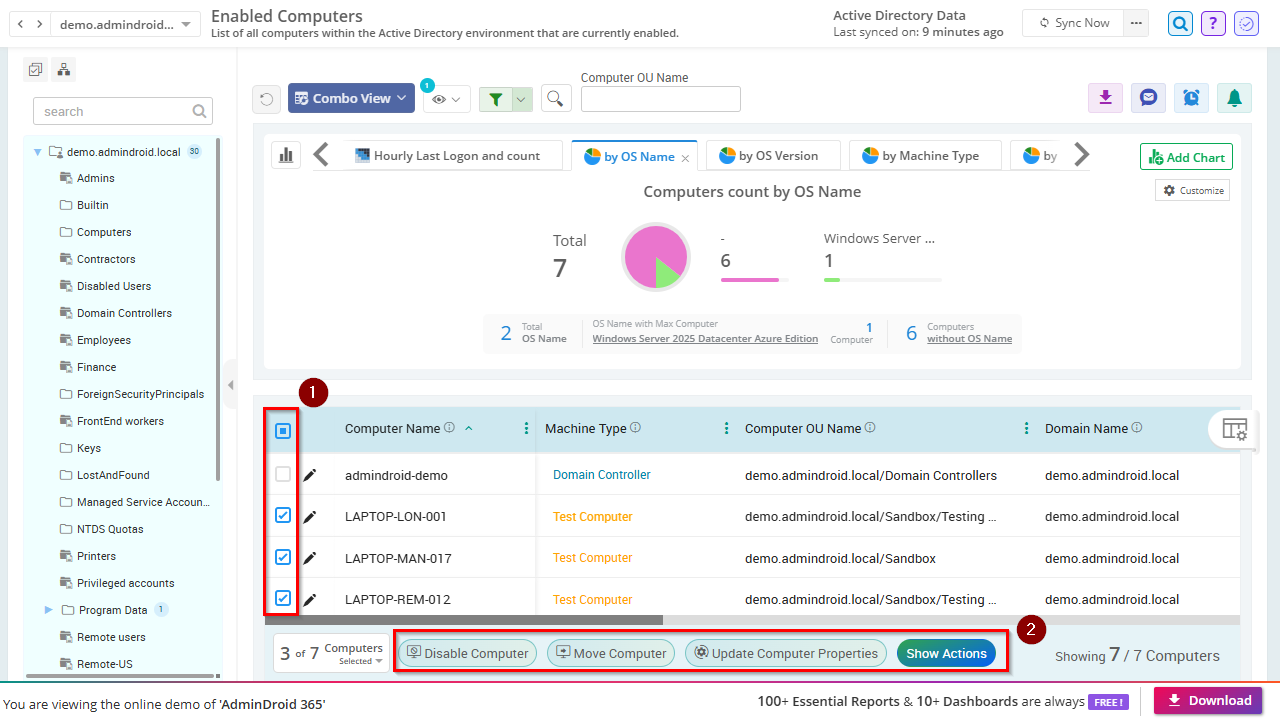
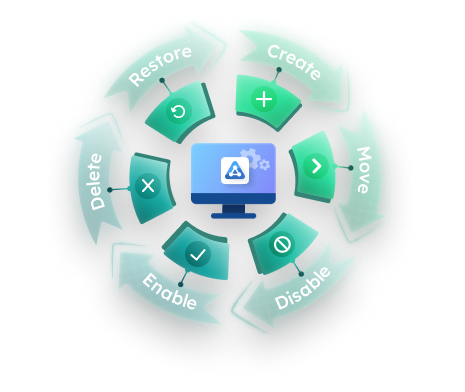
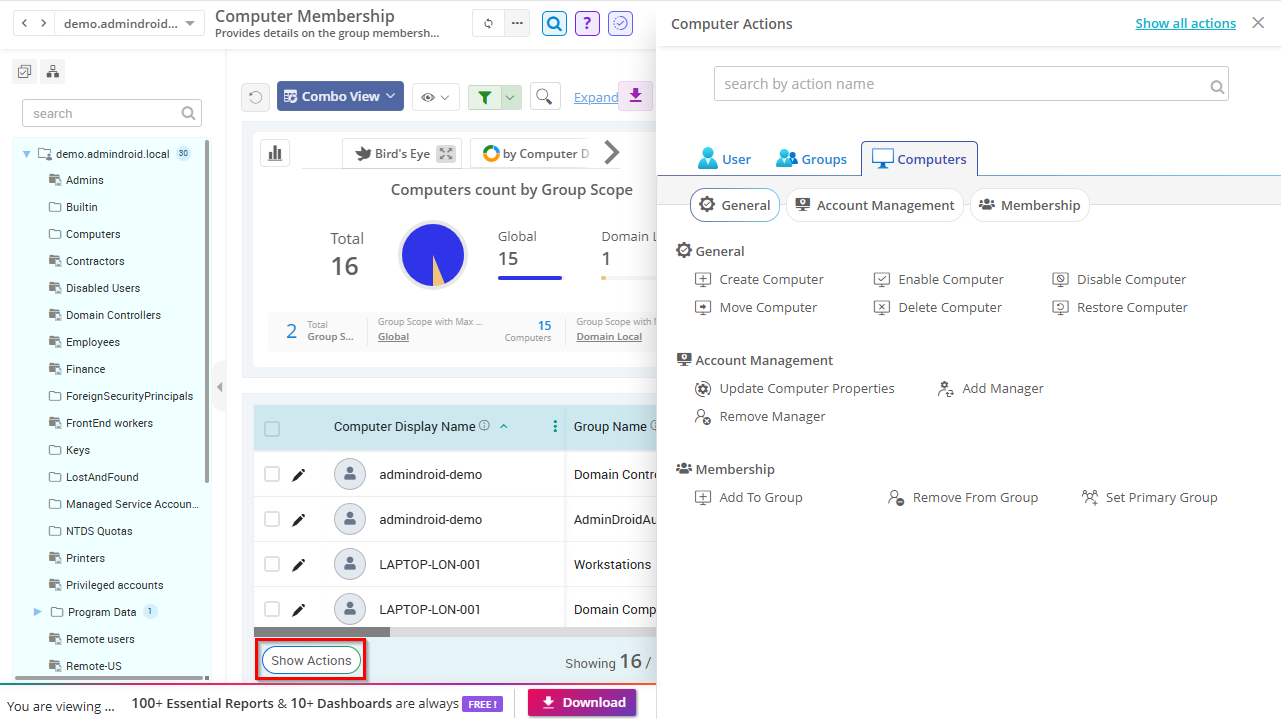
Active Directory computer lifecycle actions - Create, Move, Disable, Enable, Delete, and Restore - managed by AdminDroid

Create Active Directory Computers

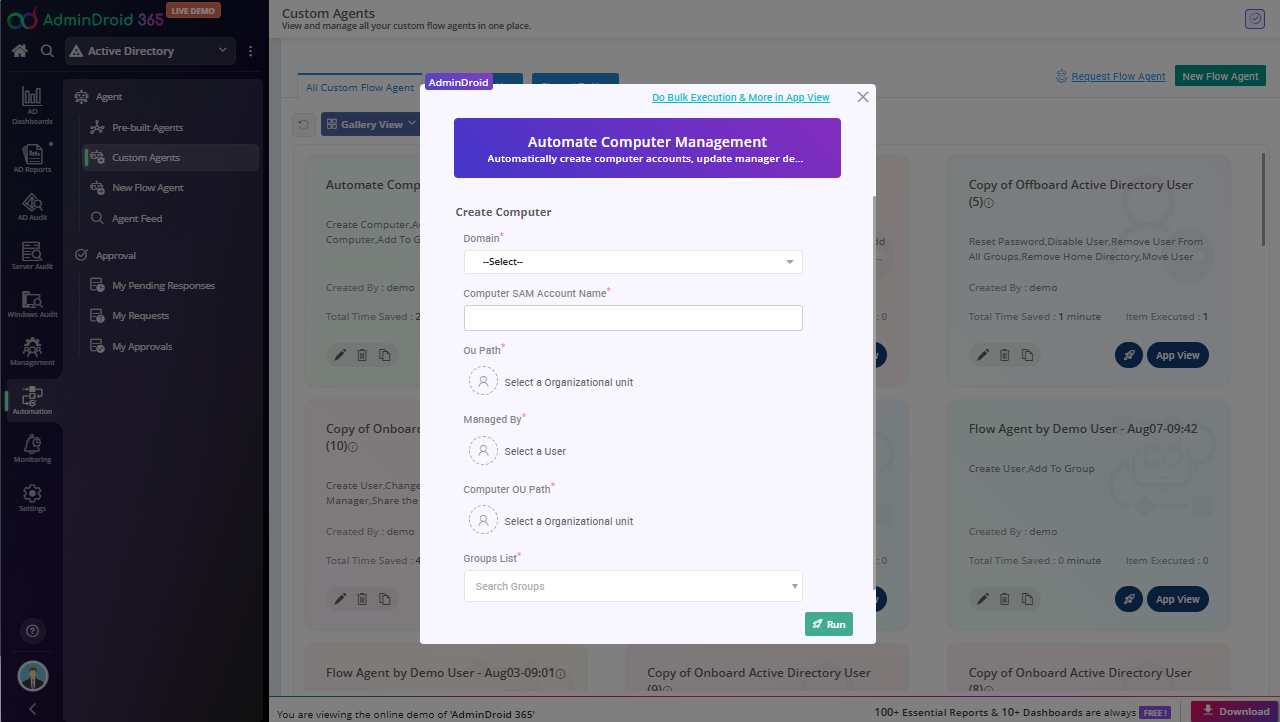
Simplify Active Directory computer provisioning with AdminDroid by creating computer accounts with the right domain and OU placement from the start. Have devices ready for onboarding, policy application, and domain access with just a few clicks.

Disable or Enable Active Directory Computer Accounts

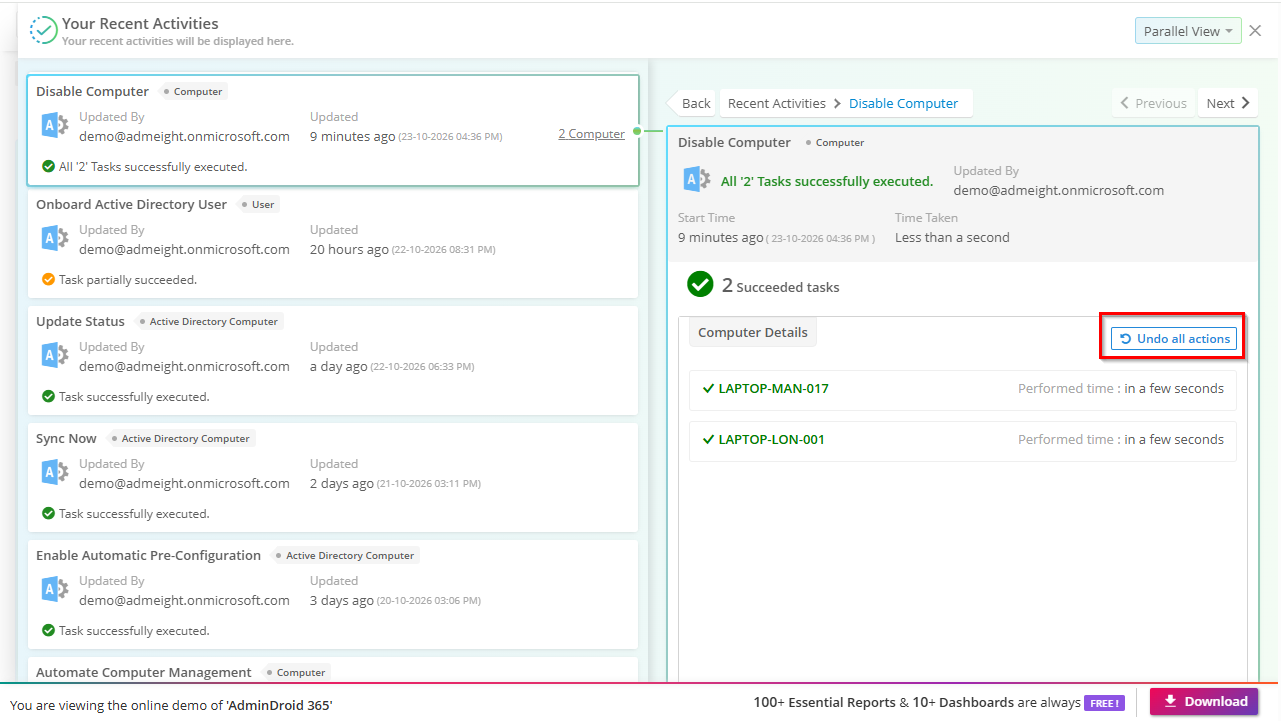
Lock down lost or retired devices by disabling their Active Directory computer accounts in seconds, individually or in bulk. When a device returns to service, re-enable it just as easily by filtering by OU or other attributes, or straight from the ‘Disabled Computers’ report.

Move Active Directory Computers to Target OUs

Organization restructuring or compliance updates shouldn’t mean hours of OU cleanup. With AdminDroid, filter computers by attributes and transfer one or more computer objects to the appropriate OU to ensure the right GPO policies are applied.

Delete Computers in Active Directory

Delete Active Directory computer objects individually or in bulk when they’re no longer needed. For example, use AdminDroid’s inactive computers report to quickly identify and remove stale devices that are quietly expanding your Active Directory attack surface.

Restore Deleted Active Directory Computers

Accidental deletions don’t have to become incidents. With AdminDroid, restore deleted computer accounts in a few clicks without searching through recovery containers or performing manual recovery steps.

Active Directory Computer Group Membership Management

Group membership for computers determines which GPO policies apply and which network resources a device can access. Use AdminDroid Active Directory Computer Management Tool to add or remove computers from groups quickly and keep memberships aligned with operational requirements.

  • Add Active Directory Computers to Groups

    New devices and changing workloads often require updates to group memberships for ensuring proper access to resources. Add one or multiple computers to the required security groups without navigating individual computer properties using AdminDroid.

  • Remove Active Directory Computers from Groups

    When devices are reassigned to a different department or no longer require specific access, use AdminDroid’s computer membership reports to review existing memberships. Remove computers from security groups to eliminate unnecessary permissions and policy inheritance.

  • Set Primary Group for Active Directory Computers

    Configure primary groups for Active Directory computer accounts to support Linux integration and POSIX-based workloads. AdminDroid simplifies bulk primary group management without complex scripts or manual administration.

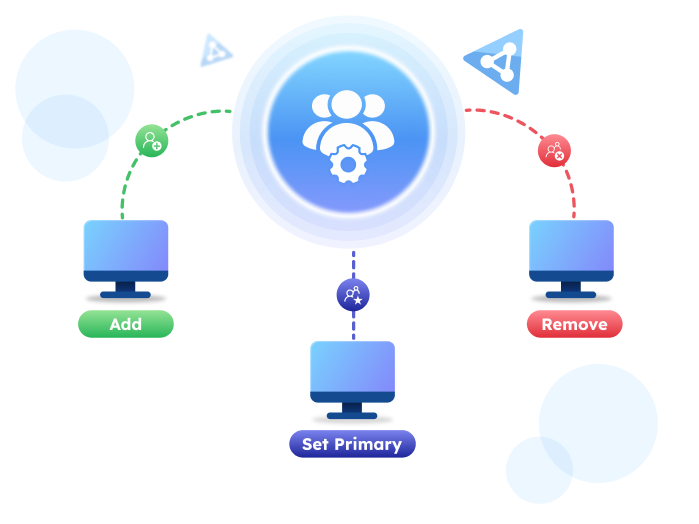
Manage Active Directory computer group memberships with AdminDroid

Active Directory Computer Attribute Management

Managing computer attribute updates across multiple devices shouldn’t require endless clicks. AdminDroid Active Directory Computer Management Tool makes it easy to update computer properties in bulk, helping keep Active Directory accurate and up to date.

  • Bulk Update Active Directory Computer Properties

    Outdated or incorrect computer attribute data can cause confusion in tracking and administration. AdminDroid lets you bulk update properties like description across multiple computer objects, reducing inconsistencies that complicate Active Directory management at scale.

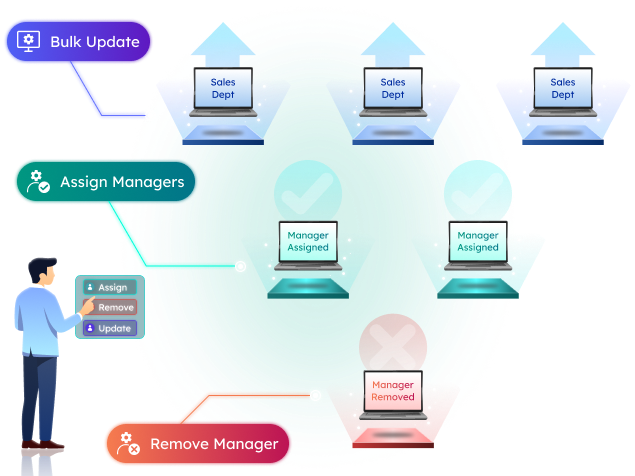
  • Assign Managers to Active Directory Computers

    Review the unmanaged computers report in AdminDroid and link each computer to a responsible owner. Set the managed by attribute for computers to keep delegation accurate and compliance tracking simple.

  • Remove Managers from Active Directory Computers

    Outdated manager assignments on computer accounts cause accountability gaps when teams restructure or devices change hands. Clearing the Manager attribute across computer accounts keeps your directory record up-to-date.

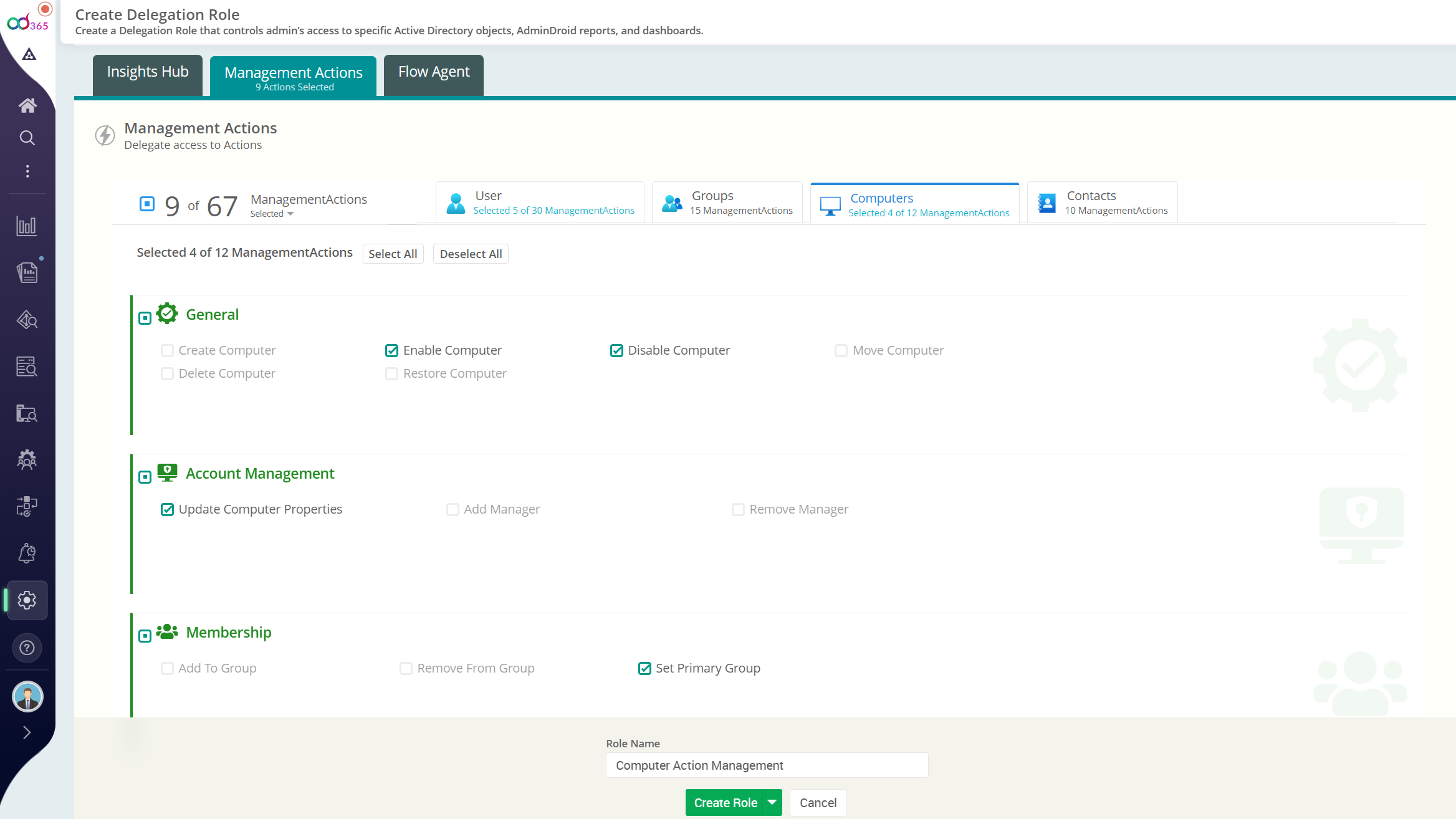
Update Active Directory computer object attributes in bulk with AdminDroid

Streamline Active Directory computer management with AdminDroid.