🎯31 daily security challenges for Cybersecurity Month. Start Playing

Audit Password Changes in Active Directory

Passwords remain the most targeted entry point in Active Directory, making every change a potential security signal. While user changes and admin resets are common, unauthorized activity, repeated password changes, or old passwords can weaken domain security.

When all these events are scattered across raw audit logs, detecting suspicious password activity becomes challenging. AdminDroid makes Active Directory password change auditing easier with dedicated reports that provide clear, long-term visibility.
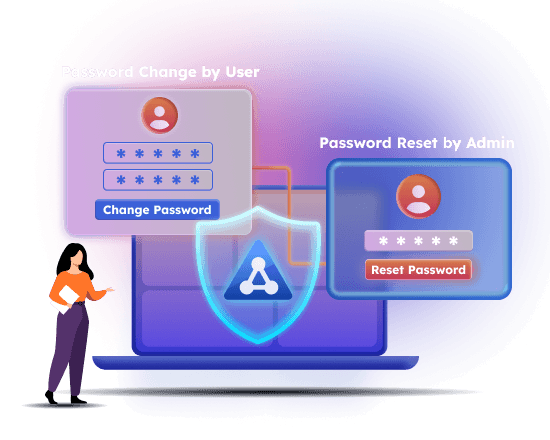
Track Active Directory Password Changes to Detect Suspicious Resets

Analyze password change trends using interactive charts.

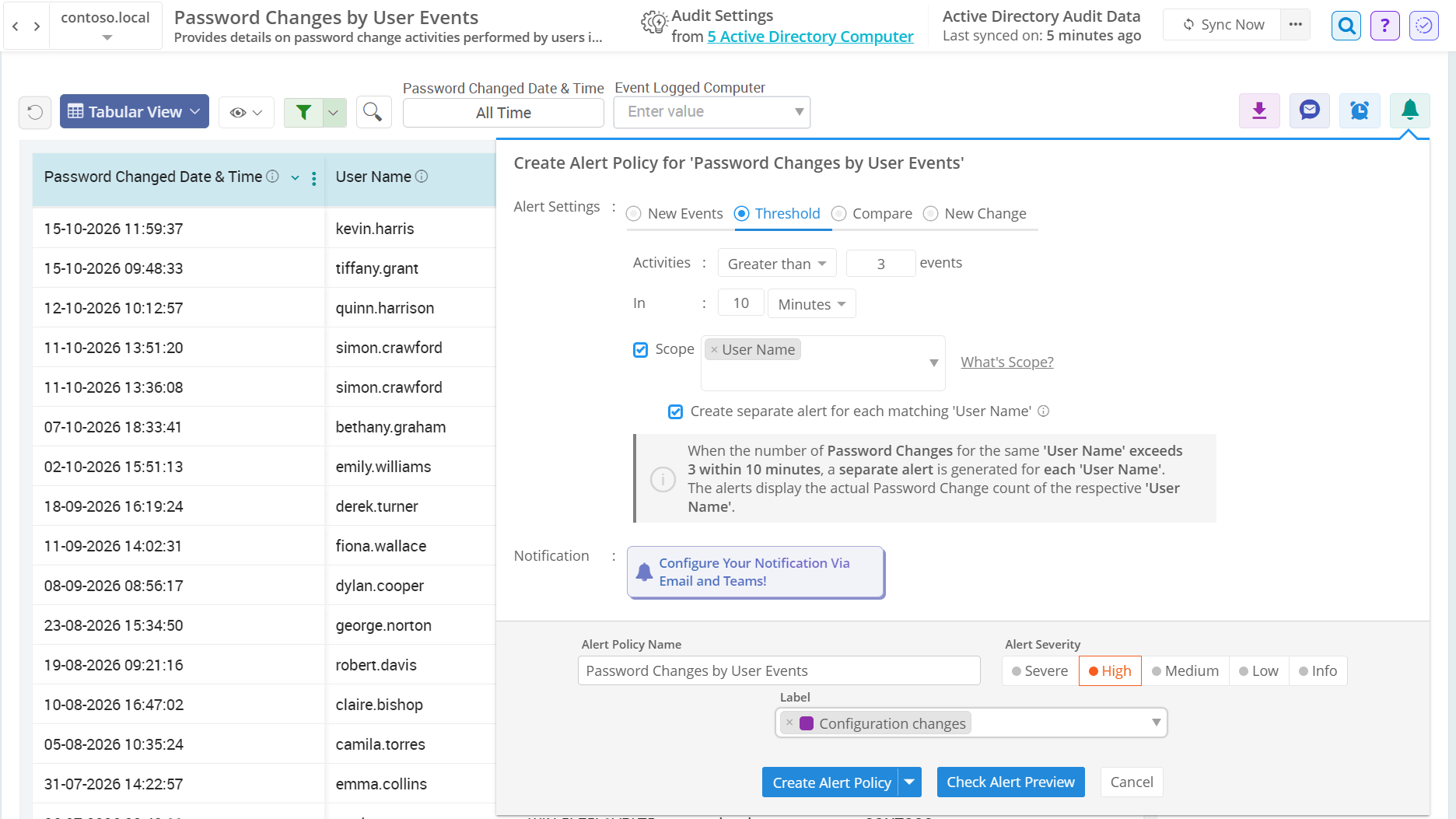
Receive instant alerts for suspicious password resets.

Schedule, share, or export password audits in your desired formats.

Active Directory Password Change Events

Not every password change on user accounts is routine—some may signal privilege abuse. AdminDroid’s Active Directory password change auditing tool simplifies investigation.

Active Directory password changes by users Active Directory administrator-initiated password resets Password change or reset failure attempts All Active Directory password changes and resets
×

Active Directory password changes by users

  • Tracks the history of password changes performed by users, including details such as user name, password changed time, and source system.
  • Configure alerts for this report to verify user-initiated password resets and identify abnormal patterns like off-hours password updates instantly.

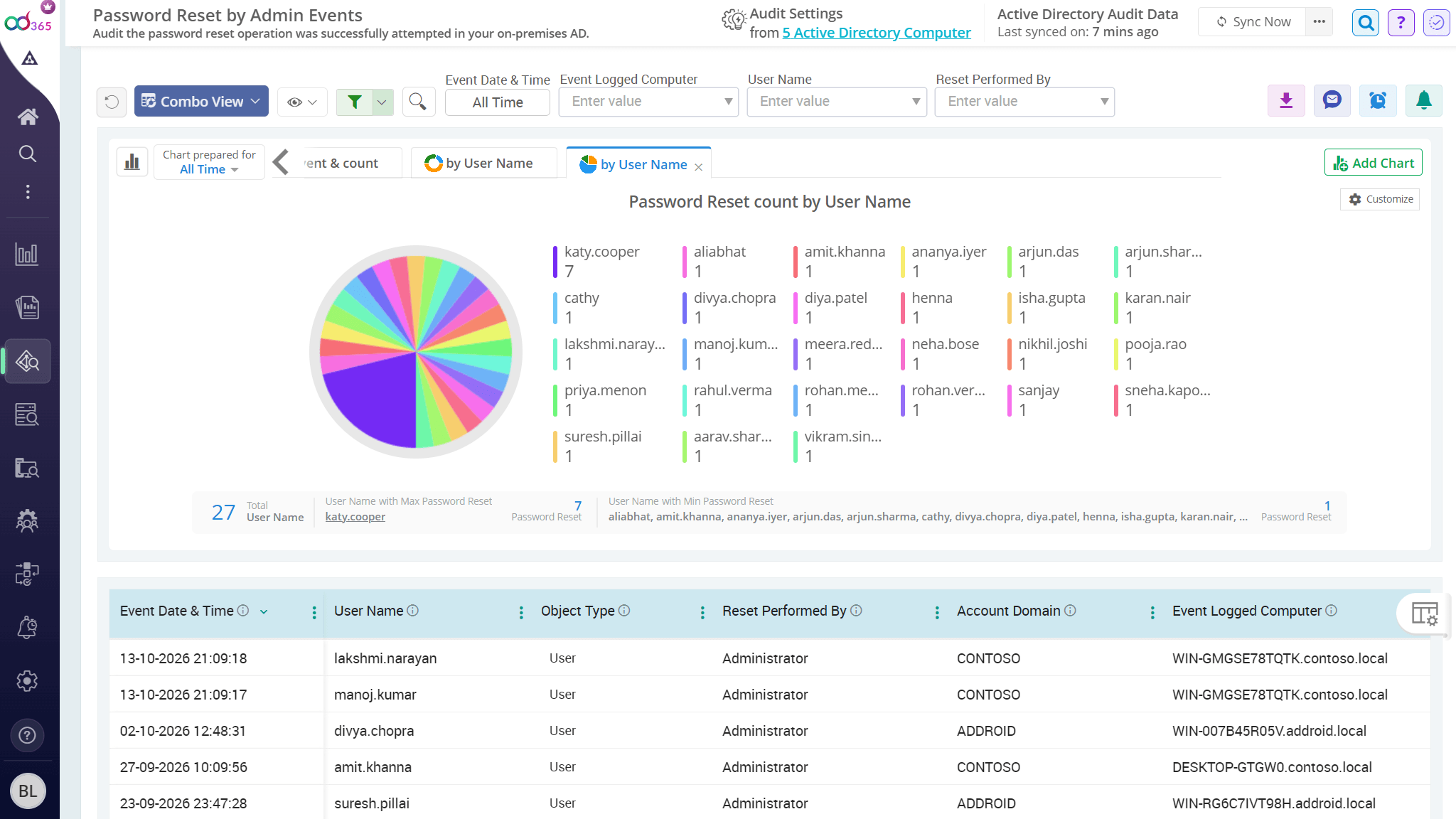
Active Directory administrator-initiated password resets

  • Provides insight into administrative password reset activity, showing who reset a user's password, target user, reset time, originating system, etc.
  • Helps identify suspicious password resets that may require reviewing delegated access or privileged group memberships.

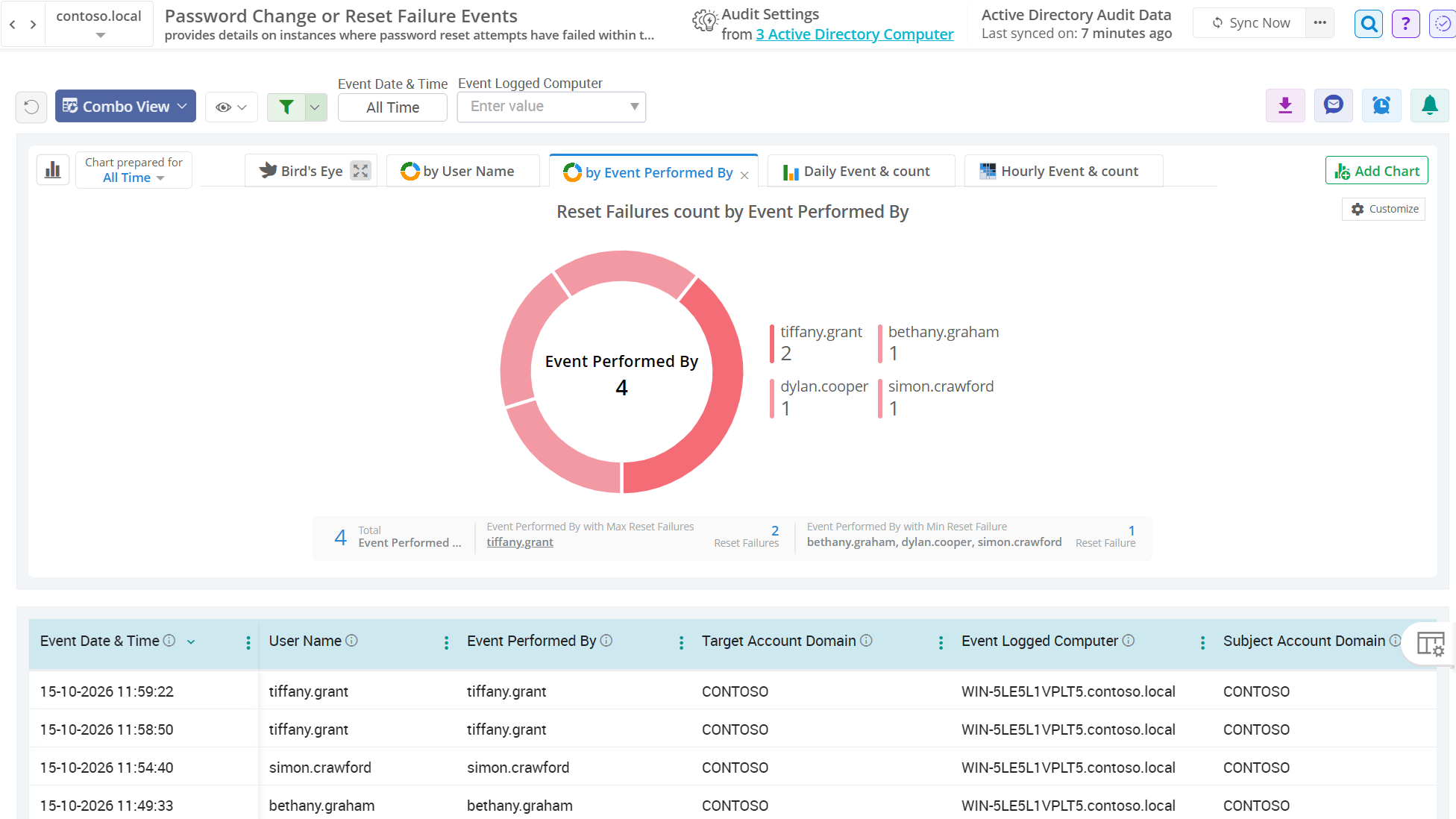
Password change or reset failure attempts

  • Highlights failure events for self-service password resets and admin-performed password resets, along with the time and account details.
  • Helps investigate failed password reset activity caused by insufficient permissions or policy restrictions such as complexity, length, etc.

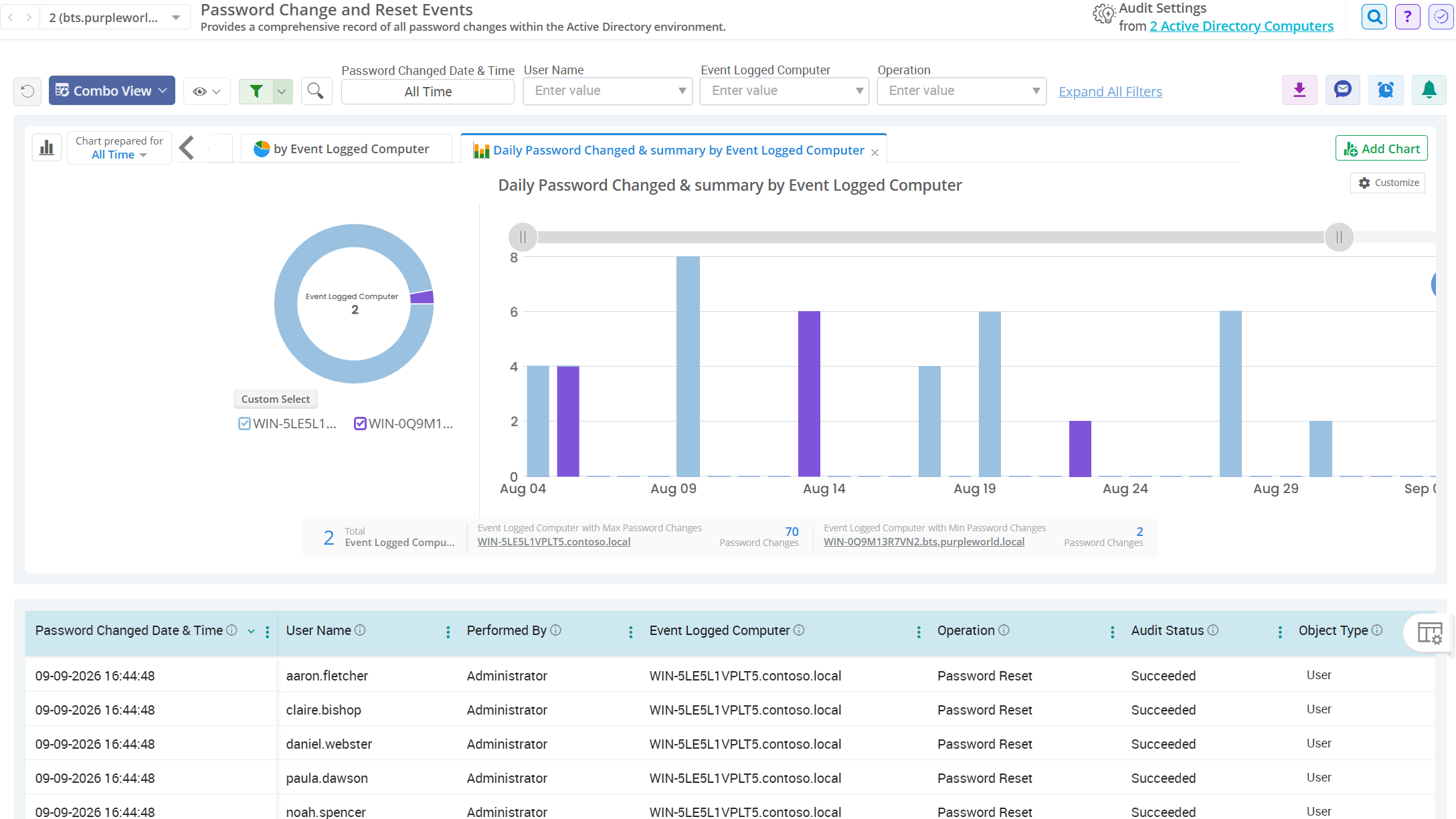
All Active Directory password changes and resets

  • Centralizes all password change–related activities into a single audit view, covering successful and failed events performed by admin or users.
  • Schedule this report at a defined interval to help the security team identify repeated password activity and unauthorized password attempts.

Advanced Password Activity Audit in Active Directory

Beyond regular password changes, hidden password events often pose real risks to Active Directory security—uncover them instantly with AdminDroid.

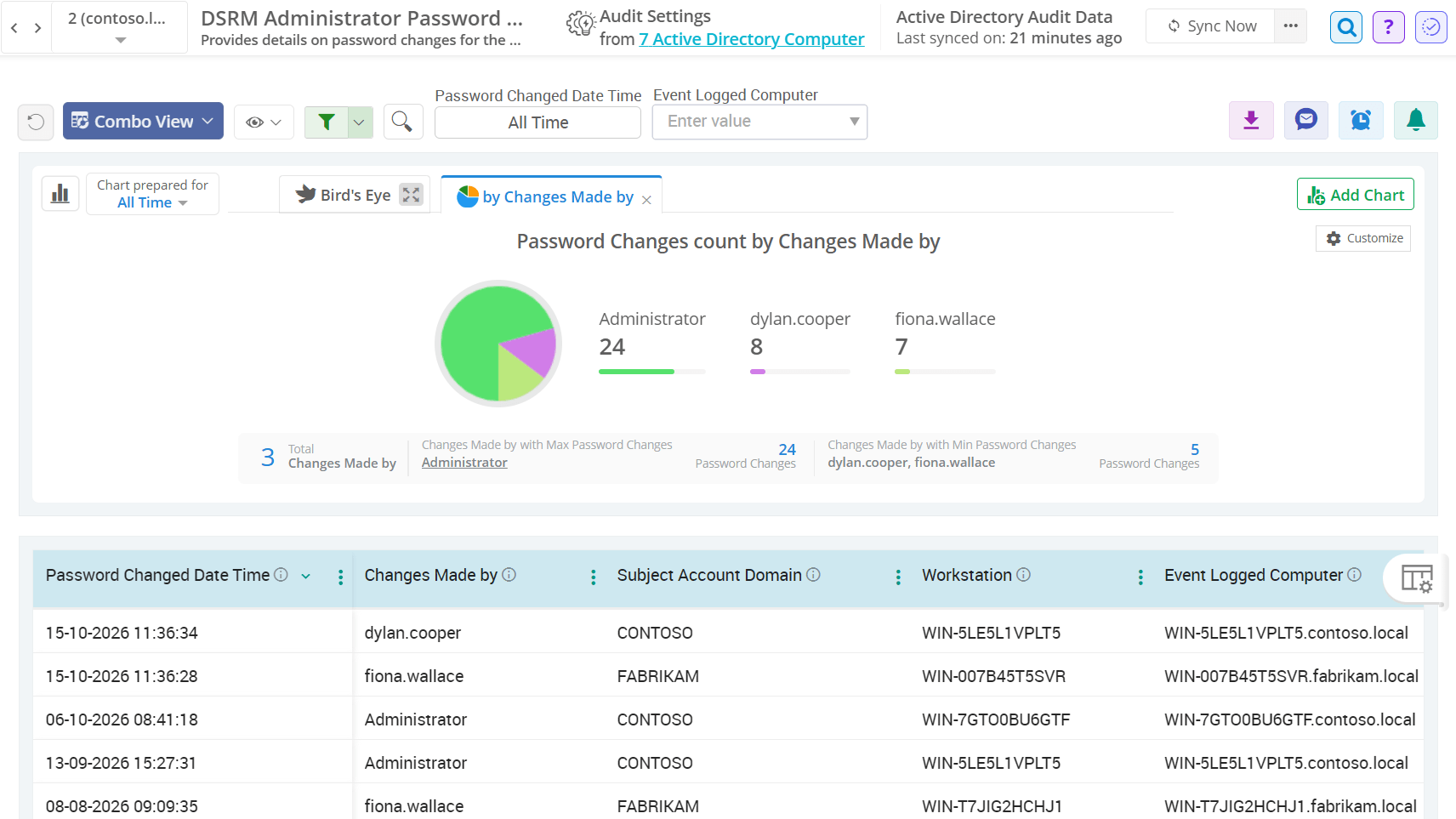
Directory Services Restore Mode (DSRM) password changes

  • Audits DSRM administrator password changes to maintain control over highly privileged recovery credentials and detect unauthorized modifications.
  • It helps detect stealth activity in real-time, as attackers may abuse DSRM credentials to access Active Directory data in recovery mode.

Password hash migrations in Active Directory

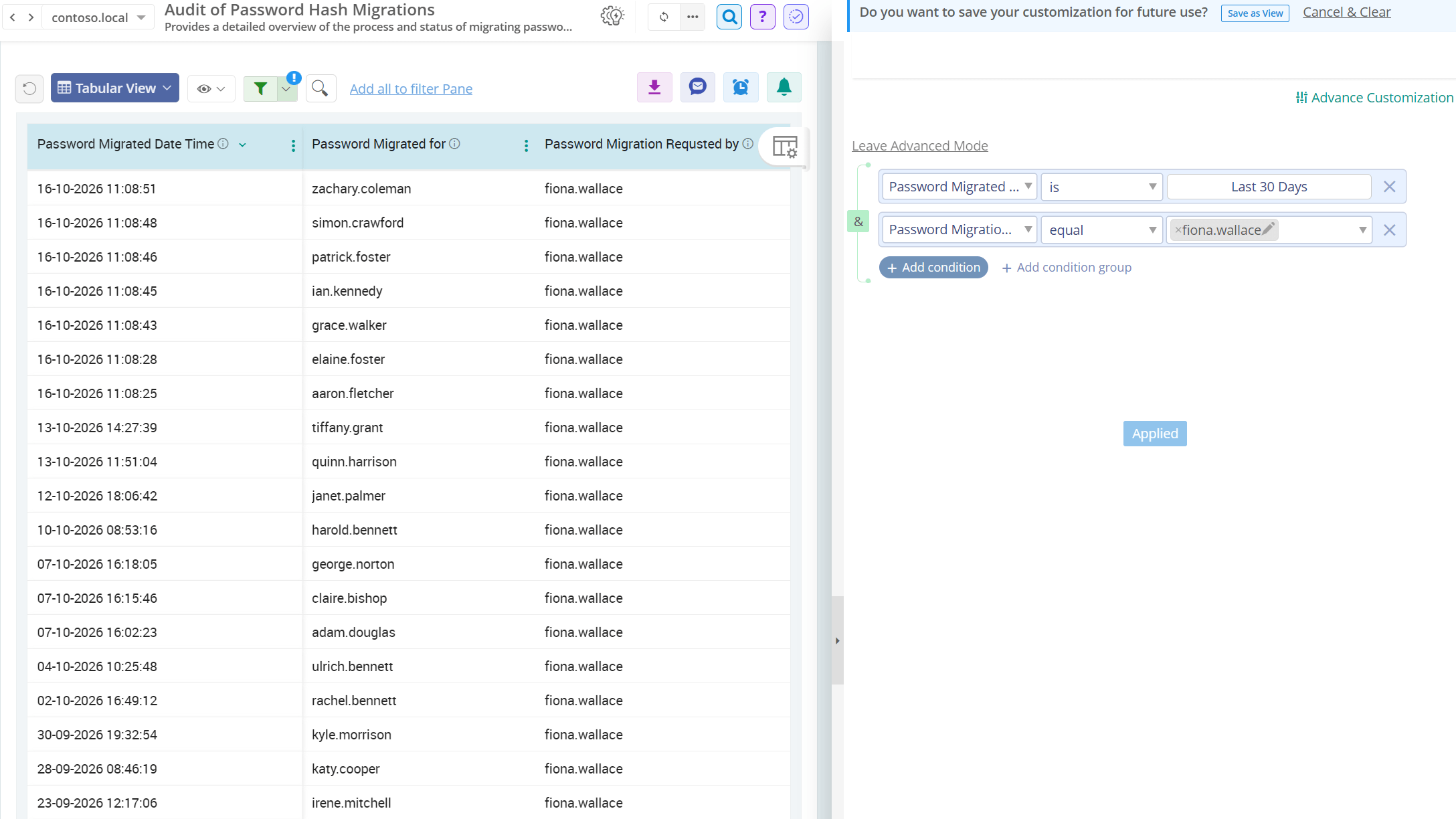
  • Tracks password migrations performed using the Active Directory Migration Toolkit with details such as migrated account, requesting account, event logged machine, etc.
  • This assists in detecting unauthorized migrations or password hash exposure that could enable credential misuse techniques such as Pass-the-Hash attacks.

Active Directory password policy compliance validations

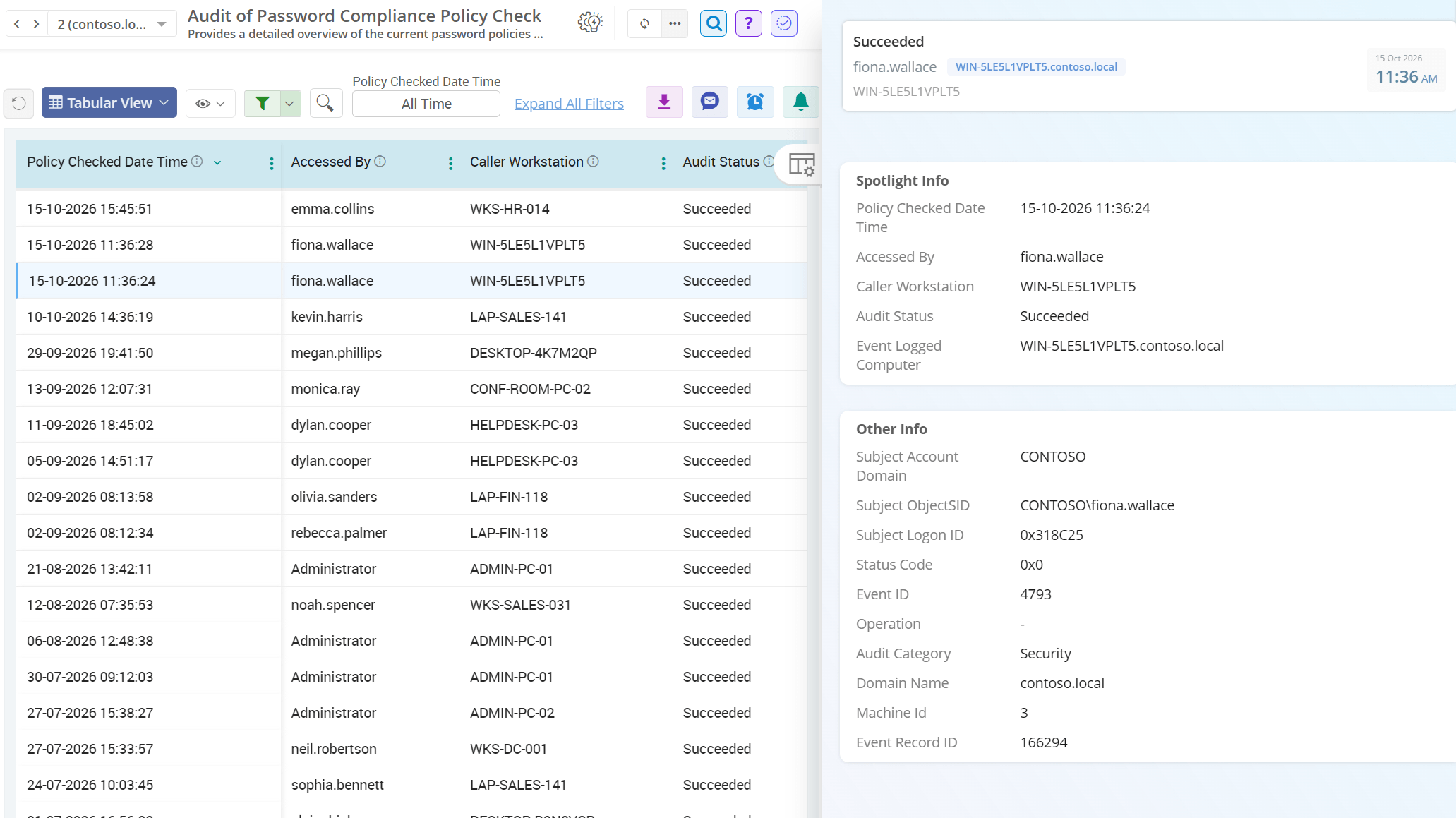
  • This report lists password compliance checks performed by apps or scripts using the Password Policy Checking API to verify whether password requirements are met.
  • It helps capture key details such as audit status, initiating account, caller workstation, making it easier to trace where password policy checks originated.
Directory Services Restore Mode (DSRM) password changes Password hash migrations in Active Directory Active Directory password policy compliance validations
×

Why AdminDroid Is the Smarter Choice for AD Password Security

AdminDroid doesn’t stop at detecting the password change in Active Directory. It goes a step further by giving admins end-to-end control and visibility to manage user passwords.

Password security is not just about knowing what changed—it is about acting before it becomes a risk.

Real-Time Alerts on Critical Password Changes in Active Directory

Get instant alerts through email or Teams for password policy changes, DSRM password updates, privileged account resets, and other events based on your criteria.

Proactive Password Expiration Reminders with Follow-Ups

Eliminate missed password updates with automated reminders and flexible follow-ups based on each user’s last password reset.

At-a-Glance Dashboard for Active Directory Password Insights

Visualize a centralized password dashboard to review password change history, expiration status, administrator passwords, service account credentials, and more.

Instant Visibility into Active Directory User Password Settings

Stay on top of expired passwords, upcoming expirations, enforced password changes, and passwords set to never expire—so you can act early instead of reacting to support tickets.

Simplified Password Reset & Settings Management

Reset passwords and manage password settings directly from the Active Directory password reports. You can also integrate these actions with flow agents to automate routine admin tasks.

Catch Risky Active Directory Password Changes Instantly with AdminDroid

Download Want to explore firsthand? Live Demo