🎉 Our Microsoft 365 Reporting & Management Tool is now available in Azure Marketplace 🚀

Power Automate Templates for Microsoft 365

Tired of the same Microsoft 365 tasks eating up your day? Let our pre-built templates do the heavy lifting.

Each flow solves common pain points in your daily administrative operations and can be deployed in just minutes — giving you more time to focus on what really matters!

Power Automate Templates for Microsoft 365

Ready-to-Deploy

Pre-built flows that integrate instantly with Microsoft 365.

Fully Customizable

Tailor templates to fit your organization’s needs.

No Expertise Required

Easy, guided setup with clear instructions.

Cost Effective

Reduce development effort and consulting costs.

bg-pattern-1

Deploy Microsoft 365 Automation Templates in Minutes

1

Download & Import

Click “View Template” to download the .zip file and import it into Power Automate.

2

Configure Connections

Connect your Microsoft 365 services using your account.

3

Customize & Deploy

Tailor the flow to your specific organizational requirements and deploy it to start automating immediately.

Pre-built Automation Flows for Microsoft 365 Administration Tasks

Explore a growing library of Power Automate templates, each engineered to bring seamless automation to your daily operations.

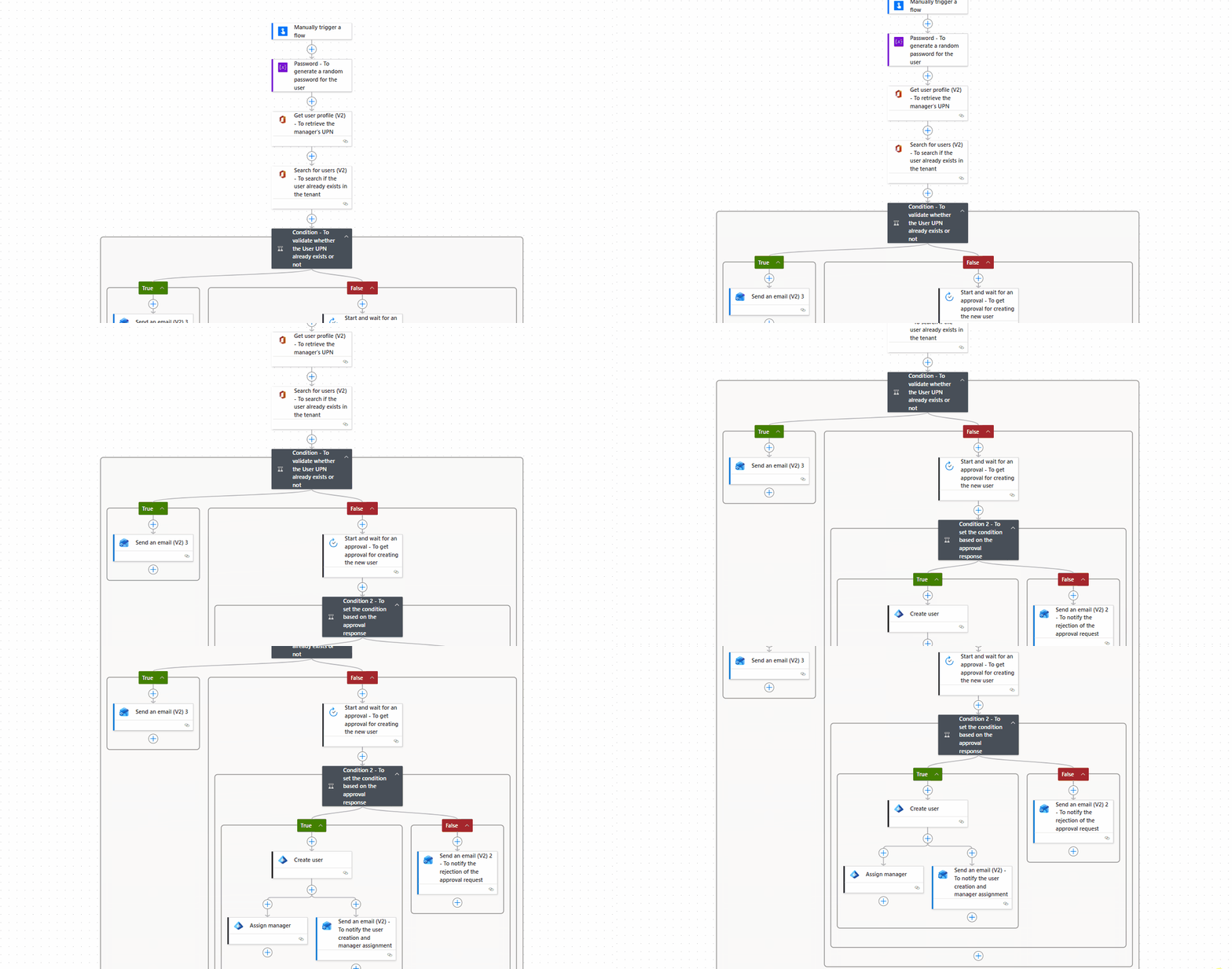
Quick Start Onboarding with Manager Approval

Simplify new user onboarding with approval workflow. Managers validate requests before accounts are provisioned. This helps reduce errors, improve consistency, and save admin time.

What This Flow Does:

  • Collects required user details via form
  • Generates a secure password automatically
  • Sends request for manager approval
  • Creates user in Entra ID upon approval
  • Assigns the appropriate manager
  • Emails generated password directly to manager
Quick Start Onboarding with Manager Approval

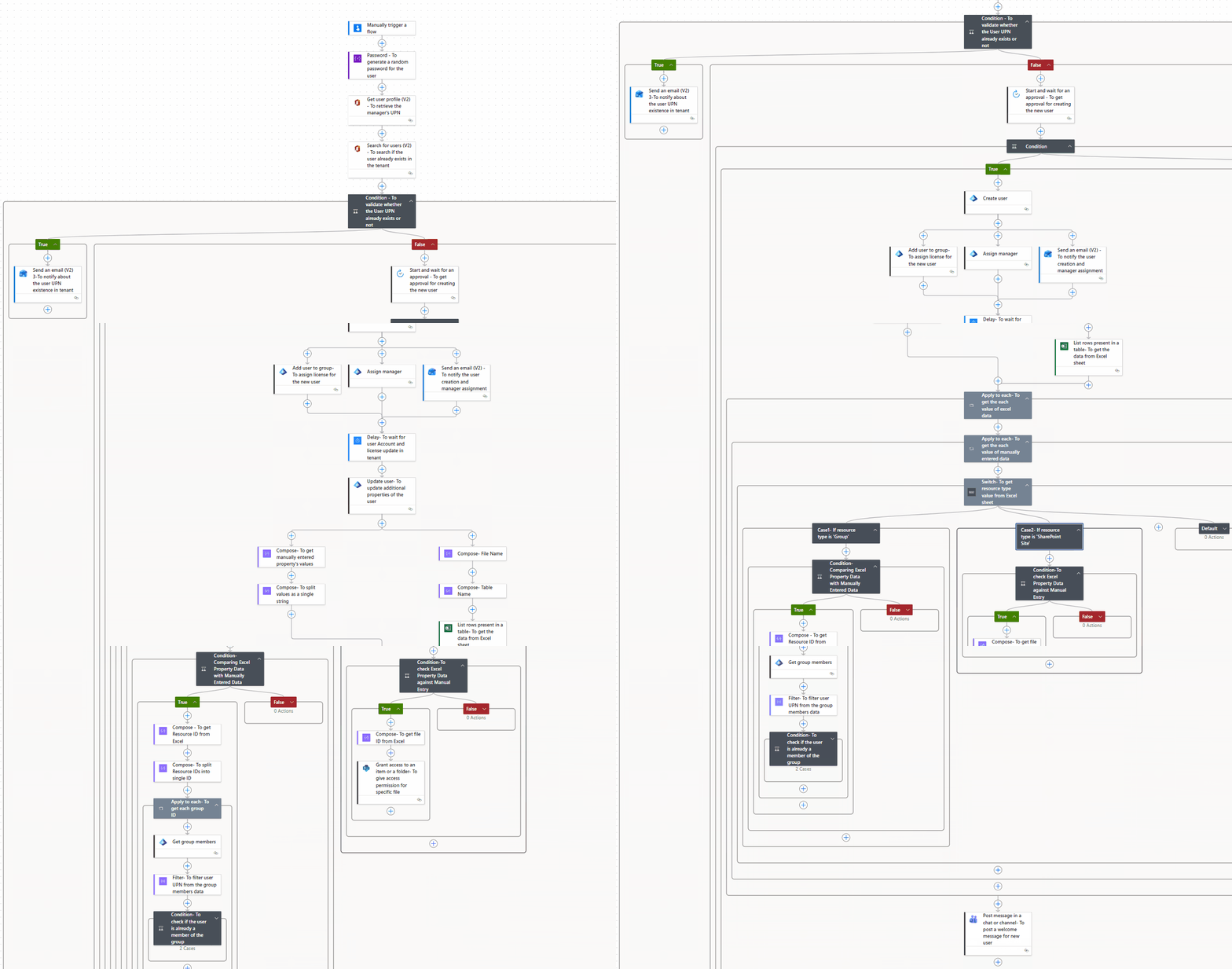
M365 User Onboarding with Automated Access

Automate user provisioning with the right access from day one. From licensing to resource access, everything is handled in a single workflow. This reduces onboarding time and eliminates repetitive admin tasks.

M365 User Onboarding with Automated Access

What This Flow Does:

  • Creates a new user in Entra ID
  • Assigns M365 license automatically
  • Updates user profile details
  • Adds user to required Microsoft 365 and security groups
  • Grants access to necessary SharePoint files
  • Emails generated password directly to manager
  • Sends a welcome message via Teams

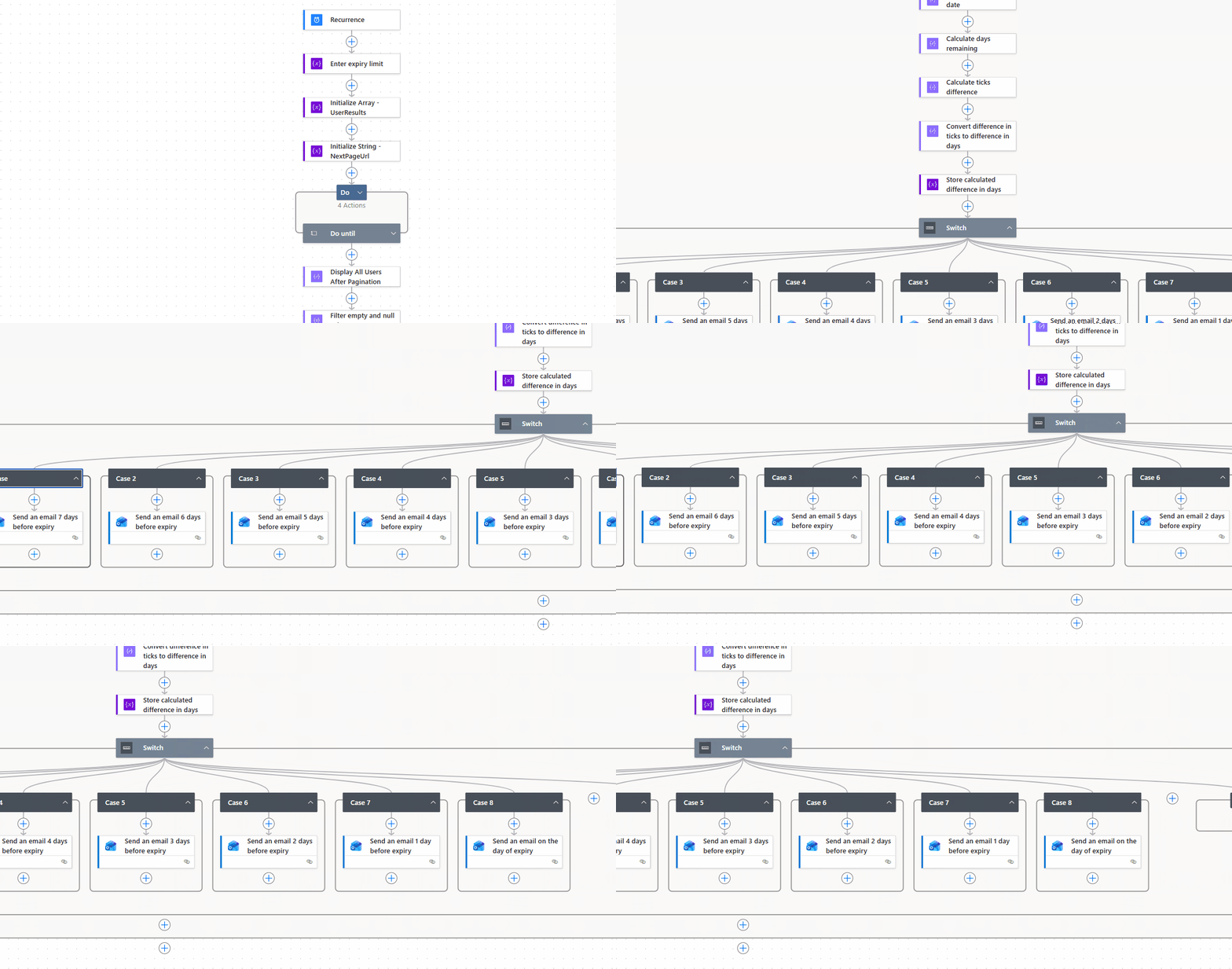
Send Password Expiry Reminders to M365 Users

Proactively notify Microsoft 365 users about upcoming password expirations and send follow-up reminders for 7 days to prevent access disruptions.

What This Flow Does:

  • Sends 7-day follow-up password expiry notifications.
  • Works without requiring any premium connectors.
  • Supports large organizations by retrieving all users beyond the 999-user limit using pagination (@odata.nextLink).
  • Fully customizable to fit your organization's notification needs.
Send Password Expiry Reminders to M365 Users

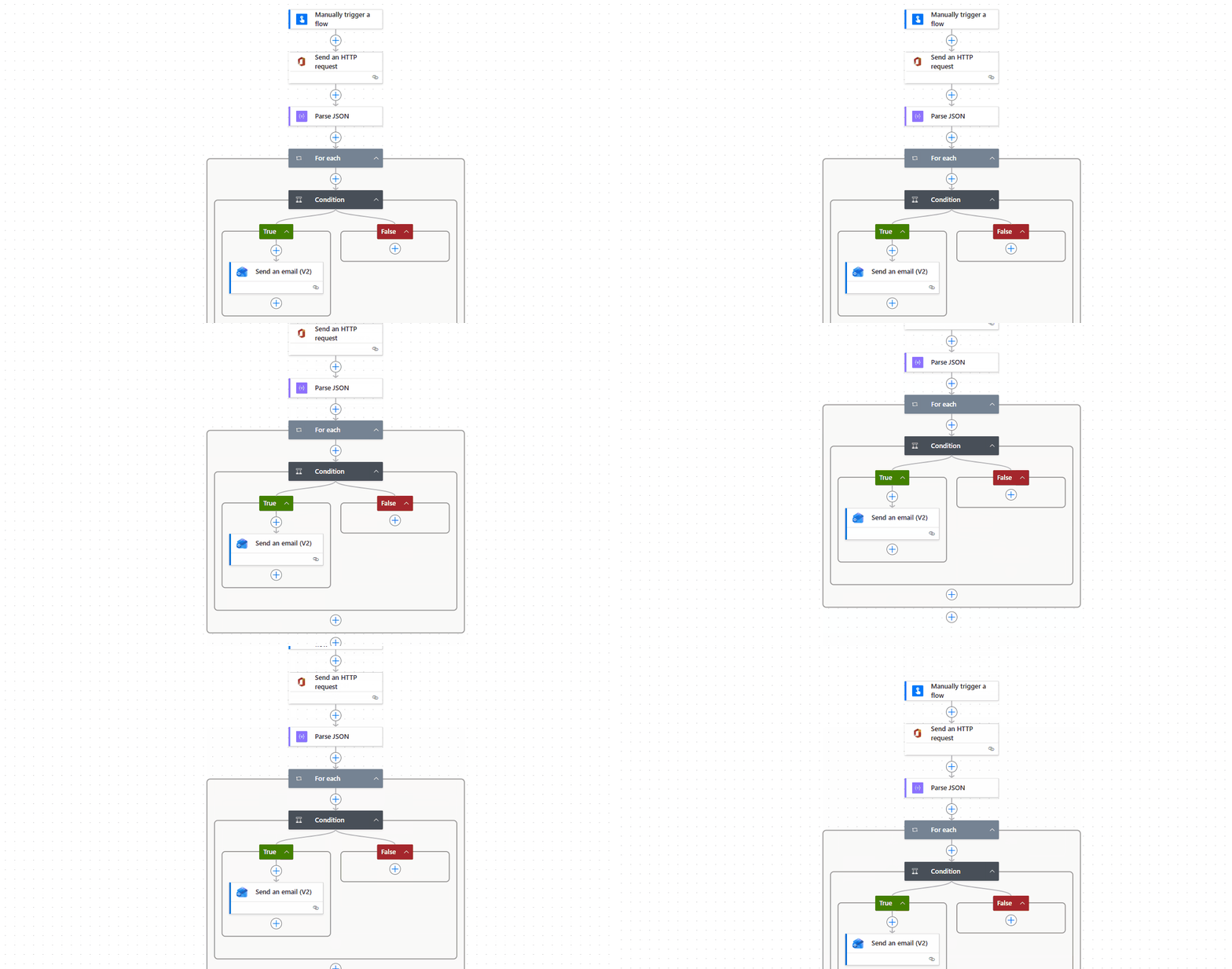
Remind Users to Rotate Old Passwords

Send automated password change reminders based on M365 users’ password age, keeping accounts secure without manual tracking.

Remind Users to Rotate Old Passwords

What This Flow Does:

  • Retrieves users’ last password change date from Microsoft Graph API.
  • Checks for passwords that have not been changed since the specified number of days.
  • Sends an email to users reminding them to update their passwords.
  • Works without requiring any premium connectors.

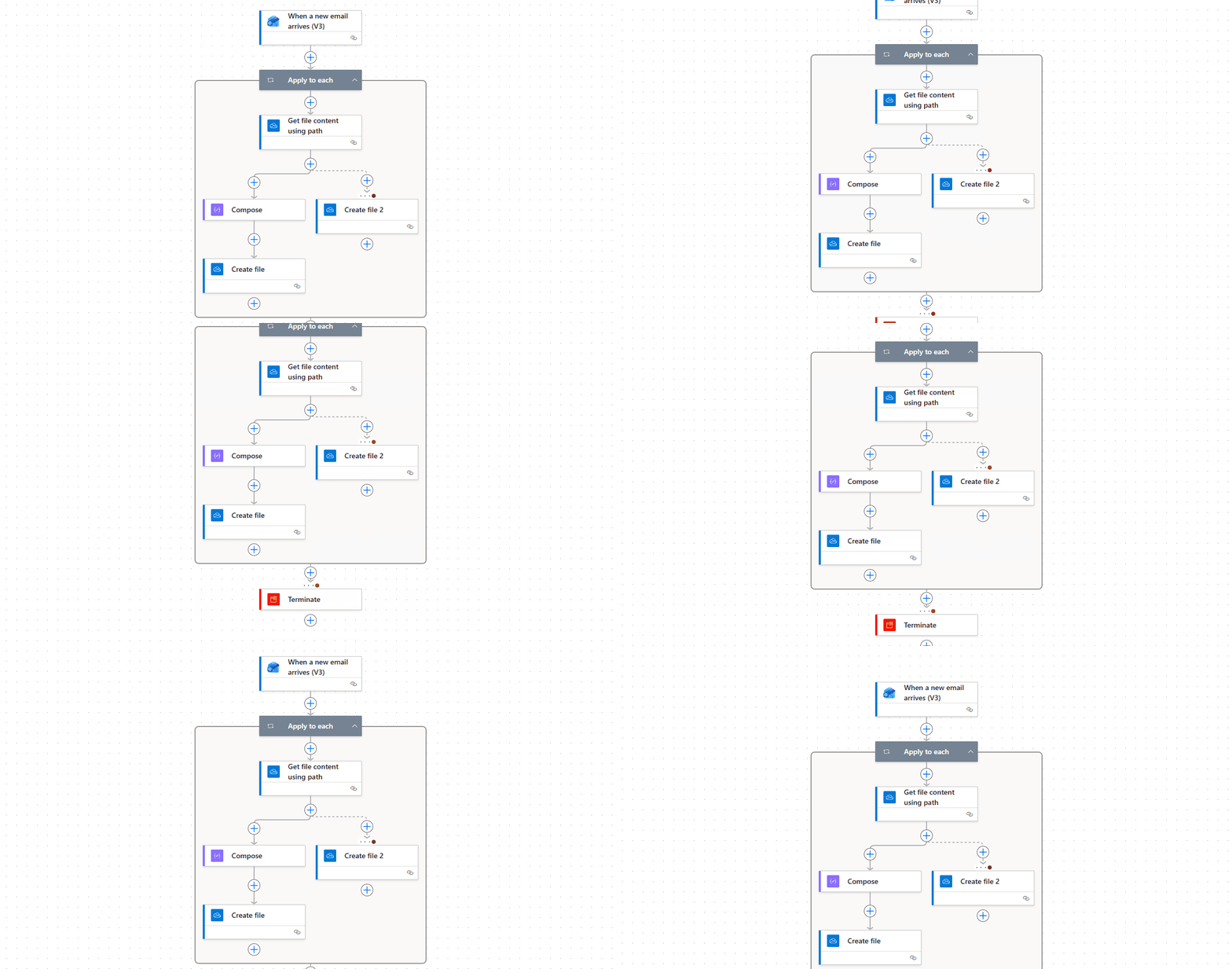
Automatically Save Outlook Email Attachments in OneDrive

Managing email attachments can quickly become overwhelming, and important files often get lost in busy inboxes. This automated workflow ensures every attachment is captured, saved, and organized in OneDrive - completely hands-free.

What This Flow Does:

  • Monitors incoming emails for attachments
  • Automatically saves attachments to OneDrive
  • Organizes files using custom folder structure
  • Applies metadata for easy searchability
  • Works 24/7 without manual intervention
Automatically Save Outlook Email Attachments in OneDrive

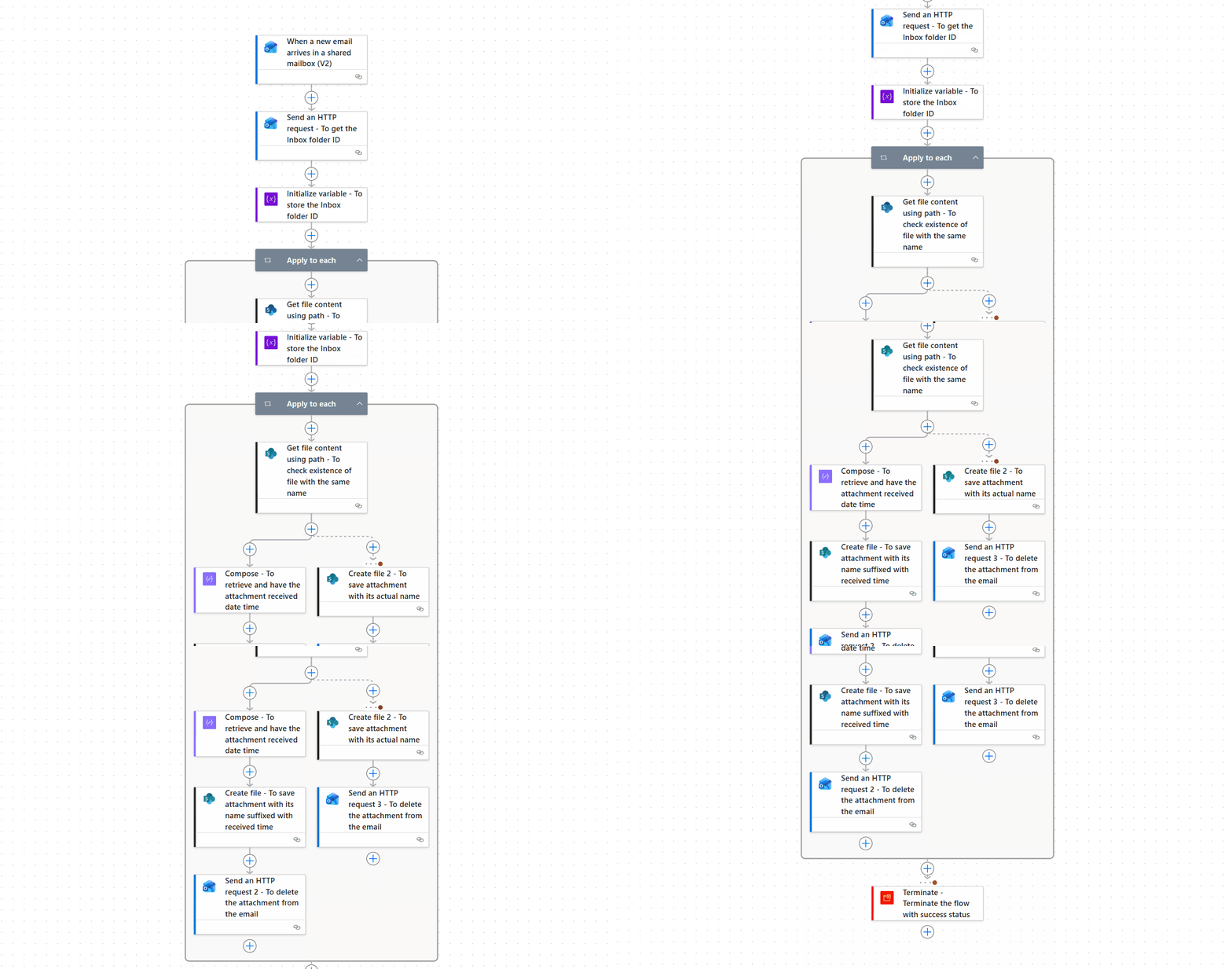
Automatically Save Shared Mailbox Attachments to SharePoint

Automatically capture attachments received in shared mailbox and store them in SharePoint with a structured folder setup. This ensures documents centralized, searchable, and governed without extra admin effort.

Automatically Save Shared Mailbox Attachments to SharePoint

What This Flow Does:

  • Monitors shared mailbox for attachments
  • Automatically uploads files to SharePoint document library
  • Detects and prevents duplicate files
  • Applies custom naming conventions
  • Maintains organized, searchable storage

Automate Your Daily Admin Work!

Why handle routine jobs the hard way? Deploy the ready-to-use Power Automate templates and watch everyday Microsoft 365 tasks take care of themselves.